
OldReel
Photography
2026-08-22
94.82MB
1.9.1
Android
293
Screenshots
Introduction
OldReel is an Android camera app that allows users to take beautiful pictures with their phones. It offers a rich selection of style filters and perfectly reproduces classic formats. Users can directly take photos or record videos, or import existing files for style rendering. The app includes a built-in flash and lens reversal function, enabling users to take excellent photos even in low-light conditions. It features a native camera-style interface, making it easy for users to quickly get started and use.
Features:
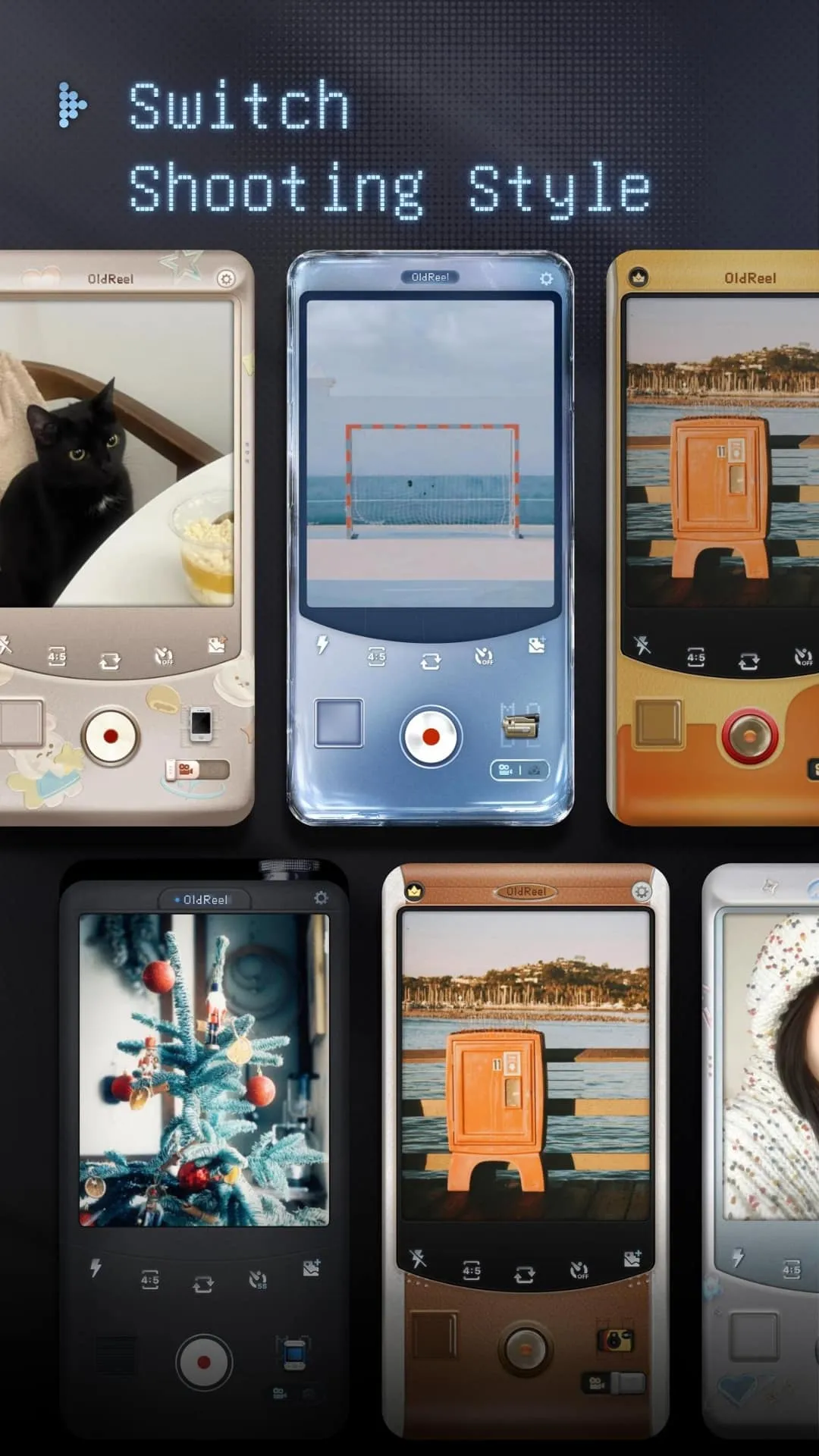
Native camcorder-style interface with single-handed controls that feel familiar and uncluttered.
Capture photos or record videos directly, or import files for quick retro conversion.
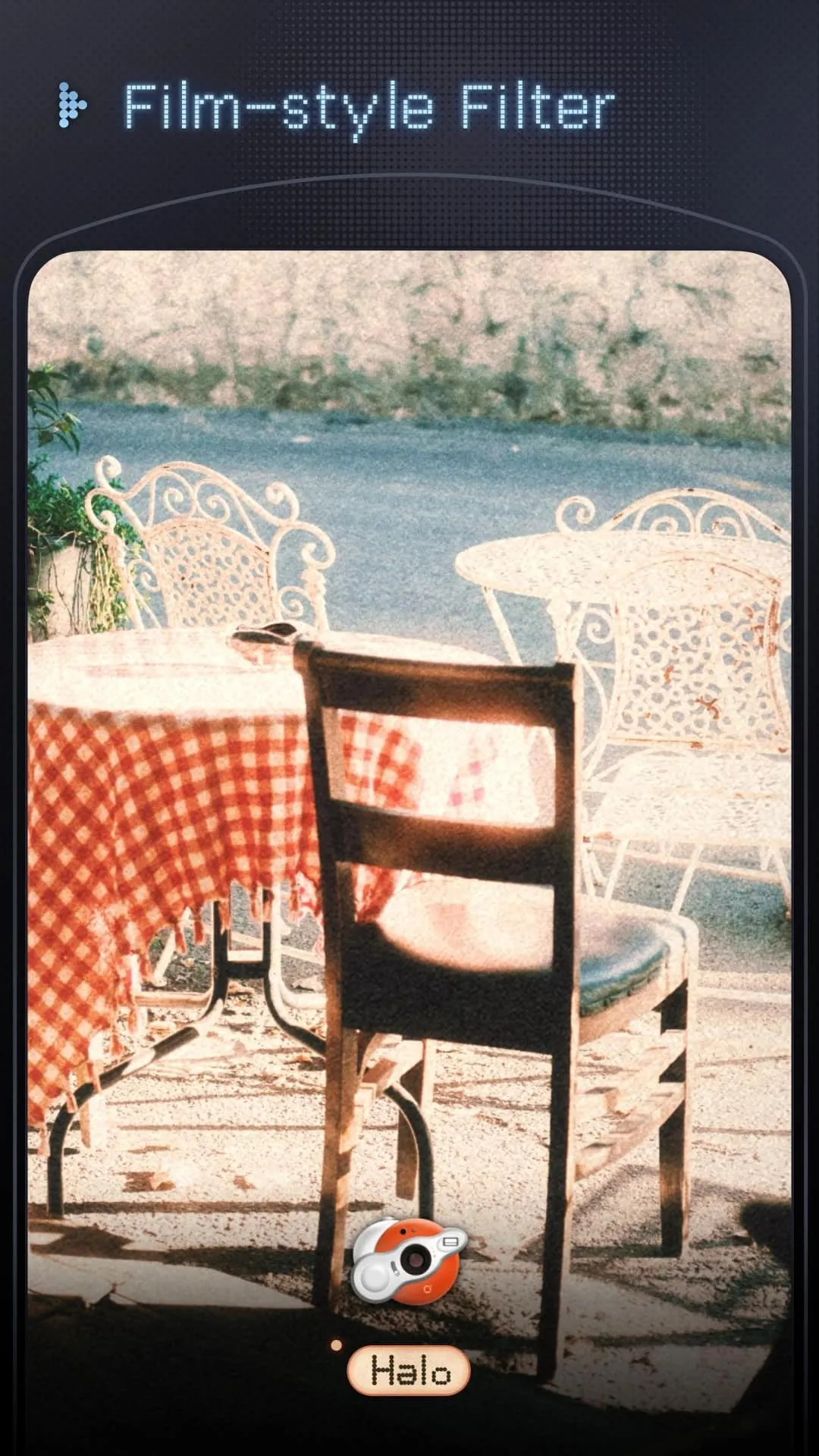
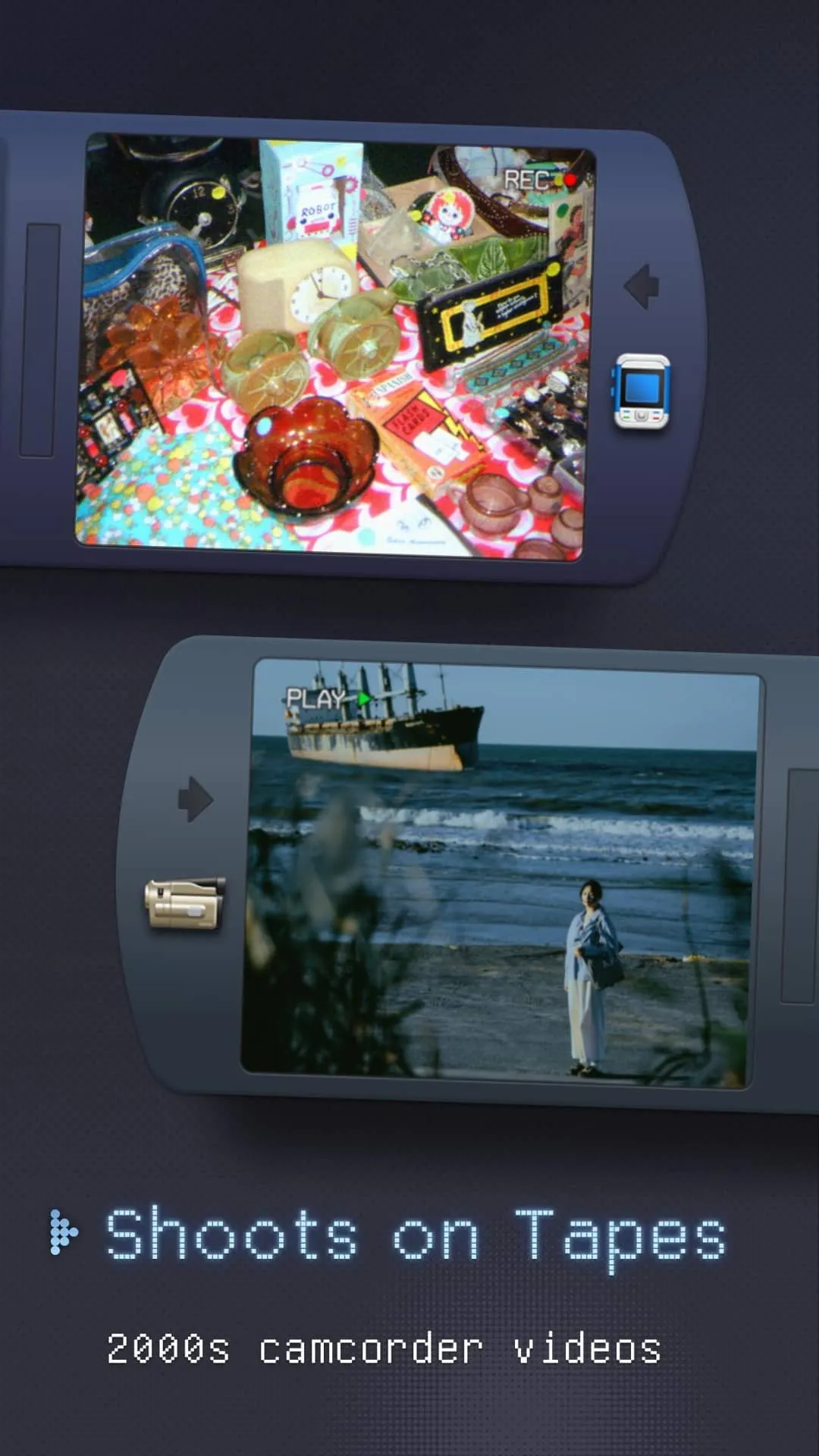
Preset filters like 90s, 8mm, DV, Hi8, and VHS for instant mood.
Classic Polaroid, LOFI, slide, and Golden tones for warm, film-like textures.
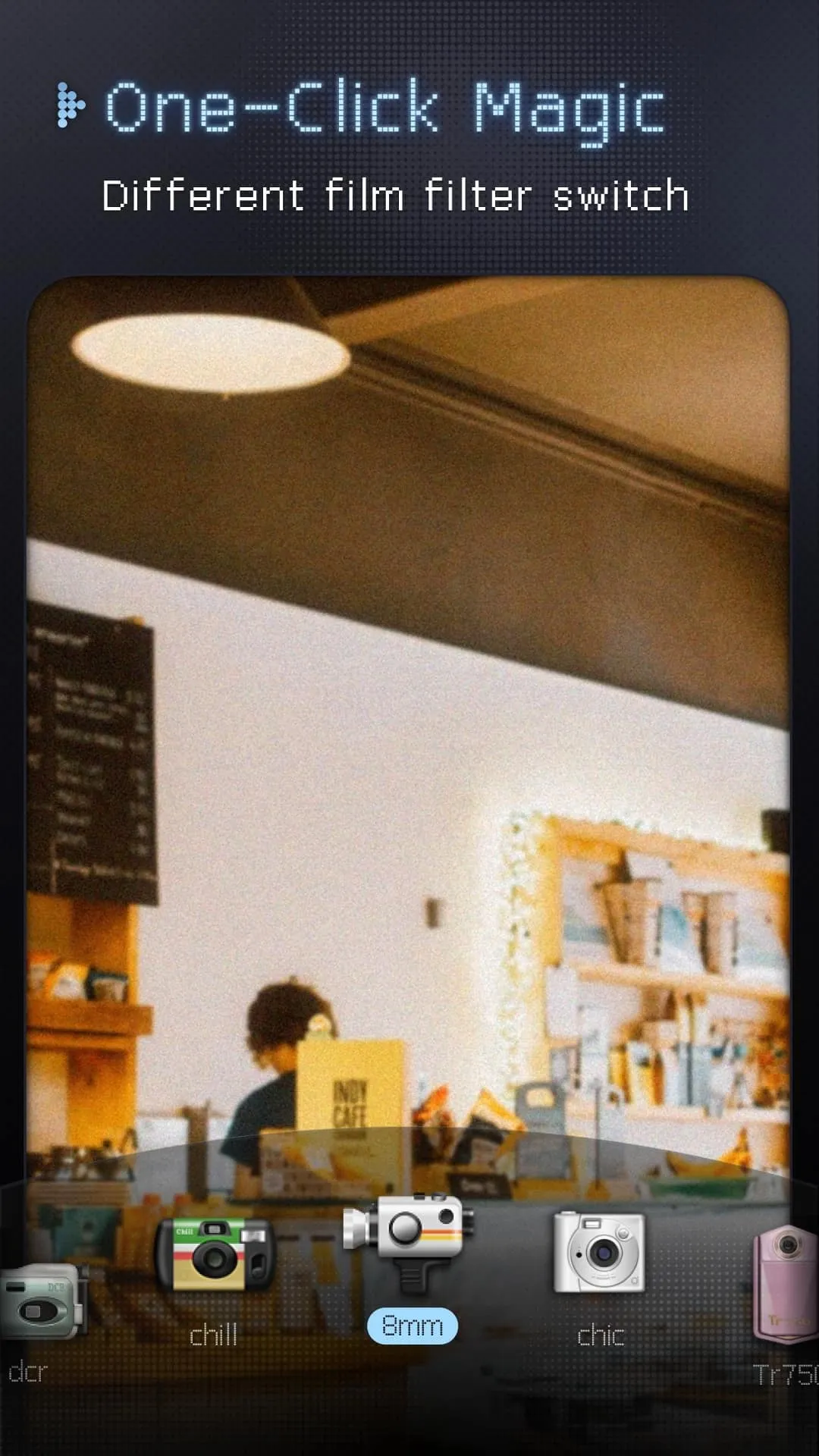
One-tap preset switching without manual sliders, ideal for fast shooting.
Built-in flash and lens flip for low-light shots and retro selfie vlogs.
Highlights:
Immerse in Vintage Aesthetics
OldReel offers an extensive collection of analog-style filters that emulate the warmth and texture of classic formats. The app's standout filters, such as 90s, Hi8, and VHS, transport your visuals back in time with carefully calibrated color tones, light effects, and subtle imperfections. Each filter is designed to evoke emotional depth and a sense of nostalgia, offering a storytelling element to your photos and videos.
User-Friendly Design for Authentic Results
With a layout inspired by traditional camcorders, OldReel combines intuitive single-handed operation with a minimalist interface. Its analog camcorder filters and automated presets allow you to create atmosphere-rich visuals instantly, eliminating the need for extensive manual adjustments. The app also supports enhanced low-light photography and includes features like a built-in flash and lens flipping for retro-style selfies.
Usage:
Open OldReel on your phone, then allow any requested permissions to enable camera access and saving.
From the main screen, choose to capture new media or import from your gallery, and pick the clip or photo you want to style.
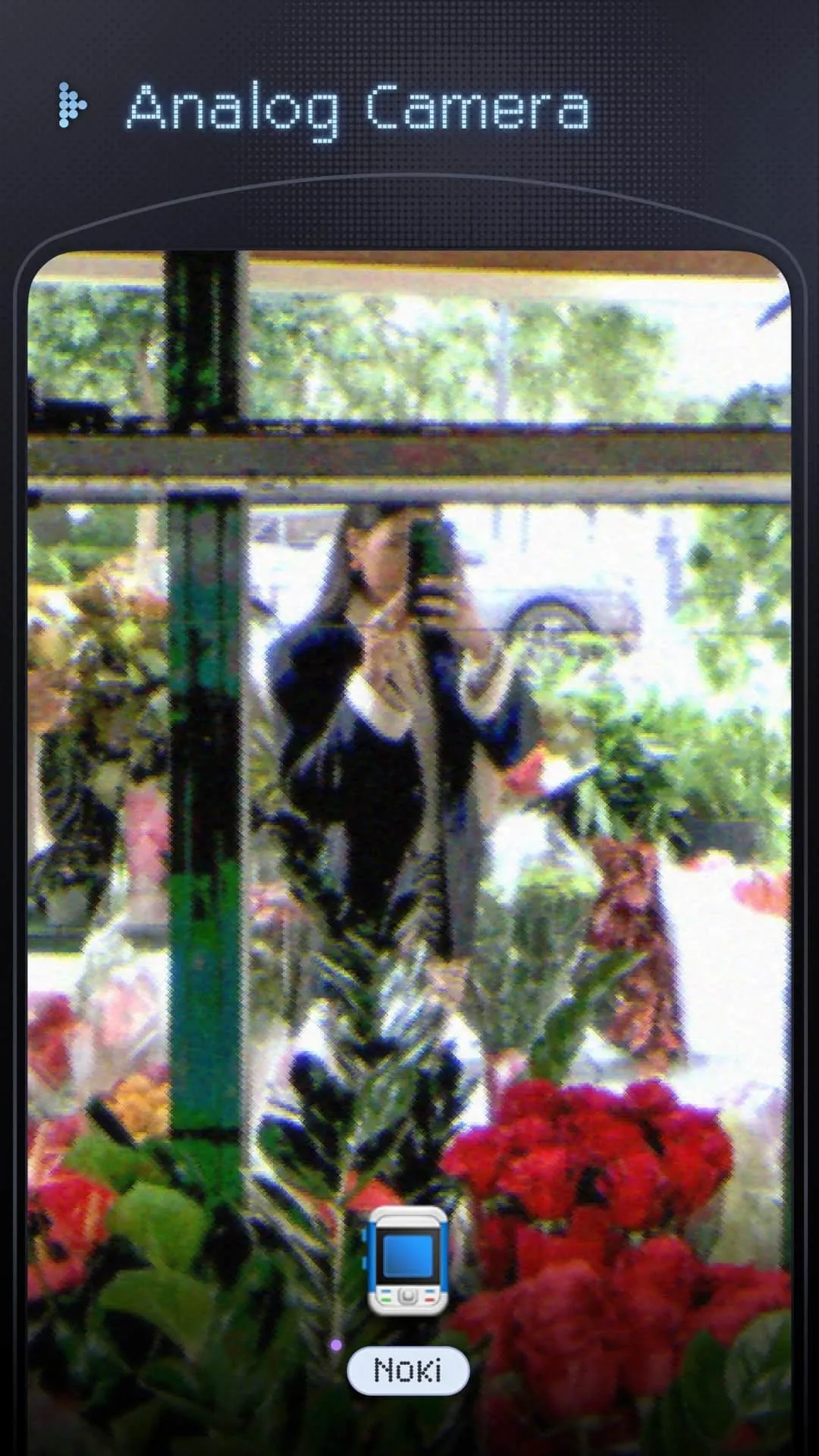
Select a preset such as 90s DV, VHS, 8mm, Hi8, or Noki, then switch between options until the image matches your goal.
If shooting, flip the lens when needed for a selfie view, turn on the flash in low light, and frame your scene before recording.
When finished, save the result to your device or share it directly from the export screen.
Changelog:
[Chill] New camera release: Inspired by disposable film cameras, its retro pine green hue and fine grain deeply recreate the colors of Japanese film, resulting in warm and realistic skin tones.
[AST] New camera release: With a slightly oil painting-like texture, its coarse grain intertwines with delicate warm yellows. A light amber tone, clean and bright with a touch of haziness.
[Inst P] New camera release: Replicating the retro film texture of instant cameras, with vibrant blues, red lip colors, slightly high contrast, and bright colors.
[W300] New camera release: Inspired by wide-format instant cameras, its vivid and bright film colors have excellent expressiveness, with a prominent red effect.
New effects: Light leak effects, timestamp borders, and new text borders for a richer creative experience.
Conclusion:
The app is designed with a native camcorder aesthetic, featuring a clear layout for ease of use. It mimics traditional DV camcorders for quick and effortless functionality. OldReel also provides analog camcorder filters and preset DCR magnetic tape camcorder filters, allowing users to create atmosphere-rich recordings suitable for various life scenes.
-
Latest Updates
-
Featured Apps









