
Wondershare Dr.Fone
Tools
2026-09-08
8.01MB
3.2.5.200
Android
122
Screenshots
Introduction
Wondershare Dr.Fone is a powerful file recovery tool that helps users easily recover lost data from their phones. Through this application, users can also transfer data between their phones and computers and easily control the data on their phones. This application also boasts high compatibility, working seamlessly on both iOS and Android systems. It allows users to recover WhatsApp communication records and includes various file types. The application is very easy to use and works smoothly on both internal storage and SD cards, enabling users to easily recover all their data.
Features:
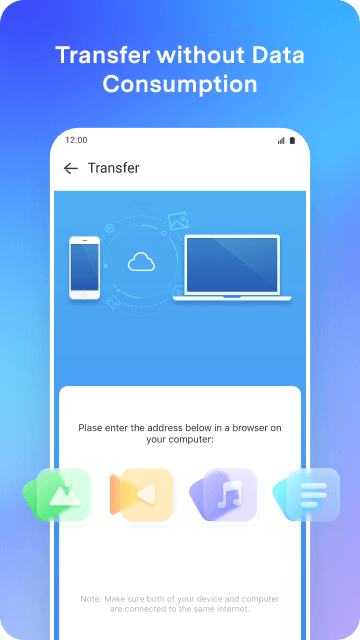
Control the data on the phone and move it back and forth between the PC and the device.
Transfer data from one phone to another, regardless matter whether they use iOS or Android.
Your privacy is important to us just as much as it is to you. Your data is encrypted from the very beginning to the very end, so there are no security flaws or critical information that may be compromised.
A user-friendly design with clear and straightforward instructions can help you get your issue resolved more quickly.
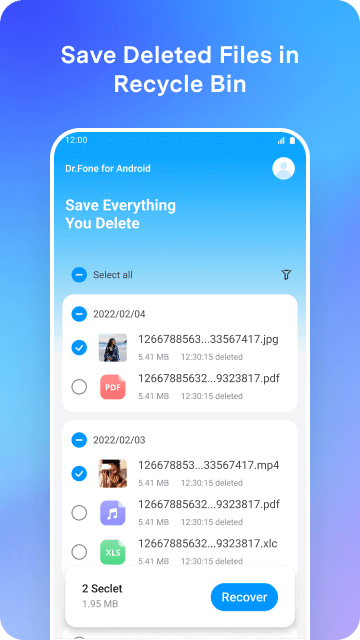
Keep a copy of all the files you’ve removed from your computer so that you may reinstall them at any time.
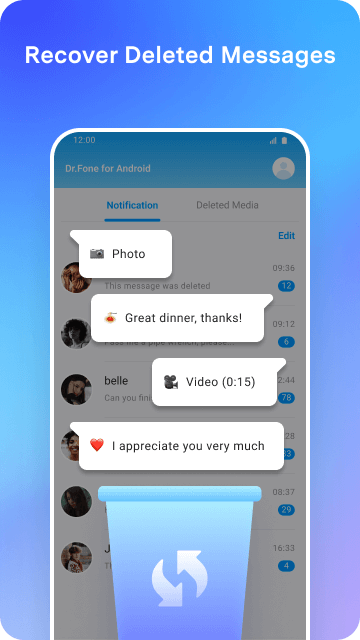
Recover WhatsApp communications that the sender has deleted, including conversations, photographs, music, and videos, as well as other media types.
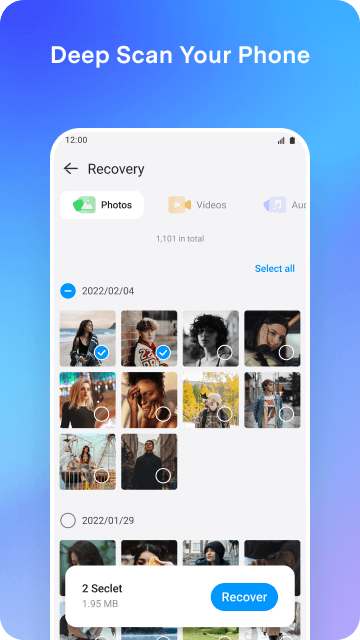
Perform a thorough search on your mobile device to locate and retrieve any files that have been erased.
You can quickly retrieve any music or recordings that you accidentally erased.
Recover videos with ease and without losing any data.
Recover your lost images in complete security with only a few clicks.
Highlights:
Series of images supported: Once you’ve reviewed things, you can make them available again with just a tap.
Many areas can be checked: Files can often be saved in internal memory, SD card with all formats.
Disappeared messages: Information that disappears because of your carelessness will reappear immediately.
Compatible with platforms: The target audience is often the hot messaging applications today.
Supports many file types: Important information associated with the smartphone is under the control of the application.
Perform deep scan: With powerful features, you can find the depth of your device to restore things lost due to viruses.
Recover lost information: Videos that have been deleted will be able to reappear on the Android platform.
Easy to operate: Whether the environment is internal memory or SD cards, every feature operates stably.
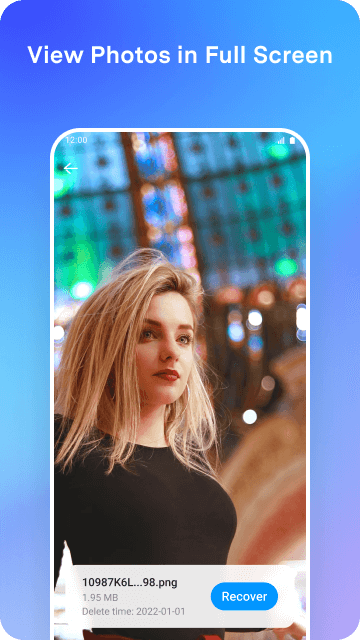
Preview before restoring: This is not easy because you have to consider the quality and value of the files.
Pros and Cons:
Pros
Allows users to recover lost and deleted data from their Android device
Provides cleanup tools that can improve performance and run on a schedule
Free to download and try
Cons
A failing phone may need assistance from companion PC or Mac software
User Reviews:
“Amazing tool! I used 3uTools for my iPhone 12 Pro Max, which was stuck and wouldn't flash in any mode I tried — normal, recovery, or even DFU. At one point, the phone completely froze in the recovery screen. But thanks to this program, on my third attempt, I was able to fully restore it! The best part? It’s completely free. Huge thanks to the developers for creating such a powerful and accessible tool!”
“I was able to easily bypass the Google account lock (FRP) on my Samsung Galaxy S20 FE 5G (Android 11). The program worked perfectly and was very straightforward to use. What really stood out was the excellent support – the technicians responded quickly and were very helpful when I contacted them via email. Highly recommended for anyone looking for a simple and effective solution. Thank you for the great service!”
“For heavy WhatsApp - It's Much Better than Samsung Switch. I was frustrated using the SAMSUNG SWITCH to transfer WhatsApp from iPhone to Android. The Samsung Switch failed no matter what I did. My data was around 41GB. This DrFone did it in mere two attempts.”
“My iPhone 15 froze during the downgrade from iOS 26 to iOS 18. Nothing was working. I tried countless methods I found online, on YouTube, and elsewhere—but nothing helped. Then I came across your software, which had a very affordable price. Honestly, at first, I thought it wouldn’t work and was just another scam. I had already tried everything, and nothing had worked. To my surprise, everything went perfectly. I’m truly grateful to you. Thank you so much!”
Conclusion:
Bad things happen from time to time, and it's good to know that Wondershare Dr.Fone deleted data exists when they do. Feel secure in the knowledge that even if your data appears to be gone, that this app can uncover deleted files and restore them. In addition perform cleaning tasks to improve performance, even set them to run on a schedule. This is one useful application before and after you lose information on your phone. Download and try it for free today!






