Movieverse
Productivity
2026-09-13
5.16MB
2.0.0
Android 5.0+
449
Screenshots
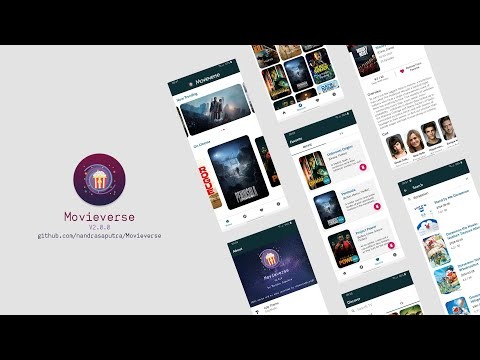
Introduction
Movieverse is a powerful streaming video platform for Android. Users can watch movies for free without a subscription. The software offers a clean and consistent viewing experience. Through its highlighting settings, users can easily read key information about each film, making playback decisions faster. Users can also browse films by language and genre, save films to their watchlist or bookmark them for quick access later, and easily manage their viewing schedule. Furthermore, the app offers high-definition streaming playback and transparent film selection, ensuring a superior viewing experience.
Features
Free streaming without subscriptions
Movieverse lets you stream movies, web series, and short films at no cost. There are no subscriptions or hidden fees to manage, so you can press play and watch immediately. The experience remains simple and consistent across content types.
Trending and now-playing discovery
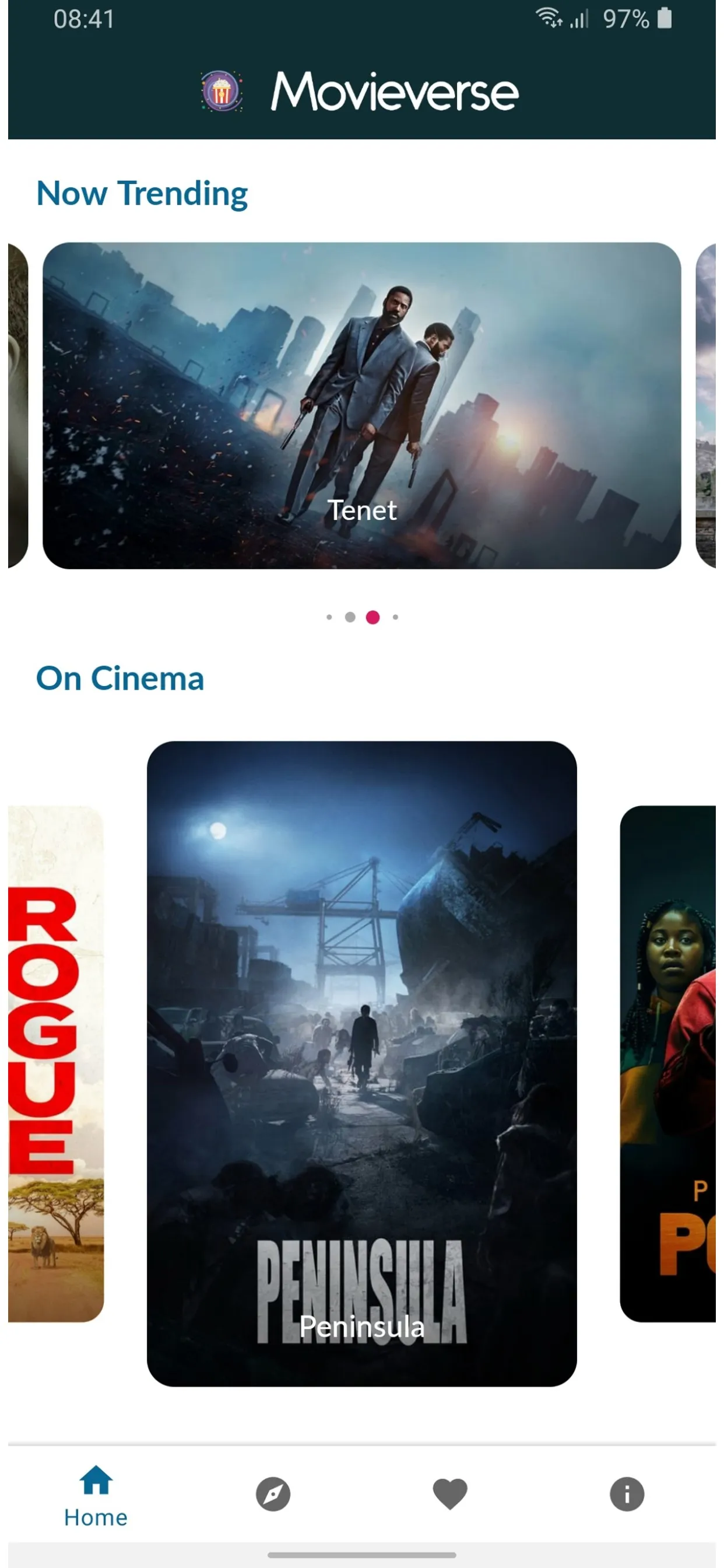
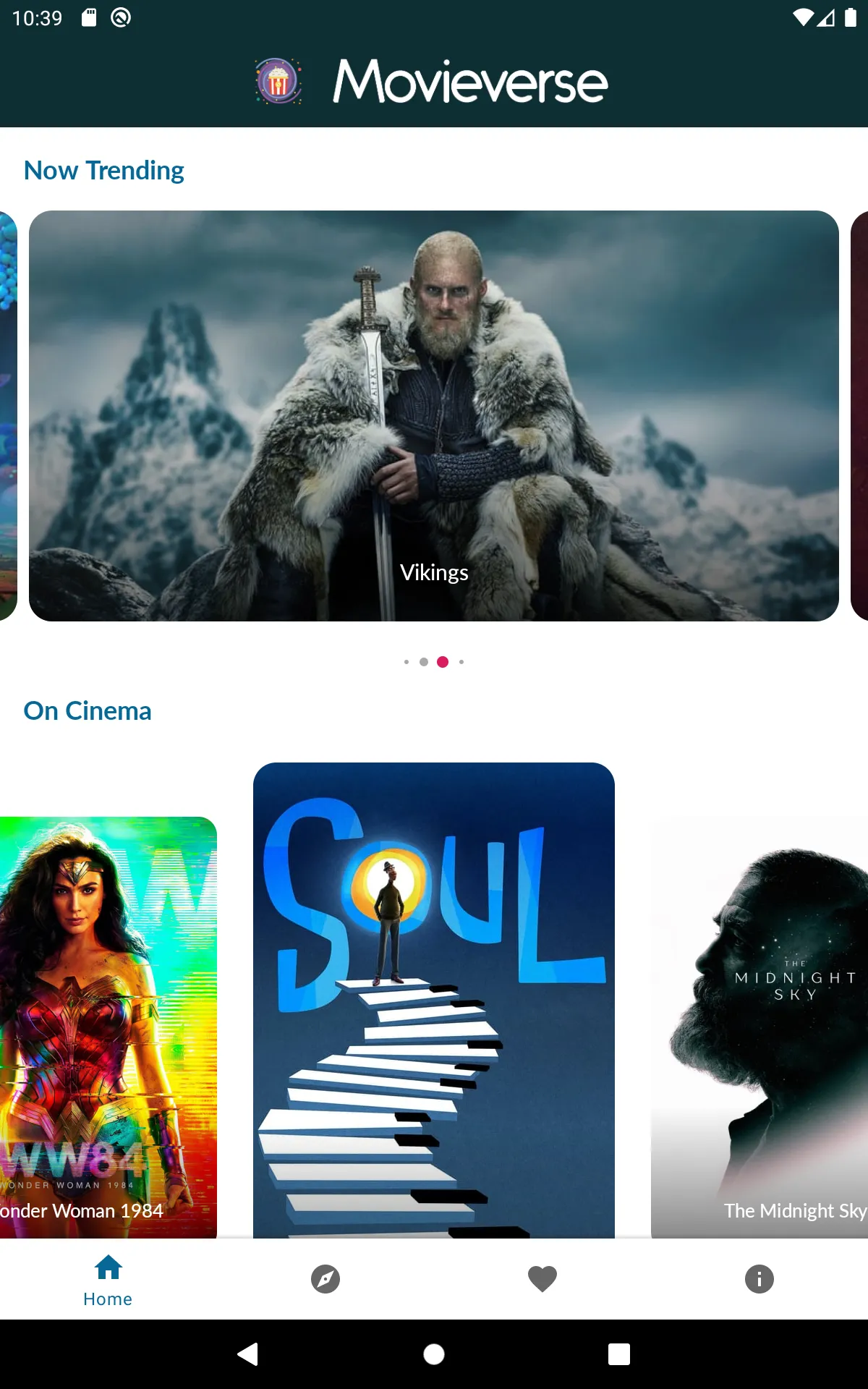
Movieverse highlights what is trending and what is currently playing in cinemas. You can open official trailers and read key details for each title. This structure helps you decide faster and move directly into playback.
Browse by language and genre
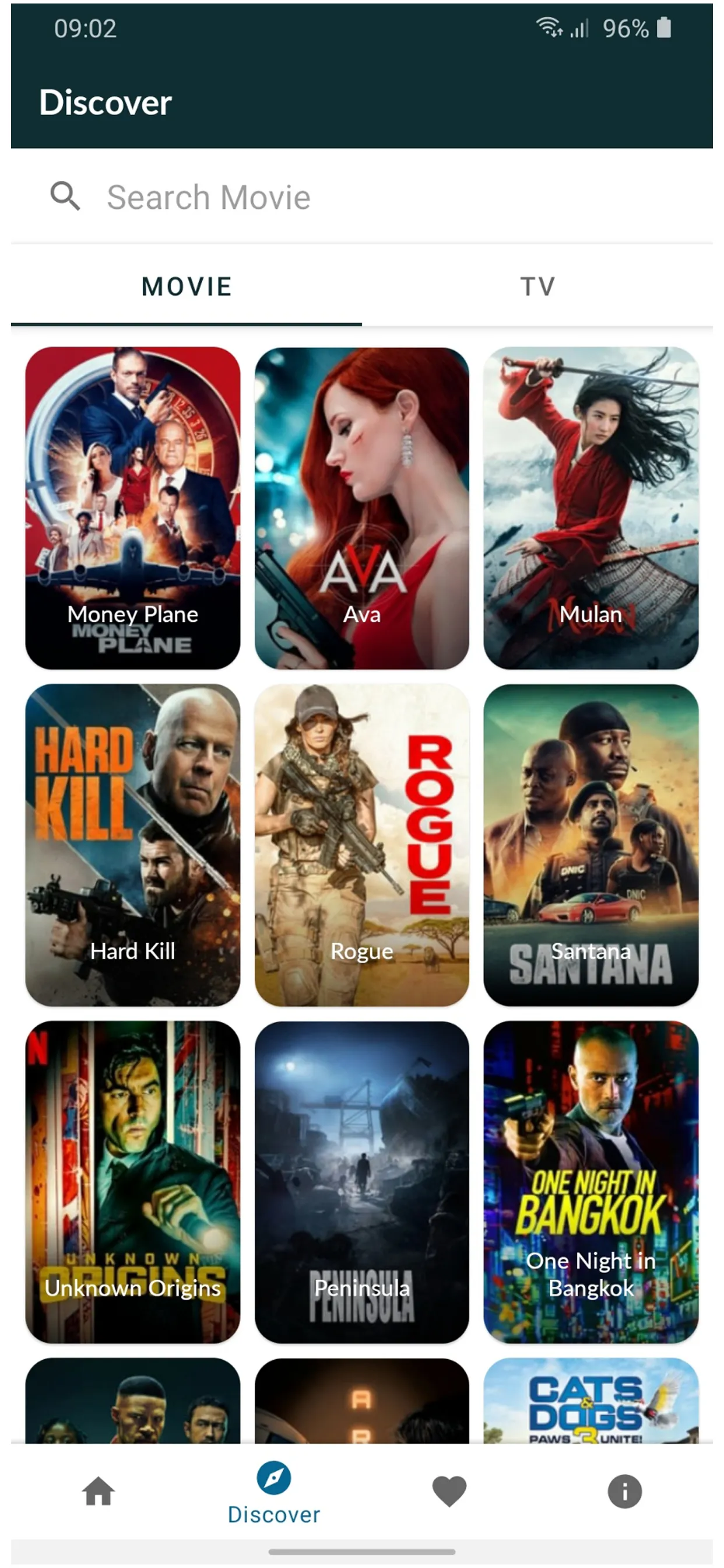
Choose content in English, Hindi, French, Spanish, Korean, or Chinese. Then refine results with popular genres such as Action, Romance, Comedy, Horror, Drama, Sci Fi, Martial Arts, and Family. If a search bar is not available, use these filters to locate titles efficiently.
Watchlist and favorites
You can save titles to a Watchlist or mark them as Favorites for quick access later. This helps you track interesting finds and return to them when you have time. It keeps your planned viewing organized inside the app.
HD streaming and source transparency
Streams play in HD when your internet connection supports it. Playback is online only, so an active internet connection is required. Videos are hosted on YouTube and displayed through the YouTube API, and Movieverse does not upload or modify any content. As new videos appear on YouTube, listings in Movieverse refresh regularly.
Advantages
User-friendly
Free of cost
No bugs
Different Genre
Huge library of movies
Huge library of tv shows
Usage
First, connect your phone to a stable internet network to support streaming.
Next, open Movieverse and check Trending and Now Playing to see current options.
Then, tap Language to pick English, Hindi, French, Spanish, Korean, or Chinese.
After that, choose a genre such as Action, Comedy, Horror, Drama, Sci Fi, Martial Arts, or Family.
Finally, open a title to view its details and trailer, then tap Play or add it to your Watchlist for later.
Pros and Cons
Pros
Completely free streaming with no subscriptions
HD streaming for quality viewing
Multi-language availability for a diverse audience
Regularly updated content library
User-friendly discovery and browsing features
Lightweight, no required downloads to watch
Cons
Offline viewing is not available (requires active internet connection)
Not ranked in top lists, which may affect discoverability
Permissions include ad-related and device state usage typical of ad-supported streaming apps
Conclusion
The user interface of Movieverse is intuitive and easy to navigate. The app is well-organized, with different sections for trending movies, in-theater movies, and popular TV shows. Each movie or TV show listing includes relevant information such as release date, genre, runtime, and rating. You can also watch trailers, read reviews, and view cast and crew information. Overall, Movieverse is a must-have app for any movie lover looking for an easy and comprehensive way to keep up with the latest releases and discover new favorites.





-
Latest Updates
-
Featured Apps