
Motionleap
Photography
2026-08-21
137.19MB
1.4.2
Android
489
Screenshots
Introduction
Motionleap is a photo editing app for Android devices. It offers a wide range of preset animations and customization options, effectively meeting the needs of both beginners and advanced users looking to creatively enhance their photos. With Motionleap, users can utilize various presets and special effects to elevate their images and explore a wealth of creative possibilities. Once editing is complete, users can create video clips, export animations, and share their work on social media.
Features
Animate the Skies
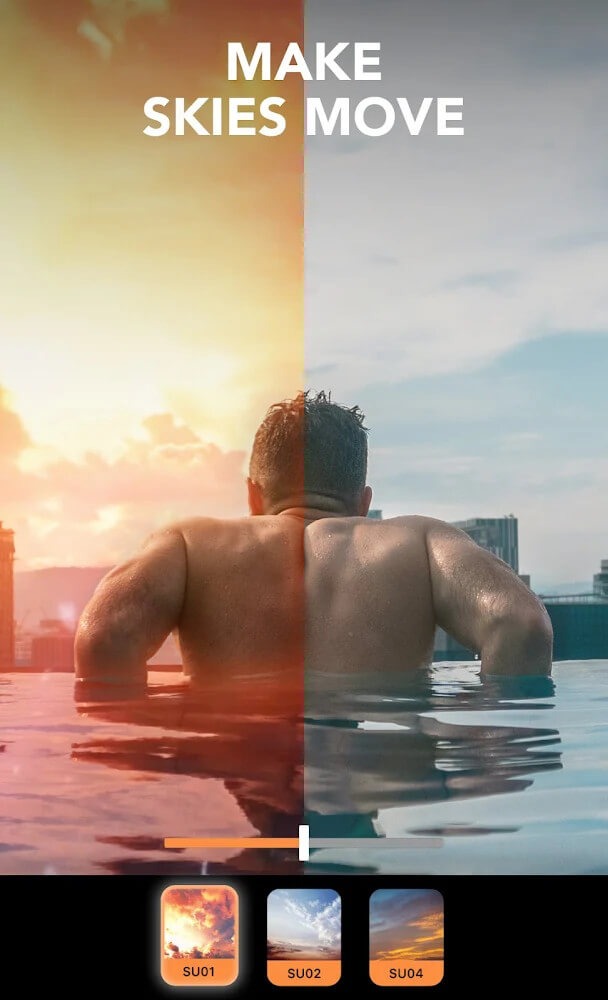
Sky animation is one of the most used features of MotionLeap. It comes with the option to animate the sky in the image background. The simple waving animation makes the skies move, making your images look stunning. For animating the sky background, you get many great options to customize the animation. With the filters, customization options, length, type, and many other things, you will have full control over the animations.
Mood Overlays
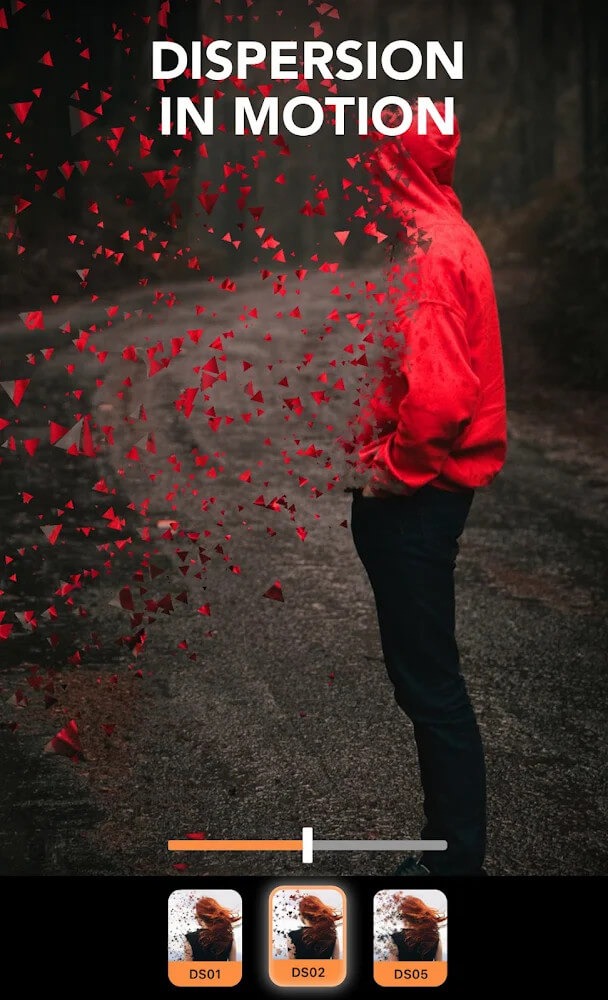
Mood overlays might sound fancy, but it’s nothing but animations and effects. With several fantastic effects, one can easily customize the images with ease. With the huge library of mood overlays, customizing the images and other things makes it easier for everyone. The library of effects is huge, and new effects are being added from time to time with the updates.
3D Motions
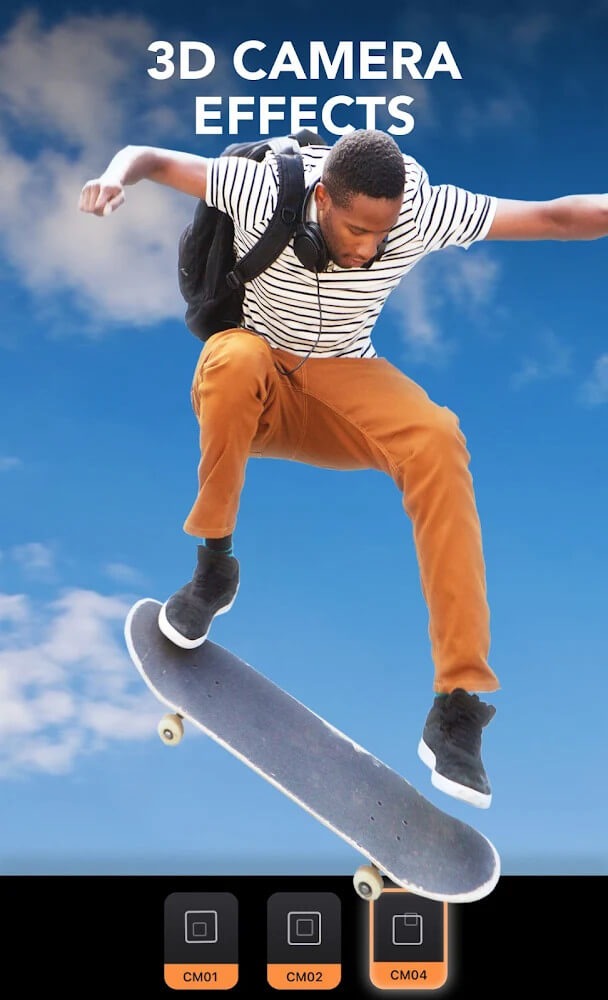
In the animation sector, 3D motions are one the most important things. With the MotionLeap, one can easily use the feature that allows you to tweak the 3D motions. With the geometric customizations, one can easily add and alter the existing 3D motions. This makes it easier for everyone to animate the high-quality images the way they want. If you know in-depth about 3D motions, everything is possible with this feature.
Highlights
Easily Create 3D Photos
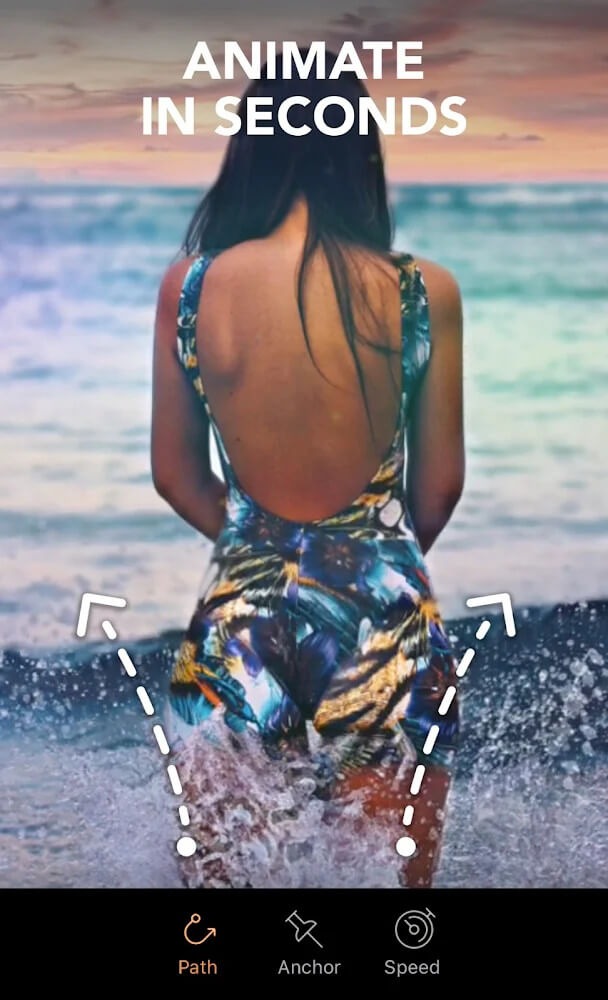
Edit pictures into animated 3D photos: use arrows to add movement, choose the speed and replace the background. AI-powered tools and effects for pictures make it easier than ever to define entire areas of a picture or fine-tune for more control.
Add Unique Overlays and Effects
Motionleap makes it easy to add unique overlays and effects to still images that will engage your followers and wow your friends. So whether you want to create a professionally finished animation or simply add fun effects to your pictures, you can do it all with Motionleap.
Motionleap brings flowing life and motion to images, creating animation pictures and cinematographic effects that will wow everyone, from your friends to your followers. And, best of all, it’s a free picture animation app and editor! Animate pictures and add 3D picture effects to watch your still image come to life as incredible 24 fps videos that boomerang back and forth or flow like a GIF.
Photo Effect Creator
Highlight your image with amazing picture effects. With a powerful and intuitive application at your fingertips, watch as each picture is set to motion and becomes a flowing live 3D picture with the help of amazing filters and effects that will bring out your inner creative genius. With Motionleap, you can enjoy the ease of one-touch smooth transformation and 3D photo animation that brings your creations to life.
Creative Photo Editor
Add awesome effects to your images with the creative photo editor. Start your photo editor adventure with a wide range of filters and effects at your fingertips. Use the image brush photo editor tool to create perfect effects for your flowing live 3D picture.
Your Digital Masterpiece
Motionleap allows you to easily edit images with artistic, powerful, precise, and easy-to-use 3D picture animation tools. Use the picture editor to revolutionize your images with a real-time editor that lets you create mesmerizing art in a moment. Motionleap lets you create and edit moving photos with easy and powerful editing tools, including background changer, 3D Live, 3D motion, picture overlays, and more.
Usage
To start editing just open the app and add your photos to the editor. After that, you can select one of the available filters. If you choose to animate your photos, you have to mark certain points on each image.
Download the app on your device, simply open it and tap the “photos” icon. Next, tap the “New Project” banner at the top of the screen.
Choose a photo from your camera roll. Tap “Animate” from the menu at the bottom of the screen. Now tap the “Select” icon (looks like a paintbrush) at the bottom of the screen.
You can always use a stylus (for greater precision) to mark the areas of the word you want to animate. Use the slider to control the thickness of your line. Note the eraser tool next to the “play” button.”
It’s important to mention that the arrows that appear on the photos represent the animation that will be applied later. So pay attention to the way you mark the photo if you want the best results.
FAQs
What does the Motionleap app do?
Motionleap app does the animation of the still images. With a lot of features to add animation factor to the still images, it makes the still images look stunning.
Can you export images from Motionleap?
Yes. MotionLeap allows you to automatically export animated images and videos anywhere. With the feature to export in multiple formats, it becomes easier to export images in any format desired.
Are Pixaloop and Motionleap the same?
Yes. Pixaloop is the old name of MotionLeap. So, both the apps are the same, but the Pixaloop name and old app are discontinued.
Conclusion
Without a doubt, this is one of the best applications you can download to animate pictures on Android. With the latter, you can create extraordinary effects with which you can impress your friends and contacts such as Instagram or Facebook.
-
Latest Updates
-
Featured Apps









