MojoLauncher
Tools
2026-09-21
50.51MB
hebe-20260326-11
Android
426
Screenshots
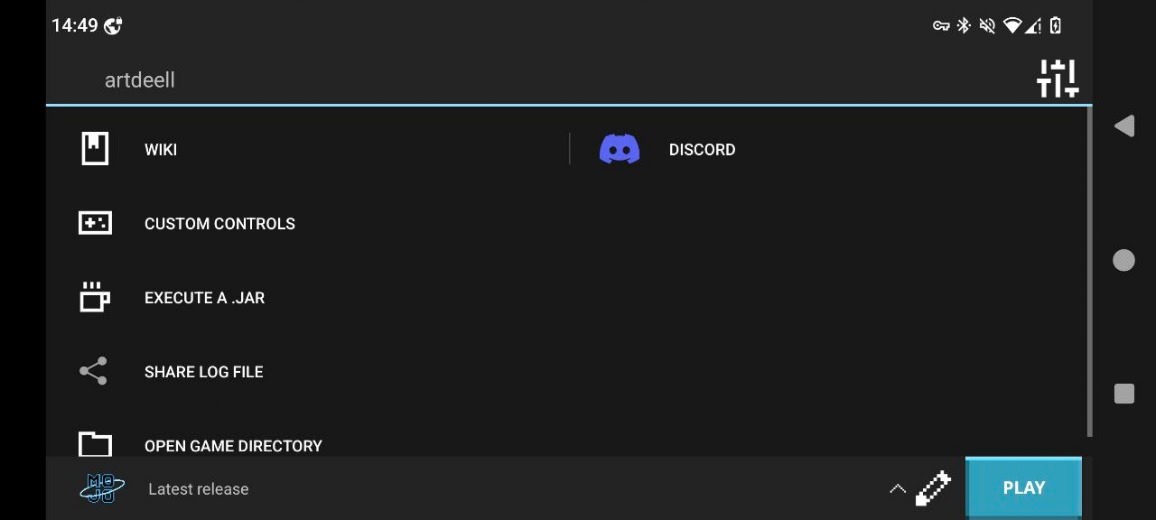
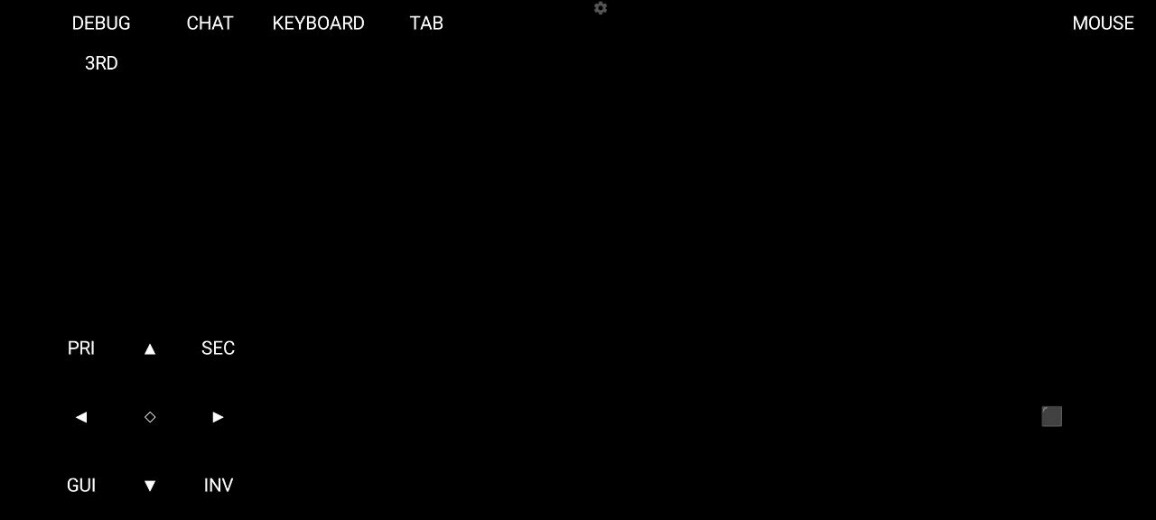
Introduction
MojoLauncher is a launcher app designed for Android devices. It allows you to start the game simply by setting a username, eliminating the need for an official account, as it bypasses server authentication. It supports launching both new and old versions of the game and features a lightweight architecture built for Android, reducing startup times. The software is open-source and community-driven; it is completely free, clean, and ad-free, ensuring a quick and easy setup for users. It delivers an optimal gaming experience, offering memory usage optimization and customizable button layouts.
Features
Play without an official account
MojoLauncher lets you start with a simple username, so you can launch single-player quickly in offline mode. Mojang or Microsoft authentication is not supported. For online play, you can only join servers that accept offline connections, sometimes called cracked servers. Official authenticated servers will not work with this login method.
Version selection across releases
You can pick from a range of newer and older releases in one place. This helps when you want to revisit legacy worlds or run versions that work with specific mod setups prepared on your device. Switching versions is straightforward, so you can test different builds and keep your playstyle consistent. It is helpful for users who need to match friends or servers that require a particular release.
Lightweight design for Android
MojoLauncher is built to minimize resource use for faster startups on supported phones. This focus can reduce waiting time and keep navigation responsive while you move between screens. Performance depends on each device, and some phones may show issues due to graphics drivers or chipsets. If you notice problems, try another game version or adjust in-app options before launching.
Open source and community-driven
MojoLauncher is maintained in public, which gives users visibility into how it works and what changes over time. Community feedback and contributions help identify issues and improve stability. This approach supports transparent development and lets you review code or report bugs at any time. It also makes it easier to track fixes and discuss features with other users.
Clean, ad-free launching
The app avoids bundled extras and focuses on a stable launch process. There are no intrusive ads or popups during setup, which keeps the experience predictable. This is useful for users who prefer a clean tool that gets straight to running the game. It aims to reduce distractions so you can concentrate on selecting a version and playing.
Advantages and disadvantages
Pros
Full desktop experience
Customization controls
Extensive compatibility
Cons
Intense hardware strain
Technical complexities
How to Use
Locate the downloaded package file inside your storage folder.
Enable unknown source installation permissions in system settings.
Tap the package file to launch the installation window.
Confirm the installation permissions to proceed with setup.
Open the application from your home screen once finished.
Tips
Optimize Memory Usage: Adjust the RAM slider inside Mojo Launcher based on your system capacity. Allocate two gigabytes for basic phones and four gigabytes for advanced hardware.
Create Custom Button Schemes: Rearrange virtual touch controls in Mojo Launcher to match your natural hand placement. Larger buttons reduce missed taps during fast combat.
Reduce Render Distance: Lower your in-game render distance when running Mojo Launcher on mid-range devices. This tweak preserves battery power and increases frame rates.
Install Optimization Mods: Use Fabric or Forge through Mojo Launcher to add performance modifications. Optimization mods increase stability and smooth out gameplay.
Enable Virtual Mouse Controls: Toggle virtual mouse cursor mode inside Mojo Launcher for easier inventory management. The cursor lets you manage item stacks with precision.
Export Control Backups: Save your controller layout profiles within Mojo Launcher to external storage. This backup prevents layout loss if you clear application data.
Summarize
Download the MojoLauncher APK and discover the best way to enjoy Minecraft on Android. Thanks to this launcher, you can do everything from playing a fully modded version tailored to your liking to reliving one of the very first versions of classic Minecraft. You decide how you want to play.
-
Latest Updates
-
Featured Apps