Mobo Market
Tools
2026-09-09
10.97MB
2.3
Android
113
Screenshots
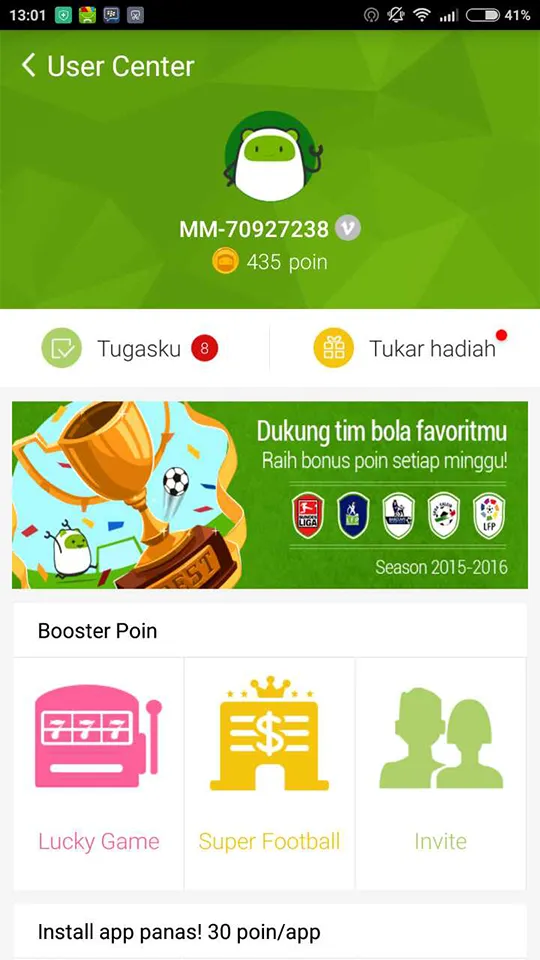
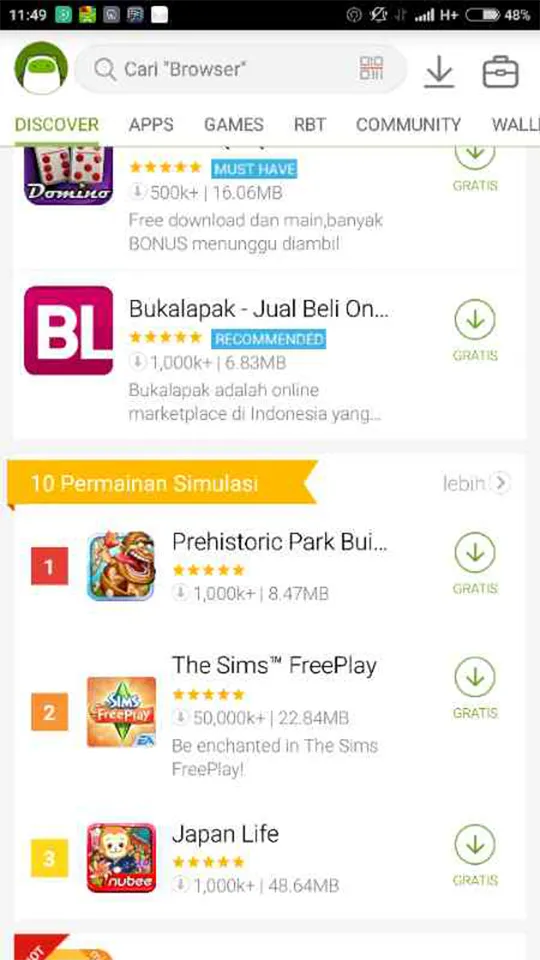
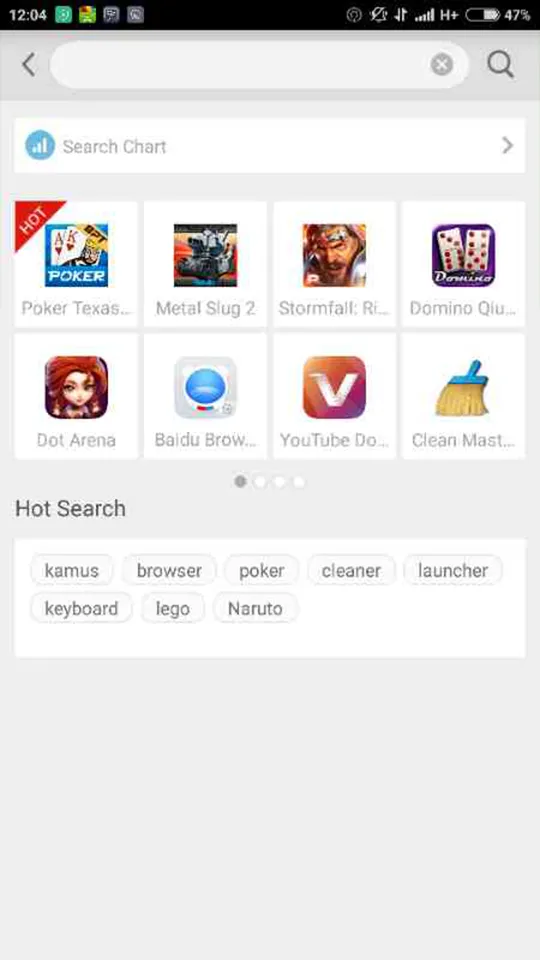

Introduction
Mobo Market is a powerful smartphone management application for Android. This tool gathers apps, games, music, wallpapers, and more into a single platform. Users can browse and find the content they need using search. The application also provides personalized recommendations based on user preferences and usage habits, displaying items that match the user's interests. Users can also discover popular apps and games through regional trending lists. These lists are updated regularly to ensure users find the latest content. In addition, the application provides useful information tips to help users determine if it suits their usage scenario, making installation and use smoother.
Features
All-in-one discovery
Mobo Market brings apps, games, music, wallpapers, and videos into one hub. You can browse categories or use search to find what you need. Content is grouped in an intuitive way so you locate items quickly. This helps when you want to download apps without jumping between different sources.
Personalized recommendations
Mobo Market learns from your preferences and usage patterns over time. Suggestions adjust to your habits and show items that match your interests. You spend less time scrolling and more time installing relevant content. As your activity changes, recommendations reflect that shift.
Regional top charts and fresh updates
You can explore country-based and category-based charts to see what is trending where you live. These lists highlight local interest and make it easier to spot popular picks in your area. New Top Apps and New Top Games refresh regularly, which keeps the catalog current and helps you discover recent releases day by day.
Editorial support
Mobo Market includes expert reviews, news, tutorials, tips, comparisons, and video guides. You get context before installing, such as what an app does and how it behaves. This information helps you judge if a title fits your use case. It also gives practical notes that make setup and usage smoother.
Fast downloads with safety scanning
Downloads are lightweight and optimized for quick installs on phones and tablets. Mobo Market scans files for viruses and malware before installation. This approach helps protect your device while saving data and storage. As a result, you can complete installs quickly and with more confidence.
Usage
Open Mobo Market and glance at the home screen to see featured items and timely highlights.
Browse categories or tap the search bar to find a specific app, game, or type of content.
Open an item’s detail page, then review the description, editorial notes, screenshots, and related picks.
Tap Download and wait for the APK to finish. Confirm any required permissions, then proceed with installation.
After installing, launch the app or game. Next, return to the charts and recommendations to find more items that fit your interests.
Pros and Cons
Pros
Features a user-friendly interface
Offers in-depth information on apps
Has a malware-free app store
Supports both Android and iOS devices
Cons
Interface needs improvement
Conclusion
MoboMarket is a useful tool for those who want to get a little bit more out of their Android devices. New features are constantly being added to this software, and the development team is very active. It also works with iOS smartphones, including jailbroken iOS phones. The biggest drawback of this app is the fact that its personalized recommendations aren’t updated as often as you might like. Luckily, you can filter apps by popularity, category, and region.





-
Latest Updates
-
Featured Apps