mcpro24fps manual video camera
Tools
2026-11-04
7.96MB
043de
Android
88
Screenshots
Introduction
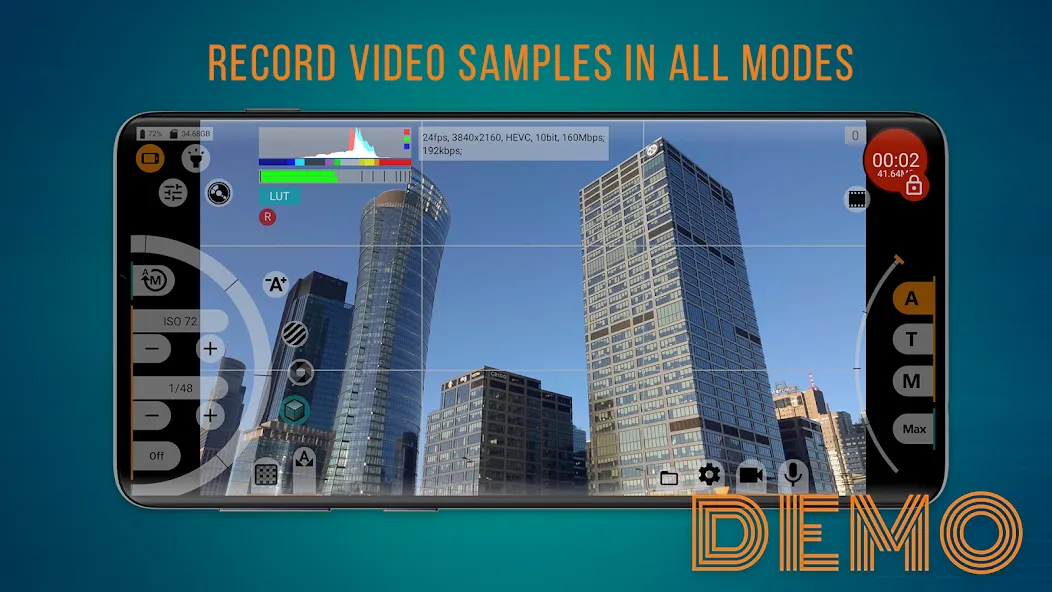
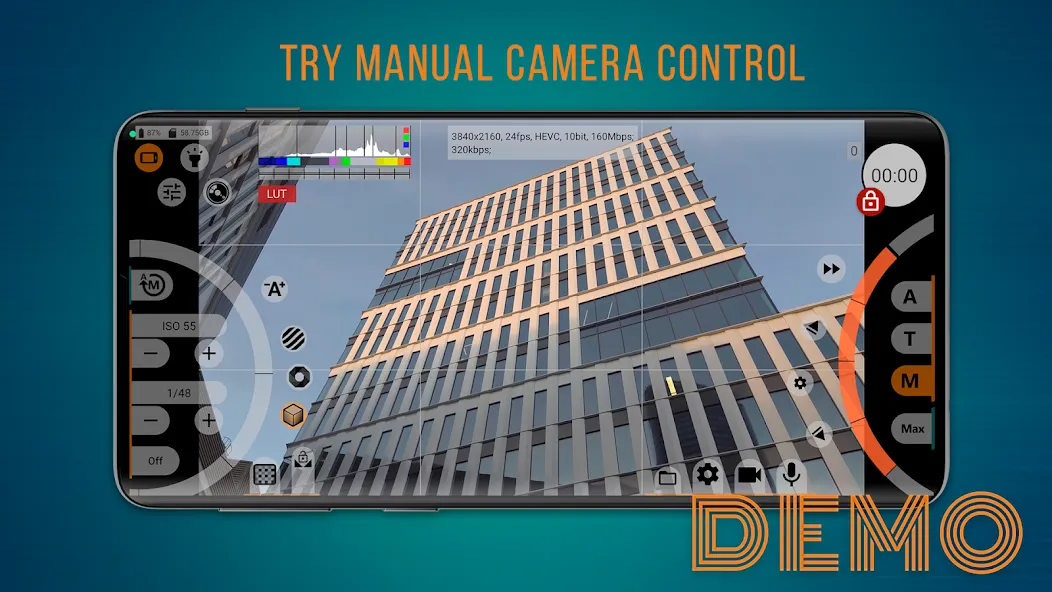
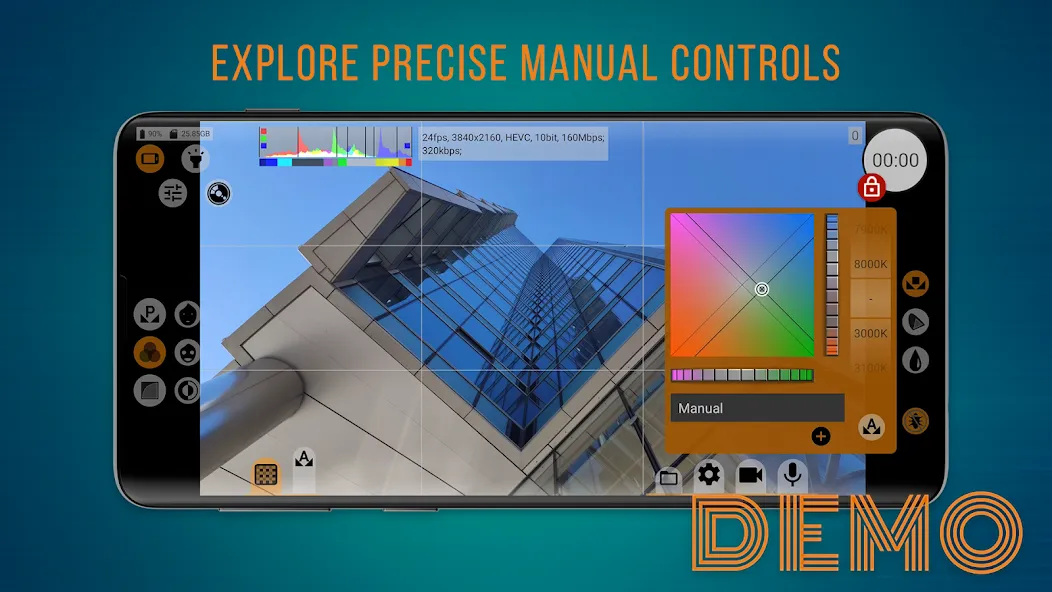
mcpro24fps manual video camera is a camera application designed for the Android operating system. It features a clean, intuitive interface that allows users to get started quickly. The app offers excellent compatibility, supporting a wide range of formats and frame rates, while delivering high resolution and superior image quality. With its robust customization options, users can fine-tune parameters such as exposure and various professional settings—enabling even beginners to achieve professional-grade video results. The app also includes powerful built-in editing tools, allowing users to save, edit, and professionally refine their captured photos and videos, or share them directly to other platforms. It is a comprehensive and highly capable video-recording application.
Features:
Log and HDR Workflows
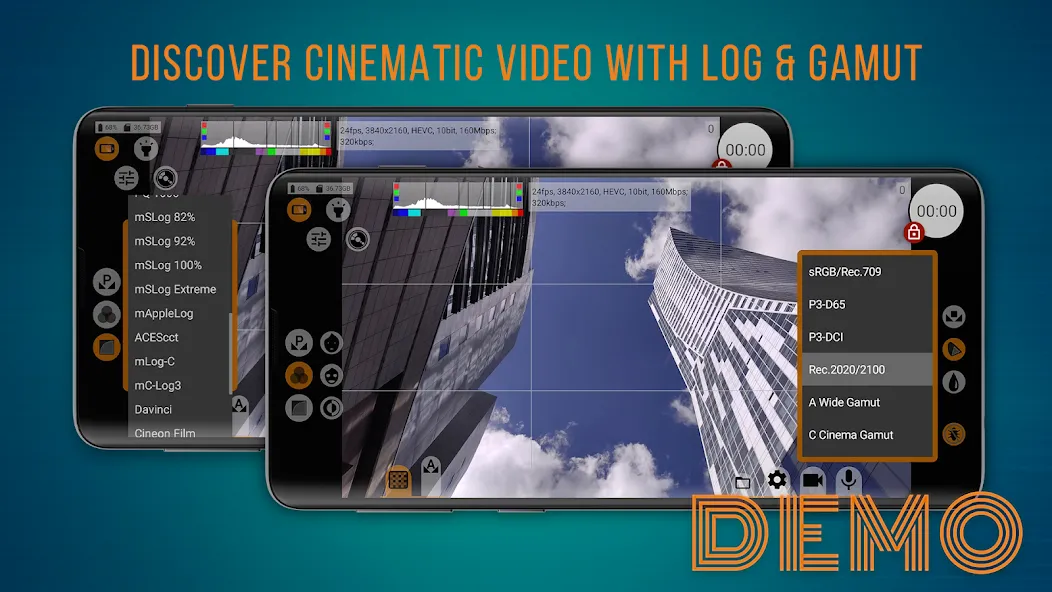
Support for Log recording and color management tools streamlines post-production. You can shoot in 10-bit format on compatible devices, utilize HLG or HDR10, and apply various Log profiles. Technical LUTs assist in interpreting footage during post-production, while display LUTs facilitate monitoring. Tone curves can be adjusted via the GPU to ensure consistent results.
Monitoring and Exposure Tools
Focus peaking and exposure peaking help verify sharpness and exposure levels.
Zebra patterns and spectral analysis tools enable rapid exposure assessment.
White balance can be controlled in Kelvin for precise color accuracy.
Recording Formats and Controls
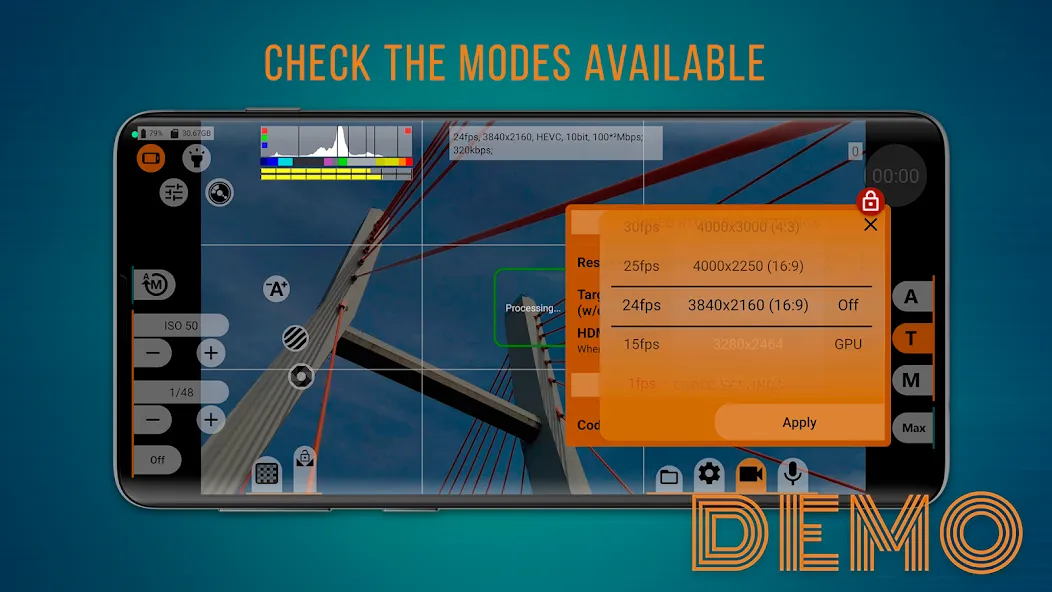
Supports frame rates such as 24, 25, 30, and 60 fps.Leverages the Camera2 API for resolution control, supporting AVC (H.264) and HEVC (H.265) codecs with bitrates up to 500 Mb/s (hardware-dependent). Features include optical and digital image stabilization, variable bitrate modes (with an experimental constant bitrate mode), crop/zoom options, GOP configuration, and distortion correction.
Audio and Camera Configuration
Choose from various audio sources and sample rates, with support for recording AAC or WAV audio at up to 510 kb/s. WAV files can be embedded into MP4 files if desired. The software supports multi-camera setups, with individual settings saved separately for each camera.
Highlights:
Rich Dynamic Footage: The system allows each person to try 10-bit video with the support of HDR. From there, they can have extremely high-quality footage with just a few different operations.
Log Format Recording: Users can switch to the corresponding mode to receive useful elements. In particular, they are often aimed at high-quality products.
Real-Time LUTs: If you are not confident in your abilities, using previews is absolutely necessary. Users will spend time to take advantage of them before reaching the final result.
Programmable Lens Control: The system will often require each person to explore programmable focus and zoom. This is absolutely necessary if you want to have quality products.
Precision Exposure Tools: Over time, users will need to quickly access different tools. They are considered modes with specific color indexes.
Pro-Level Adjustments: Besides the color factor, each person is often interested in different sounds. Therefore, sound also becomes a concern for any user.
FAQS:
Why is it better than the native camera app?
Unlike the native app, it grants you full manual control—including ISO, shutter speed, white balance (in Kelvin), focus peaking, zebra patterns, and stabilization—enabling superior color grading and a cinematic look.
How can you use Log and LUTs in the mcpro24fps manual video camera app for optimal color results?
Select a Log profile and disable GPU processing to preserve the raw tonal data from the sensor. Lock the white balance in Kelvin (e.g., 5600K for daylight) and set your shutter speed (e.g., 1/48s for 24fps). Enable zebra patterns (set to ≈95–100%) to protect highlights, and use focus peaking to ensure sharp focus. Turn on real-time LUT preview to see the final look, while ensuring the recorded file remains "clean" (unprocessed). During post-production, apply a technical LUT to convert the Log footage to Rec.709, then add your creative color grade.
How can you prevent dropped frames, noise, or overheating when shooting 4K HDR video?
Use high-speed storage (internal storage or a U3/V60+ rated card) and ensure there is sufficient free space. Keep the ISO as low as possible; when shooting outdoors, add external lighting or use an ND filter to maintain the correct shutter speed. Lower the screen brightness, avoid direct sunlight, and keep recording sessions shorter to manage device temperature.
Advantages and disadvantages:
Pros
Simple to operate
Fully featured
Compact size
Cons
Specific features depend on the version
Summarize:
In short, with its intuitive interface, manual control options, and high-quality video output, the mcpro24fps manual video camera app makes capturing professional-grade footage simple and easy. It has everything you need to create stunning visuals right on your mobile device! So, what are you waiting for? Download it now!





-
Latest Updates
-
Featured Apps