
WPS Office
Tools
2026-08-29
265.71MB
26.8.1
Android
165
Screenshots
Introduction
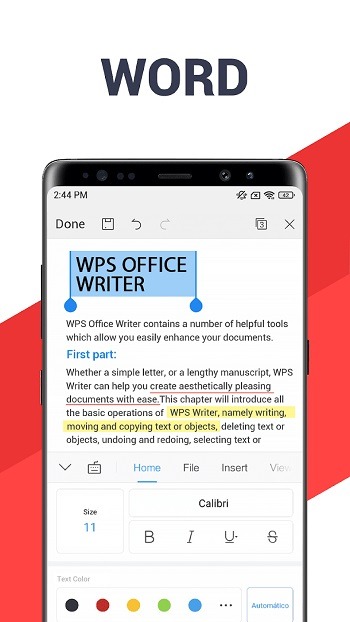
WPS Office is an extremely powerful document processing tool. It integrates various document formats into a single application, allowing users to edit documents of different formats without switching software. This application provides users with numerous document editing functions, allowing for free modification of documents. It also supports mutual conversion between multiple document formats. Users can also use this application to scan paper notes into electronic PDF files via their camera. This application also offers an AI assistant function, greatly facilitating users' document writing.
Features:
All in one editors and Microsoft format support
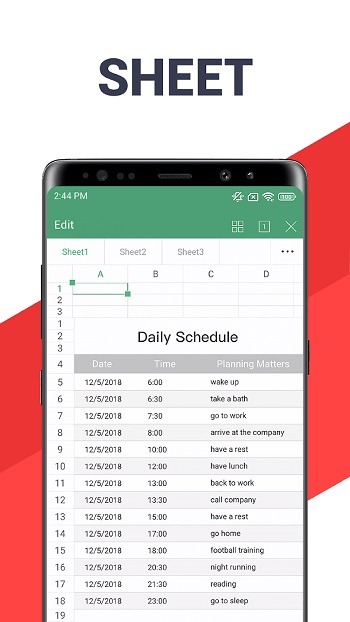
WPS Office brings Writer, Spreadsheet, Presentation, and PDF into a single app. You can open and edit files in Microsoft Word, Excel, and PowerPoint formats while keeping fonts and layout stable. This helps you review a report on your phone, then continue on a desktop without reformatting.
PDF tools for everyday documents
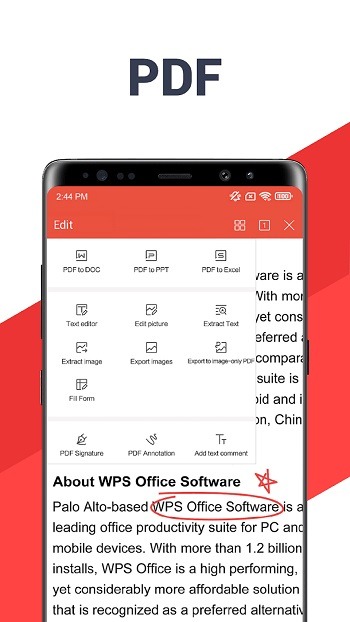
Inside the WPS Office app, you can read, annotate, and manage PDFs without extra add ons. Edit text and pages, convert PDF to Word or Word to PDF, merge or split files, sign forms, add watermarks, and organize pages. Typical uses include reviewing contracts, filling forms, or combining class notes into one file.
Scan and convert with OCR
WPS Office lets you scan receipts, contracts, and notes into clear PDFs using your camera. Optical character recognition can extract text from images or scans, so you can copy, search, or edit the content quickly. You can also convert documents and images to PDF, or export a PDF into an editable Word file when you need changes.
AI help inside your documents
AI assistance in WPS Office helps draft, polish, and organize content directly in Writer, Presentation, and PDF. You can ask for summaries of long PDFs, turn bullet points into a first draft, or check tone and structure before sending. This reduces manual steps and keeps focus inside the document you are working on.
Cloud sync and collaboration
With built in cloud storage, WPS Office keeps files available across your phone and other devices. You can share a link to a document, set access, and collaborate in real time. Connections to WPS Cloud, Google Drive, Dropbox, and OneDrive make it easier to keep work in one place while staying with your preferred storage.
Highlights:
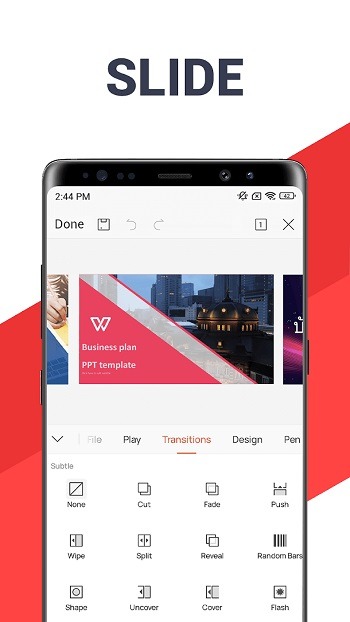
Make Presentations: WPS Office APK latest version is not just about viewing the documents but you can also scan and convert various file types with it. The best thing here is that once you have scanned any image or document then you can use its in-built animation and transition effects to create your own unique presentations. You can also take advantage of the laser pointer and ink feature that will help you to draw anything on the presentation files.
Easy To Use Options: Using WPS Office is very easy and you don’t have to expert in anything to explore differnet options of this app. You can navigate around and use the PDF converter, editor and reader app along with that you can also enter and use formulas in the app by copy-pasting it from the internet. WPS Office for Android comes with multi-window support to allow its users to do multiple works at the same time with night mode enabled.
Pros and Cons:
Pros:
Free version available
Well-known and fairly stable
Has all three major office suite components, plus PDF tools
Cons:
Can have spotty compatibility with MS Office output
Not as polished as other suites
FAQs:
What is WPS Office?
WPS Office is a productivity app used to edit documents, spreadsheets, presentations, PDFs, scanned files, and office templates from one place.
What can I use WPS Office for?
You can use it to write documents, manage Excel-style sheets, view slides, sign PDFs, scan paper pages, convert files, and share work through cloud or messaging apps.
Does WPS Office support PDF editing?
Yes. It supports PDF reading, annotation, signing, page handling, scanning, file conversion, watermark tools, and OCR features for scanned documents.
Who should use WPS Office?
It fits students, remote workers, office staff, teachers, freelancers, and anyone who needs to handle documents quickly on an Android phone or tablet.
Conclusion:
In the world of mobile productivity, WPS Office APK shines bright, offering a versatile suite of tools in an easily navigable interface. While occasional tech quirks exist, the app promptly resolves issues, ensuring an efficient overall experience. Don't miss out! Elevate your document game—download WPS Office now! Seamlessly handle work, studies, or personal tasks with this all-in-one suite. Get WPS Office today and witness the fusion of productivity and convenience.









