Likee
Entertainment
2026-07-17
152MB
5.61.1
Android
439
Screenshots

Introduction
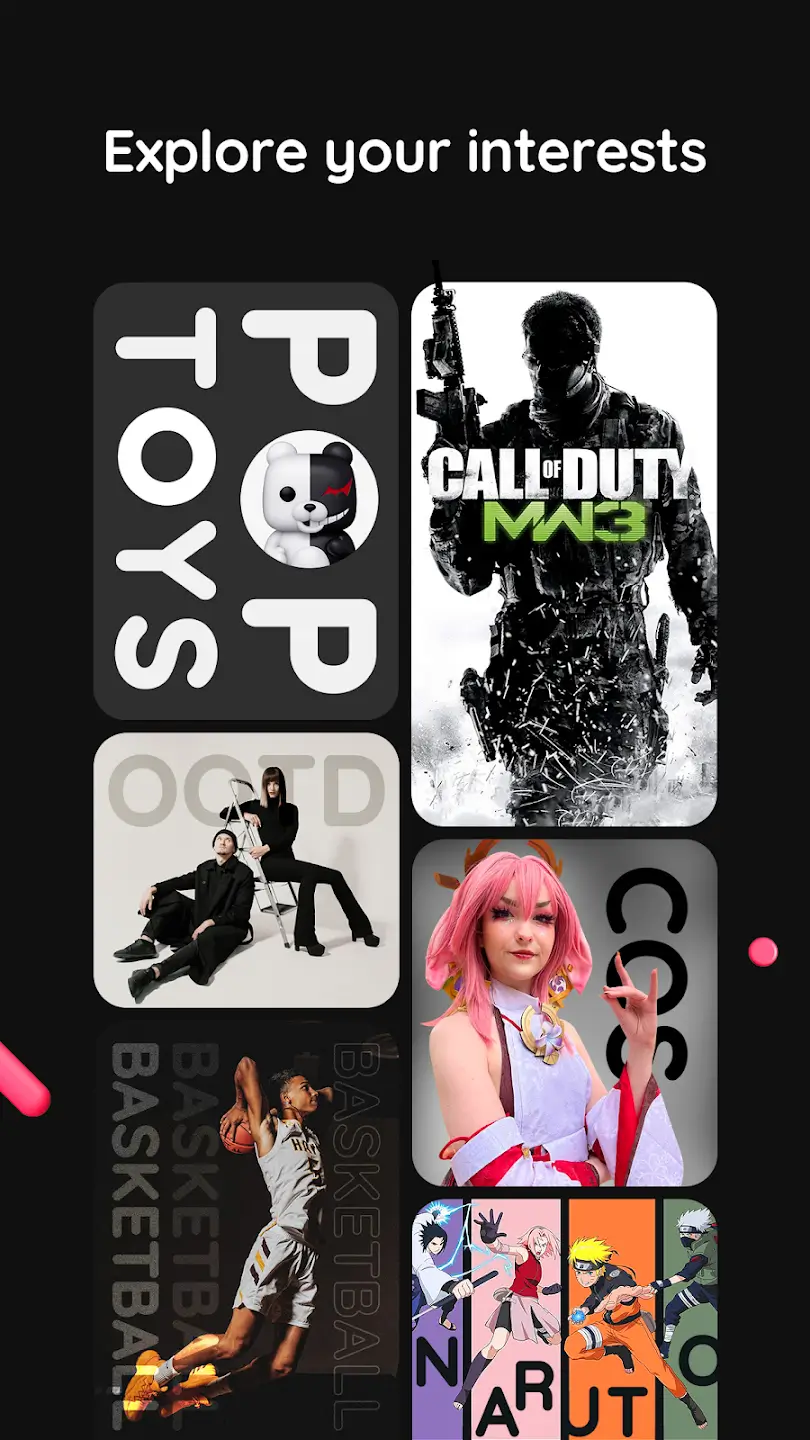
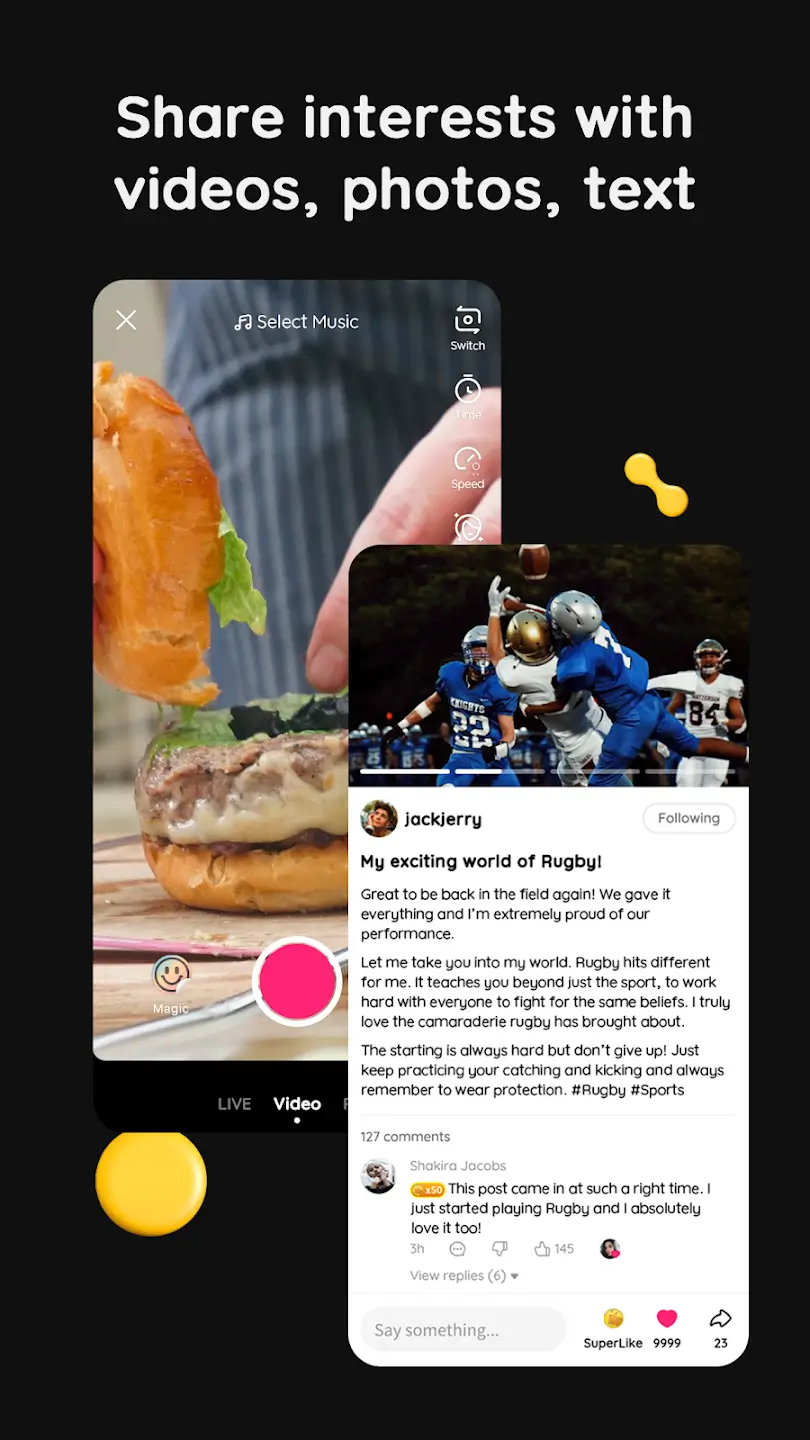
Likee is a social video app where users can explore different types of videos based on their interests. If you want to publish a video, Likee offers professional video editing tools for shooting short videos with cool filters and unique effects. You can edit green screen videos and add visual effects to your work. Likee also provides AI-assisted features, allowing even novice users to easily create a video. The diverse options cater to almost every user, regardless of age or hobby.
Features:
Video Editing Tools
The app has professional video editing tools to shoot short videos with amazing filters and unique effects. You can edit green screen videos to apply VFX effects to your edits.
Find Trending Music
It has a list of all trending music tracks to let you create reels on the latest music. You can use the tone to add to your background for lip-syncing videos, dance videos, or other types of content creation.
Create Community
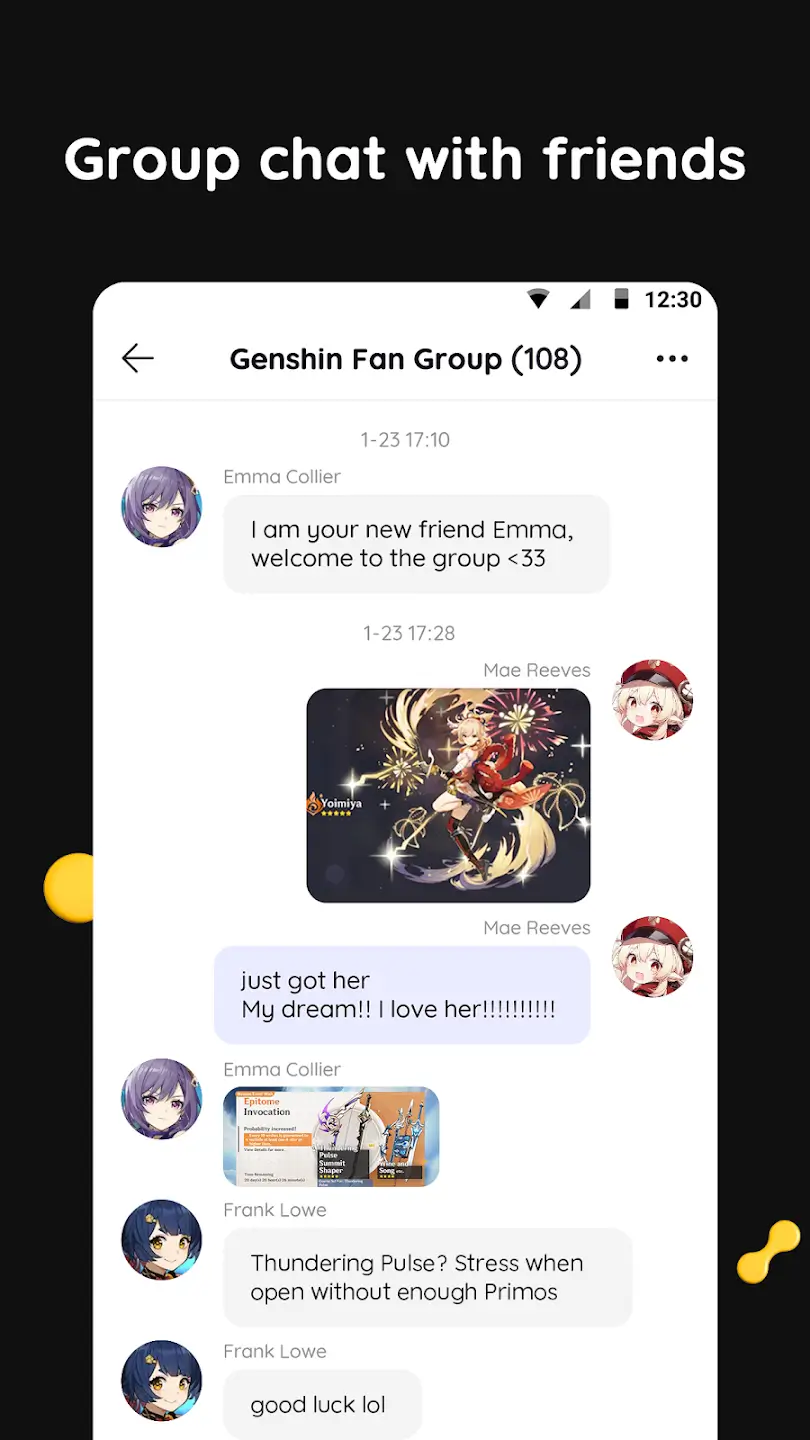
Participate in the creator’s community to share your real-life experience and tactics for growing your channels. You can help the new stars to grow faster with unique content. Share your strategies to get more followers and fans.
Share Livestream
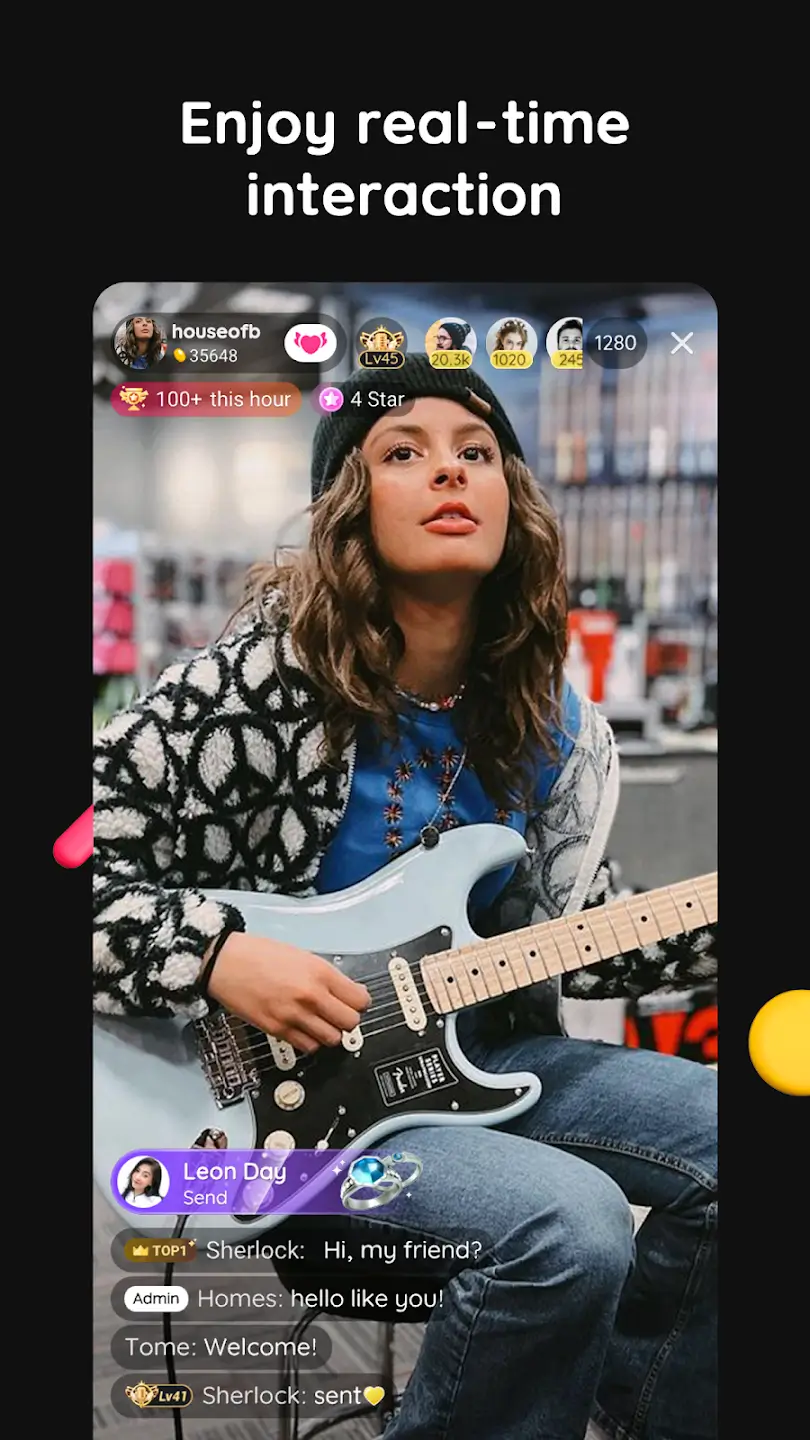
You can go live through your public profile, and your followers will get a notification. They can join your live streaming and share comments below to let you read the messages while you’re streaming.
Live Wallpaper
The app also has a separate section to explore thousands of live wallpapers. You can find the wallpapers for your android smartphone, iPhone device, or desktop. It has all the categories in the menu, go and explore the HD pictures.
Usage:
Open Likee on your Android phone, then sign in or continue with a supported login method to sync your profile.
Browse the home feed to see recommended clips, and tap Follow on creators you like so similar content appears more often.
Tap the camera to record, choose a SuperMix effect such as Face Morph or Astral Travel, then add stickers, apply filters, and adjust beauty settings as needed.
Select a track from the music library to match your video, align the sound, add a caption, and publish the post to your profile.
To stream, open the live option, set a title, and start your broadcast; to set a live wallpaper, choose a video and use the Likee Wallpaper feature to apply it to your home screen.
Pros and Cons:
Pros
Wide selection of AR filters, stickers, and visual effects
AI-assisted tools for face swapping and template-based editing
Live streaming with real-time audience interaction
Cons
Community moderation and content safety remain active discussion points
Performance and feature availability may vary by device
Parental and privacy settings may require manual configuration
FAQs:
What makes Likee different from other short-video apps?
Likee stands out with its advanced editing tools, trending challenges, and a highly interactive community that encourages creativity and engagement.
Is Likee free to use?
Yes, Likee is completely free to download and use, though it offers in-app purchases for additional effects and features.
Can I use Likee without an account?
While you can browse some content without an account, creating a profile is necessary to upload videos, interact with others, and participate in challenges.
How does Likee ensure user safety?
Likee employs AI moderation, user reporting tools, and strict community guidelines to maintain a safe and enjoyable environment for all users.
Conclusion:
Content on Likee covers a wide range of categories, allowing users to explore different types of videos according to their interests. From humor and entertainment to makeup tutorials, dance challenges and educational videos, the platform offers a great number of options for all types of viewers. This diversity makes the app an attractive option for users of all ages and preferences.