HD Video Player
Entertainment
2026-11-02
55.95MB
v12.1.473
Android
523
Screenshots
Introduction
HD Video Player is a video playback tool designed for Android devices. It supports a wide range of video formats and features a built-in HD player that allows for seamless switching between different resolution settings. The app scans your device for all media files and offers quick, convenient controls for volume and brightness. It also includes password protection, enabling you to encrypt and secure private videos. Additionally, you can easily add subtitles to your videos. With its refined design and intuitive interface, the app is simple and quick to get started with.
Features
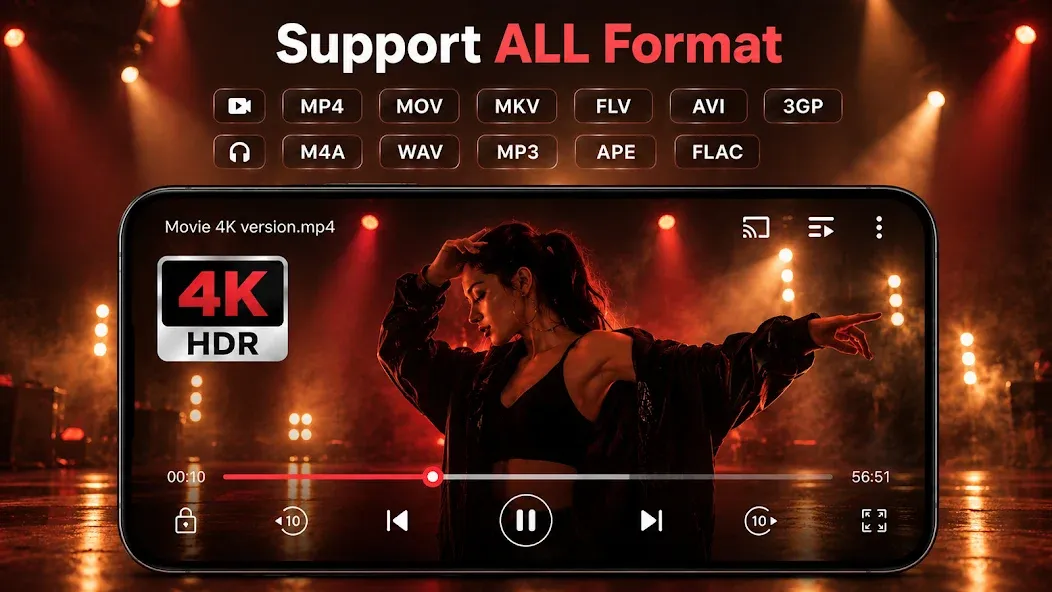
Support ALL video formats, including MKV, MP4, M4V, AVI, MOV, 3GP, FLV, WMV, RMVB, TS, etc.
HD video player, support 4K and all types of video formats.
Identify all video files on your device and scan SD Card automatically.
Video player HD for both an android tablet and an android phone.
Manage or share videos, songs, and photos easily.
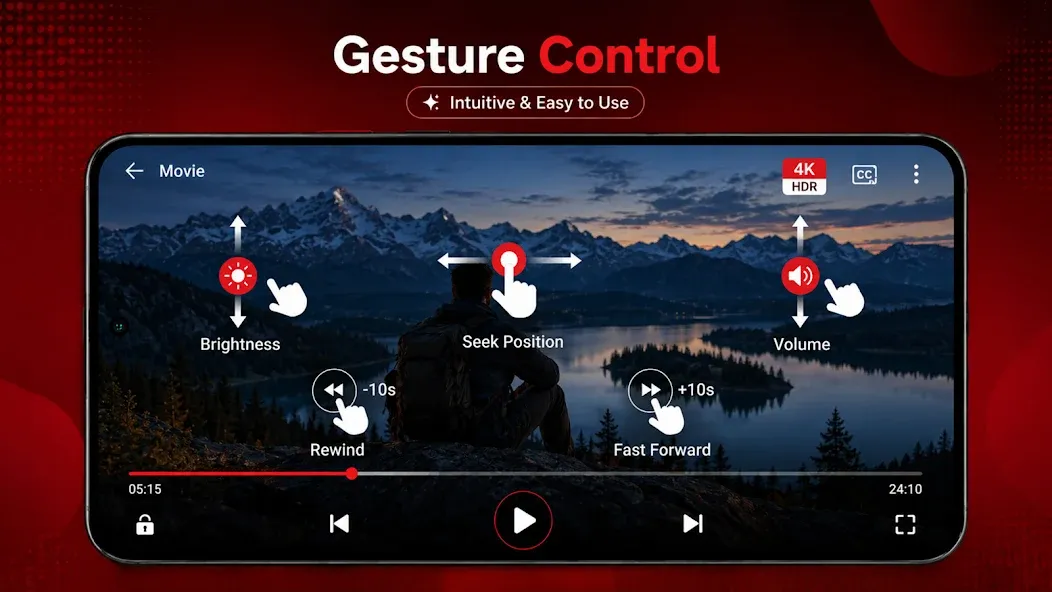
Easy to control volume, brightness, and playing progress.
Multi-playback option: auto-rotation, aspect-ratio, screen-lock etc.
Advantages and disadvantages
Pros
Supports a broad selection of common video formats
Password protection can hide private videos
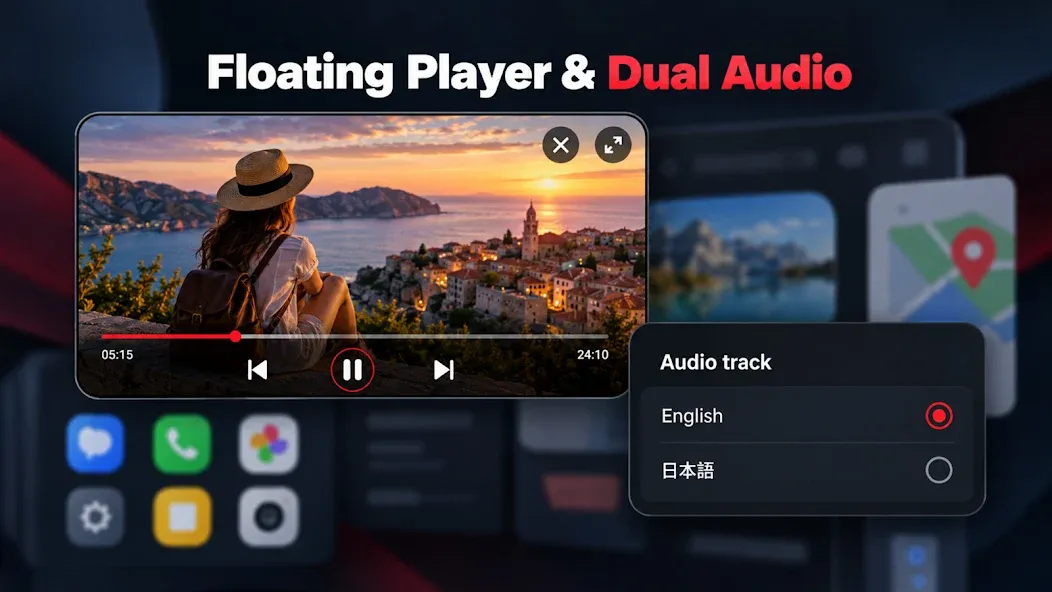
Floating window supports viewing while using other apps
Includes trimming, screenshots, file renaming, and an equalizer
Cons
Swipe-based fast-forward and rewind may stop affecting playback
FAQS
Can I use HD Video Player to play online videos?
Yes, the app supports playing online videos via direct links.
How do I load subtitles into HD Video Player?
You can load subtitles directly within the app, or add them manually from files stored on your device.
Does HD Video Player support 4K video playback?
Yes, it does—provided your device is capable of playing such high-resolution video smoothly.
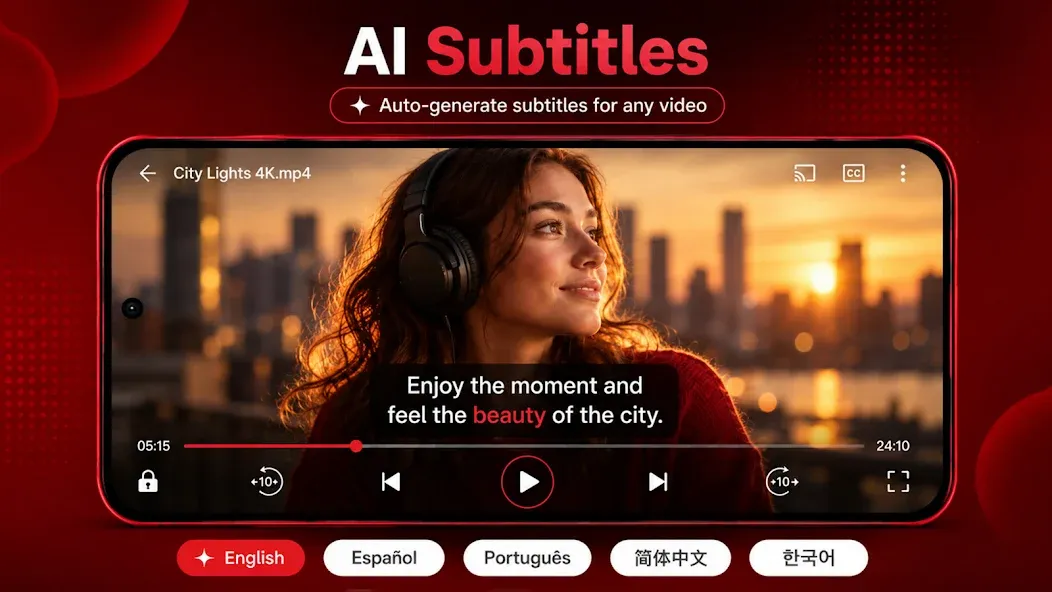
Does the app support automatic subtitles?
Yes. HD Video Player offers automatic subtitles in various languages, making it ideal for watching foreign-language content.
User comments
I had a good experience with the practical media organization when watching high-resolution footage. It makes the task feel less tedious. That practical approach is what I like most about it..and you can also play diffrent different games.
When I want to watch a stored video. I can adjust playback to suit different videos. The option is simple enough to use without much setup. For everyday local media, this is a practical option..
If I am going through a large media collection, I usually notice the simple volume controls. The overall playback experience feels responsive. The controls remain approachable even when exploring extra options..
Summarize
HD Video Player handles locally stored movies and clips on Android, with a compact design and extras that many basic players skip. Its most useful distinctions are a password-protected area for private videos, a floating playback window, and built-in trimming tools.