
Koloro
Photography
2026-08-24
67.09MB
6.2.8
Android
259
Screenshots
Introduction
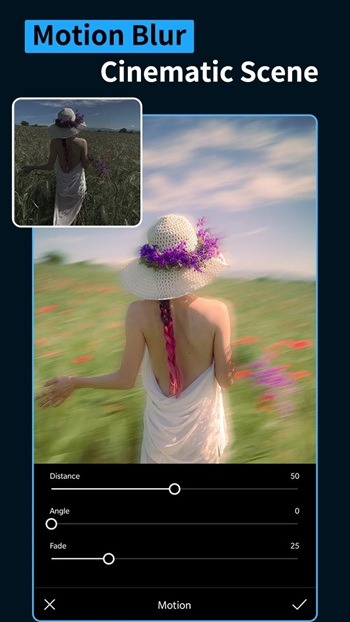
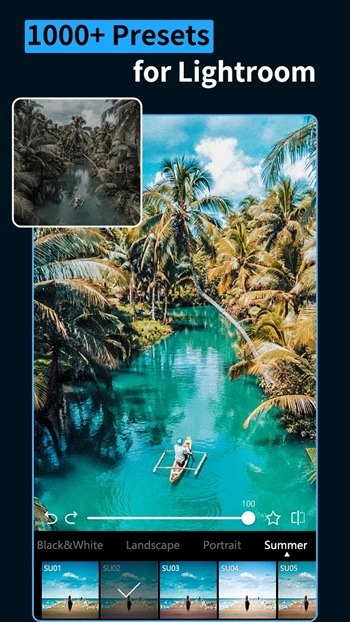
Koloro is a photo editing app designed specifically for Android devices. It features preset overlays and professional editing tools to help users easily achieve high-quality edits. The app offers over 1000 meticulously designed presets in various styles, allowing users to choose the style that best suits their needs and then apply it. Users can also share or import presets via QR codes. It helps maintain a consistent style within your team, making your creative work more coordinated. The app's interface is also very simple, making it easy for anyone to use.
Features:
Extensive presets and overlays
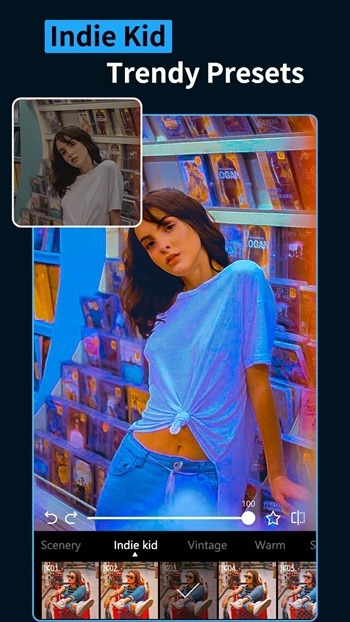
Koloro provides 1000 plus presets and overlays curated by designers and photographers. Packs include retro and VHS, teal and orange, cyberpunk, boho, and Indie Kid styles for both photos and videos. You can browse collections to find a look that fits your brand or feed, then apply with a single tap. Signature overlays like kirakira, window blinds shadows, fireworks, 8mm film, glitch, dust, grain, and scratch help you create clear before and after differences without complex setup.
Recipe sharing and import
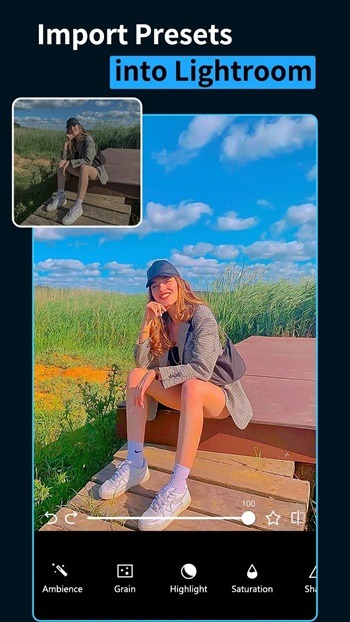
You can share or import edit recipes through QR codes to keep a consistent style across devices and team members. Koloro also lets you exchange DNG files with Adobe Lightroom Mobile so precise adjustments remain intact. This supports a workflow where presets and fine edits move between tools without guesswork. As a result, collaboration stays simple, and edits remain faithful to the original intent.
Video preset editing
Koloro applies presets to videos as easily as to photos. The interface keeps common actions familiar, so cropping a video is as simple as cropping a picture. You can preview changes, adjust frames, and pick a ratio before export to reduce rework. This helps maintain a consistent style across clips, reels, and stories without switching tools.
Sky Changer and editor
The Sky Changer offers over 50 one tap sky effects to replace dull skies quickly. Options include blue sky, sunset, and sunrise, so you can match mood and lighting to your scene. Edges blend smoothly to keep the horizon believable and avoid heavy manual masking. This tool is useful when outdoor shots need a lift without a full reshoot.
Advanced tools and batch workflows
Koloro includes HSL, curves, grain, split tone, selective, and remove tools for targeted adjustments. You can copy an edit and paste it across files to speed up batch work and maintain a steady aesthetic. This is helpful for product listings, campaign sets, or a daily posting schedule where consistency matters. With selective changes and precise controls, edits stay clean while the workflow remains efficient.
Highlights:
Variety: This application is extremely powerful in terms of the variety of filters it has and more specifically, these filters are all created by professional photographers, so we don’t need to worry too much. Worry about the quality of those filters.
Customization: In addition to the Future, this application also provides many other tools for users to edit their images, and these tools are especially easy to use.
Styles: Wide variety of styles for different aesthetics – vintage, cinematic, indie, etc.
Social Media: With its quick but effective characteristics, most users come to this application to edit their short videos on TikTok or YouTube platforms.
Options: 100+ overlay effects like light leaks, lens flares, shadows, etc.
Styles: Users can easily choose from available styles to edit their photos in accordance with the content and ideas of the photo, from classic to modern.
Social Media: Users can easily share edited photos directly from the application to social networks, saving time and effort.
Creativity: The app encourages users to experiment with different settings and effects to explore new possibilities in photo editing, helping them develop their skills and creative thinking.
Pros and Cons:
Pros
Extensive preset and overlay library (1000+ options)
Batch editing for photos and videos
User-friendly interface suited for all skill levels
Custom preset creation and sharing capabilities
Regular updates and active community
Cons
No 4K video export support
Occasional bugs like blank screen after saving edits
Some advanced features require a premium subscription
FAQs:
What is Koloro?
Koloro is a mobile photo editing app designed for Android and iOS, packed with presets, overlays, and pro editing tools for easy, high-quality edits.
Is Koloro free to use or does it require a subscription?
Koloro offers a free version with many tools, but some advanced presets and features require a paid upgrade for full access.
Can I use Lightroom presets in Koloro?
Yes, Koloro supports importing Lightroom presets, which is perfect for users who want to sync their editing style across platforms.
What makes Koloro different from other editing apps?
Koloro stands out with its huge preset library, overlay options, Lightroom integration, and a clean mobile interface that’s easy for anyone to use.
Does Koloro save original images after editing?
Yes, Koloro uses non-destructive editing, so your original photos are always safe even after applying filters and adjustments.
Conclusion:
Overall, if you take a lot of photos and videos that you often post to social media, Koloro is a good editor to consider using. It's simple to use, offers tons of presets and overlays to experiment with, and supports batch editing. You can even take advantage of its more advanced editing tools for better output.
-
Latest Updates
-
Featured Apps









