Dual Space
Tools
2026-11-02
6.52MB
5.0.3
Android
256
Screenshots
Introduction
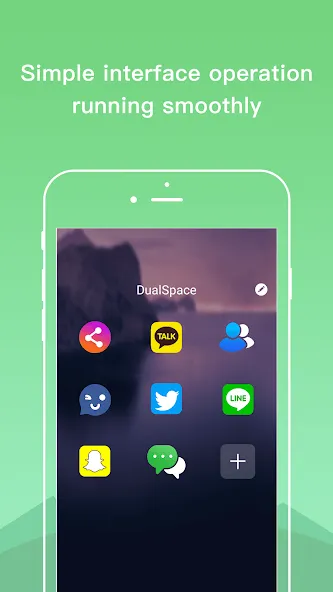
Dual Space is a multi-instance tool for Android devices that allows you to run two identical app instances on a single device. Data for each instance is stored independently, ensuring that, for example, game save files do not interfere with one another. The app is optimized for WhatsApp, enabling you to keep two accounts online simultaneously. It also features a "privacy space" where you can hide specific apps and accounts, with the ability to switch between accounts with ease. Dual Space offers broad app compatibility, consumes minimal system resources, and features a simple, user-friendly interface that makes it easy to get started right away.
Features
Parallel logins for social and games
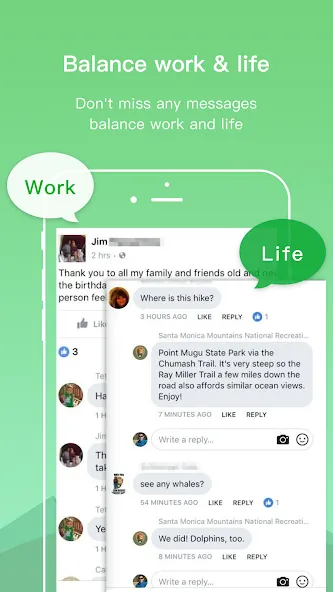
Dual Space runs two instances of the same app at once, letting you sign in with different accounts. Each instance stores data separately, so messages, media, and game saves stay in their own space. Notifications arrive for each login without merging. This setup helps you manage work and personal profiles side by side.
WhatsApp focus with enhanced stability
The app is tuned for WhatsApp so both accounts can remain online in parallel. It aims to reduce common issues like crashes or missed messages seen in some cloners. When combined with proper notification settings, it supports steady background operation. This approach provides a more consistent chat experience across accounts.
Privacy Zone for hidden accounts
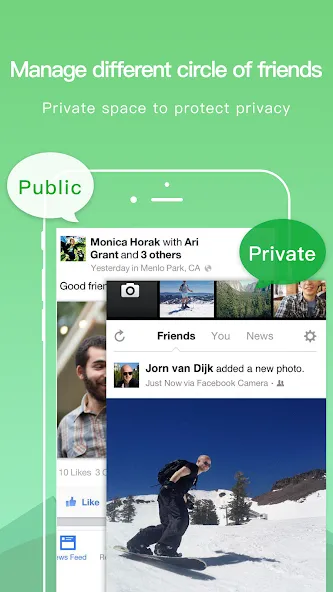
Privacy Zone keeps selected accounts out of plain view and avoids traces in common system lists. You can store sensitive logins in this area so casual device checks do not reveal them. Account data in Privacy Zone remains isolated from the main space. This helps limit exposure when lending a device or sharing a screen.
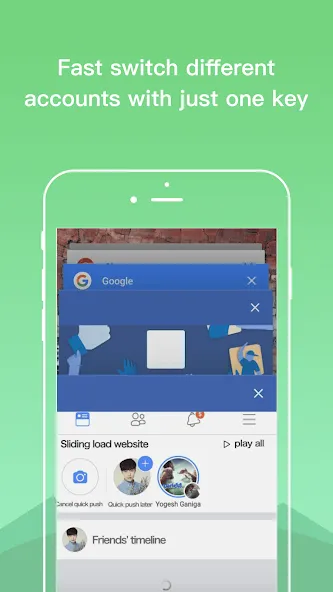
One tap account switching
Switching between identities is designed to be quick. With one tap you can move from a work profile to a personal one and continue where you left off. This reduces time spent reopening apps or reentering credentials. It also lowers the chance of sending messages from the wrong account.
Broad app support with light resource use
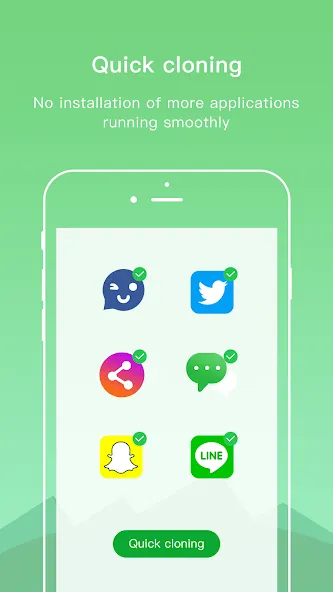
Dual Space supports most top social apps and popular games while keeping clones independent. The cloning process is fast and does not require extra system installations. Resource usage is kept low to help preserve battery life and keep the device responsive. This balance allows multiple sessions without heavy performance impact.
Advantages and disadvantages
Pros
Free plugin focused on improving Dual Space on older 32-bit Android devices
Created by the same developer as the main Dual Space app for close integration
Designed to reduce slowdowns and crashes by providing a more suitable 32-bit environment
Cons
Does not reliably fix performance and stability issues in all cases
Can stop working and may even cause the phone to switch off when opened
FAQS
What is Dual Space?
Dual Space is an Android utility app that lets users clone apps and log into multiple accounts on one device.
Is Dual Space safe to use?
Dual Space isolates each cloned app, keeping account data separate, though users should still download it from trusted sources.
Which apps work with Dual Space?
Most social media, messaging, and gaming apps are supported, but some high-security apps may have limits.
Does Dual Space slow down my phone?
On most devices, performance remains stable, but running many cloned apps can increase battery and memory usage.
Who should use Dual Space?
It suits people managing multiple social, work, or gaming accounts who want faster switching without repeated logins.
User comments
Best free dual-account app out there (I tried many). Only minimal ad-infestation, direct shortcuts to the dual-apps and constant notifications of said. If you need a second version of Whatsapp, FB-messanger or such and your phone/android version doesn't support that fuction yet, Dual Space is the app you need.
This app proves to be exceptionally useful and stress-free. I thoroughly enjoyed utilizing Dual Space. I kindly request that all my VPNs integrated within it function seamlessly and connect successfully without displaying "Not Protected." Nonetheless, I still bestow five stars upon the app for you all.
I like this app, and even though you need to install a support, this is the only app I could find that worked like this. My only complaint is that you can only install the app once. Maybe the devolopers can make it so you can have multiple apps or you can have two dual spaces. Overall, I really like this app. It's the only app that works.
Summarize
Dual Space suits users who manage more than one account daily. It works well for freelancers, online sellers, social media managers, and gamers with multiple profiles. Anyone tired of account switching will likely find it practical.





-
Latest Updates
-
Featured Apps