Clean Master
Tools
2026-10-20
21.72MB
9.4.9
Android 6.0 and up
544
Screenshots
Introduction
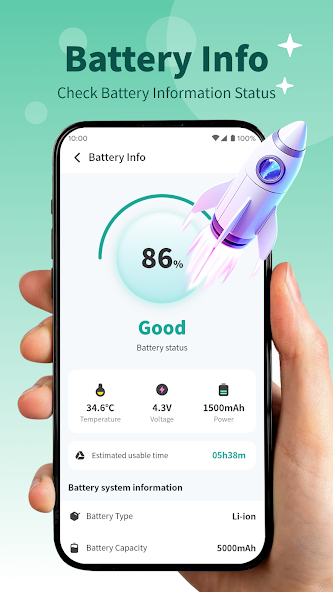
Clean Master is a memory-cleaning tool designed for the Android operating system. It features a user-friendly, clean, and uncluttered interface, allowing users to get started with ease. By using this app, you can clear unnecessary data to free up storage space and improve system fluidity. It also helps conserve power—thereby extending battery life—and can boost performance for gaming. The app has a small footprint, ensuring quick downloads, and includes a feature to help with device cooling. It thoroughly removes residual, unnecessary files and offers excellent compatibility, making it suitable for a wide range of Android devices and applications.
Features:
Junk and Cache Cleaner
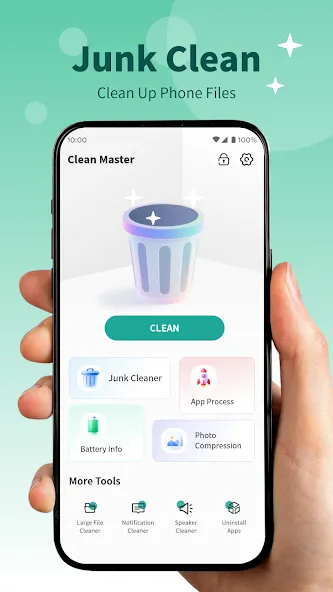
Scans for residual files, temporary cache, and leftover data from social media apps—all of which take up storage space. You can review the scan results and delete selected items to free up space and help prevent system slowdowns.
Antivirus Scan and Removal
Includes a built-in, free antivirus tool that scans both installed and pre-loaded apps to detect malware and Trojans. It utilizes an AV-TEST certified engine to identify and remove known threats.
One-Tap Phone Booster and Speed Test
Free up memory and close unnecessary background tasks with a single tap. After boosting your device, you can use the built-in speed test feature to see the performance improvements.
Battery Saver and App Hibernation
Identifies apps that continue running in the background and draining your battery. You can place selected apps into hibernation to limit their activity and extend your battery life.
Wi-Fi Security Check
This tool checks for risks such as rogue hotspots or unknown devices connected to your network. If a threat is detected, it provides clear guidance on the next steps—such as disconnecting from the network or checking your router.
Privacy Tools and Game Manager
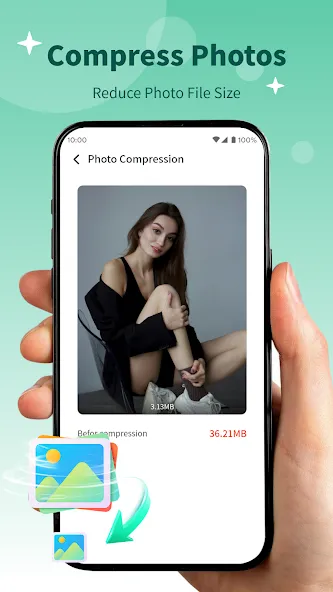
Privacy features include an App Lock, which allows you to restrict access to specific apps using a password or pattern. Media tools help you locate large files, compress photos, and hide selected photos or videos in a private, secure space.
Highlights:
Junk Cleanup: Detect and remove unnecessary cached data from your phone, without affecting your important files.
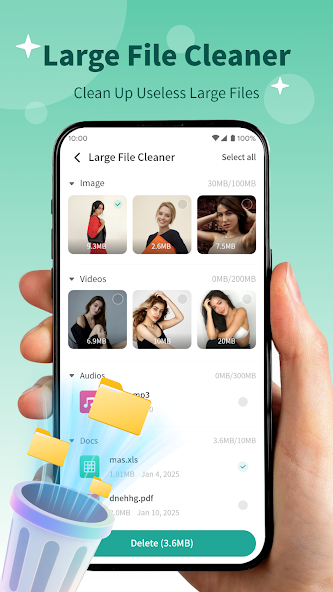
Large File Cleanup: Scan for and identify large files on your phone, such as videos or documents. You can choose whether or not to delete them based on your needs.
App Uninstallation: Running low on storage space? Scan for apps that are rarely or never used, and choose whether to uninstall them.
Background Apps: Easily view apps currently running silently in the background and manage unnecessary background processes.
FAQS:
Is Clean Master any good?
The left-hand panel displays the app's main features, which you can easily use to remove unwanted files from your desktop.
Is Clean Master available on other platforms?
The app also runs perfectly on the latest version of Windows 10.
Does Clean Master actually work?
In addition to supporting multiple languages, this tool can boost your computer's speed and quickly clean up unwanted files.
Advantages and disadvantages:
Pros
Targets low-spec devices
Cleans junk
Blocks and removes malware
Cons
Clean Master offers more options
Conclusion:
Clean Master keeps your device clean and optimized. It not only helps you free up storage space but also ensures your device runs faster with better performance. What are you waiting for? Download it now and see for yourself!
-
Latest Updates
-
Featured Apps