MSA FRP Bypass
Tools
2026-10-20
6.27MB
2.0
Android 4.0 and up
511
Screenshots
Introduction
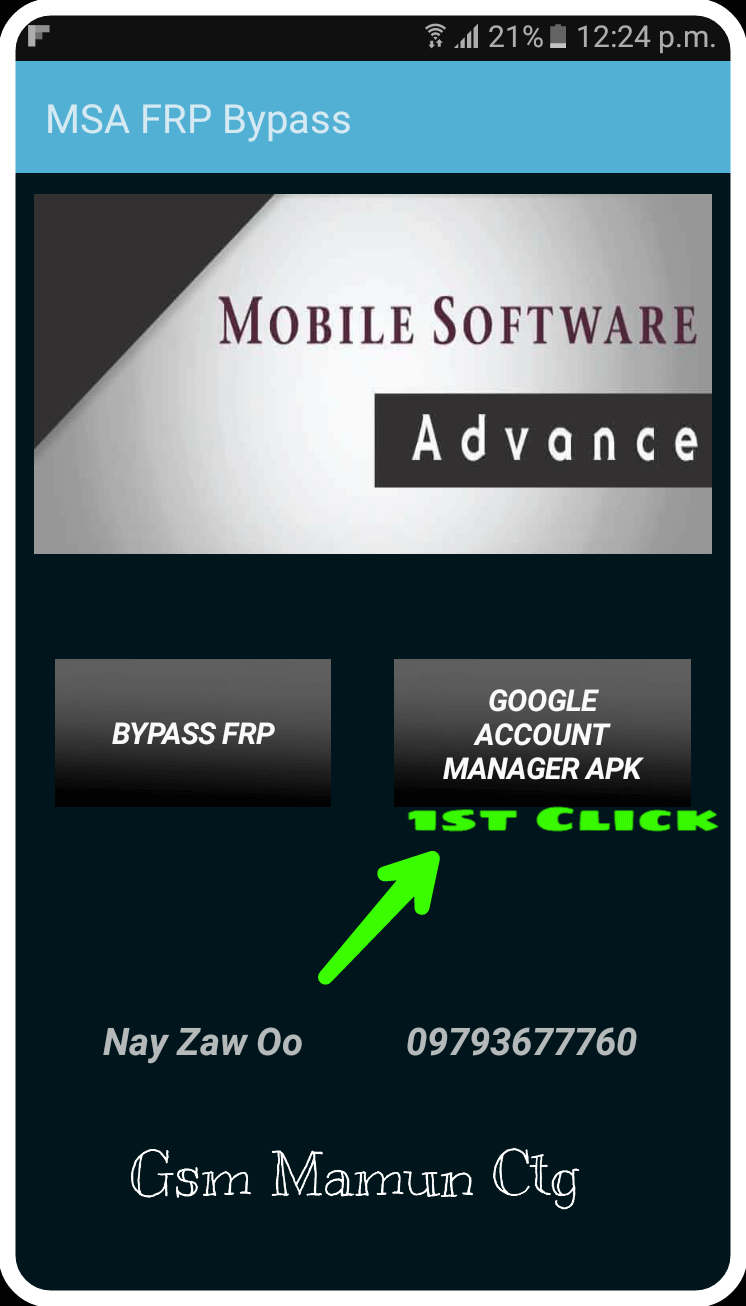
MSA FRP Bypass is a system tool designed for Android devices that enhances the security mechanisms of the Android operating system. The software features an intuitive interface, allowing both beginners and experienced users to get started quickly without navigating complex procedures. It enables remote device management and GPS-based phone tracking. Detailed tutorials are provided to guide users through the setup process. The tool supports a wide range of Android devices and offers robust protection for user data privacy. By linking to a Google account, it prevents unauthorized individuals from unlocking the device, thereby increasing overall phone security.
Features
Enhanced Security: MSA FRP Bypass leverages Android's built-in security features to provide an additional layer of protection. If your device is lost or stolen, the application ensures that unauthorized users cannot access your data through factory reset methods.
User-Friendly Interface: Designed with a seamless and intuitive interface, MSA FRP Bypass makes it easy for users to navigate through its features. Whether you're a tech-savvy individual or a novice user, you can confidently manage your device’s security settings without hassle.
Remote Management: With MSA FRP Bypass, you can remotely manage your device from any location. This includes the ability to lock your device, erase data, and locate your phone using GPS tracking, offering peace of mind if your device goes missing.
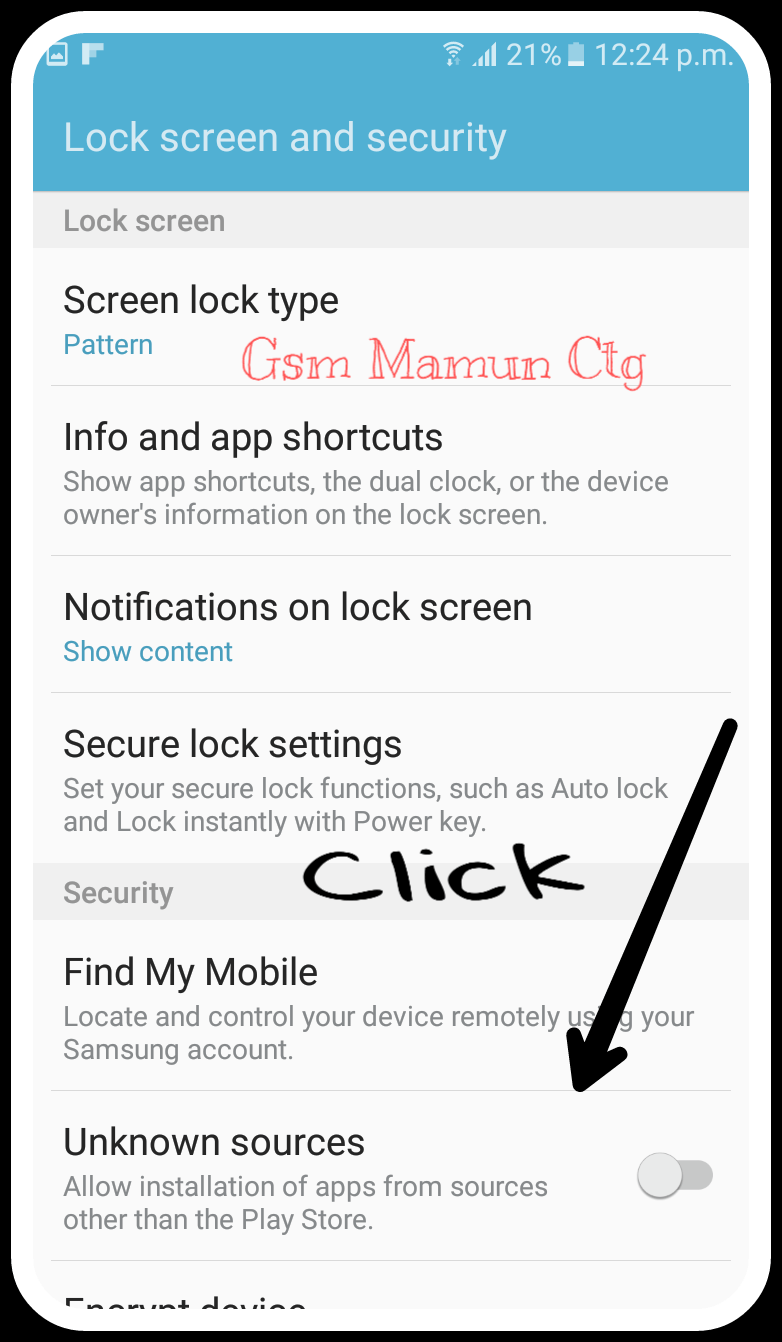
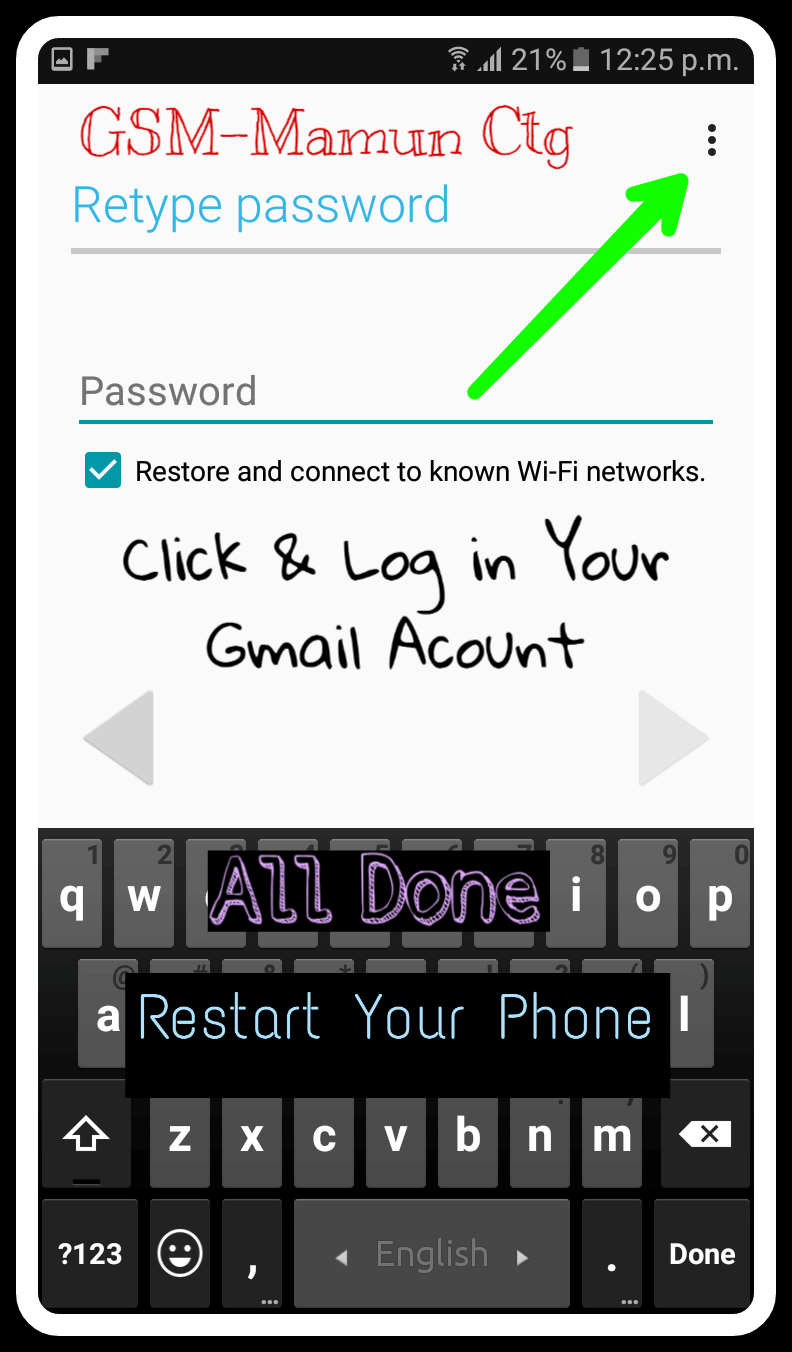
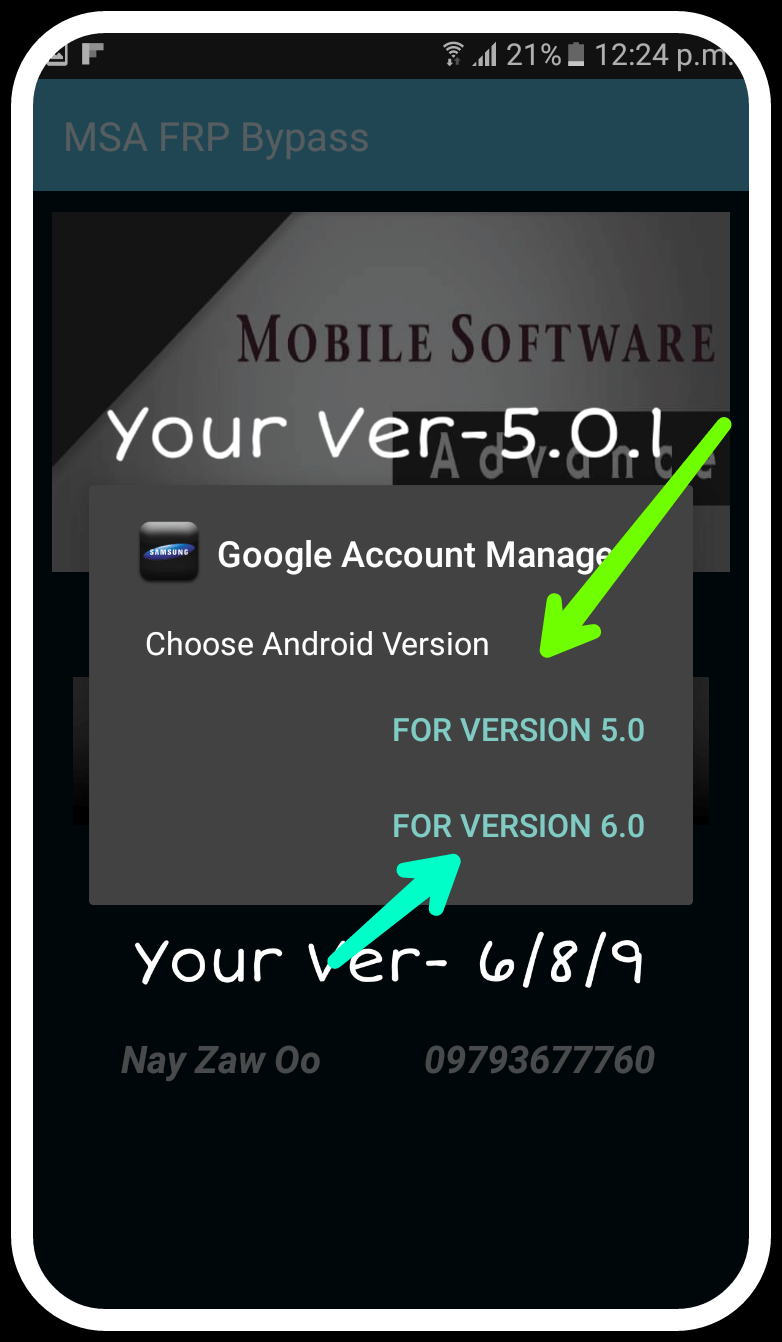
Comprehensive Tutorials: For users who may be unfamiliar with factory reset protection or how to utilize MSA FRP Bypass effectively, the application provides comprehensive tutorials that offer step-by-step guidance.
Regular Updates: The development team behind MSA FRP Bypass is committed to keeping the application up to date with the latest security patches and features, ensuring that users benefit from continuous improvements and enhanced protection.
Multiple Device Support: MSA FRP Bypass supports a wide range of Android devices, making it a versatile solution for users with different brands and models. Whether you have a Samsung, LG, or another Android device, MSA FRP Bypass is compatible with your needs.
Data Privacy: MSA FRP Bypass prioritizes user data privacy. The application does not collect personal information or data without explicit permission, maintaining the trust and confidentiality of its users.
Advantages and disadvantages
Pros
The tool is free
Connects to your Gmail account so that no one else can use their account to unlock your phone
Remembers your Gmail password
Offers security protocol updates
Cons
You may not need it for a long time if you take good care of your Android phone
FAQS
What should I do if I forget my Google account credentials?
If you forget your details, first try recovering your account using Google’s Account Recovery page. If unsuccessful, use an MSA FRP Bypass as a last option.
Does a factory reset remove FRP lock?
No, a factory reset or hard reset does not remove the FRP lock. To remove it, you will need to use a MSA FRP Bypass.
Is it safe to use third-party MSA FRP Bypass?
Using reliable tools is usually safe. But if you’re not an expert, always be extra careful, some tools can cause bootloops.
Summarize
MSA FRP Bypass is a free app that you can use to bypass the Factory Reset Protection created by Google. With the app, you can override Google system settings to activate specific features on your Android phone. When you turn off the FRP set by Google, you will never need to flash your device. Using the app, you can unlock your Google Account via a mobile browser instead of using a PC.
-
Latest Updates
-
Featured Apps