AppKiller
Tools
2026-09-20
4.78MB
26.8.1
Android
388
Screenshots
Introduction
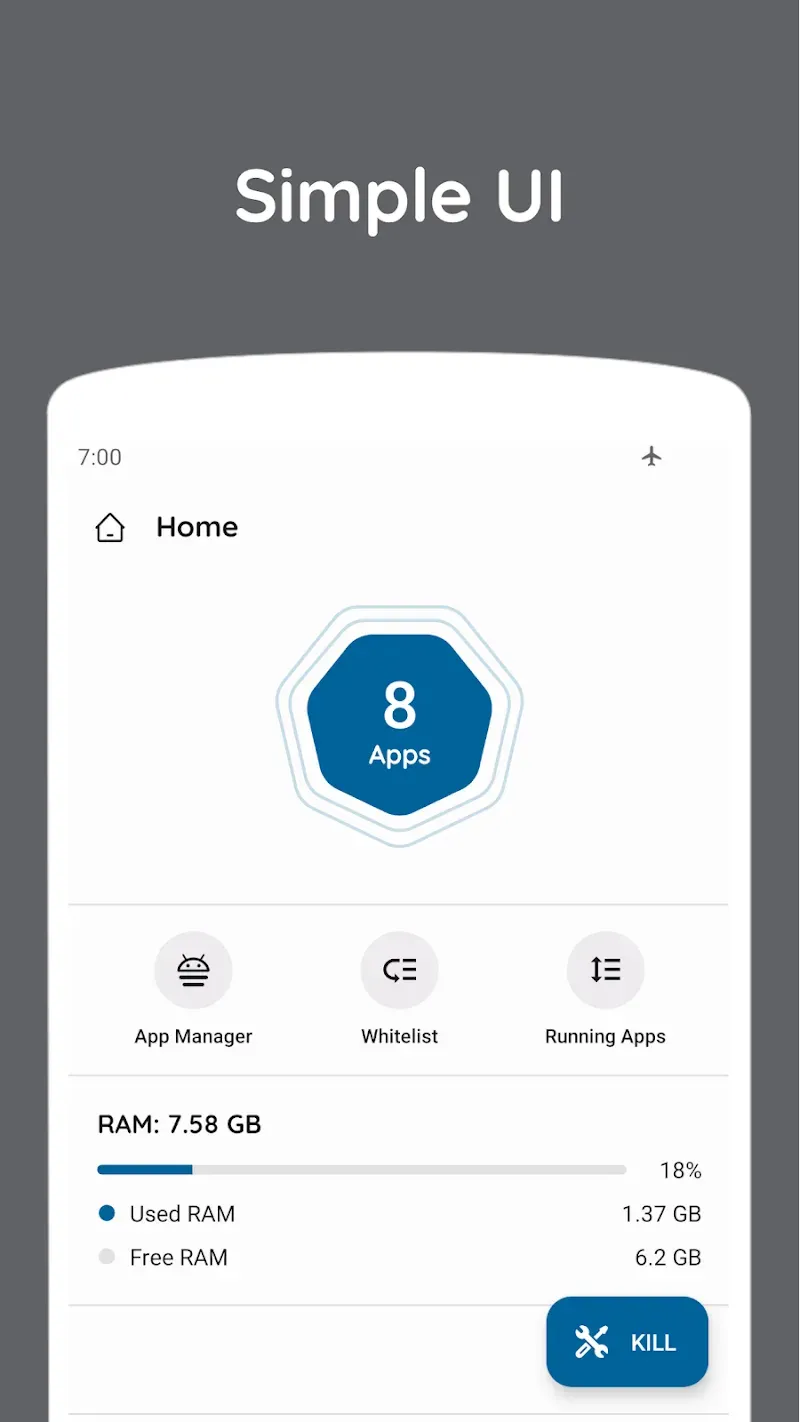
AppKiller is a utility for Android devices that helps users close background apps to free up memory and save battery power. It features a scheduled task function, allowing users to set specific times for the automatic closure of selected apps. The app also includes a whitelist feature, enabling users to protect important apps from being closed. It operates without requiring root access, so users need not worry about security issues. Designed for simplicity, AppKiller allows any user to easily save memory and extend battery life.
Features:
Close background apps
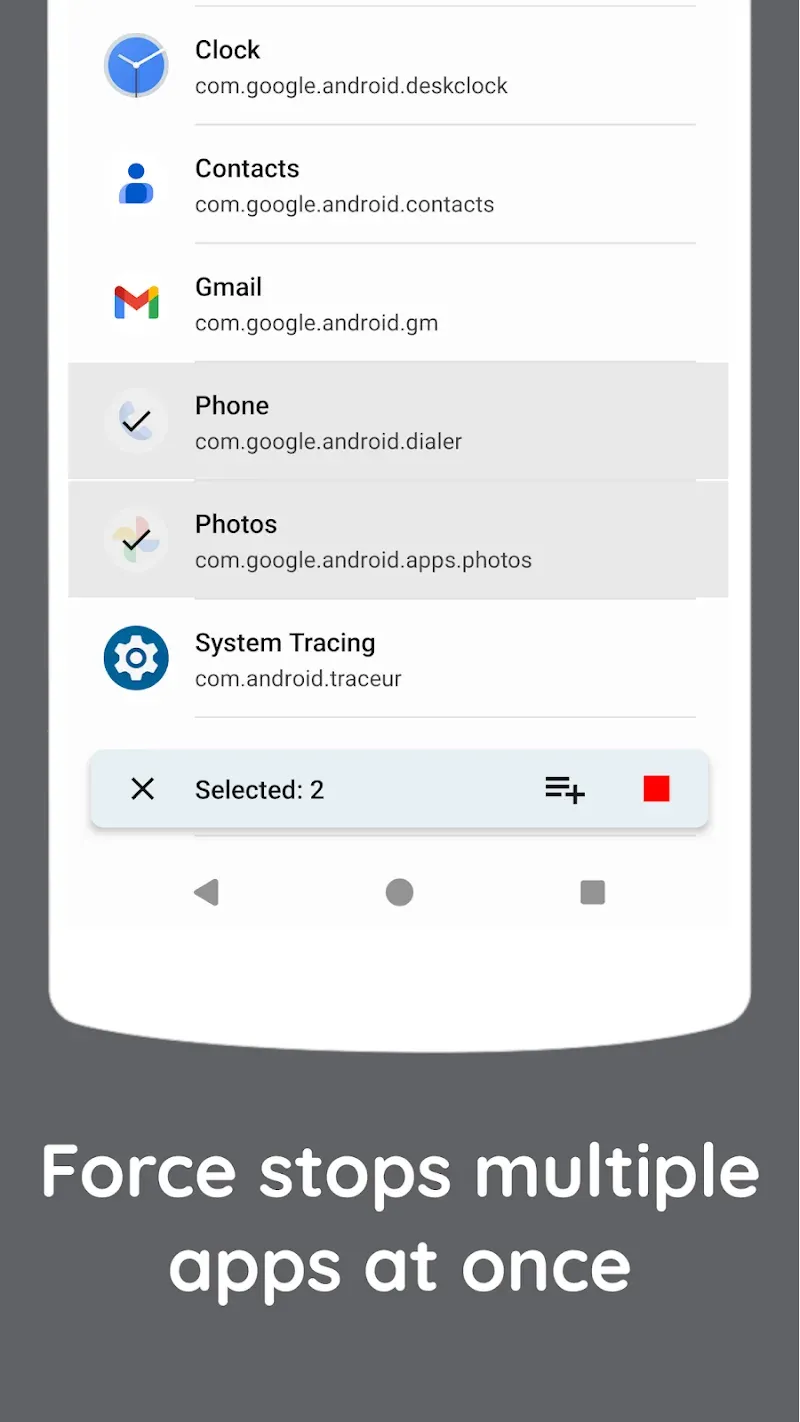
AppKiller closes background apps to free memory and save battery power. You can close all at once or focus on selected apps. This helps improve overall performance.
Force stop and scheduling
You can force stop apps and set a schedule to kill selected apps. This keeps performance consistent without repeated manual steps. The app uses Accessibility Service to press the force stop button in system settings. It can assist users with physical disabilities by automating tasks that are hard to perform one by one.
Whitelist and history
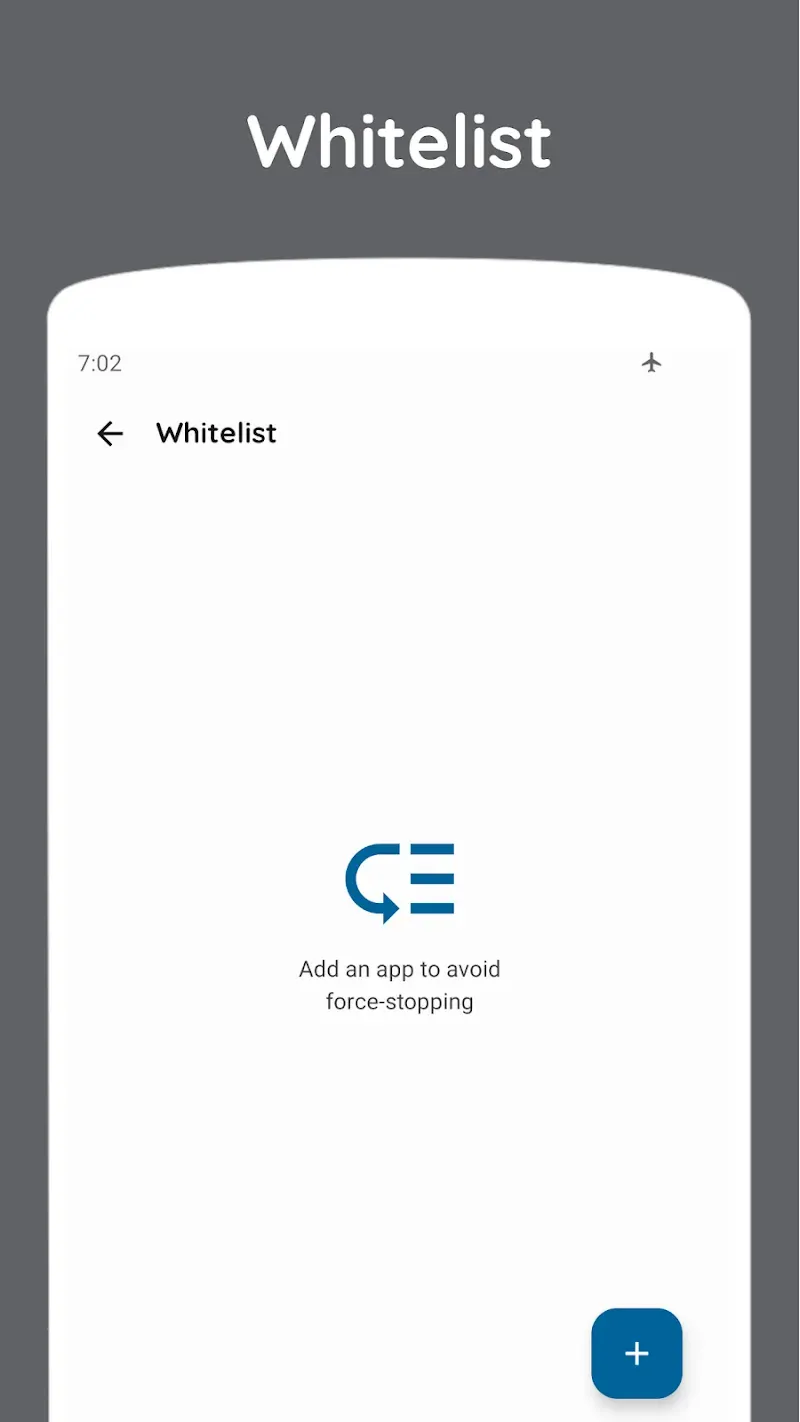
Add important apps to a whitelist so they are not killed.
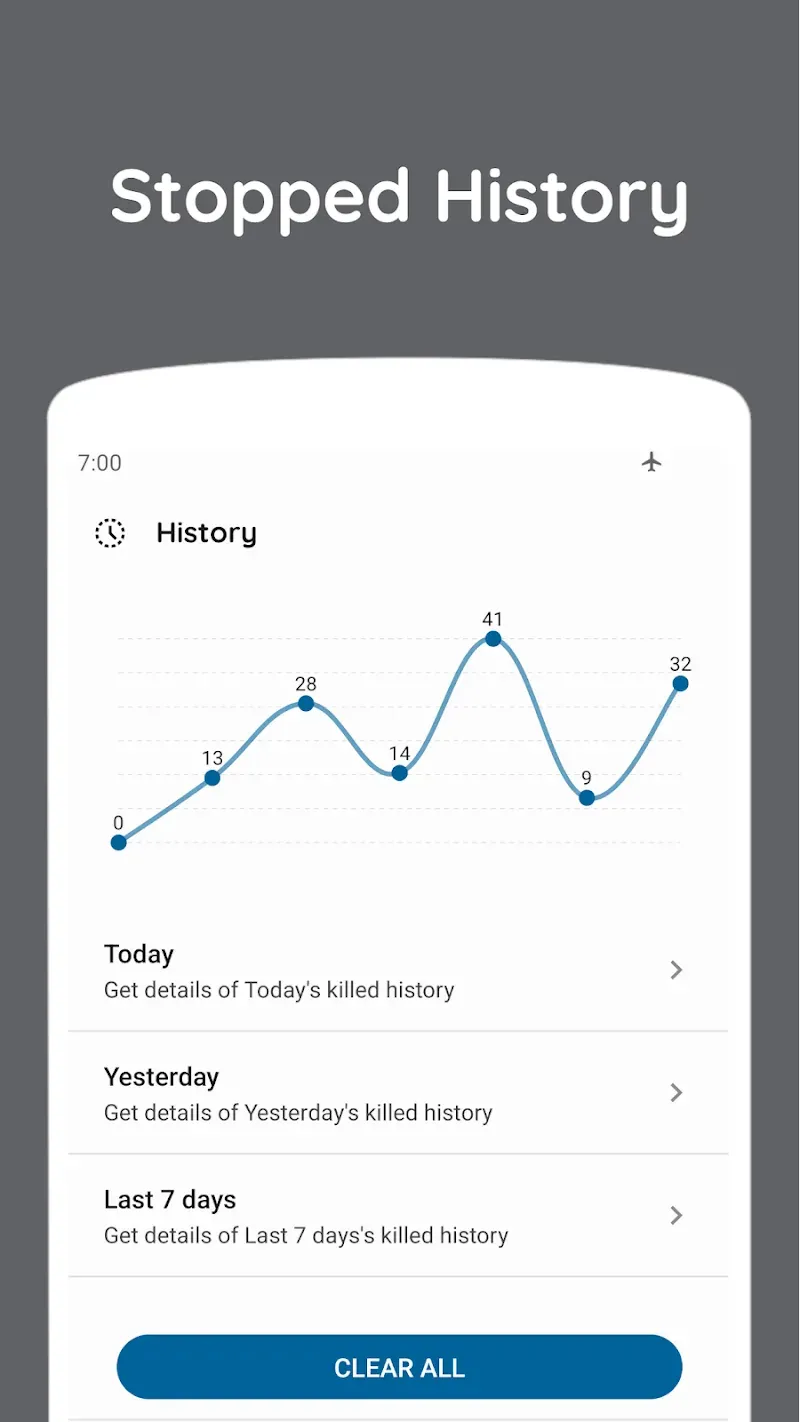
Review detailed history to see which apps were killed and when.
Task manager and premium options
AppKiller includes an app manager to view running tasks and manage them in one place. The interface is simple and supports custom colors, and the app does not collect personal information. Widgets and force stopping system apps are available as premium options. For the most current capabilities, check the AppKiller latest version.
Highlights:
Memory Saver: The application will save you a lot of memory. If an application has not been used for a long time and is forgotten by you, the application will quickly be removed, giving you more memory.
Auto Mode: With this application, you don’t need to do anything. Because everything is automated, giving you an extremely convenient and free experience.
Power Boost: The application will also support your battery. Background applications that drain the battery will be quickly eliminated, ensuring your battery performance is always stable and better.
Quick Access: You can quickly access the application without having to register or log in. Bringing you an extremely convenient and comfortable utility without having to perform too many complicated operations.
Easy Control: The application gives you an extremely simple controller. With this controller, you will be able to quickly control and use it without having to learn how to use it.
Seamless Design: The application brings you a seamless design. With this design, the features and tools will be brought to you smoothly so that you can use them smoothly.
Pros and Cons:
Pros
Manual and automatic force stopping
Convenient floating dock
Whitelist and stop history
Cons
Limited visibility into preloaded and system processes
Automation depends on Accessibility Service access
FAQs:
Q: Does the app require root access?
A: No, the app does not require root access to function.
Q: Can I add apps to an allowlist?
A: Yes, you can add apps to an allowlist to prevent them from being closed by the app.
Conclusion:
The primary purpose of this utility is to help you free up memory and CPU resources by shutting down unnecessary apps, thereby potentially extending battery life and improving device performance. With its user-friendly design and robust functionality, AppKiller serves as a valuable addition for anyone looking to maintain optimal device efficiency.
-
Latest Updates
-
Featured Apps