APK Editor Pro
Tools
2026-09-28
61.92MB
605.0.0
Android
599
Screenshots

Introduction
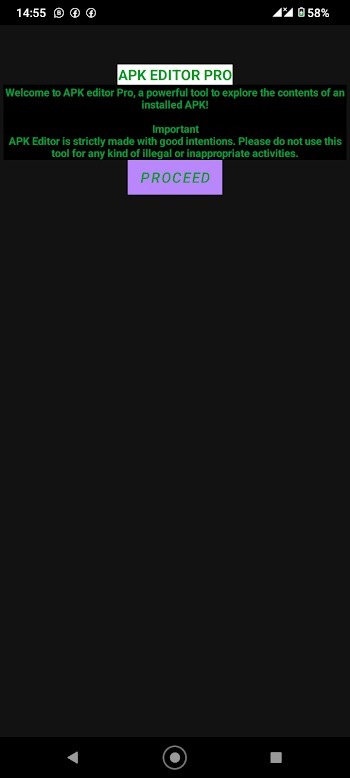
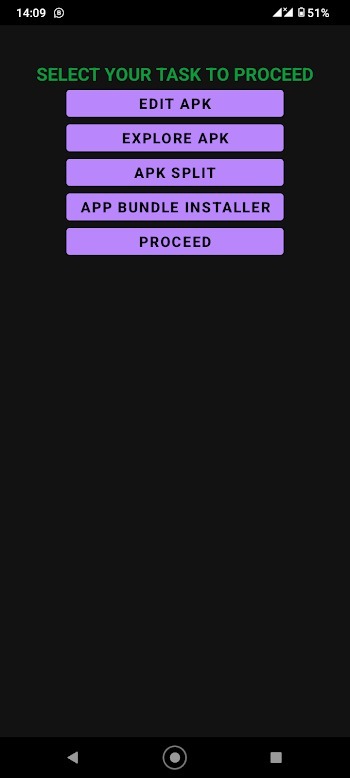
APK Editor Pro is an editing tool designed for Android. It features a user-friendly interface that allows users to quickly master its functions and achieve professional-quality results, even as beginners. The software boasts high compatibility and supports various editing modes, enabling comprehensive editing and rapid adjustments—such as replacing original resources, icons, and audio files. It also includes a powerful search function that allows users to quickly locate files based on specific names or sizes. With a small footprint, the app downloads quickly and runs stably, making it a highly capable editor.
Features:
Edit APK Files – With the latest version of APK Editor Pro on your Android phone or tablet, you can edit APK files and pre-installed apps, as well as view their code.
Permissions Manager – After downloading APK Editor Pro for Android, you can not only edit apps but also modify their permissions.
Modify App Data – If you want to modify a game you are playing, you can use this APK Editor Pro feature to change in-game values such as gold, money, and scores.
Autostart Manager – This app also helps boost device performance. You can use this feature to prevent apps from launching automatically upon startup.
100% Free and Safe – Downloading and using APK Editor Pro Premium for Android is completely free and safe, provided it is not used for illegal activities.
Highlights:
Displays APK icons and image thumbnails; supports thumbnail caching and thumbnail previews for images inside ZIP files.
Powerful search capabilities, supporting searches by filename, file content, and file size.
Comprehensive ZIP file management: directly add, rename, or delete files within ZIP archives without needing to re-compress.
Built-in text editor, image viewer, music player, font previewer, and script executor.
Batch operations copy, move, delete, rename, create symbolic links, and modify permissions.
FAQs:
What is APK Editor Pro?
APK Editor Pro is a tool that lets Android users modify apps, edit permissions, customize layouts, and even remove ads without needing developer-level skills.
Can APK Editor Pro remove ads from apps?
Yes, APK Editor Pro allows users to eliminate intrusive ads from apps, creating a cleaner and less distracting experience.
Do I need coding skills to use APK Editor Pro?
Basic edits like renaming apps or changing icons are easy, but deeper features like code editing and debugging may need some coding knowledge.
Is APK Editor Pro safe to use on my phone?
It's generally safe if you back up your apps first and stick to responsible edits; reckless changes can sometimes cause apps to crash.
Advantages and disadvantages:
Pros
Good compatibility
Allows browsing and editing of APK contents on Android devices
Supports saving changes and replacing background images
Cons
Contains ads
Conclusion:
Whether you want to modify your favorite games or gain a deeper understanding of how apps work, APK Editor Pro is here to help. It makes a fantastic addition to your digital toolkit. Why not give it a try? Download it now and start your app-editing journey!