
Apex Launcher
Tools
2026-09-07
17.02MB
4.9.36
Android 4.4 and up
571
Screenshots
Introduction
Apex Launcher is an Android launcher. It offers a variety of customizable themes that users can freely choose and switch between. The software integrates a powerful theme engine. Users can easily and simply use it with any application. The interface is clean and well-organized. It helps users efficiently back up and restore factory settings. It allows for easy customization of the device's appearance, providing a fresh experience every day. Users can set app lock unlock methods using gestures, passwords, patterns, etc. It also renders different atmospheres with 3D effects, making it a very practical tool.
Features:
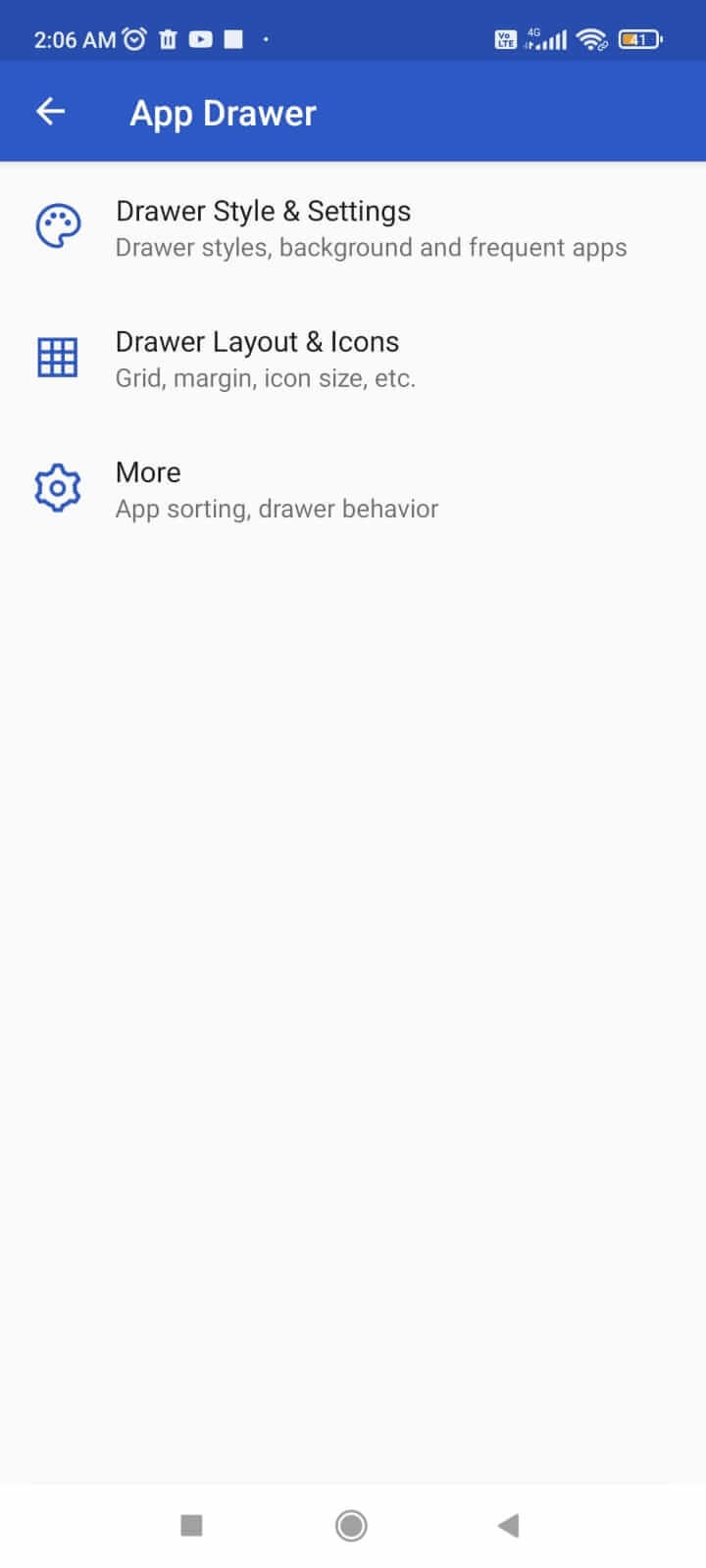
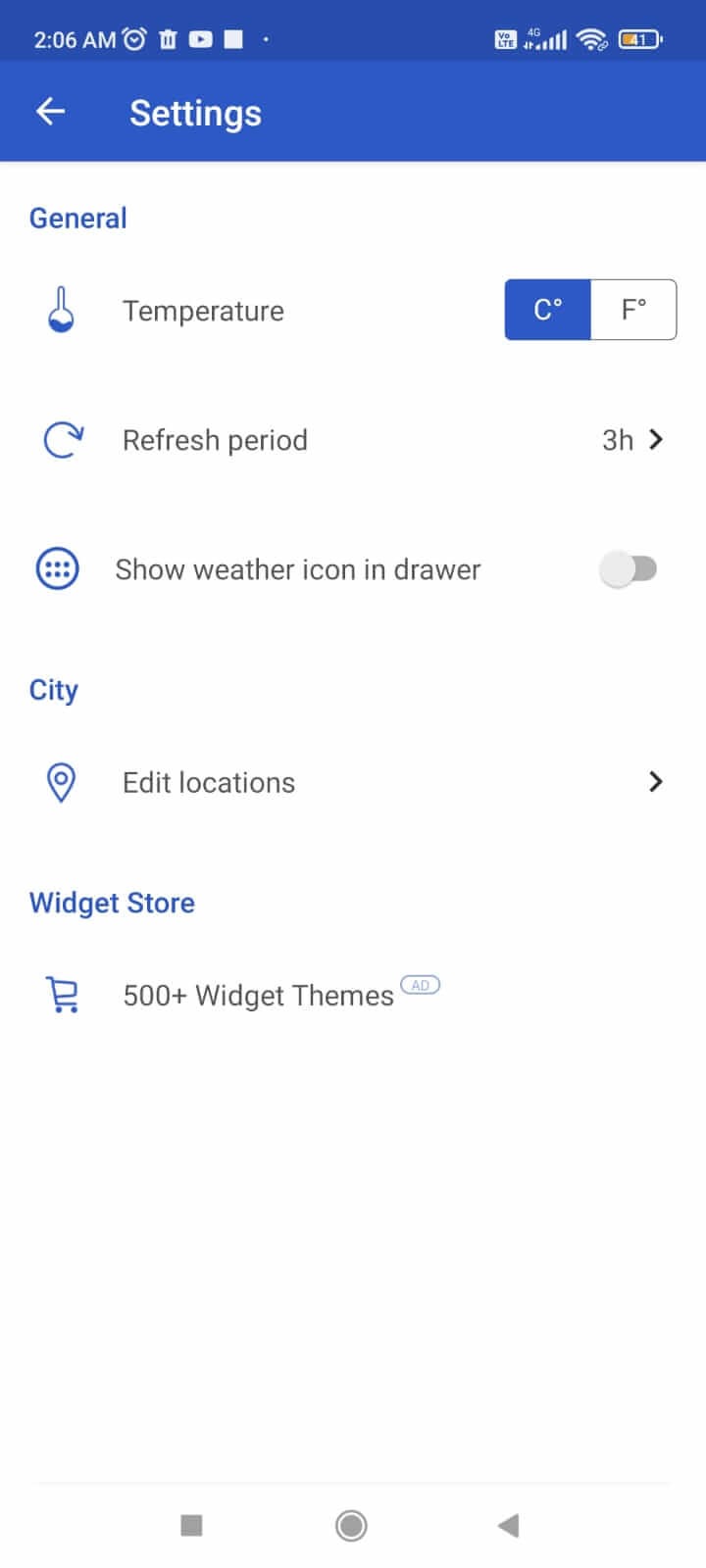
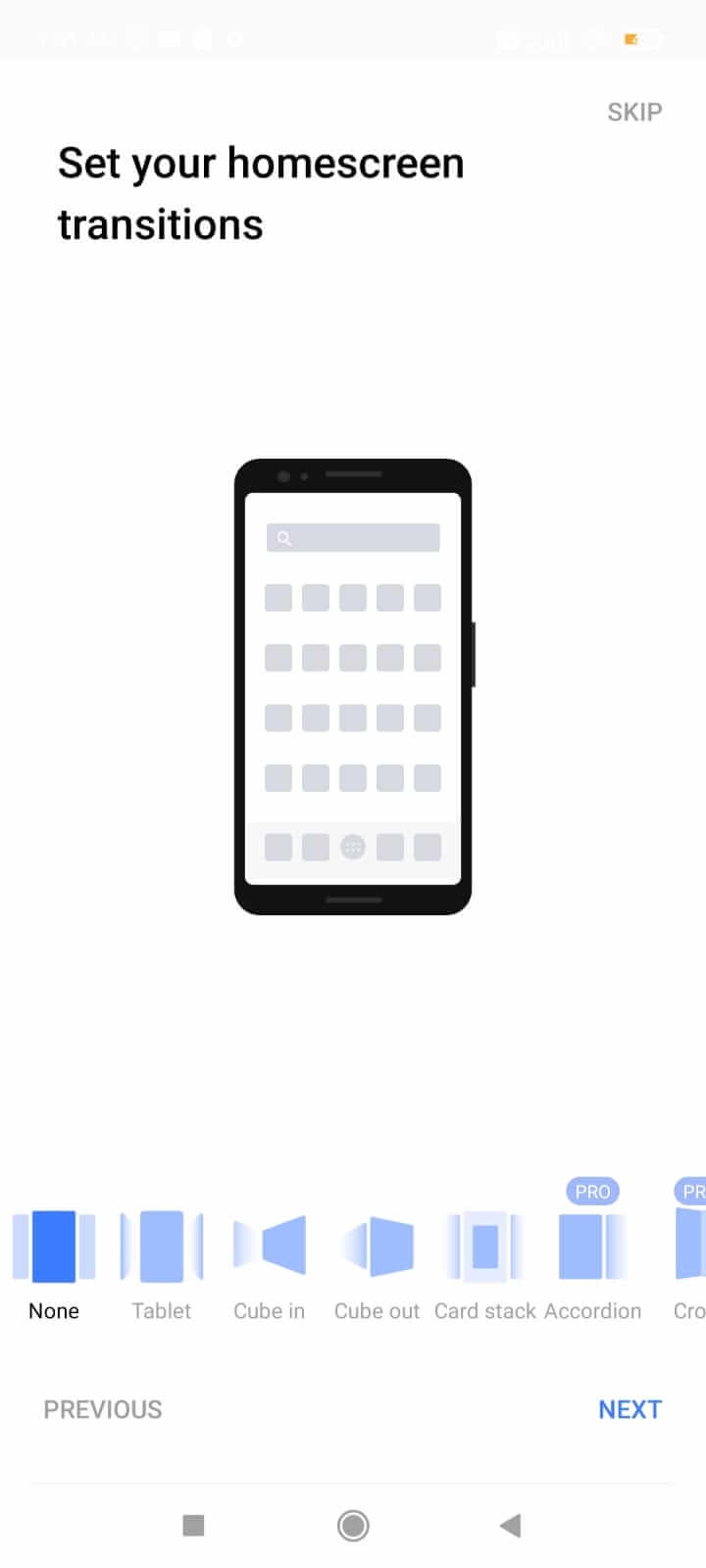
Personalization: Apex Launcher lets you customize your Android device's entire interface, such as adding cool 3D transitions to your app drawer. Choose from stylish app icons and beautiful themes to personalize your home screen.
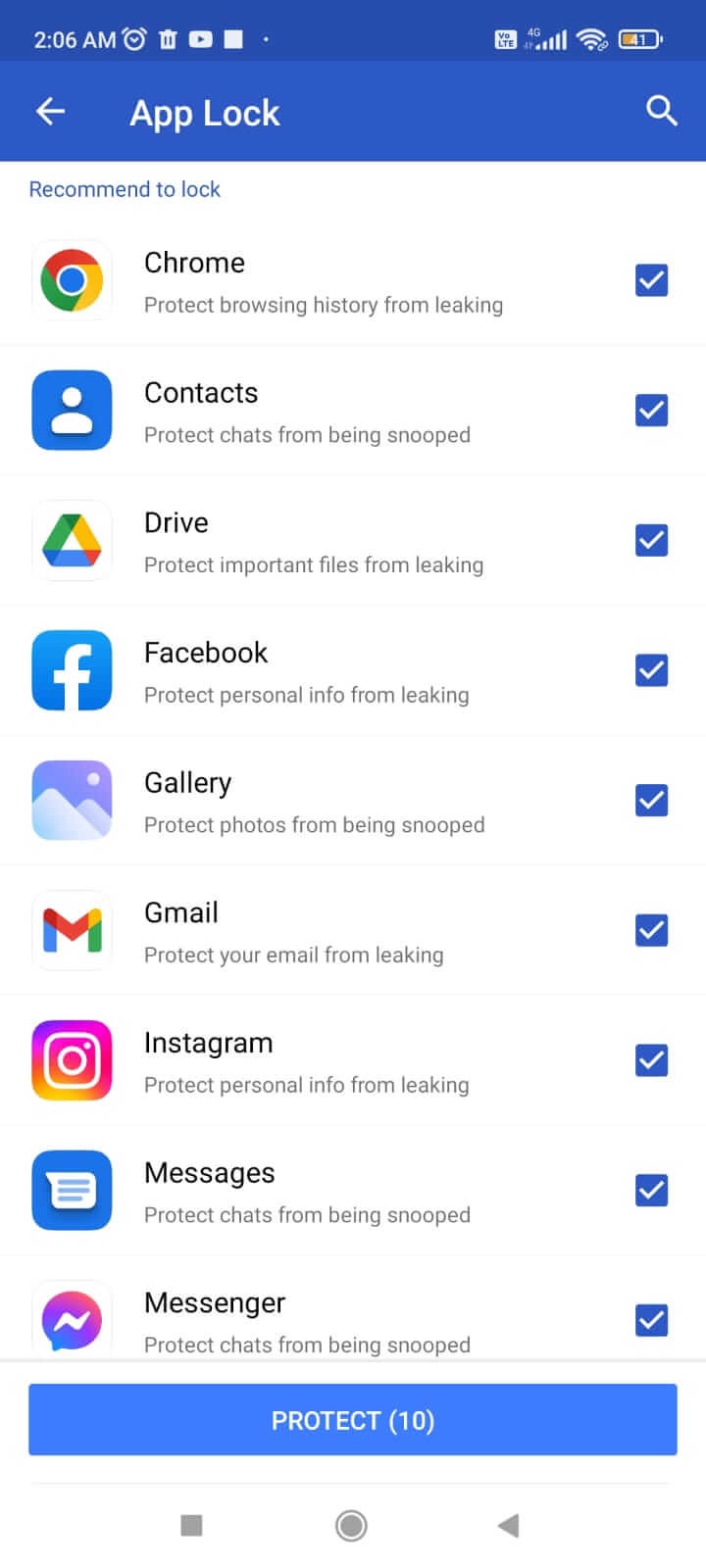
App Lock: This app features a built-in app lock, allowing you to protect your privacy and lock apps on your device with a password or pattern (fingerprint unlock is under development).
Themes and Icons: You can choose and apply various themes to your home screen. Apex Launcher even allows you to set custom icons, change grid sizes and app drawer borders, and add cool transitions.
Hide Apps: You can even use Apex Launcher to hide your most private apps from the app drawer.
Optimize Your Home Screen: With Apex Launcher, you can add or hide elements on your home screen such as the status bar and Dock to optimize their functionality.
Smart Gestures: This application allows you to set smart gestures such as pinch and swipe for various important tasks.
Device Support: This app supports all Android devices running Android version 4.0 and above.
Ease of use: The Apex launcher has a clean layout that anyone can understand and use.
Highlights:
Multiple Home Screens: Enjoy nine customizable home screens for easy rotation and organization.
Dock Space: Access a Dock that can hold up to seven icons for quick app access.
Infinite Scrolling: Experience seamless navigation with infinite scrolling across all screens.
Transition Effects: Choose from a variety of transition effects for dynamic screen transitions.
Element Hiding: Customize your view by hiding elements such as the status bar or dock as needed.
FAQs:
What customization options does Apex Launcher offer?
Apex Launcher offers a wealth of customization options for your home screen, including icon packs, themes, grid size, scrolling effects, and gesture controls.
How does Apex Launcher improve device performance?
Apex Launcher helps reduce clutter and improve overall device responsiveness by optimizing resource usage and providing features such as hiding apps.
Is Apex Launcher safe?
Apex Launcher respects user privacy and does not collect any personal data without the user's explicit consent. We are committed to providing a personalized user experience without compromising security.
Advantages and disadvantages:
Pros
A free app to use
Fairly intuitive (for skilled users)
Themes, icon packs and privacy tools
A lot of different options
Cons
Can drain your battery
Conclusion:
At its core, Apex Launcher gives you complete control over your screen and apps. It's perfect for users who want to customize their display and personalize it to their needs. Furthermore, it boasts excellent flexibility and functionality, especially in terms of privacy protection, making Apex Launcher a perfect choice for experienced Android users.




-
Latest Updates
-
Featured Apps






