AndroVid
Entertainment
2026-09-16
148.82MB
7.3.0.3
Android
578
Screenshots
Introduction
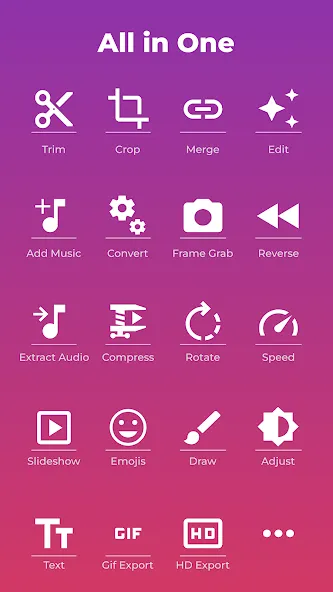
AndroVid is a video editing application for Android. Users can trim, cut, and split videos, and merge multiple video clips into one. Adding music enhances the video's appearance, making it easier to share on social media. It also supports adding text and stickers to help users understand content even without sound. A vast library of filters and effects is included, allowing users to edit videos more visually appealing and make their posts more attractive, resulting in a better user experience.
Features
Video Editing and Splitting
AndroVid supports trimming, cutting, and splitting videos. This can be used not only to shorten unnecessary beginnings or endings but also to remove parts of the video in the middle. If you want to fine-tune a specific scene, it's best to determine which parts you want to keep before editing.
Merging Multiple Clips
AndroVid can merge multiple video clips into one video. For example, you can merge short daily videos shot separately or string together scenes from an event in chronological order. You can also add music to make the video more polished and suitable for posting on social media.
Adding Music, Text, and Stickers
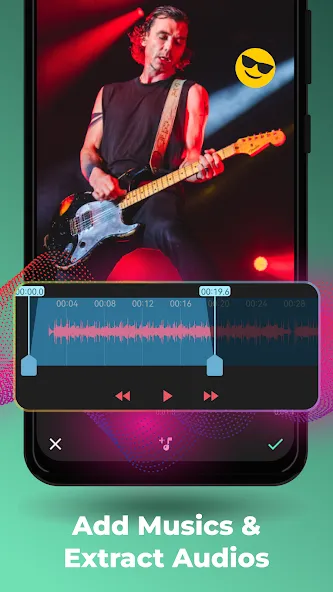
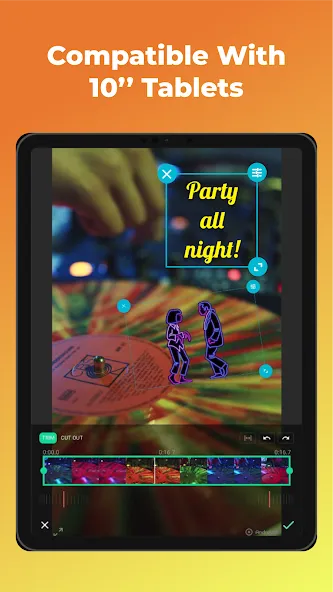
AndroVid allows you to add music, text, emojis, stickers, watermarks, and custom images to your videos. You can place text where explanations are needed and overlay emojis and stickers to enhance the expression and atmosphere. Adding short phrases (such as captions) makes content easier to understand even in the absence of sound.
Filters and Screen Adjustments
In addition to filters and effects, the AndroVid app supports adjusting brightness, contrast, and saturation. This can help improve the clarity of videos shot in low-light conditions or for color matching. However, to ensure that the preview during editing matches the final result, be sure to play back the video before saving.
Usage
Open AndroVid and select the video or photo you want to edit from the list on your device.
Unnecessary parts of the video will be cut off, and the video will be split or have its middle section removed if necessary.
If you are using multiple video clips, check their order and merge them into one video.
Add music, text, emojis, stickers, and filters to make your posts more engaging.
Choose the appropriate aspect ratio for platforms like Instagram, YouTube, TikTok, and Facebook, and preview it before saving.
Pros and Cons
Pros
Edit multiple videos
Add text
Reverse video content
Cons
Doesn't save a lot of the new work automatically
Takes time to get videos adjusted
FAQs
What tools do we get with the AndroVid app?
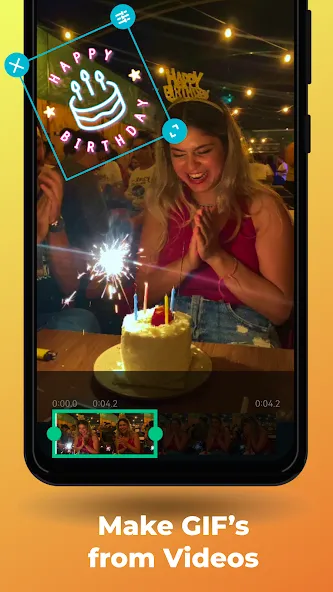
A handful of options include video trimming, merging two different clips, looping audio, and video segments, transforming a file into a GIF format, and playing a video backward.
What kind of videos can we upload and edit on this app?
You can upload any video stored on your device’s memory. Also use the app to insert subtitles in any part of the video, choose the size and color of the font, or even add effects and filters with a single touch.
What kind of video effects do we get with this app?
Apply video effects like fading, slow motion, and vignette. Combine videos with music. Mute video sound. Make slideshow videos from pictures.
Conclusion
AndroVid - video editor will make editing your video recordings simple, yet extremely powerful. Best of all, it comes with a large library of pre-designed video templates which you can freely use. AndroVid is one of the leading video editing software programs that can be downloaded today.


-
Latest Updates
-
Featured Apps