
PlayerPro Music Player
Entertainment
2026-08-12
47.83MB
5.40
Android
118
Screenshots
Introduction
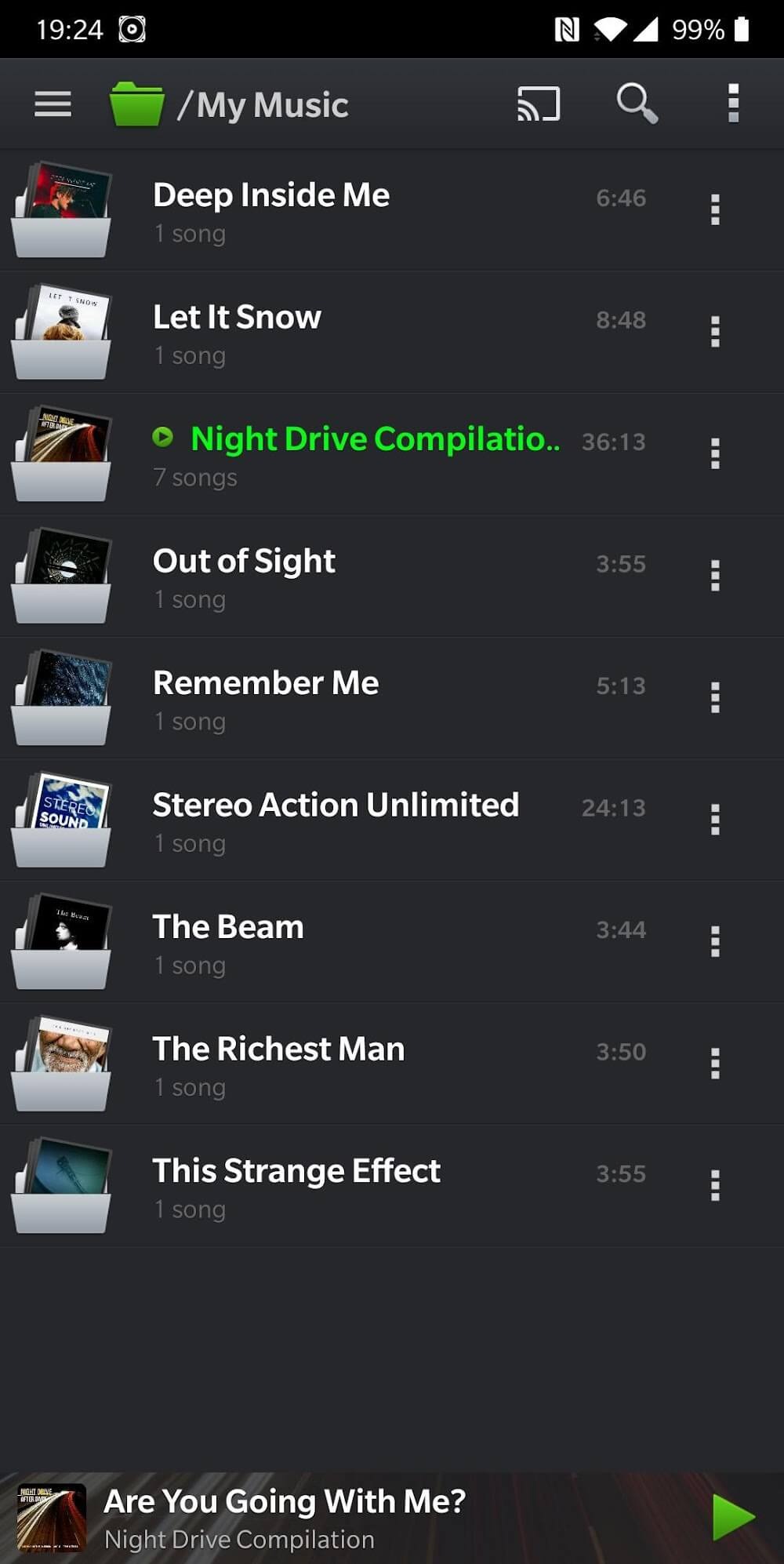
PlayerPro Music Player is a music player application for Android devices. This app helps users enhance the sound quality of their music, providing a better listening experience. In addition to playback, it also features a download function, allowing users to download music for convenient offline use later. The app boasts a smooth UI and supports various smart gestures for user convenience.
Features:
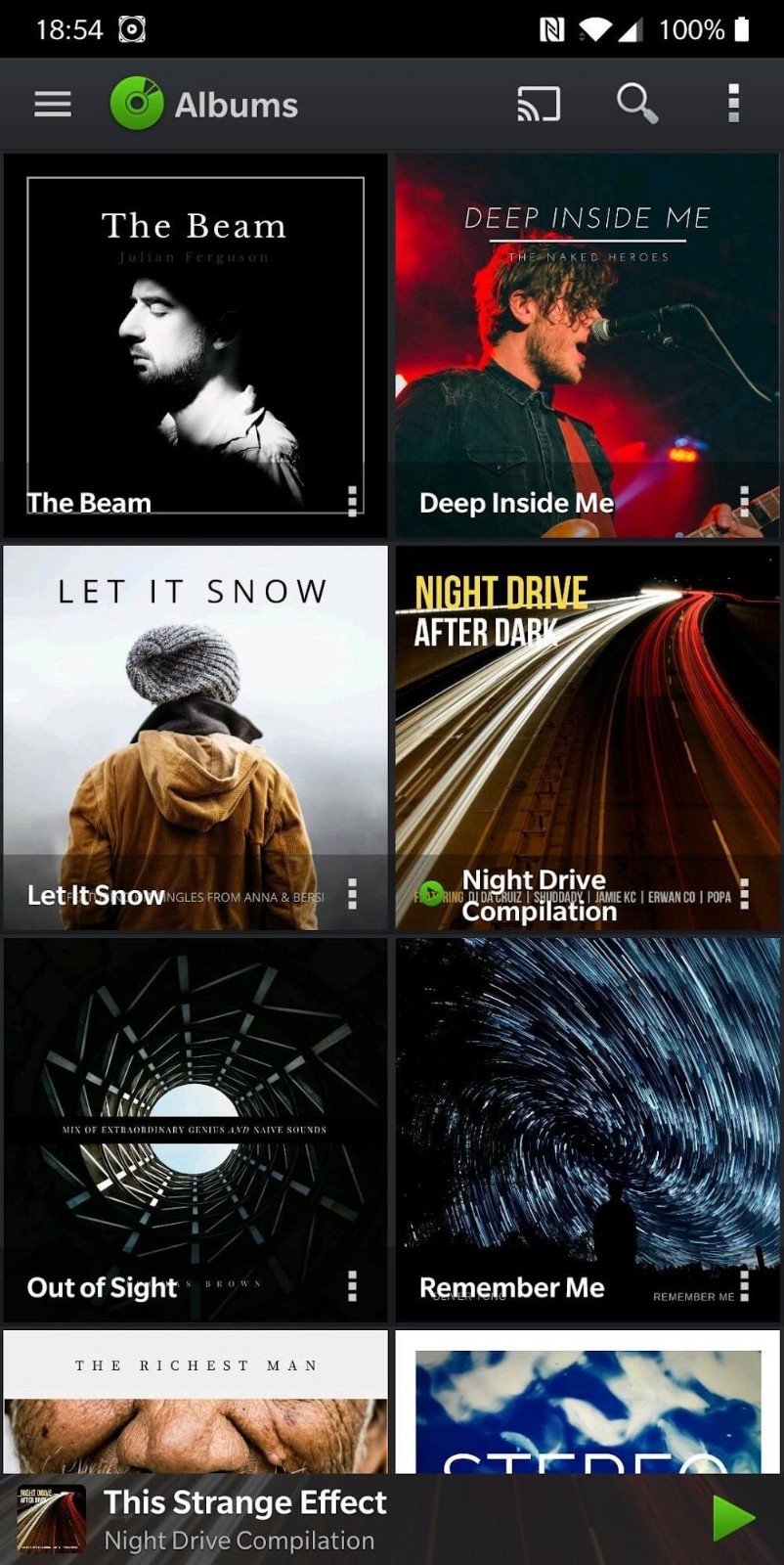
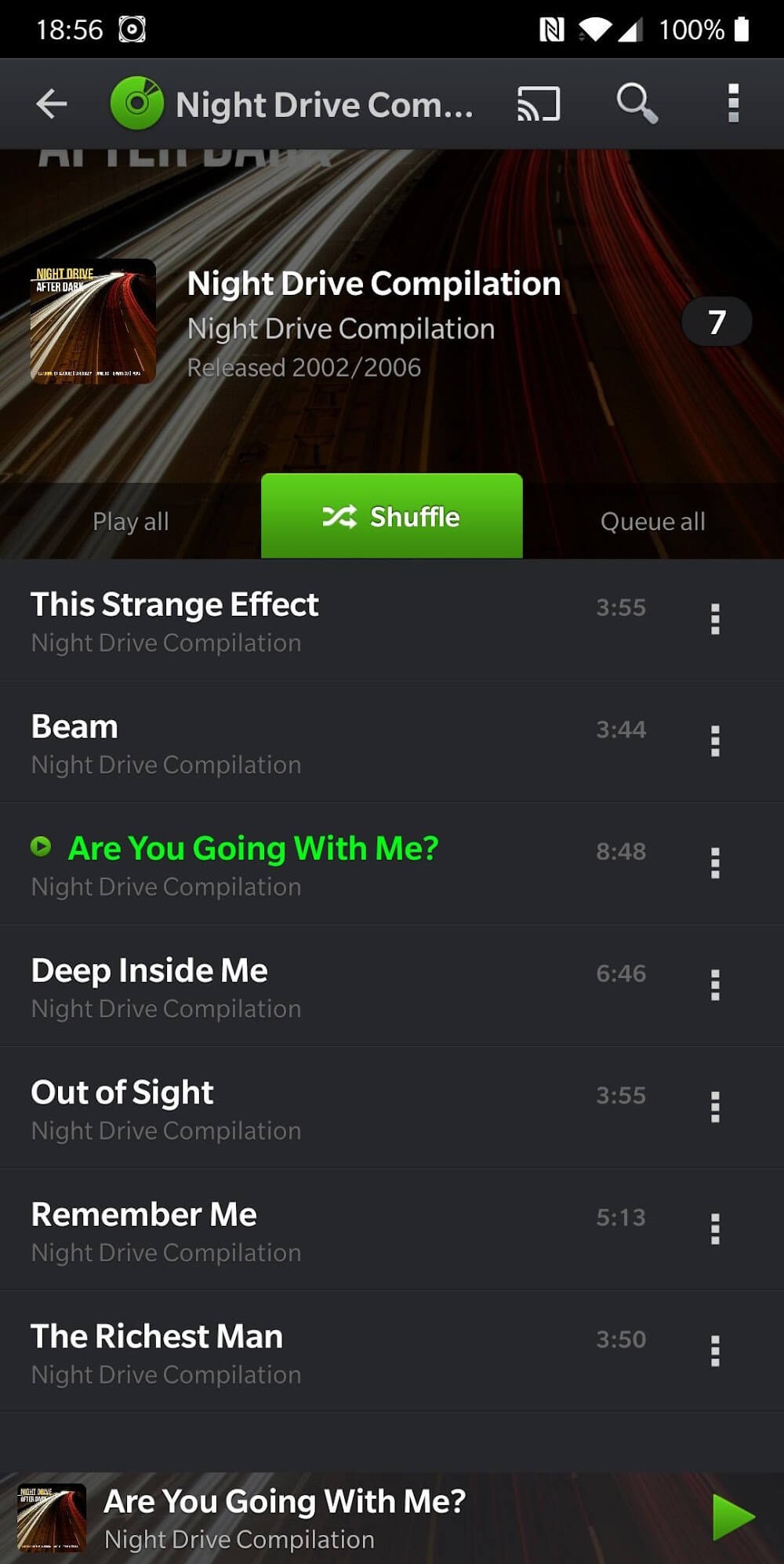
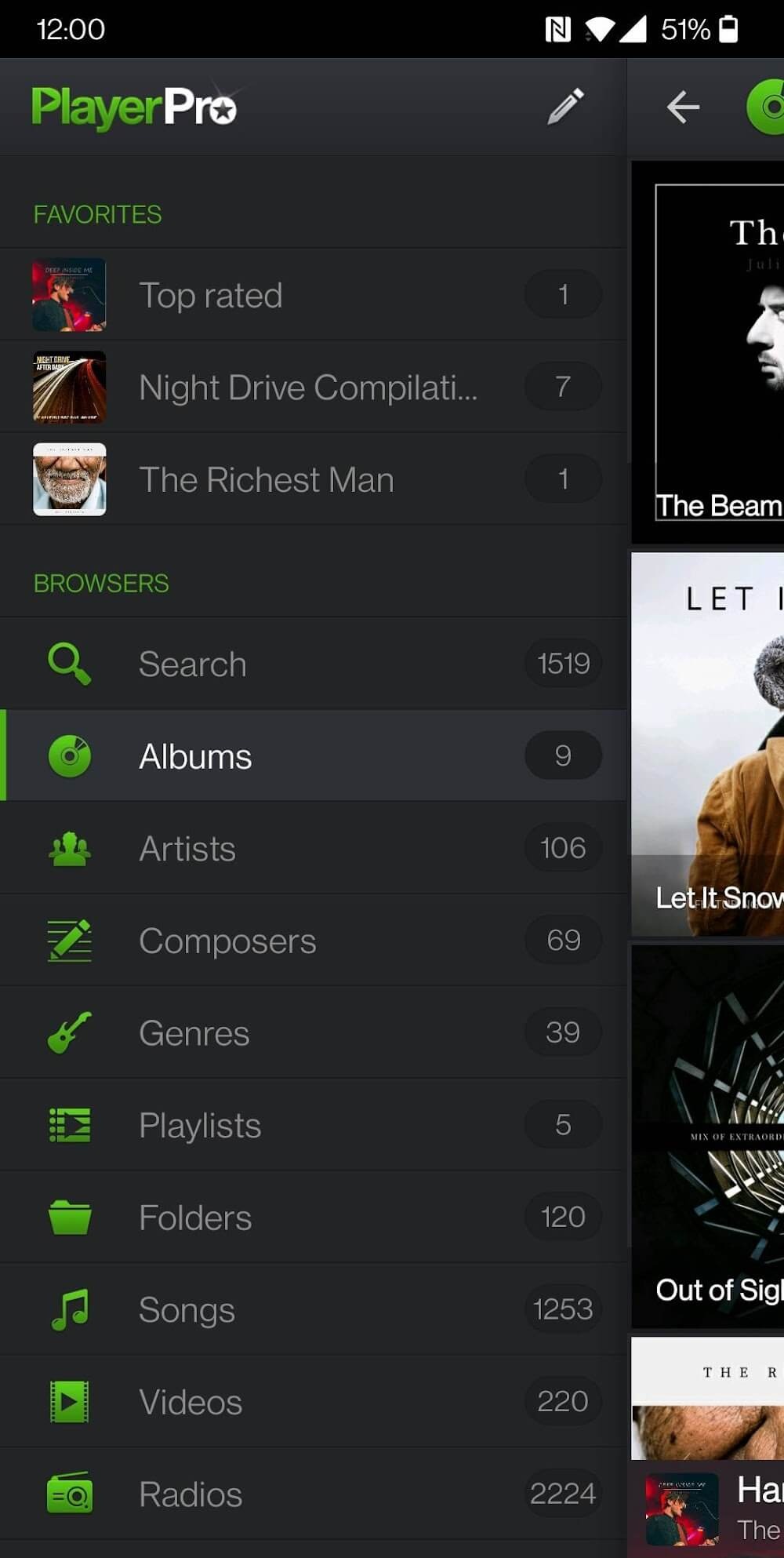
Browse and play your music in many ways: by albums, artists, album artists, composers, genres, playlists, folders, or songs
Browse and play your videos in folders
Listen to your music while driving, thanks to Android Auto
Stream your music to your TV or any Chromecast Audio compatible device
Liven up your music library with album artwork, artist/composer pictures, and genre illustrations that you can select from various sources: ID3 tags (embedded artwork), SD card folders, Gallery app, and the Internet
Change the user interface of the Player by installing one of the many available Skins
Customize the layout, choosing between Grid or List views
View and edit the lyrics embedded in the ID3 tags of your music files
ID3 Tags editing, in single or batch mode: supports all known audio formats (Mp3, Mp4, Ogg Vorbis, Flac, Wav, Aif, Dsf, Wma, Opus, and Speex) and up to 15 different tag fields, including advanced ones like ratings, groupings, and BPMs
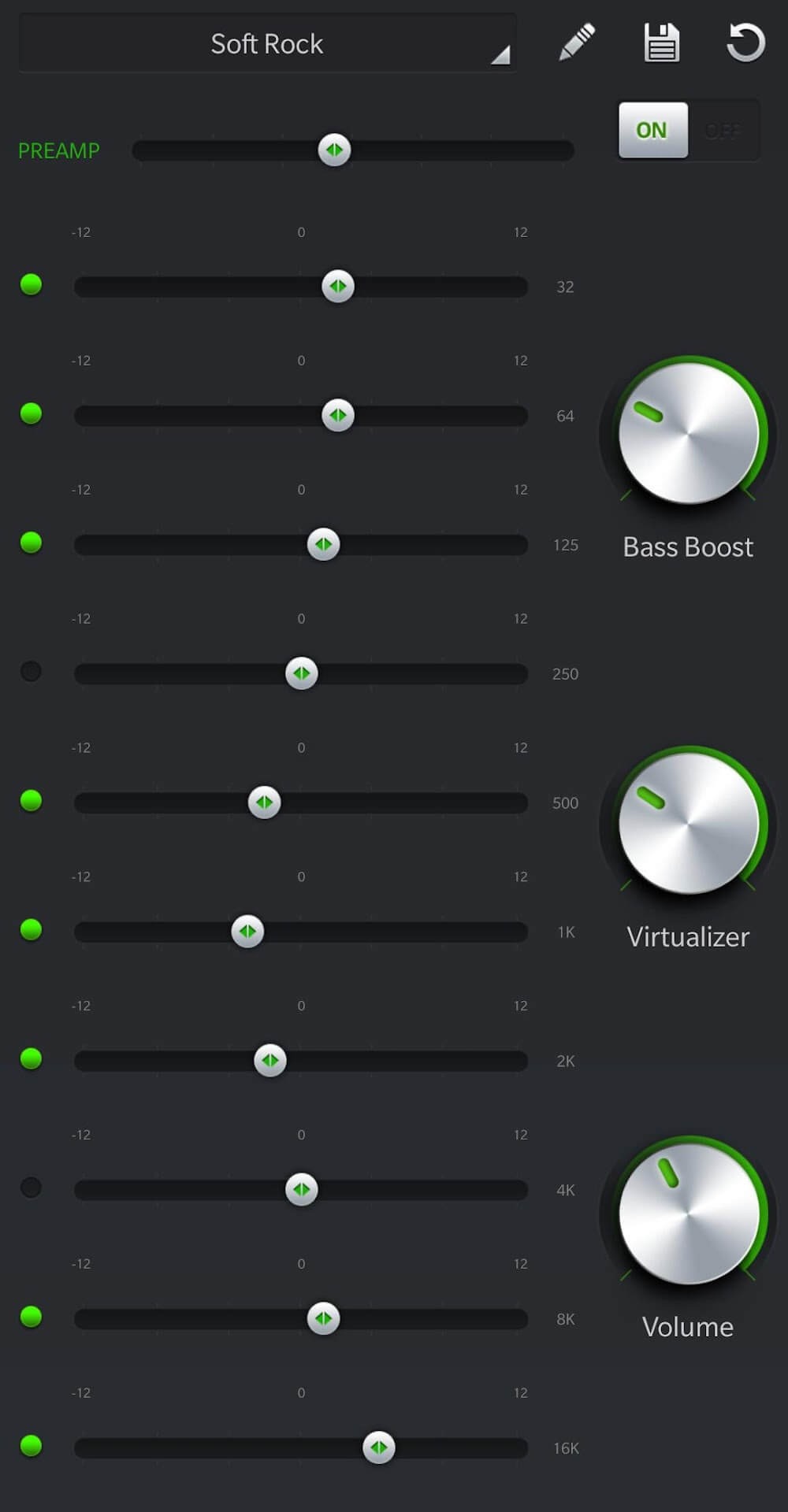
Default mixable audio effects: 5 band graphic equalizer with 15 default presets, stereo widening effect, reverb effects (large/medium hall, small/medium/large room), bass boost effect, and volume control
Highlights:
Fast UI Experience: Users can immediately enjoy their favorite songs after accessing the application. They can search for popular albums and play their favorite songs right in the application. Many music themes with popular songs will be provided.
Custom Layout Options: In this application, users can create their own personalized music space. Favorite songs will be collected in a playlist. Each account can create hundreds of different playlists to enjoy. The application provides many attractive music videos to satisfy the listening and viewing experience.
Smart Gesture Support: Users have the right to adjust the viewing mode to suit their habits. Many music listening modes are set according to the user's needs. If they listen to music to fall asleep, sleep mode will be turned on. The user's playback history will be retained to continue playing when the user returns.
Built-in Audio Effects: Many sound effects are applied to bring the best sound quality. The sound filter is adjusted to provide high-quality music. The volume will be freely adjusted by the user. Just increase or decrease the intensity on the control panel, and the user can upgrade the sound quality.
High-Res DSP Plugin: The application allows users to adjust the sound according to their preferences. The sound quality can affect the user's satisfaction. The resolution applied by the application is up to 32-bit, 384 kHz for each track. From there, users will always enjoy their favorite songs with stable quality.
Seamless Playback Features: The order of playing songs is automatically adjusted or edited by the user. Songs in the same playlist will be given priority to play first. The user's favorite songs will be played again and again as desired. A relaxing space with great music will be created.
Tips and Tricks:
On first launch, allow media access and let the scan finish. If needed, go to Settings and Library to include only the folders that hold your music and videos.
Next, open Settings and Audio, then choose Download DSP Pack to add the free audio tools. After install, open the equalizer and switch to the ten band view or enable high resolution output when available.
From the now playing screen, tap Equalizer to adjust bass, reverb, and stereo settings. Then go back to Audio settings to turn on gapless or crossfade for track transitions.
Organize your library by long pressing a song or album to edit tags, artwork, and lyrics. Create smart playlists from the Playlists section using rules like rating, play count, or recently added.
Finally, connect playback. In the car, open Android Auto and pick PlayerPro from the audio apps. At home, tap the cast icon and select your Chromecast speaker or TV to switch audio to that device.
Changelog:
Full support for video immersive experience with edge-to-edge display mode
Removed redundant permission requests when bookmarking videos
Improved accuracy and precision for album artwork discovery
Resolved connectivity issues when downloading artwork over the internet
Other performance and stability fixes
Updated translations
Conclusion:
In addition to its playback capabilities, PlayerPro Music Player also includes a downloader feature, enabling users to acquire new music directly within the app. The software allows for playlist creation, album art management, and offers customizable settings to tailor the audio output to individual preferences. Overall, it serves as a versatile tool for music playback and management.
-
Latest Updates
-
Featured Apps









