WavePad Master's Edition
Entertainment
2026-08-05
22.85MB
20.24
Android
194
Screenshots
Introduction
WavePad Master's Edition is an audio editing application for Android devices. It allows users to edit audio and add effects directly from their phones. This application boasts a variety of powerful features to enhance the user's voice. It also offers various auxiliary functions to help users save time and quickly complete audio editing. Users can also save edited audio to the cloud and share it.
Features:
POWERFUL EDITING TOOLS LIKE CUT, COPY, PASTE, INSERT AND AUTOTRIM
Surgically edit clips and recordings with advanced tools usually only found in desktop DAWs. Delete unwanted sections, tighten timing between clips, layer in new audio – the robust capabilities offer complete control over sound.
SUPPORT FOR WAV, MP3, AIFF AND OTHER MAJOR AUDIO FORMATS
Record using common high-fidelity formats like WAV and AIFF. Seamlessly open and edit projects already using these studio standard file types. Maintain audio integrity regardless of application.
VOICE ACTIVATED RECORDING CONSERVES STORAGE SPACE
Save phone storage and battery life. Voice activity detection automatically pauses recording when silence is detected, resuming only when sounds occur again.
INSERT HIGH QUALITY SOUND EFFECTS AND ATMOSPHERES
Augment recordings by adding presets like studio applause, various footsteps on different surfaces or ambient room noises. Great for enhancing professionalism.
AUTOMATICALLY TRIM SILENCE FROM BEGINNING AND END
Remove unwanted blank space at the start or end of recordings with the click of a button. Tighten up sound to be more concise and engaging to listeners.
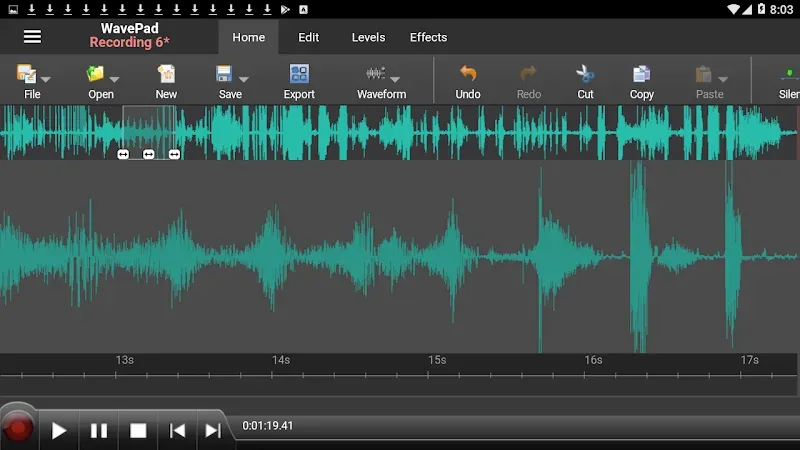
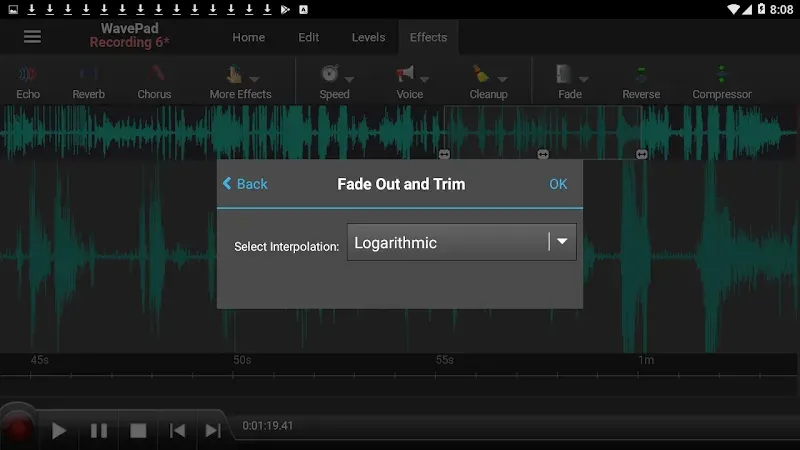
VISUAL WAVEFORM EDITING FOR PINPOINT PRECISION
See and select exact regions of audio to edit based on visual waveforms representing the sound. No more blind guesswork trimming.
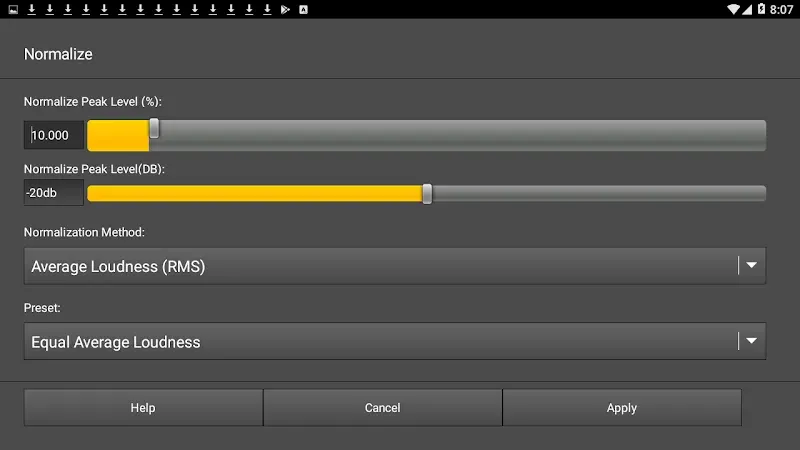
BUILT-IN EQ AND NORMALIZATION FOR PRO-GRADE POLISH
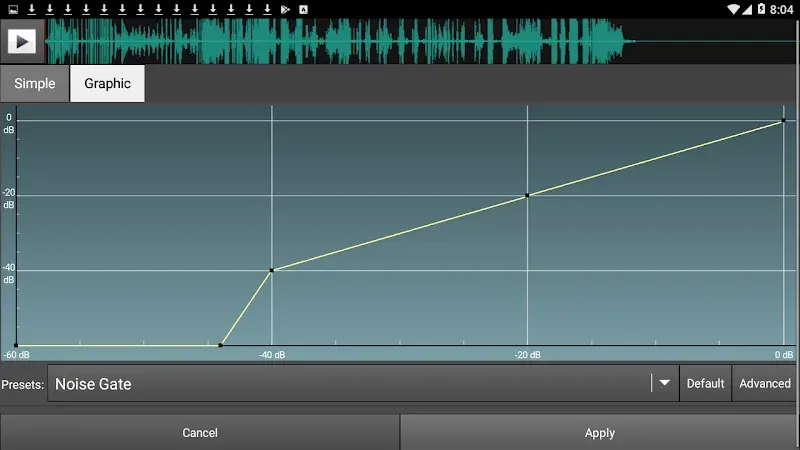
Sculpt and balance frequencies visually using the parametric EQ interface. Normalize volume across recordings for consistency.
Highlights:
Precise Waveform Editing : Edit audio files with a high-resolution waveform display that allows for sample-accurate cuts, copies, and pastes.
Multi-Track Support : Arrange and mix multiple audio layers to create complex soundscapes or professional podcasts.
Audio Restoration : Use built-in tools to remove background noise, hiss, and hum from your recordings with a single tap.
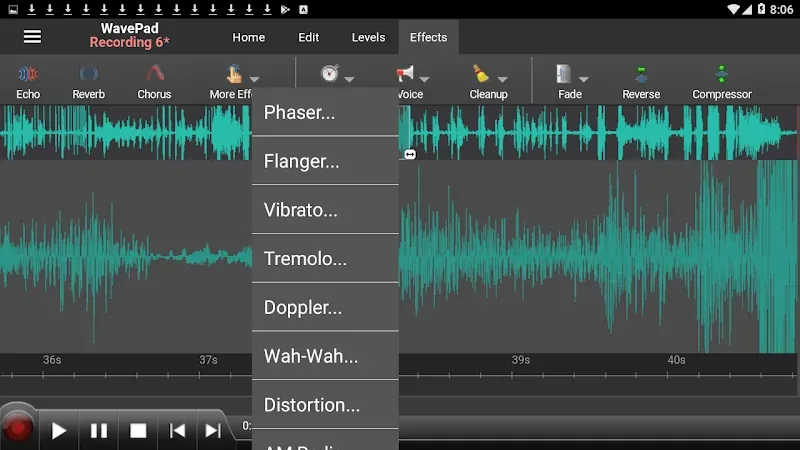
Comprehensive Effect Library : Apply over 50 different effects including amplification, normalization, equalization, envelope, and reverb.
Time and Pitch Stretching : Adjust the speed or pitch of your audio tracks without affecting the overall duration or quality of the recording.
Batch Processing : Apply effects and conversion settings to multiple files at once, saving significant time on large projects.
High-Quality Capture : Record audio directly into the app with support for various sample rates and bit depths for studio-level fidelity.
Voice-Activated Recording : Automate your recording sessions by setting the app to start capturing only when sound levels exceed a specific threshold.
Direct Cloud Integration : Save and share your edited tracks directly to cloud storage services or email them as attachments.
Pros and Cons:
Pros
Robust on-device recording and editing workflow
Wide format support including WAV and AIFF
Built-in effects and noise reduction
Seamless sharing and cross-device editing
Cons
Not ranked in top app lists
Branding lacks some keywords competitors use (e.g., editor, recorder, video, professional) which may affect discoverability
No explicit mention of advanced features like professional-grade tools beyond core editing and effects
Conclusion:
This is a sound and audio editing application. Record, edit, and add effects, then send audio to yourself or others to share or continue editing on another device. It works with audio waveforms to make selections for quick editings, such as inserting sound from other files or applying sound effects like the high pass filter to clarify audio quality.