WinRAR
Tools
2026-10-23
22.71MB
1.2
Android 5.0 and up
257
Screenshots
Introduction
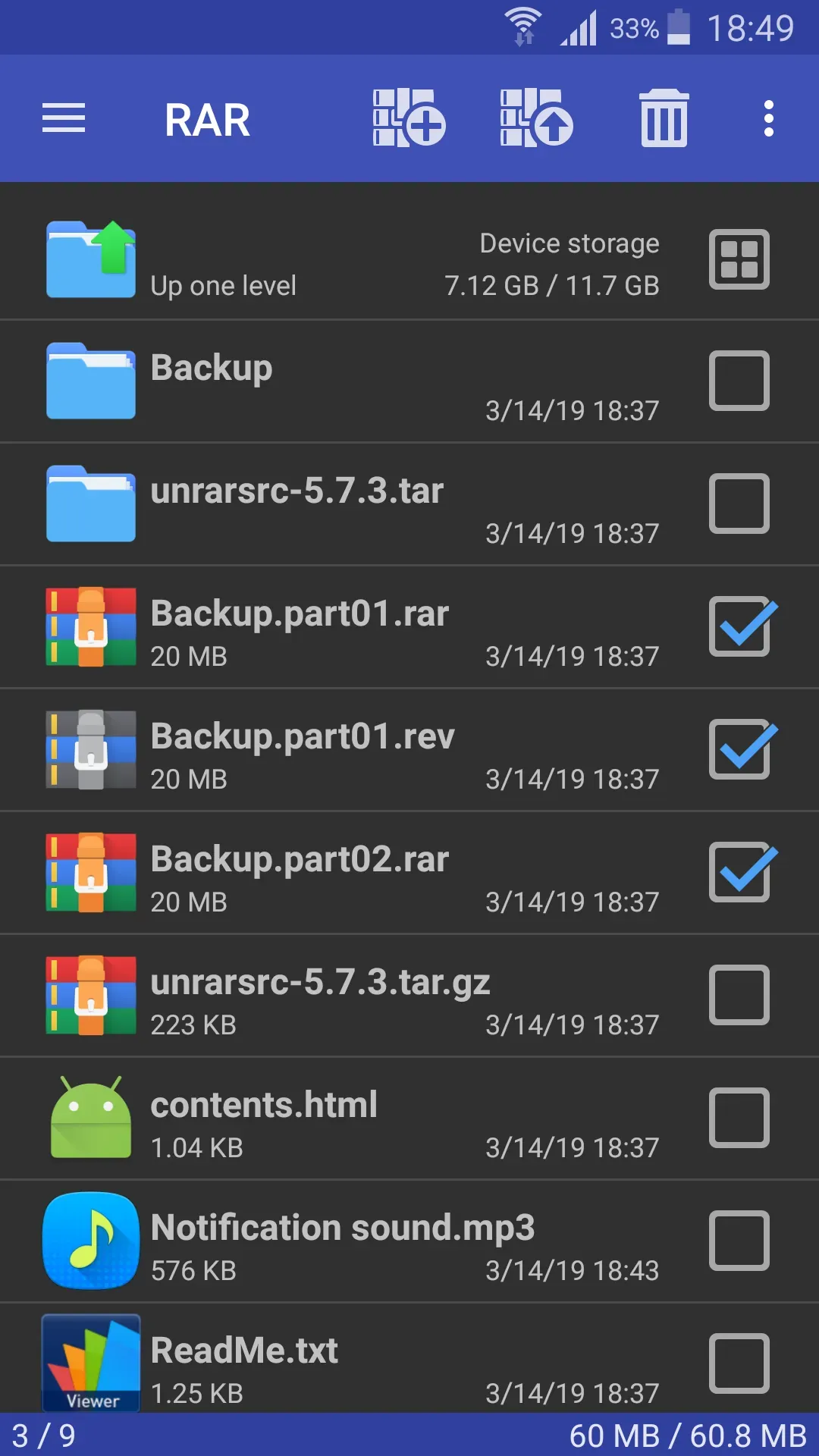
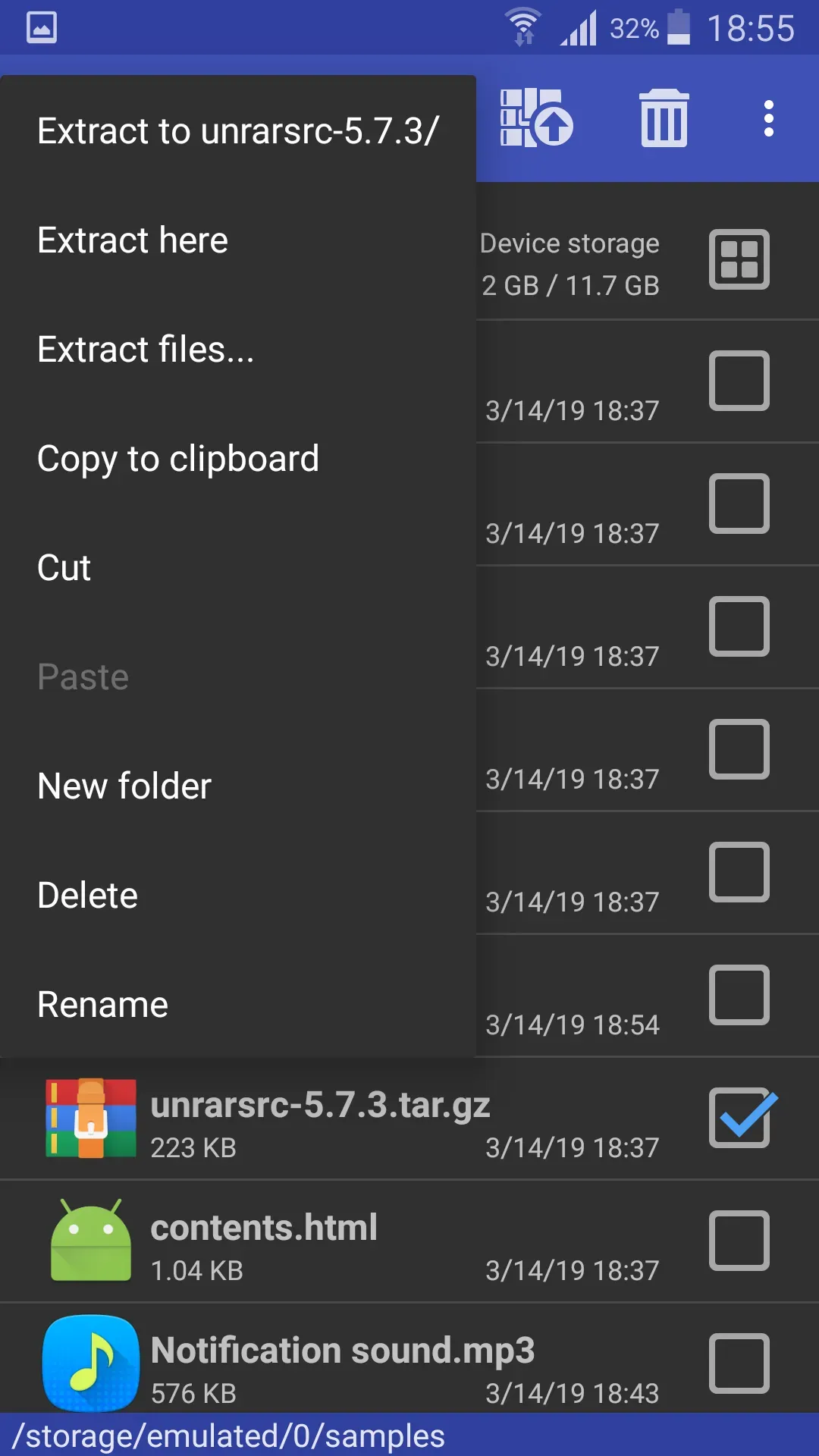
WinRAR is a file compression application designed for the Android operating system. Featuring a clean and minimalist interface, it allows users to get started quickly and easily. The app enables users to compress files and secure them with passwords. With excellent compatibility, it supports a wide range of file formats, allowing users to convert files into different formats and save them directly to their devices. Its intuitive design enhances productivity and saves time. Additionally, it provides the necessary permissions for managing and storing various types of files and images.
Features:
Extract Common Archive Formats
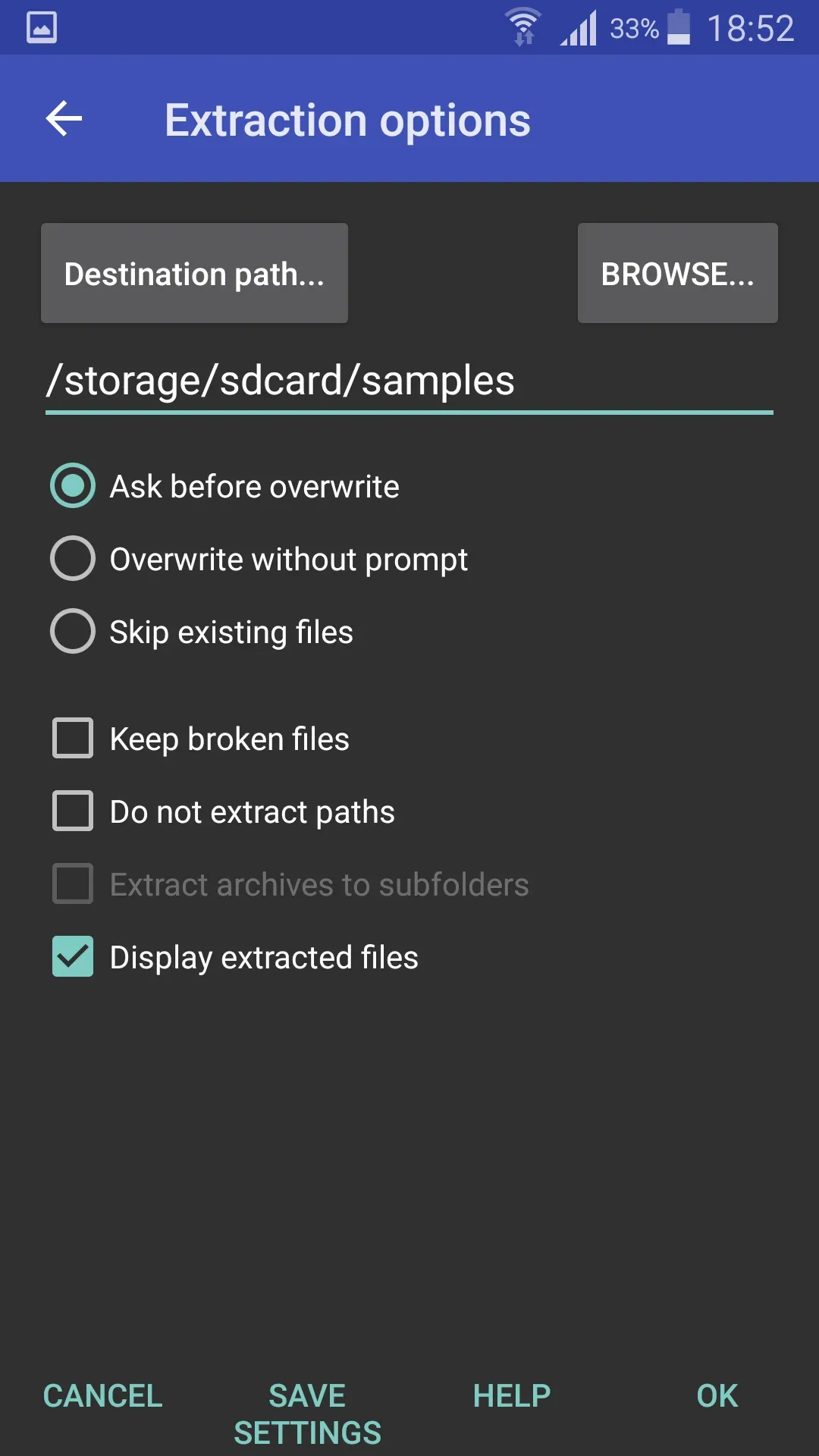
Open and extract RAR files, instantly decompress ZIP archives, and work with formats such as 7Z, TAR, GZ, BZ2, XZ, and ISO—all with fast, efficient file access.
Rapid Compression and Extraction
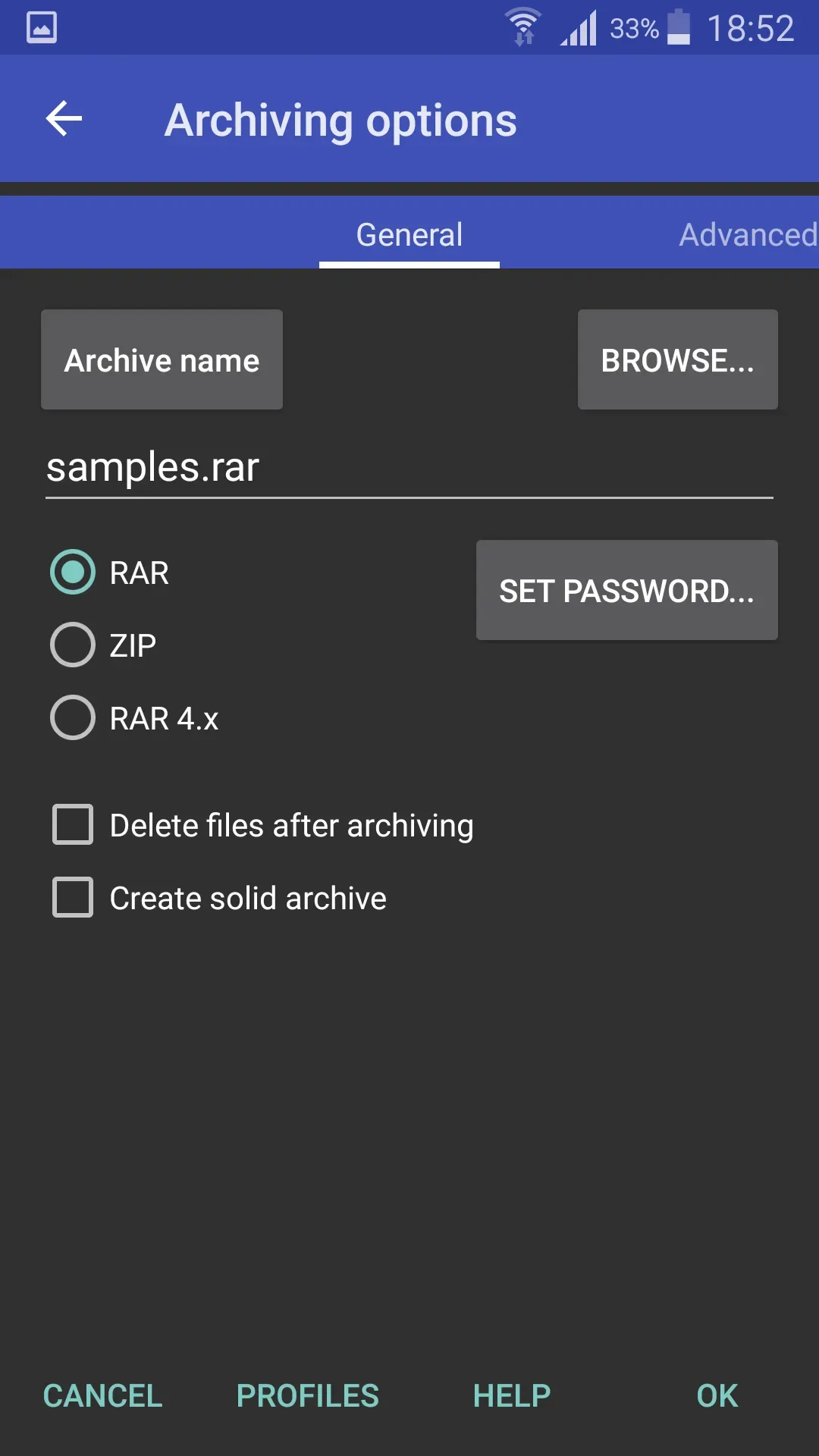
Compress files and folders into archives to reduce their size and save storage space. Benefit from high-speed extraction performance and easily share files by compressing them.
Secure File Protection
Protect your archives with passwords and advanced encryption. Keep your sensitive files safe and ensure their complete privacy.
Smart File Management
Browse, organize, and manage your files—copy, move, rename, or delete documents with ease. Quickly search through archives using a user-friendly and intuitive interface.
Effortless File Sharing
Send compressed files via email or instant messaging apps. Create smaller archives to speed up sharing and manage large files more efficiently.
Highlights:
File and Archive Support – Create and extract ZIP, RAR, and almost all other popular file and archive formats.
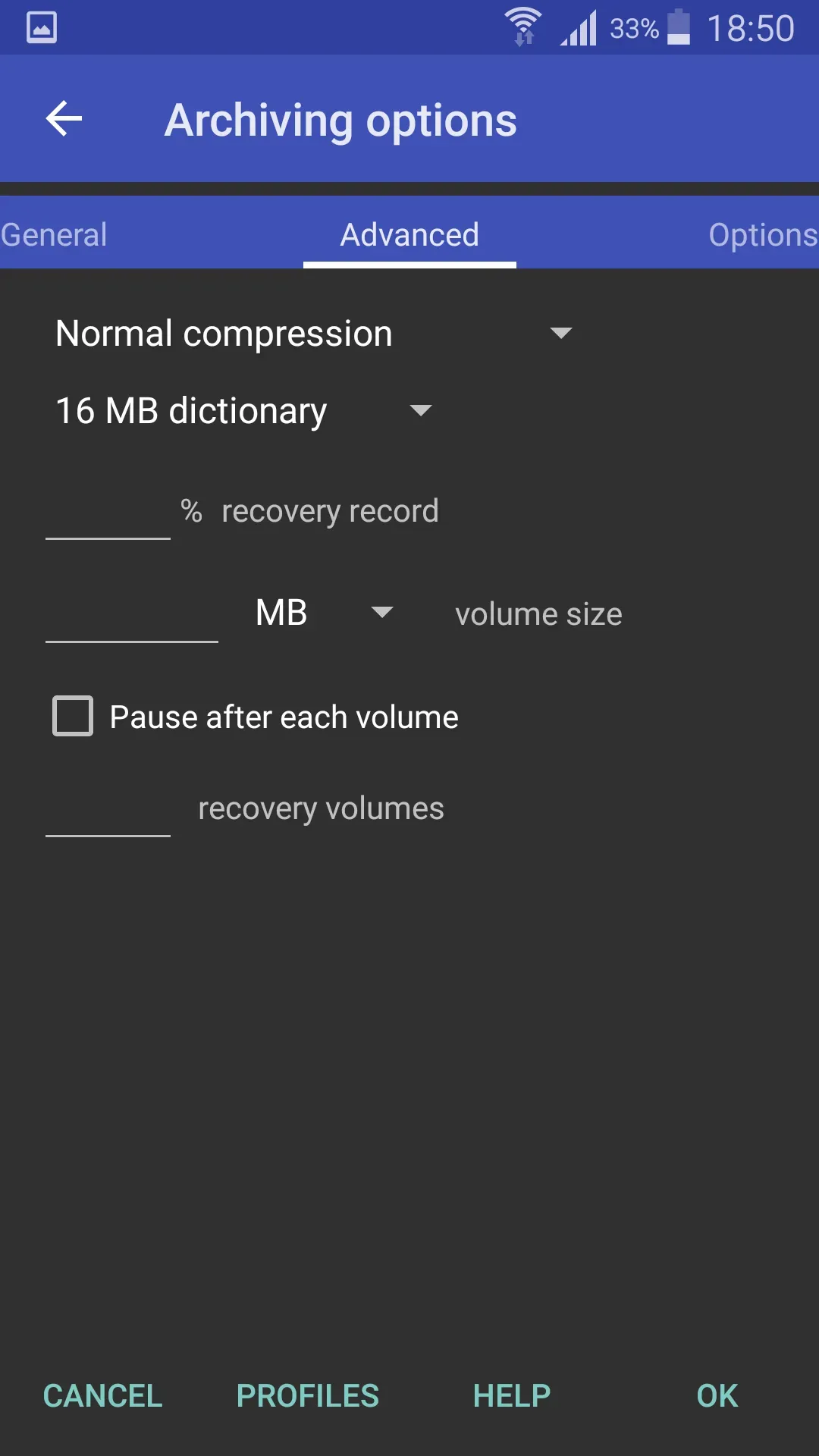
Multi-volume Archives – Create multi-volume archives, making it easier to store and transmit large amounts of data.
Compression Levels – WinRAR offers six different compression levels, tailored for various types of files.
Repair Tool – Effectively repair damaged or corrupted files.
Favorites – Add folders to your "Favorites" list for quick and easy access.
Speed – High-performance, rapid compression.
User Manual – Included with the application for quick access to help and guidance.
Deletion Feature – Automatically delete compressed files after processing.
Password Protection – Secure your archives by adding a password, utilizing AES 256-bit encryption.
FAQS:
Is the WinRAR APK free?
Yes, the WinRAR APK is free! However, if you would prefer an ad-free experience, a paid version is also available that removes advertisements.
Can I use WinRAR on my computer?
Certainly! WinRAR works on both Android devices and computers. You can use it on Windows systems, and even on Mac systems—though the latter may require a few additional steps.
What file formats does WinRAR support?
WinRAR supports a wide range of file formats, including RAR, ZIP, 7z, and more. This means you can compress and decompress almost any type of file.
Is it safe to use WinRAR?
Yes, WinRAR is safe to use. It is a well-known application that has been around for a long time. Just be sure to download it from a trusted source.
Advantages and disadvantages:
Pros
User-friendly interface
Supports multiple formats
High efficiency
Cons
Sometimes opens multiple instances
Conclusion:
If you are looking for a reliable app to manage all your compressed files, download the WinRAR APK. With this app, you can extract any compressed file downloaded from the internet, as well as create WinRAR files from content already on your device. It is a highly practical tool for storing and protecting your images, videos, or documents.