gDMSS Plus
Tools
2026-10-23
70.54MB
4.91.002
Android 4.1 and up
202
Screenshots
Introduction
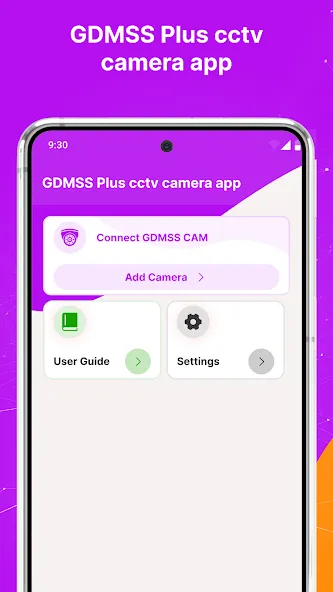
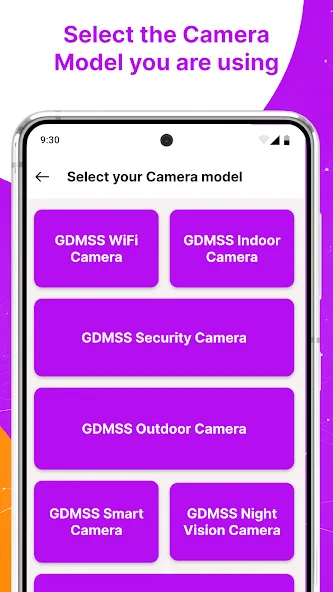
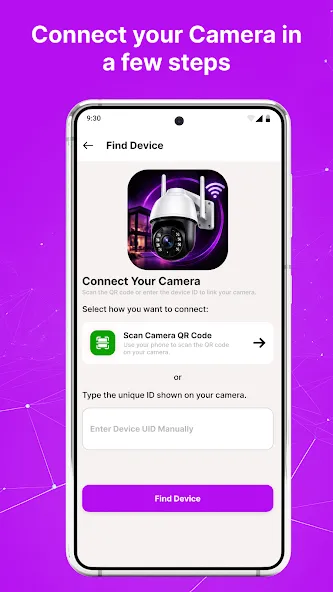
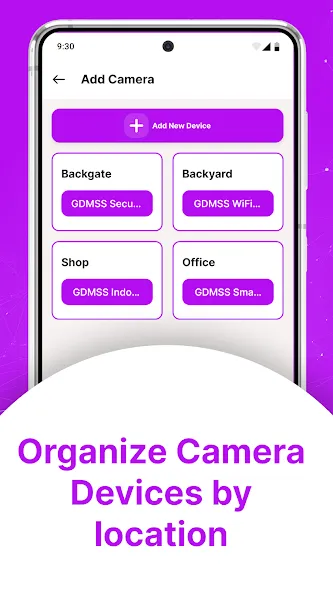
gDMSS Plus is a camera management tool designed for Android devices. It enables real-time monitoring of cameras across multiple locations, displaying all feeds simultaneously on a single screen. The app can send alerts to your device when motion is detected, and it supports PTZ (pan-tilt-zoom) controls, allowing you to rotate the cameras. Setup is quick and simple—just scan a QR code to get started. With a clean, straightforward interface, the app is easy to learn and use. You can save videos and photos directly to your device with a single tap, and you can easily toggle between high-definition (HD) and standard-definition (SD) video quality.
Features
Live View for Multiple Cameras
We loved how easily we could check on different spots all at once. Whether it was the front door, backyard, or store counter—everything streamed live on one screen. It felt like having a full security command center in our hands.
Push Notification
The alerts came in fast whenever motion was detected. We tested it by walking past a camera—and boom, our phone buzzed immediately. This made us feel a lot more in control, especially when we were away from home.
PTZ Camera Control
This was a highlight! Being able to move our camera left, right, up, and zoom in—all from the app—felt powerful. It worked smoothly on compatible cameras, and honestly, it was fun to use.Compare Security
P2P Setup
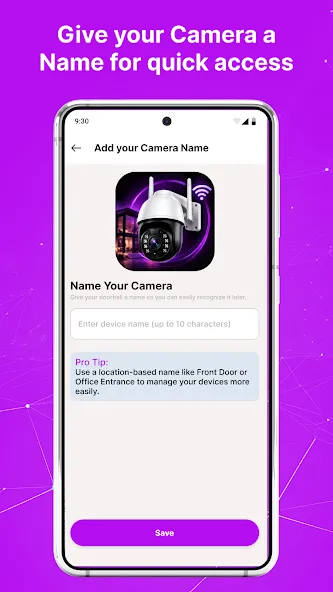
No tricky network stuff here. We just scanned a QR code on the recorder, and everything connected in seconds. No port forwarding, no static IP drama—just plug and play.
Simple Interface
The layout is clear, clean, and easy to get used to. We didn’t need to dig through menus or figure out tech jargon. Everything made sense right from the start—even for someone new to security apps.
Snapshot and Manual Recording
We found it super handy to take a quick snapshot or start recording footage while watching live. Just one tap, and the image or video is saved right to our phone. It’s perfect when you want to save something suspicious without waiting for playback later.
Stream Quality Toggle
There’s an option to switch between HD and SD streams, and it made a huge difference when the network was slow. We could still keep an eye on things even with weak mobile data. A small feature—but one that saved us from endless buffering.
Update Log
Access control devices can be added.
Display multiple door unlocking methods
Receive alarm messages from access control devices.
Play live video in 4:3 aspect ratio.
Support setting DST by week.
Fix other problems.
Advantages and disadvantages
Pros
Displays grids of four, nine, or 16 cameras
Provides calendar-based access to older footage
Supports cameras, recorders, intercoms, and door devices
Includes recording, snapshots, and two-way communication
Cons
Demo mode is limited to Camera
Door mode shows only one live feed
Final Words
So, this is all about gDMSS Plus, and we hope you are able to do the gDMSS Plus APK file download from this page. Many apps like gDMSS Plus for Android are available, but it works the best. You won’t be able to find similar features in other applications, so trying gDMSS Plus is definitely recommended by us.
-
Latest Updates
-
Featured Apps