Net Optimizer
Tools
2026-10-08
28.67MB
1393-2r
Android
543
Screenshots
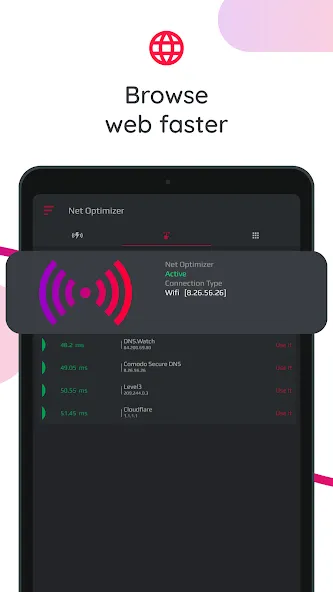
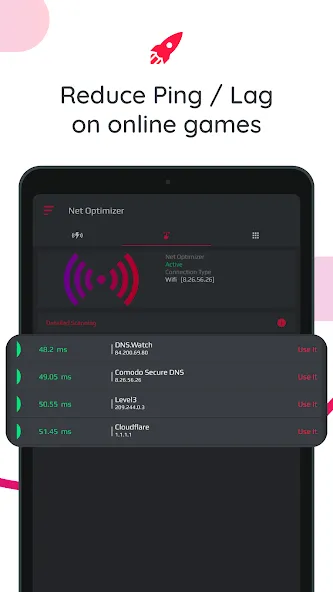
Introduction
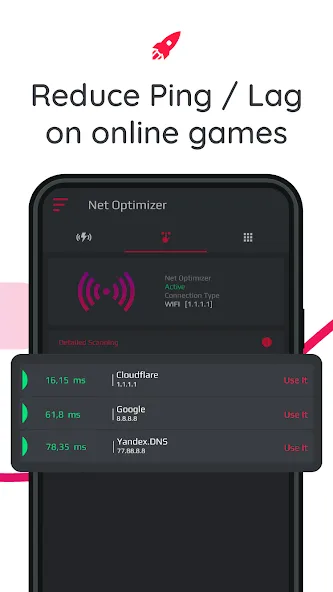
Net Optimizer is a powerful network management tool. It allows you to locate nearby DNS servers, optimize your network connection, and boost your signal strength. The app features automatic status monitoring as well as a one-tap manual scan function. You can view detailed information about various DNS servers and use the tool with both mobile data and Wi-Fi connections. It supports a wide range of DNS servers—including major mainstream services—to ensure smooth performance for the apps on your phone.
Features
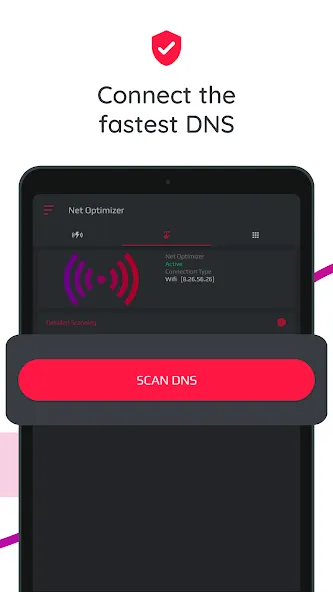
Just one touch to find & connect fastest DNS server to optimize your connection.
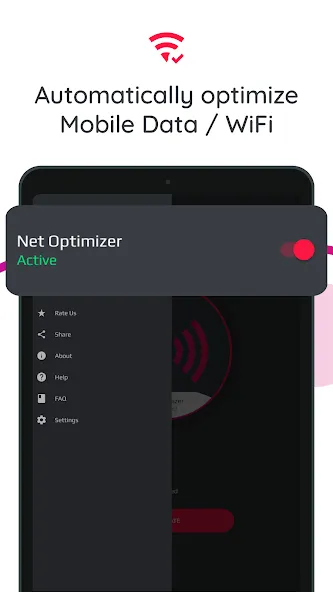
Automatically detect connection changes and optimize the network.
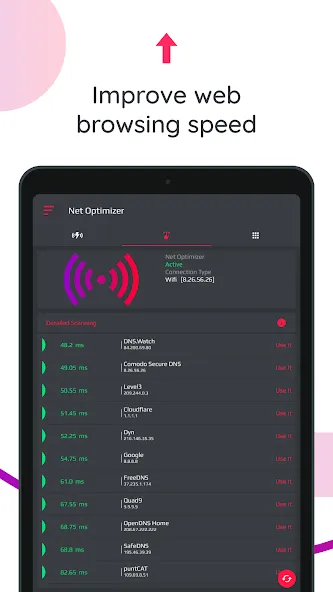
Scan manually all DNS servers with one touch to see all details yourself.
Works for both mobile data (3G/4G/5G) and WiFi connection
Supported DNS Servers: Cloudflare, Level3, Verisign, Google, DNS Watch, Comodo Secure, OpenDNS, SafeDNS, OpenNIC, SmartViper, Dyn, FreeDNS, Alternate DNS, Yandex DNS, UncensoredDNS, puntCAT
Highlights
See all details of the scanned DNS servers
And to make sure that you can truly enjoy the app and make the most of it, Net Optimizer will provide users with many scanned DNS servers with detailed information. Here, you can perform manual scans and customize your scanning options, which will allow you to enjoy the mobile app to the fullest.
Work well with both mobile data and Wi-Fi connection
Here in Net Optimizer, Android gamers can easily have the app working on improving both your mobile data and Wi-Fi connection. Here, the mobile app will allow you to easily work on the common 3G and 4G connections, while also supporting the advanced 5G options. As for your Wi-Fi network, all you need is to connect and enable the app to enjoy better connection.
Many supported DNS servers to work with
To ensure the most optimum connection, Net Optimizer will offer its amazing DNS servers for users to easily select the best ones. Have fun working with Cloudflare, Level3, Verisign, Google, DNS Watch, Comodo Secure, OpenDNS, OpenNIC, FreeDNS, puntCAT, and more. All of which will allow users to comfortably work on their online apps.
Advantages and disadvantages
Pros
Finds a fast DNS server with one touch
Automatically reacts to Wi-Fi and mobile network changes
Manual scan provides details for comparing DNS providers
Supports a wide selection of established DNS services
Cons
Cannot improve signal strength or upload and download bandwidth
Auto Optimize pop-ups may feel intrusive
User comments
It seems to do what it advertises, I use the free version and the ads aren't intrusive nor very long... definitely something to appreciate with free apps these days...almost worth a 5 rating in itself. I do wish I was able to choose when and if I need the VPN. That may come with the purchase version, I've just looked for an on off button.
I live in a low signal area ...after work in the evening when I want to watch some reels in Instagram or other social media apps video stops now and then ....i get frustrated about this I can't find a solution...after sometime many tricks and sim changes above all of them" Net Optimizer "app simply changes DNS servers and my video watching goes smoothly..tha knu so much...
My phone has always had issues with Internet, it looks like my problems have been solved!! I went on a mission to try and find out why I have had these issues, not able to connect, no internet service, buffering, lagging, skipping, kicking me off... I am still learning all this tech stuff and I am proud to announce this was accomplished without having to ask my kids!! It has made my phone so much better that 5 stars aren't enough! Thanks for an excellent app!!
Summarize
Net Optimizer is a free Android utility designed to enhance internet speed and performance. It provides users with tools to identify the fastest DNS servers and optimize data packet routing. The app features a user-friendly interface that allows for quick DNS and speed tests, helping users select optimal settings for their network conditions. With options to choose specific locations for testing, it caters to diverse user needs, whether for general browsing or gaming purposes.
-
Latest Updates
-
Featured Apps