VidCompact
Entertainment
2026-08-03
36.39MB
4.2.2.0
Android
342
Screenshots
Introduction
VidCompact is a video conversion tool that allows users to easily compress videos and convert audio. This powerful application supports multiple file formats without compressing video quality. The conversion process is also very convenient, providing an extremely user-friendly and fast experience. Furthermore, this application boasts excellent device compatibility, supporting almost all Android devices, ensuring smooth operation regardless of your device's performance.
Features:
Convert videos to MP4, MOV, GIF in simple steps.
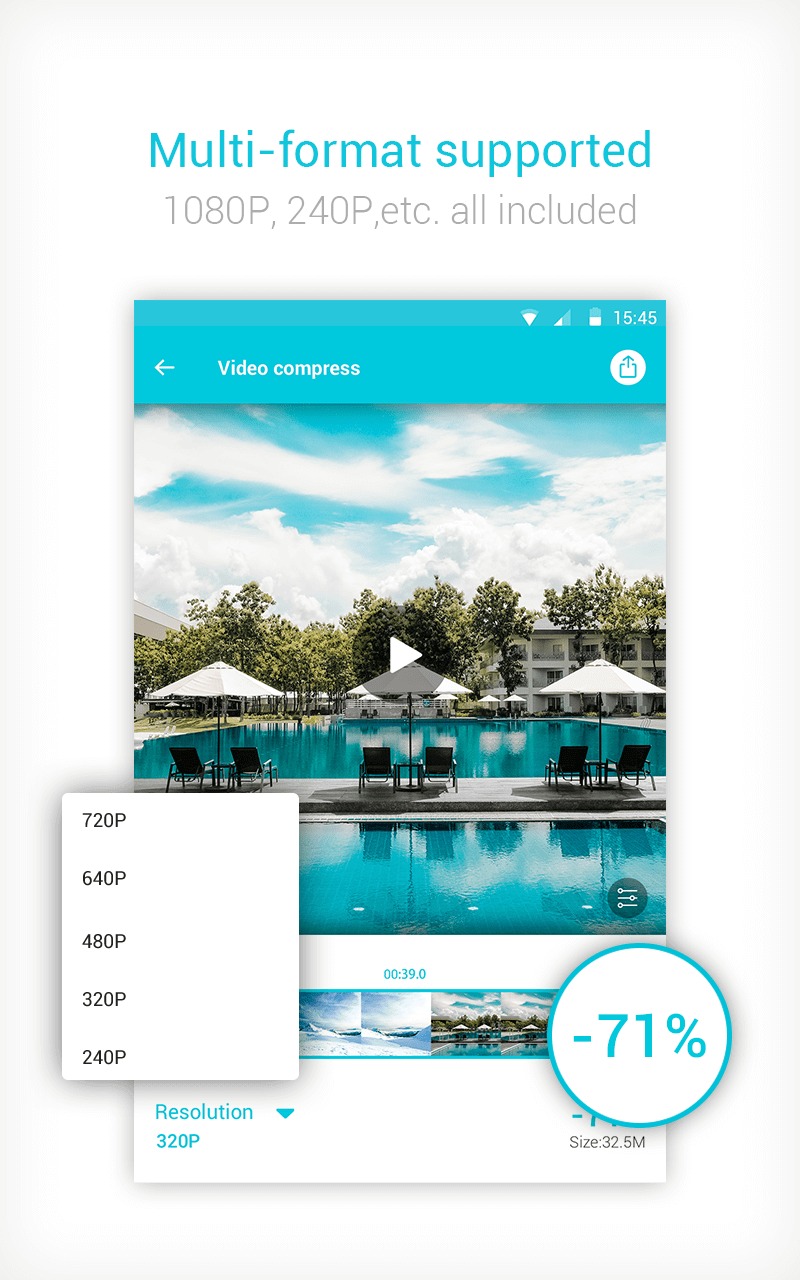
Compress video clips of any size with high quality.
Crop & cut & trim video right on your device.
Play video clips, rename videos, delete videos easily.
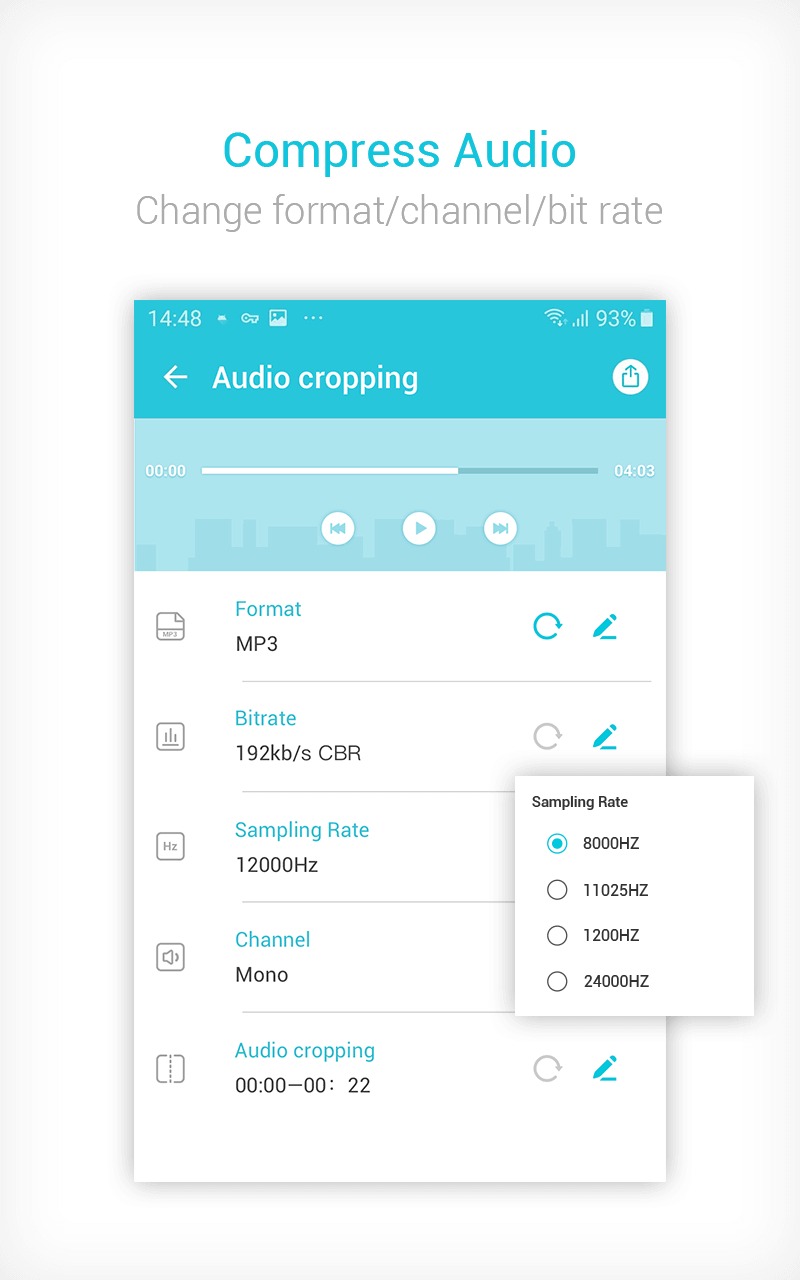
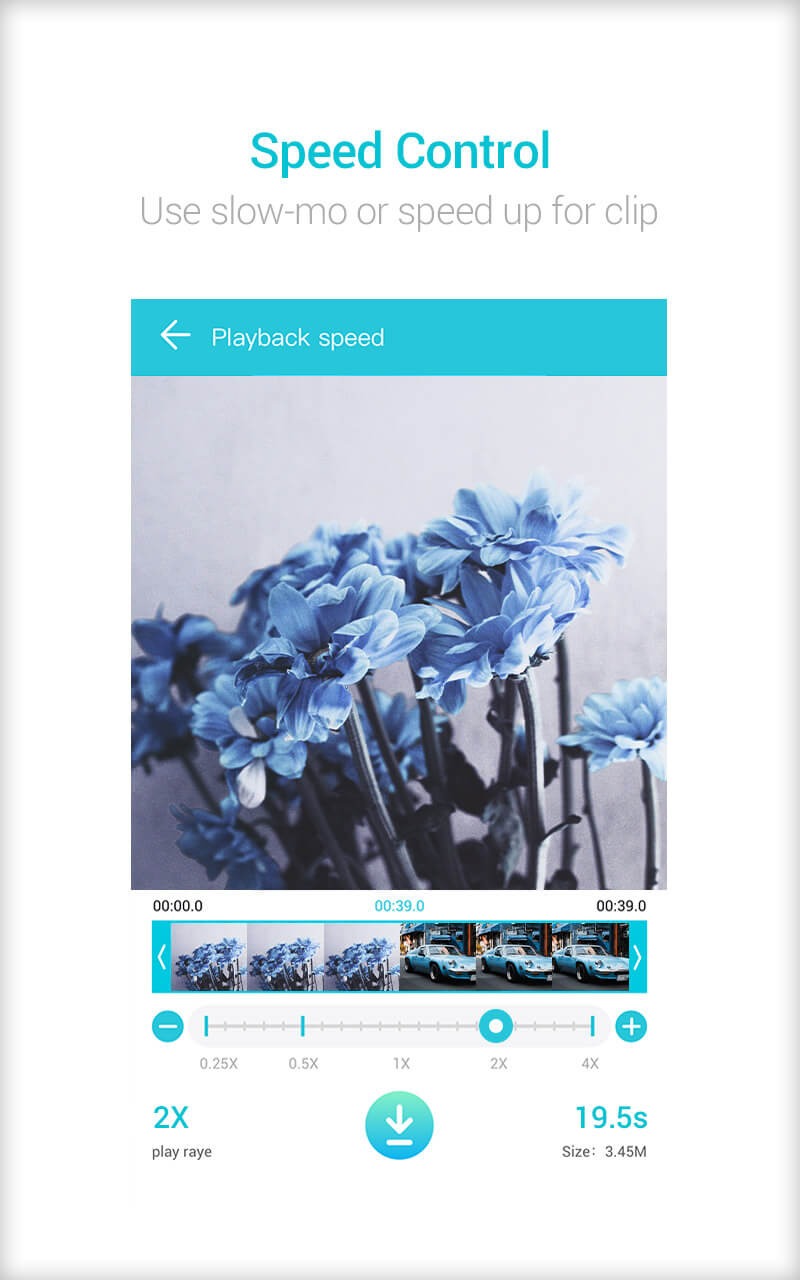
Change audio frequency, speed up or slow down your video.
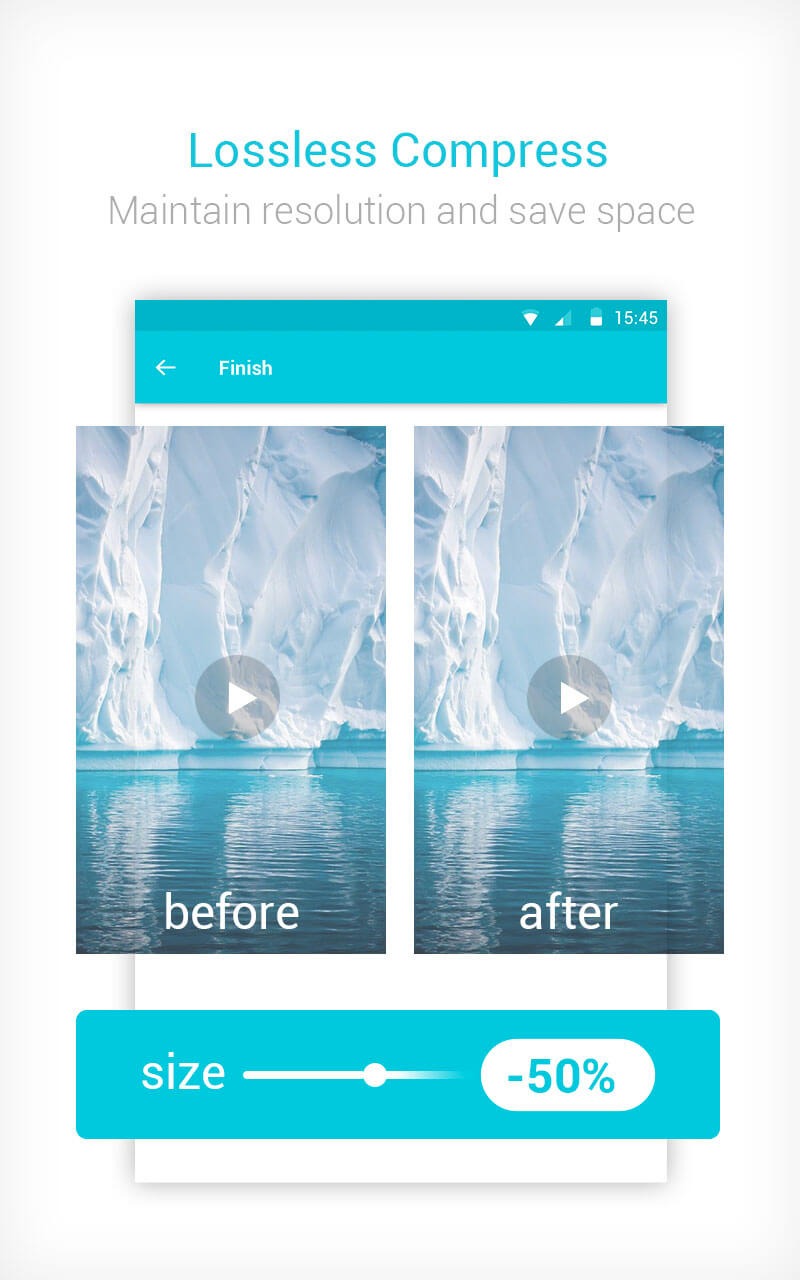
Compress video to very small size without losing video quality and maintaining resolution.
Highlights:
Conversion Formats: The application can support you to change video and audio formats quickly and easily without any difficulty or obstacle, giving you an extremely convenient and fast experience when using.
Device Compatibility: The application will also be compatible with all devices without any difficulty. No matter how low your device's performance is, the application can adapt immediately without having to perform too many cumbersome operations.
Video Customization: You can freely edit your videos according to your preferences and style without any difficulty, giving you extremely perfect videos as if edited by the most professional studios.
Advanced Editing Options: If you do not know where to start editing, you can use the advanced editing feature. With this feature, you just need to select the video you want, the application will immediately edit for you and give you an extremely perfect edited video without you having to scratch your head because you do not know how to edit, giving you an extremely attractive, interesting and convenient experience.
Usage:
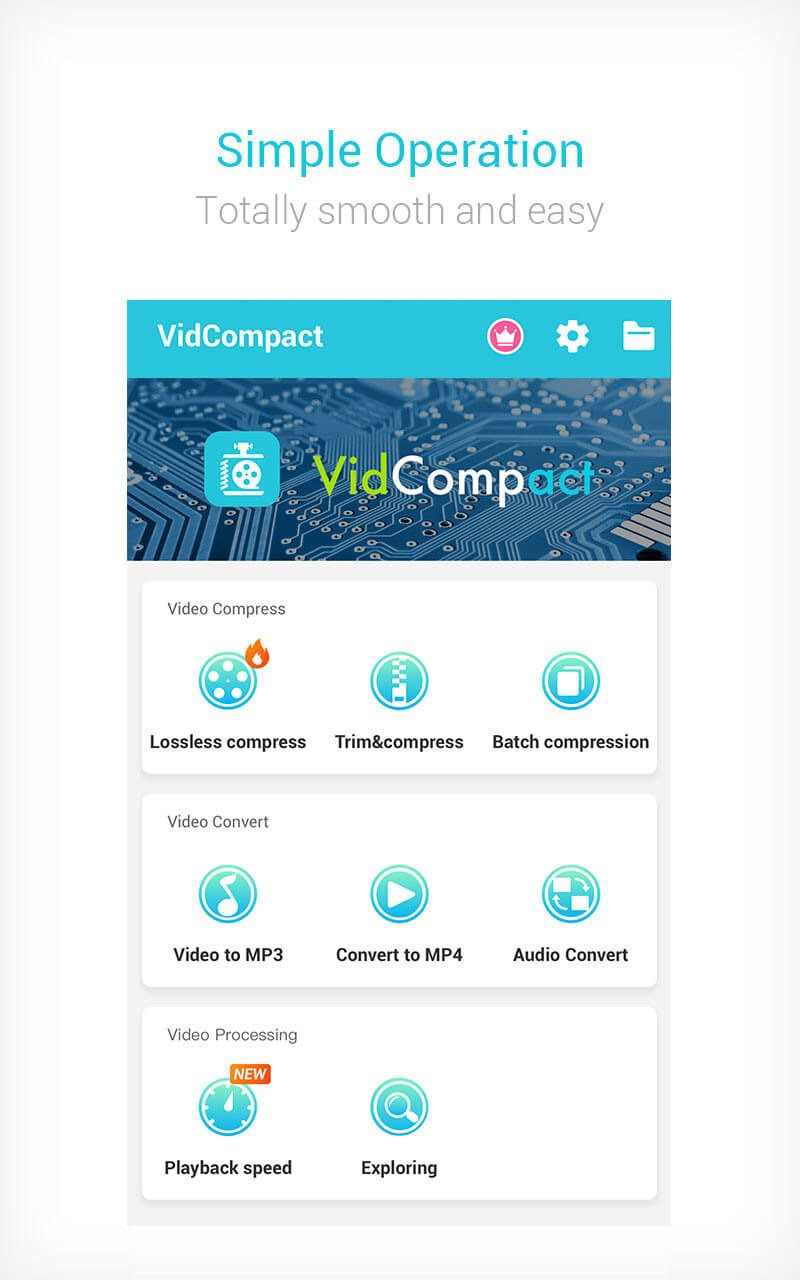
Using VidCompact is incredibly simple. Just choose one of the three options the app offers: trim and compress, batch compress, or convert to MP4. The first option lets you cut a portion of a video, significantly reducing its file size. The second lets you do the same thing, but edit two or more videos at once. The last option lets you convert any video to MP4 format.
Whichever option you choose, VidCompact's interface makes editing videos as easy as baking a cake. With just two or three taps on the screen, you can drastically reduce the size of any video on your device. Once you're done, you can share it directly through any installed social networking app.
Pros and Cons:
Pros
Simple and intuitive interface
Fast video-to-MP3 and MP4 conversion
Batch conversion support
Supports popular video and audio formats
Direct sharing to social platforms
Supports multiple languages
Cons
Frequent and sometimes intrusive ads in free mode
Limited output format flexibility
Some advanced features require in-app purchases
Conclusion:
In summary, VidCompact stands out for its comprehensive capabilities in video compression, audio conversion, and media file management. With its user-friendly interface and efficient processing, users can easily navigate through the app and utilize its features to meet their multimedia needs. The app effectively combines functionality and accessibility, making it a practical solution for anyone looking to optimize their media files on the Android platform.