TradingView
Tools
2026-09-26
52.47MB
1.20.21.1.100119
Android 5.1+
241
Screenshots
Introduction
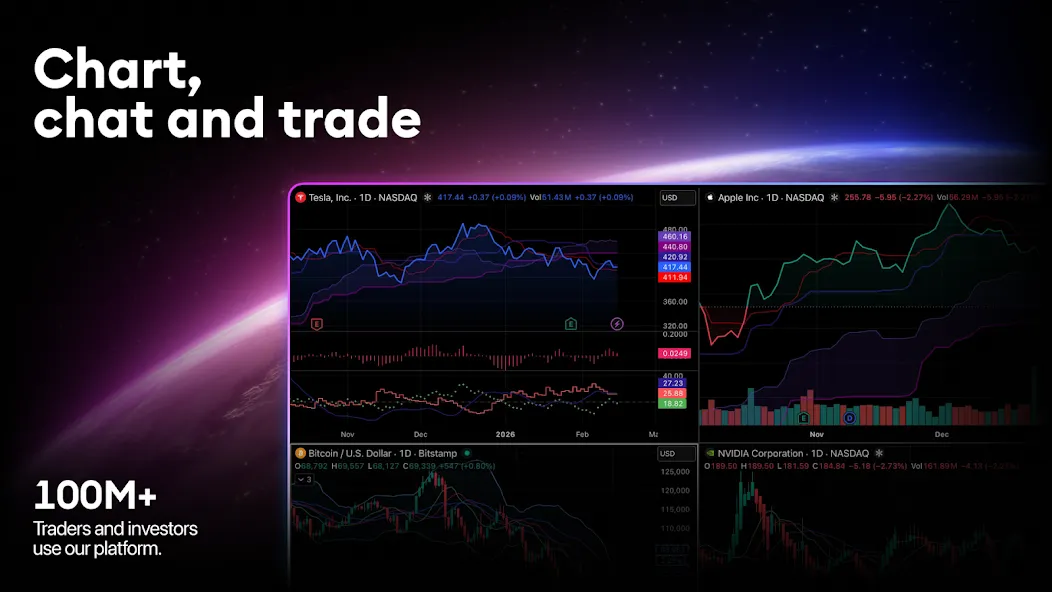
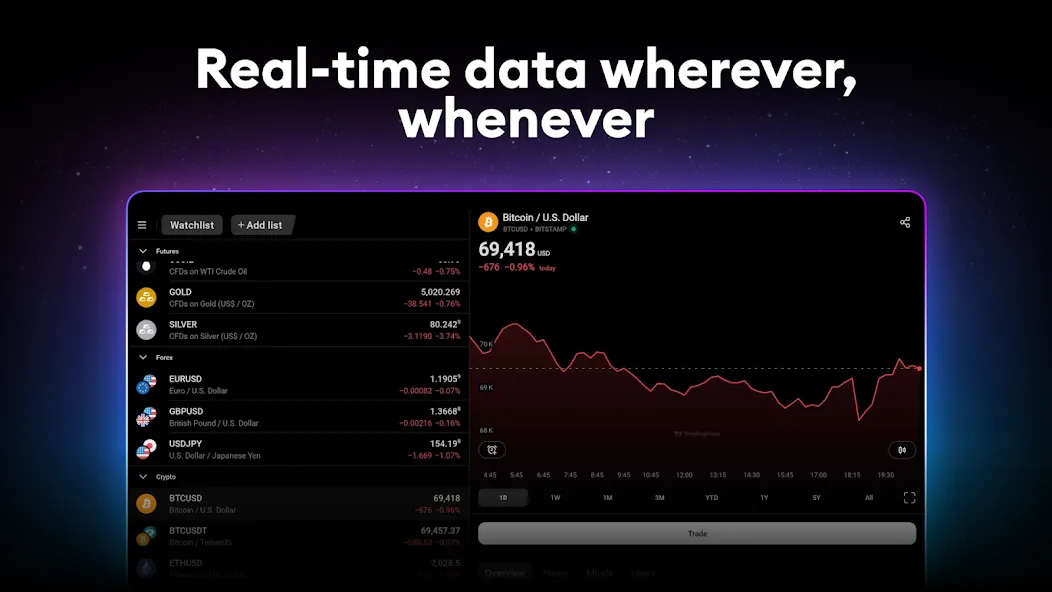
TradingView is a financial tool for stock data analysis. It features advanced charting tools that allow users to apply indicators and conduct in-depth analysis of market trends. The platform includes an interactive community where users can engage with traders worldwide and communicate via encrypted private chats. Market data covers real-time pricing for assets such as cryptocurrencies and stocks, and the platform supports bidding and notifications. With powerful analytical capabilities and real-time alerts, it requires users to create an account and offers customizable verification preferences. It supports a wide range of chart types used in the market.
Features
Advanced Charts: Customizable charting tools with over 100 indicators and drawing tools that allow users to analyze market trends in depth.
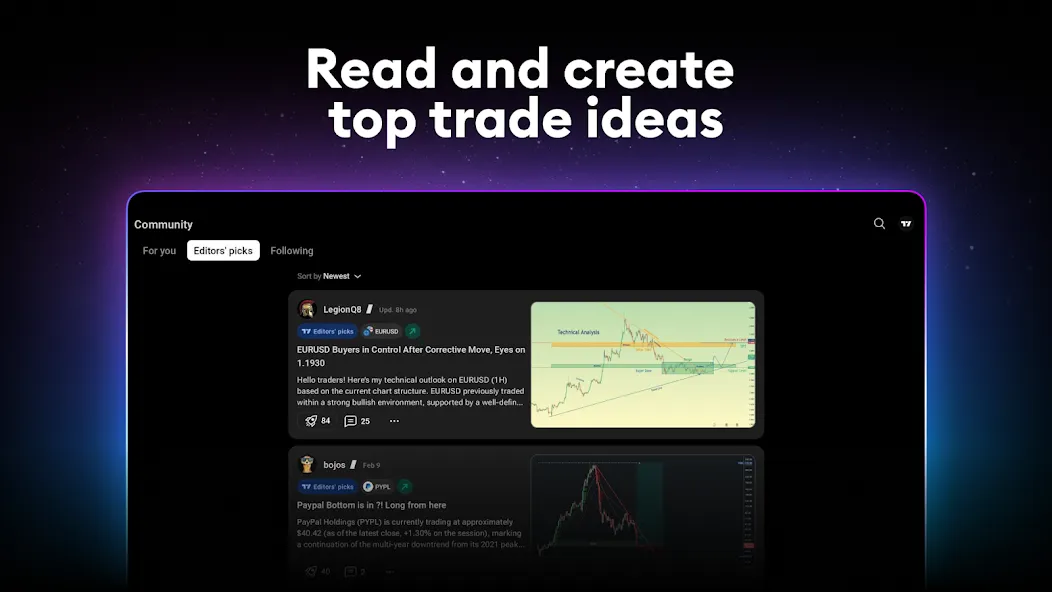
Social Networking: Engage with a global community of traders, share ideas, and access a wealth of insights through public and private chats.
Market Data: Real-time price data for a wide range of assets, including stocks, cryptocurrencies, forex, and commodities.
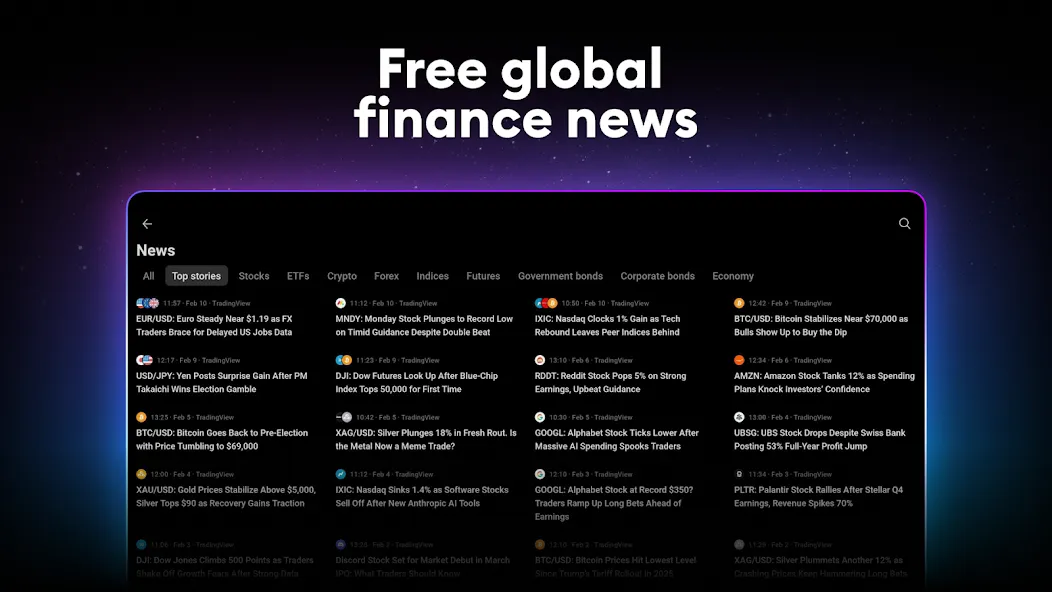
Alerts and Notifications: Set customized alerts for price movements, technical indicators, and news updates to stay ahead of market volatility.
Advantages and disadvantages
Pros:
Robust analytical tools for in-depth market analysis.
Active trading community for networking and support.
Real-time alerts to keep users updated on market conditions.
Wide variety of assets covered, enhancing trading opportunities.
Cons:
Some advanced features may require a paid subscription.
Overwhelming for new users due to the extensive functionality.
FAQS
How can I create a TradingView account?
Go to tradingview.com and click the member icon on the top right-hand corner. Hit the ‘sign in’ button and then choose your preferred method of verification.
Does TradingView show real-time data?
Yes. TradingView offers real-time streaming data. When you link a broker like OANDA, real-time bid/ask quotes and streaming charts update directly using OANDA's pricing feed.
How can I make deposits and withdrawals?
After connecting to TradingView, all your account transactions, including deposits and withdrawals, will still be operated by OANDA.
How much does TradingView cost?
Integration is completely free for OANDA clients, only standard fees and commission apply. You can also buy one of TradingView’s premium plans for advanced traders.
User comments
A near-perfect application for charts, I'm saying it "near-perfect" because some of the features are blocked behind payments. I know it's essential for the team behind so, I'm not complaining about it. Overall it's outstanding and mesmerizing, they haven't paid me a single penny to write this, I'm writing this on the basis of my own experience. I also like that the "Chart Replay" is now free on the Daily, Weekly and Monthly chart which was not free from the beginning on any timeframe.
Great app when it's working. Honestly. Desktop and mobile. However, recent updates have made the mobile app unusable. Moving between portrait watchlist and landscape charts sees the chart pushed to half the screen, where the app then hangs. Sometimes it recovers; sometimes it doesn't. I'll be leaning on the desktop app until this is resolved, and happy to update to 4/5 stars when done. Update: Stable. Brilliant app. Generous free offering. 5/5.
the best analytical app there is so far. I love it's flexibility and usefulness as well as different chart type which makes reading data easier and more efficient. I also love the brokers they offer which enables us to have access to accurate charts. this app Is simply the best
Summarize
Download TradingView and start following the data from the main world stock markets. Keep an eye on even the slightest fluctuation and benefit from graphs that can be adjusted to your needs.