Roblox
Tools
2026-09-26
150MB
2.740.931
Android 7.0+
514
Related Apps
Screenshots
Introduction
Roblox is a comprehensive gaming platform for Android devices. You can search for specific games by entering their names and interact with friends through text chat. The app allows you to customize your avatar and discover 3D items created by other users. You can save your game progress in real-time, and the platform offers virtual spaces for diverse experiences across various game categories. Additionally, the app is user-friendly and easy to get started with.
Features
Find games by interest
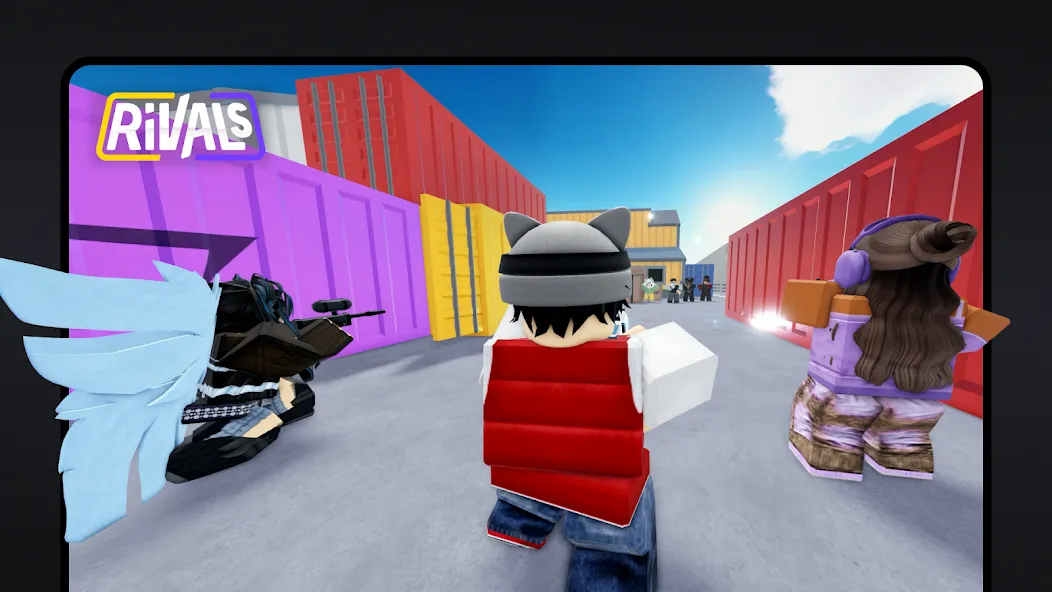
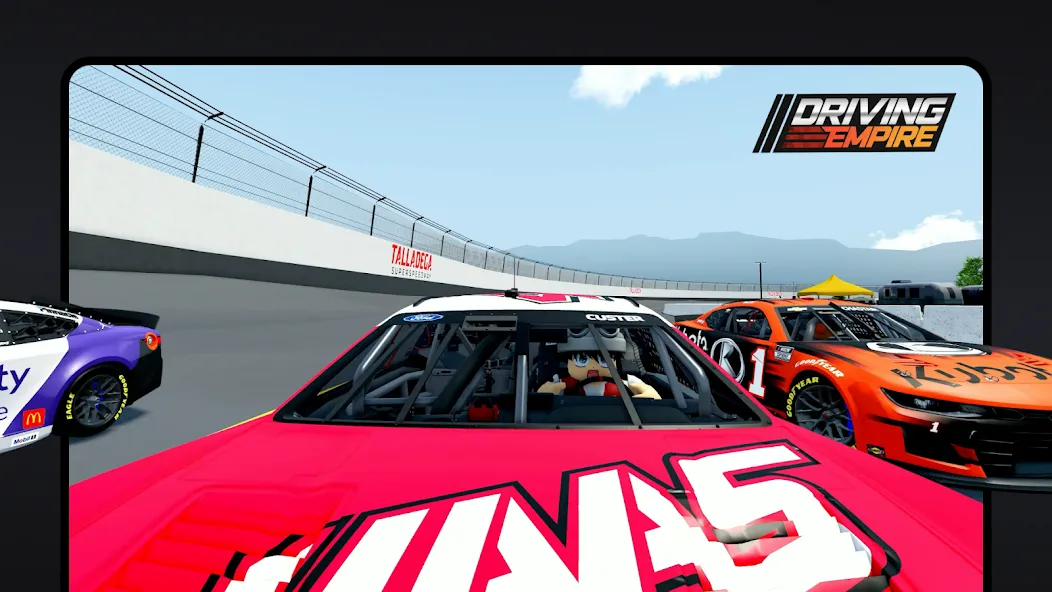
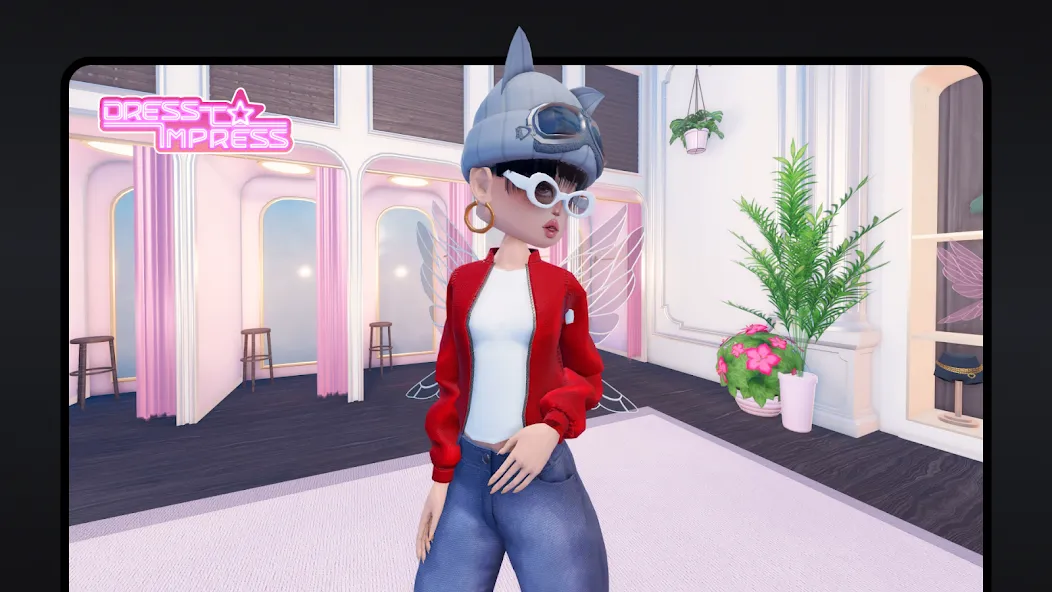
Roblox lets you browse trending and recommended experiences or search for a specific title. You can find popular worlds such as Brookhaven RP, Adopt Me!, Dress to Impress, Blox Fruits, RIVALS, and SpongeBob Tower Defense. Each game is made by a different creator or team, so gameplay, controls, and available content may vary.
Play with friends and other users
You can join multiplayer servers to play alongside friends or other Roblox users. Roblox also supports Parties, which help players enter experiences together. Text chat is available in supported situations, while eligible users may also have access to voice chat.
Set up your avatar
Roblox allows you to change your virtual character through the Marketplace. You can look for clothing, accessories, hairstyles, animations, emotes, and user-created 3D items. Your avatar gives other players a way to recognize you when you enter different experiences.
Keep your account progress
Your Roblox account keeps its identity, friends list, avatar, and progress across supported devices. This is useful when you return to a game you have played before or want to reconnect with people you already know. However, progress and items can depend on the individual experience and its creator.
Explore creator-made worlds
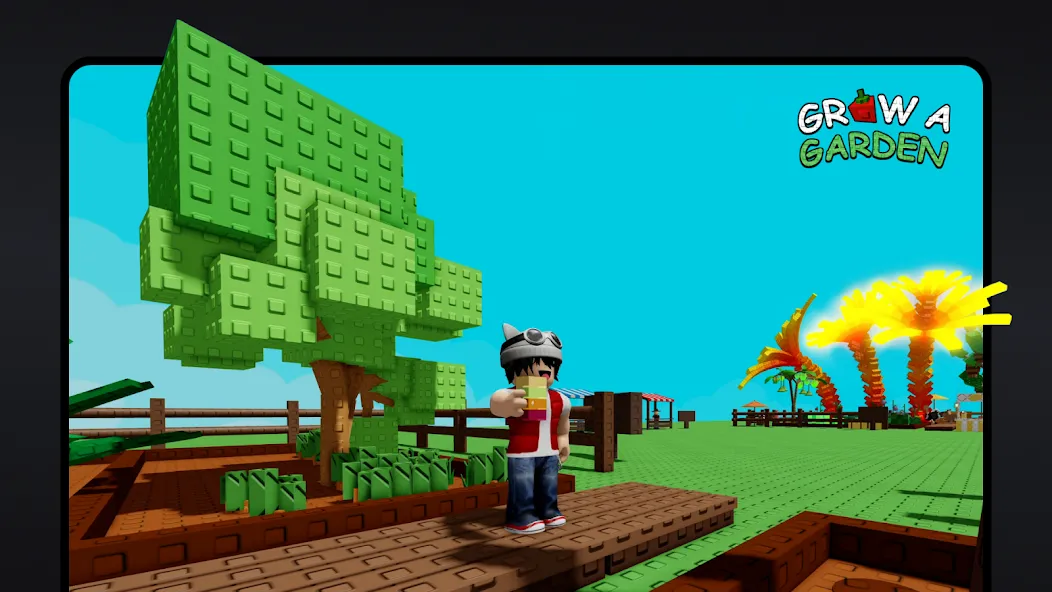
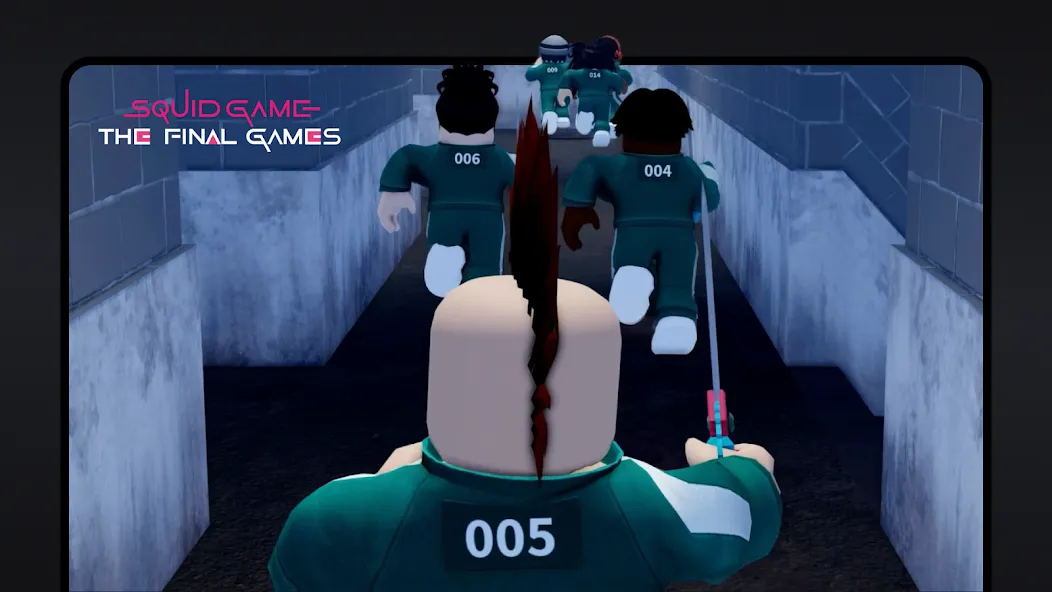
Roblox includes experiences made by studios, independent teams, and individual creators. Creators can build and publish games and virtual spaces through Roblox Studio, while players can discover those published projects in the app. As a result, the platform includes many different game styles instead of one fixed set of levels.
How to Use
Open the app and use the home screen to browse recommended and trending experiences, or use search to find a game by name.
Select an experience to view its page, then check its description and choose the play button to enter an available server.
To play with others, add friends from their profiles or create a Party before joining an experience together.
Open the avatar and Marketplace sections when you want to change outfits, accessories, animations, or emotes for your character.
Visit the settings area to adjust privacy, chat permissions, account restrictions, parental controls, and spending options as needed.
User comments
Roblox is less of a game, and more of a platform for gaming. You can find nearly anything you're looking for, and plenty of great times which you hadn't expected! From strategy and action which requires your constant focus, to casual times which help you relax and unwind, there's bound to be something for you here!
The game is great and fun to play with friends. There are so many games to choose from to. You can customize your character and make your own cosmetics. My only complaint is that most the games keep asking you to spend more money and buy robux and pop ups asking you to rate and or favorite the game and when you do buy robux there gone in six seconds (You can play any game legit without spending money)
Summarize
Roblox is an online video game platform where you can play online with other people from all over the world. However, what makes it really unique is that it also allows you to create your own games and share them online, so the whole community can enjoy your creations. You'll have all the necessary tools at your disposal to create everything from small mini-games to real high-calibre worlds.
-
Latest Updates
-
Featured Apps