Quick Share
Tools
2026-09-24
18.61MB
1.0.7
Android
68
Screenshots
Introduction
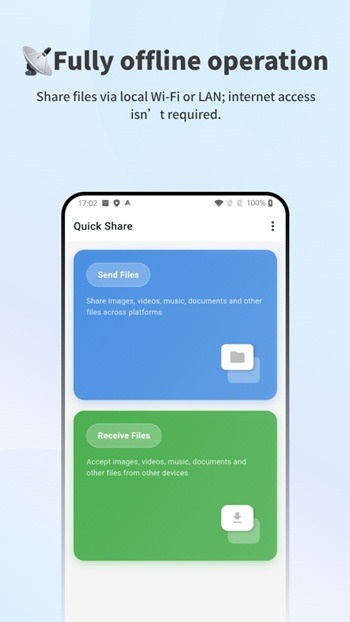
Quick Share is a file transfer tool designed for Android devices. It enables users to easily transfer files between devices without requiring an internet connection. The app supports transfers across various platforms—allowing for file exchanges between Android devices or between an Android device and a PC—and handles a wide range of file types. It also prioritizes security, ensuring data safety and preventing file corruption during the transfer process. With its simple and intuitive interface, the app is extremely easy to use.
Features:
Android-to-Android file sharing
Android-to-PC connection and file transfer
Real-time chat and messaging
Share photos, videos, documents, audio files, apps, and more
Clean conversation-based interface
Fast sending and receiving of files
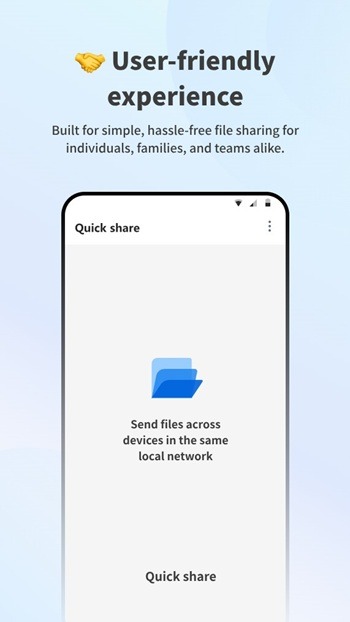
Simple and user-friendly experience
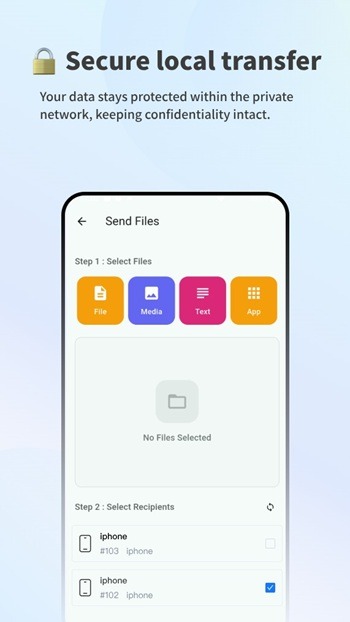
Secure file transfers
Support for multiple file formats
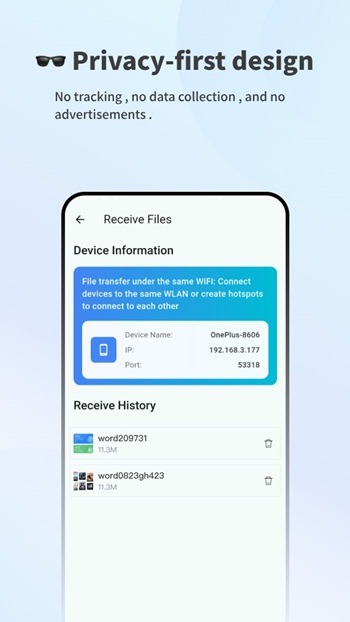
Easy device discovery and connection
Highlights:
High-Speed File Transfer Made Easy
Quick Share utilizes advanced Bluetooth or WiFi technology to enable fast and reliable file transfers. You can share videos, music, photos, and other content effortlessly while monitoring connectivity and optimizing device performance. The app ensures compatibility across Android platforms and delivers a secure, streamlined way to manage your digital files without compromising speed or reliability.
Effortless Phone Cloning and Screen Mirroring
This app features an advanced phone cloning tool, enabling the migration of messages, call logs, and device settings to a new Android phone with ease. Additionally, its screen mirroring functionality allows you to project content from your device to a larger display, such as a TV, for an enhanced viewing experience. Supporting all Android devices, these features ensure convenience and broad compatibility for various use cases.
Pros and Cons:
Pros
Supports many wireless devices
Does not require any technical expertise
One-click sharing capabilities
Cons
Older Bluetooth and Wi-Fi drivers are not supported
May cause glitches with legacy operating systems on older devices
FAQs:
What is Quick Share used for?
Quick Share is used to transfer files between nearby devices using local Wi-Fi or LAN without needing an internet connection.
Does Quick Share require an internet connection?
No, it works completely offline by connecting devices through the same local network.
Can Quick Share send files between different operating systems?
Yes, it supports Android, iOS, Windows, macOS, and Linux, allowing cross-platform transfers.
Is Quick Share safe to use for private files?
Yes, files stay within the local network and are not uploaded to external servers, which helps protect privacy.
Why is Quick Share faster than cloud sharing?
It sends files directly between devices over local Wi-Fi, avoiding upload and download delays from the internet.
Conclusion:
Quick Share fits people who often move files between devices without wanting to rely on cloud services. It’s useful for students, small teams, families, or anyone who prefers direct, offline transfers. It works best in places like homes, offices, or classrooms where devices are close together.
-
Latest Updates
-
Featured Apps