ProCam X
Photography
2026-10-24
4.12MB
1.26
Android 5.0+
466
Screenshots
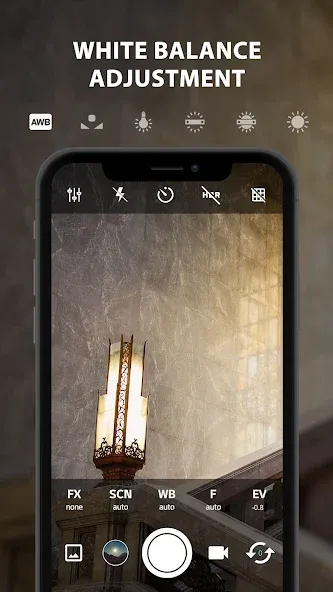
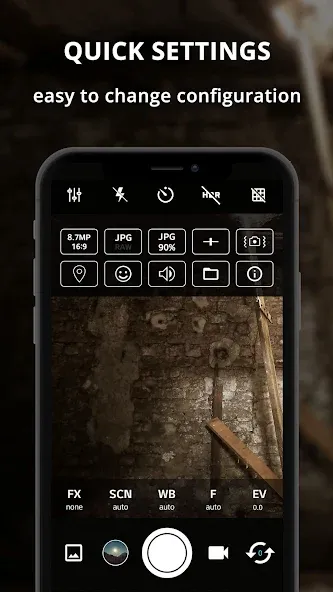
Introduction
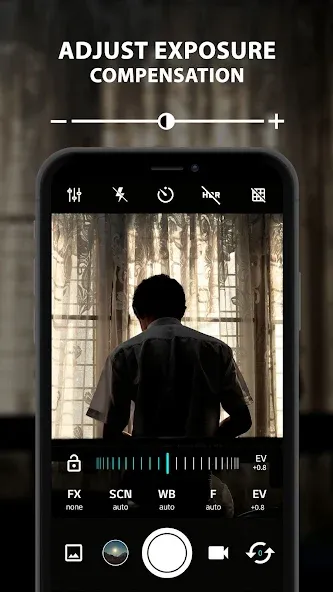
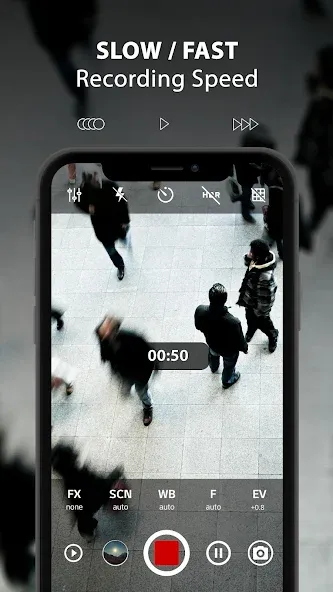
ProCam X is a camera application designed for the Android operating system. It features a clean, minimalist interface, allowing users to get started quickly and easily. With this app, you can capture high-quality, professional-grade photographs. It offers a comprehensive yet intuitive set of tools, enabling users to fine-tune settings such as exposure, filters, lighting, and focus. The app also boasts excellent compatibility, supporting high-resolution output and a variety of image formats. Furthermore, it includes features for video editing—such as adding your preferred audio—and allows you to share your creations on other platforms or with friends. The photos captured are of exceptional quality, characterized by high resolution and high frame rates.
Features:
Full Control / Manual Editing
Unique control options include ISO, focus, and shutter speed, allowing for a highly personalized shooting experience.
Motion Stabilization / Anti-Shake
Eliminates camera shake and blur, ensuring you capture the best possible shots—even while in motion.
Automatic Color Correction
Automatically standardizes color parameters, saving you time and streamlining your workflow.
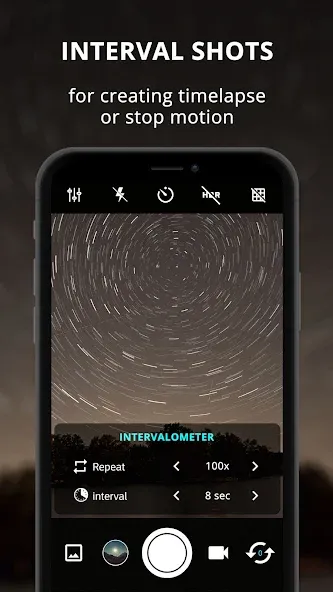
Intervalometer (Time-Lapse)
Perfect for time-lapse photography, this feature lets you control exposure and set specific shooting intervals, helping you create stunning visual content.
Burst Mode
Capture a rapid sequence of photos by simply holding down the shutter button. It is ideal for photographing fast-moving subjects, making it a great choice for sports and wildlife photography.
Gesture Control
Control the camera using simple gestures, such as waving your hand or tilting your palm. This makes taking photos and recording videos easier and more intuitive.
Highlights:
Burst mode with configurable delay—perfect for creating stop-motion animations or time-lapse videos.
High-definition front and rear cameras, designed for professional-grade results.
Professional HD camera features: scene modes, focus modes, burst mode, color effects, white balance, manual exposure lock, and manual ISO.
The graphical user interface adapts seamlessly to any orientation.
Adjustable volume keys (can be used for zooming or changing exposure compensation).
Exceptional performance, rivaling the best high-definition cameras.
Remote control (with optional audio countdown), configurable timers, and an auto-repeat mode.
Customizable volume keys for quick-access functions.
Shutter speed control, similar to a DSLR camera.
Manual focus, just like a DSLR.
Manual ISO selection, as found on DSLR cameras.
Interval shooting for time-lapse photography and stop-motion animation.
Intuitive controls via multi-touch gestures and single-touch operations.
Option to lock photos or 4K videos in either portrait or landscape mode.
Record 4K video on supported devices—turn your phone into a 4K camcorder.
FAQS:
Is ProCam X truly safe?
Yes—all our content has been evaluated and secured to ensure a safe experience when you use it on your Android device.
What is ProCam X?
It is an essential tool for anyone looking to achieve professional-quality mobile photography.
Is ProCam X free to use?
Yes, though some advanced features require payment.
Advantages and disadvantages:
Pros
User-friendly interface
Total control of various settings
Automatic GUI orientation change
Cons
Some features depend on device models
Summarize:
In short, if you want to get the most out of your smartphone’s camera, ProCam X is an excellent way to tweak your device’s default settings—putting you back in control and helping you realize your creative vision like a pro.
-
Latest Updates
-
Featured Apps