PXPlay: Remote Play
Tools
2026-10-08
74.64MB
8.1.1
Android
334
Screenshots
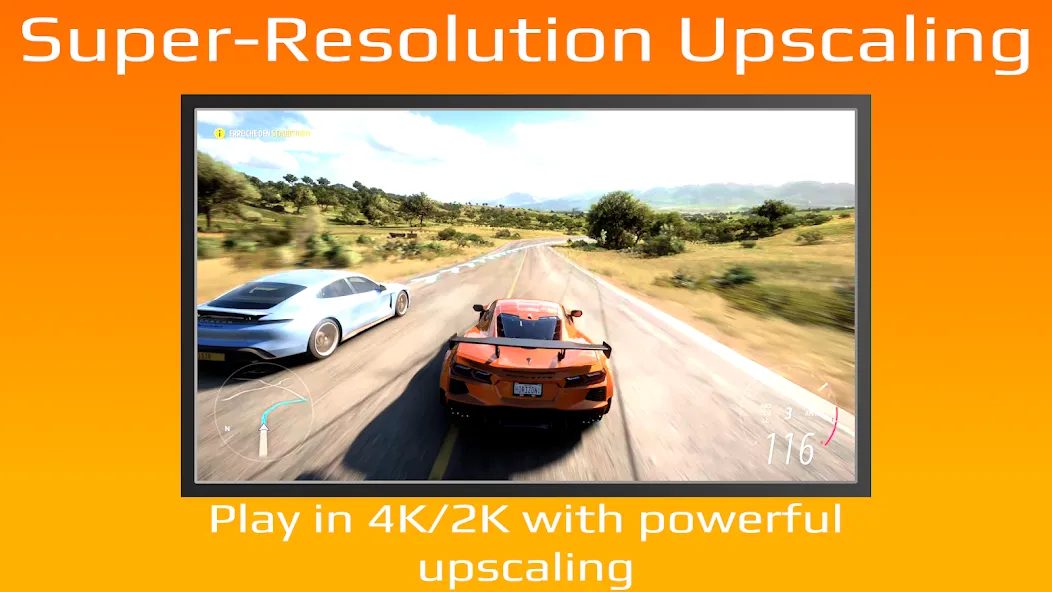
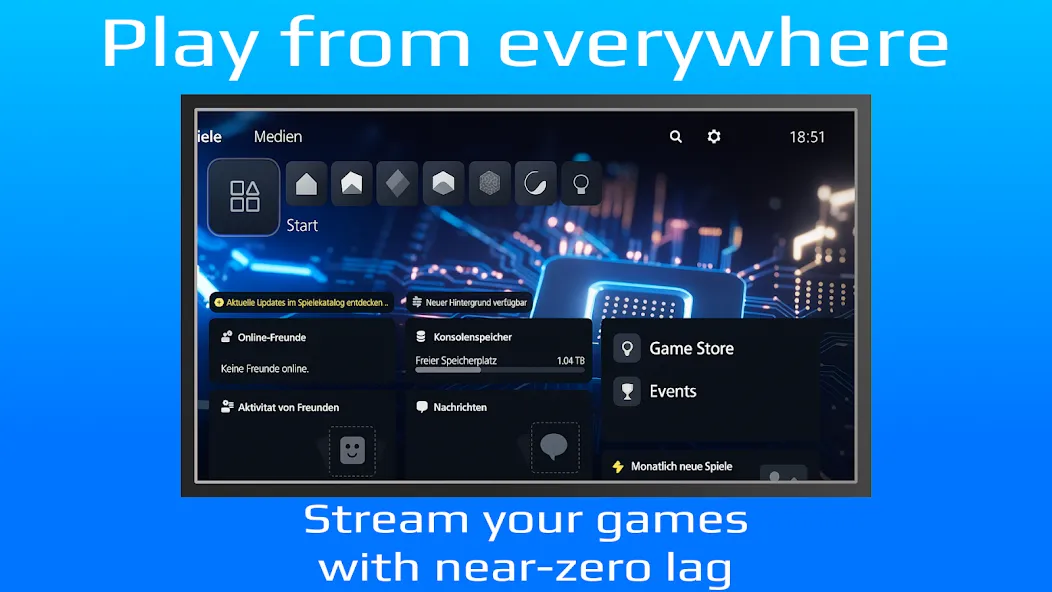
Introduction
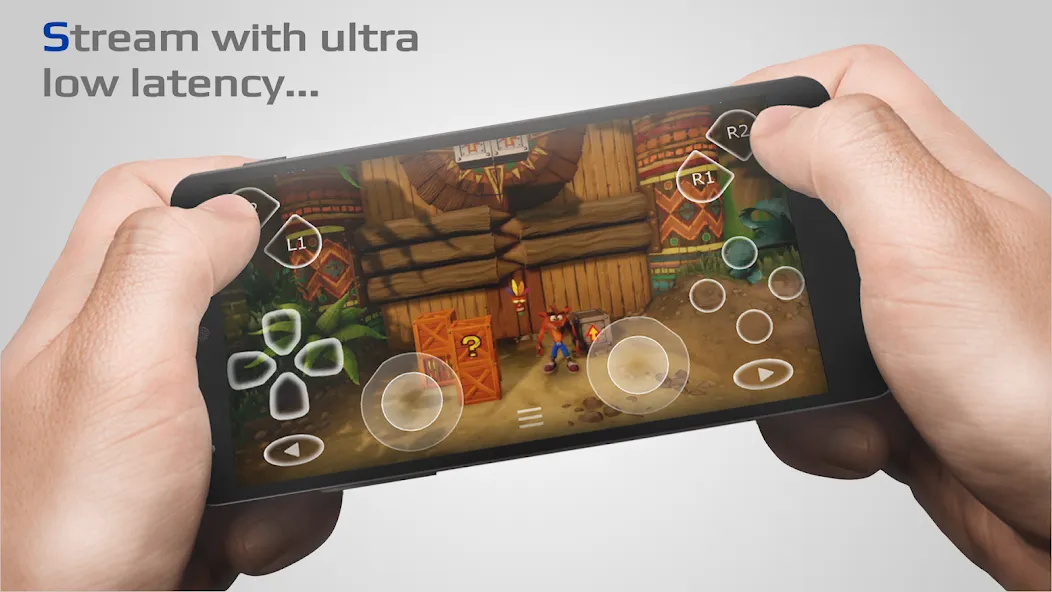
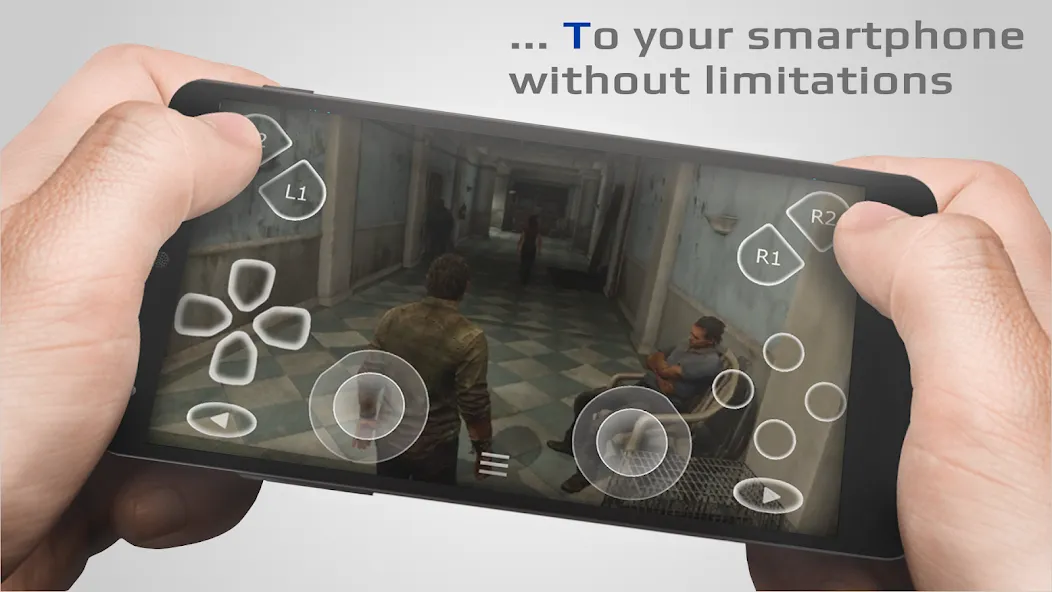
PXPlay: Remote Play is a controller utility for Android devices. It supports external third-party controllers, allowing players to control games and enjoy an enhanced gaming experience. The app enables screen casting to TV devices and offers customizable button mapping, allowing players to configure various settings. It also supports extended functionality on rooted devices. This version fixes certain image rendering issues and is compatible with all Android devices, enabling you to play your favorite games remotely.
Features
3rd Party Controller Support: It supports all Android devices, allowing you to use external controllers for a better gaming experience.
Mobile Data Usage: The app allows users to connect via mobile data, providing gaming flexibility.
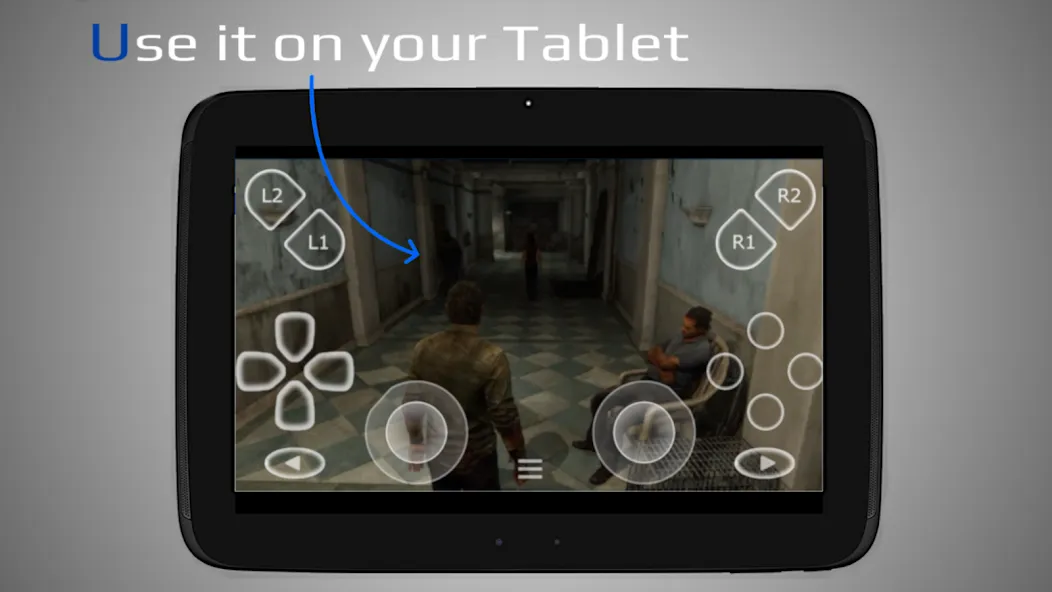
Android TV Support: It is compatible with Android TV devices, enabling a more prominent display for gameplay.
Gamepad Button Mapping: Customize button mapping for a personalized gaming experience.
Multiple Profile Registration: Users can register various profiles, making it easy to switch between different settings.
Onscreen Gamepad Layout Customization: The app allows users to customize their onscreen controls conveniently.
Support for Rooted Devices: It can be used on rooted devices, expanding its usability.
Virtual Controller: It can be used as a virtual controller for gaming devices that do not support remote play.
Firmware Compatibility: The app supports older firmware from 5.05 and newer versions.
Screen Recording: Record and capture your gameplay, although a third-party app is required.
Update Log
Improved second-display detection so virtual displays, such as screen recording or casting surfaces, are ignored and the real monitor is selected.
Fixed the DualSense touchpad click not working while a custom gamepad mapping was active.
Fixed recently played game artwork and profile avatars getting stuck or not refreshing.
Improved PSN account token handling and recovery from faulty tokens.
Fixed a crash on some multi-monitor setups, for example on Samsung Galaxy S25 devices.
Fixed the aspect-ratio button not showing on a second display.
Fixed an image upscaling EGL rendering issue.
General bug fixes and stability improvements.
FAQS
Q: Can I use it on any Android device?
A: Yes, it supports all Android devices.
Q: Do I need a high-speed internet connection to use the app?
A: A high-speed internet connection with at least 15 Mbps is recommended for optimal performance.
Q: Is it compatible with Android TV?
A: It supports Android TV devices for a more extensive display experience.
Q: Can I customize the onscreen gamepad layout?
A: Yes, it allows you to customize your onscreen gamepad layout.
Q: What should I do if I have issues logging in?
A: If you experience login issues, refer to the community page for troubleshooting advice.
Summarize
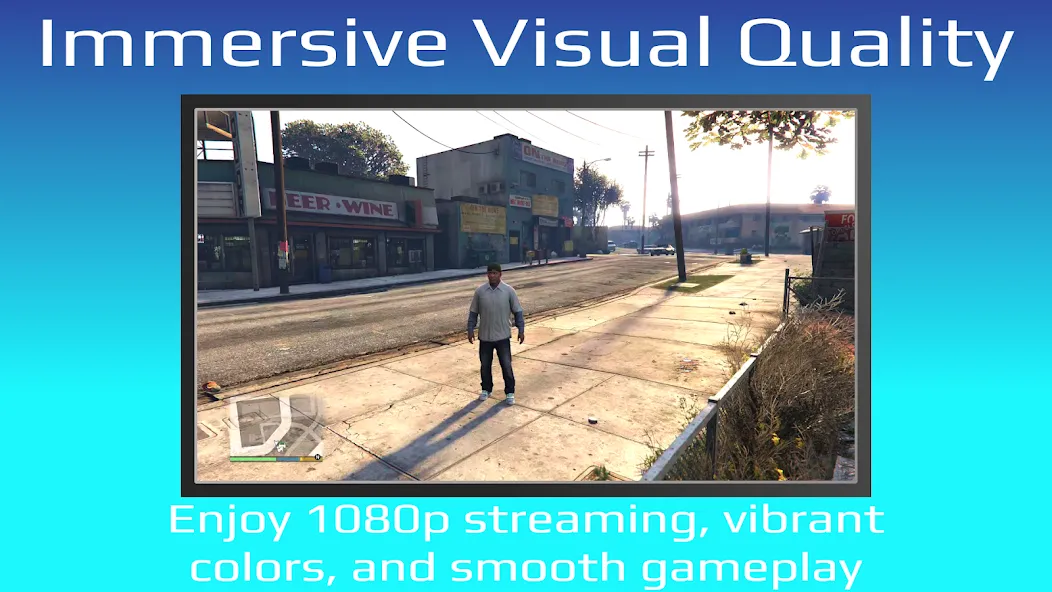
PXPlay: Remote Play offers you the possibility to remote control your gaming device without limitations. You can play your favorite games remotely while you are away (more information below*). PXPlay has been optimized to provide streaming experiences with the lowest possible latency. Third-Party controllers and mobile data connections are supported.
-
Latest Updates
-
Featured Apps