GDPS Editor
Tools
2026-10-05
114.14MB
2.2.12
Android
372
Screenshots


Introduction
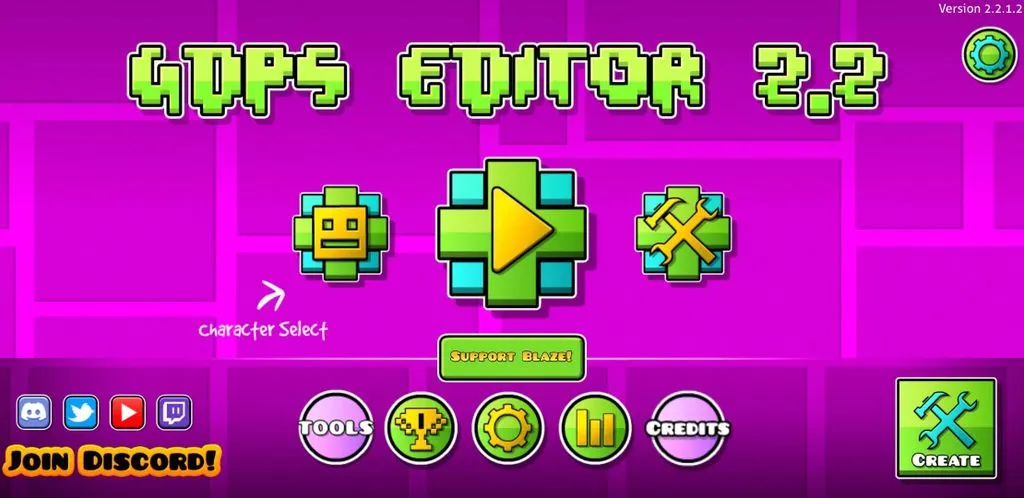
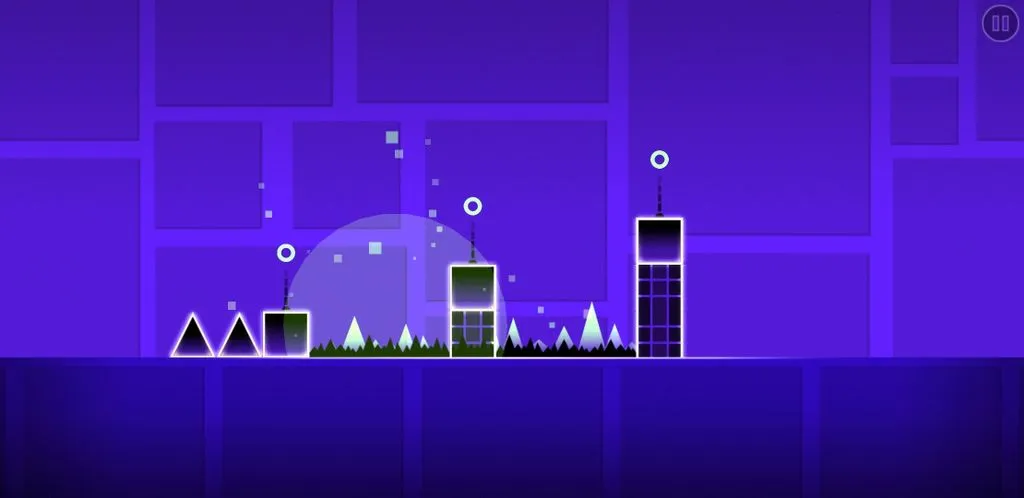
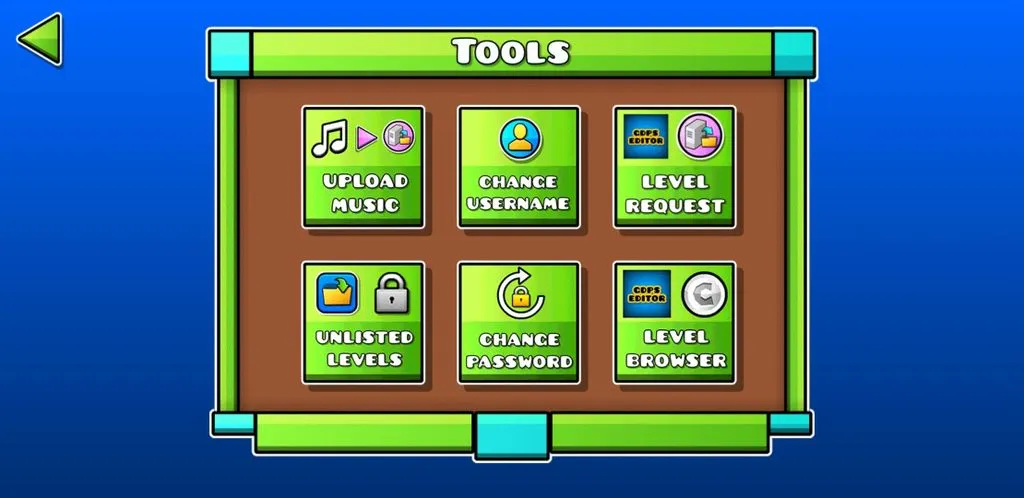
GDPS Editor is a game tool designed specifically for Geometry Dash, allowing users to create, modify, and share custom game levels. The app offers a wide range of level-editing features, giving players the freedom to design paths and place hazardous obstacles. Players have full control over the game's style and the level's difficulty, and can customize backgrounds and colors to match their chosen theme. It also supports music importation, enabling players to create unique soundtracks for their levels and synchronize gameplay mechanics with the musical beat. Additionally, the app features a vast community where players can share insights and collaborate to create even better levels.
Features:
Flexible level editing
GDPS Editor provides a level editor where you arrange paths, hazards, and triggers. You can open a stage, move elements, and change how parts interact to shape difficulty and flow.
Object tools and customization
Add platforms, enemies, and obstacles with the object inserter.
Create new objects, duplicate, or delete them to refine your design.
Set backgrounds and colors to match your theme.
Music import for levels
You can integrate your own songs to build a soundtrack that fits each section. This helps time jumps and spikes to the beat, making testing more straightforward.
Physics tuning and testing
Adjust gravity, speed, and friction to see how the stage plays at different settings. After changes, run a quick test to confirm behavior before saving. Features may vary by version, so confirm compatibility with the GDPS Editor latest version on your device.
Highlights:
Custom Levels: You can play levels that are not available in the original game. These levels are created by other players, so there’s always something new to try.
Advanced Tools: With RGDPS, you get access to special tools that let you create your own levels and share them with friends.
Vibrant Community: Join a community of players who love Geometry Dash just like you. You can share tips, tricks, and even compete with each other.
Regular Updates: The game is frequently updated with new features and improvements, so there’s always something fresh to look forward to.
Pros and Cons:
Pros
Touch-friendly drag-and-drop editing with grid-based placement
Beginner-friendly tutorials and preview tools make level creation easier to approach
Cons
Better as an editor and reference aid than a full discovery hub
More advanced creators can find the feature set somewhat basic
FAQs:
What is GDPS Editor?
GDPS Editor is a mobile level-building tool for Geometry Dash that lets users create, modify, and share custom game levels using advanced editing features.
Is GDPS Editor an official app by Geometry Dash creators?
No, GDPS Editor is a fan-made utility based on Geometry Dash. It runs on Android and uses the same engine but adds extended editing tools.
Can I use GDPS Editor without owning Geometry Dash?
Technically, you need Geometry Dash assets for GDPS Editor to function properly, so it works best if you already have the base game installed.
Does GDPS Editor work on iOS or only Android?
As of now, GDPS Editor is designed for Android devices only. There's no iOS version available due to platform limitations.
What can I customize with GDPS Editor?
You can change level structure, gameplay speed, visuals , object colors, and even add your own music —perfect for players who want full creative control.
Conclusion:
This app is ideal for creative players who enjoy tinkering with game mechanics or want to learn more about how level design works. It’s especially useful for fans of Geometry Dash who want to move past playing and start making. Whether you’re a hobbyist designer, aspiring game dev, or someone who just likes a challenge, GDPS Editor is a flexible tool with plenty to offer.
-
Latest Updates
-
Featured Apps