Private Zone
Tools
2026-10-09
13.95MB
6.3.3
Android 4.0 and up
182
Screenshots
Introduction
Private Zone is a highly practical Android utility. It allows users to lock specific apps, thereby safeguarding privacy and ensuring the security of mobile data. The app also supports cloud backup to prevent data loss. Additionally, it features an intrusion alert function: if someone attempts to access a locked app without authorization, the app automatically snaps a photo of the intruder, effectively helping to prevent privacy breaches. Users can also hide their photos and videos using this app. With Private Zone, users no longer need to worry about the security of their data.
Features:
AppLock : No one can find out your secrets!
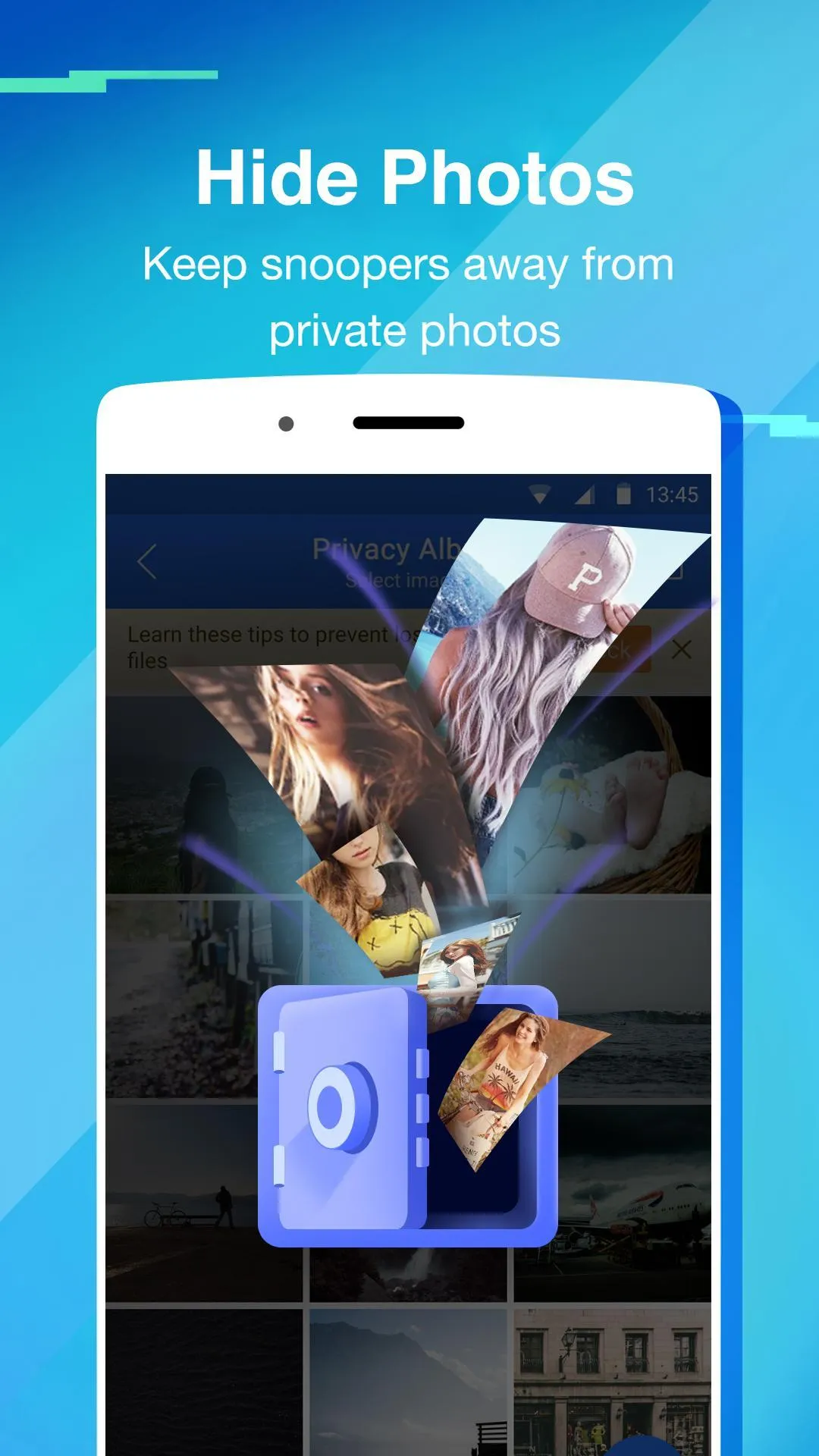
Hide Photos: Protect your personal photos.
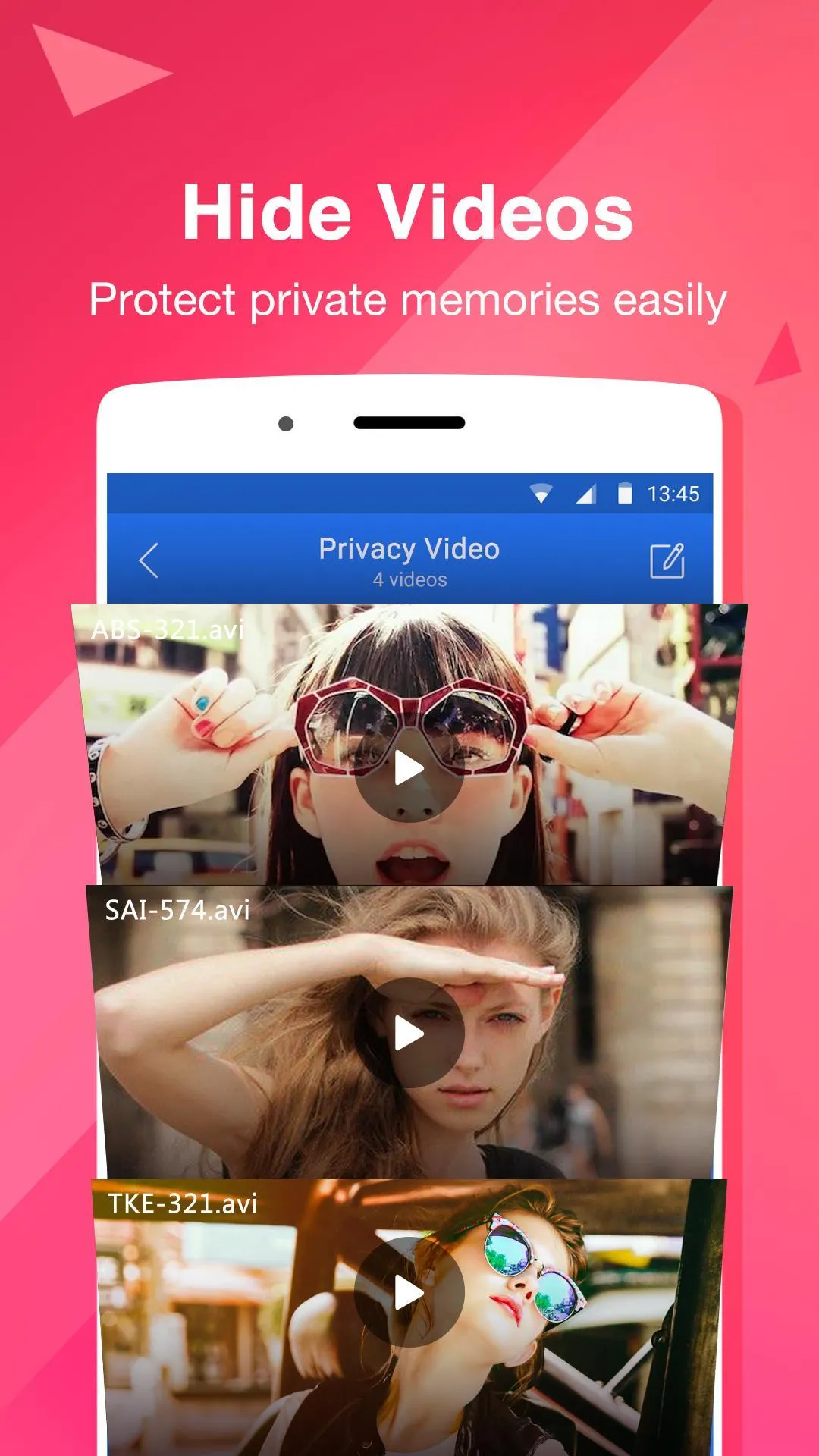
Hide Videos: Protect private memories easily.
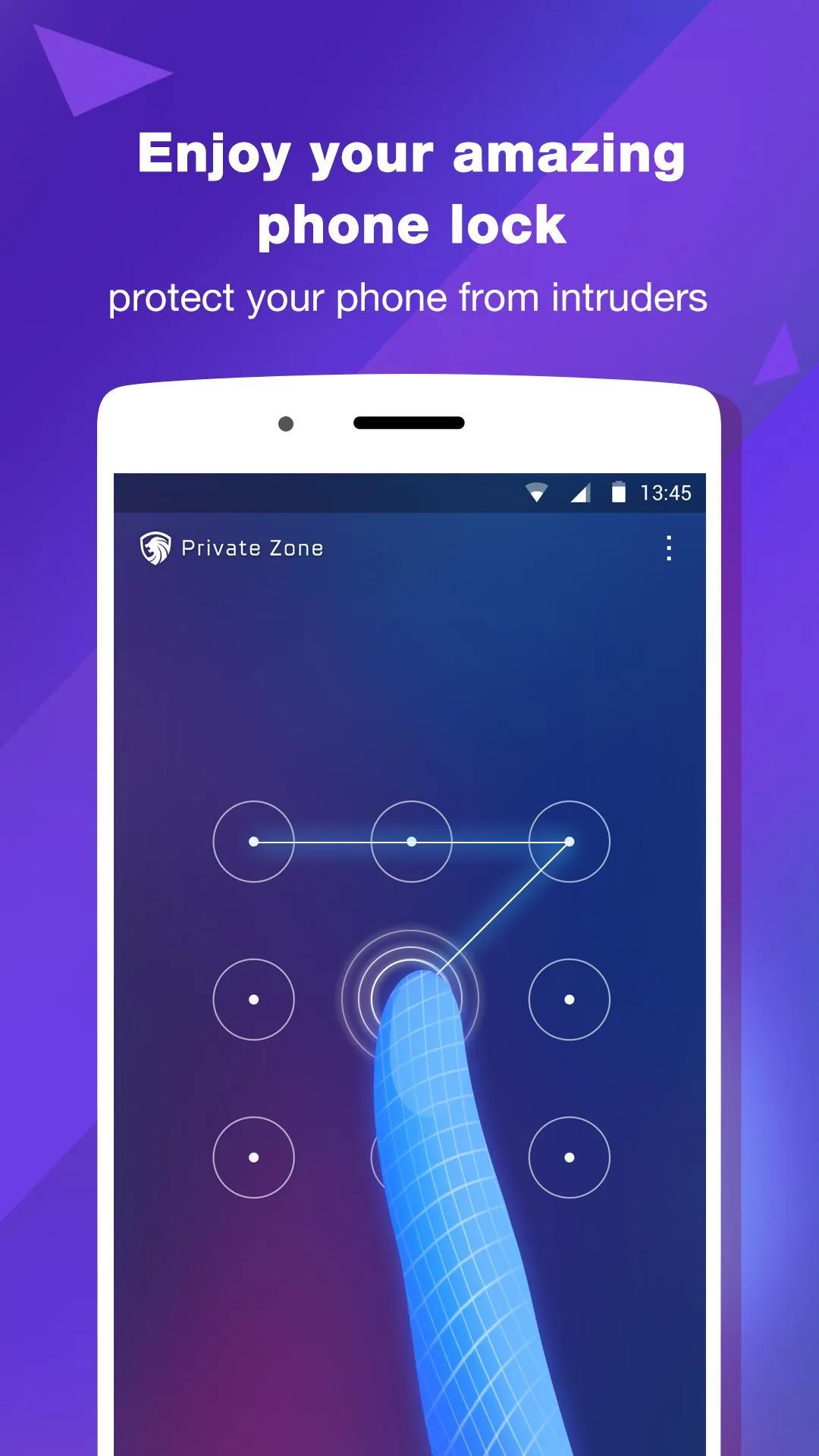
Lockscreen: Enjoy your amazing phone lock!
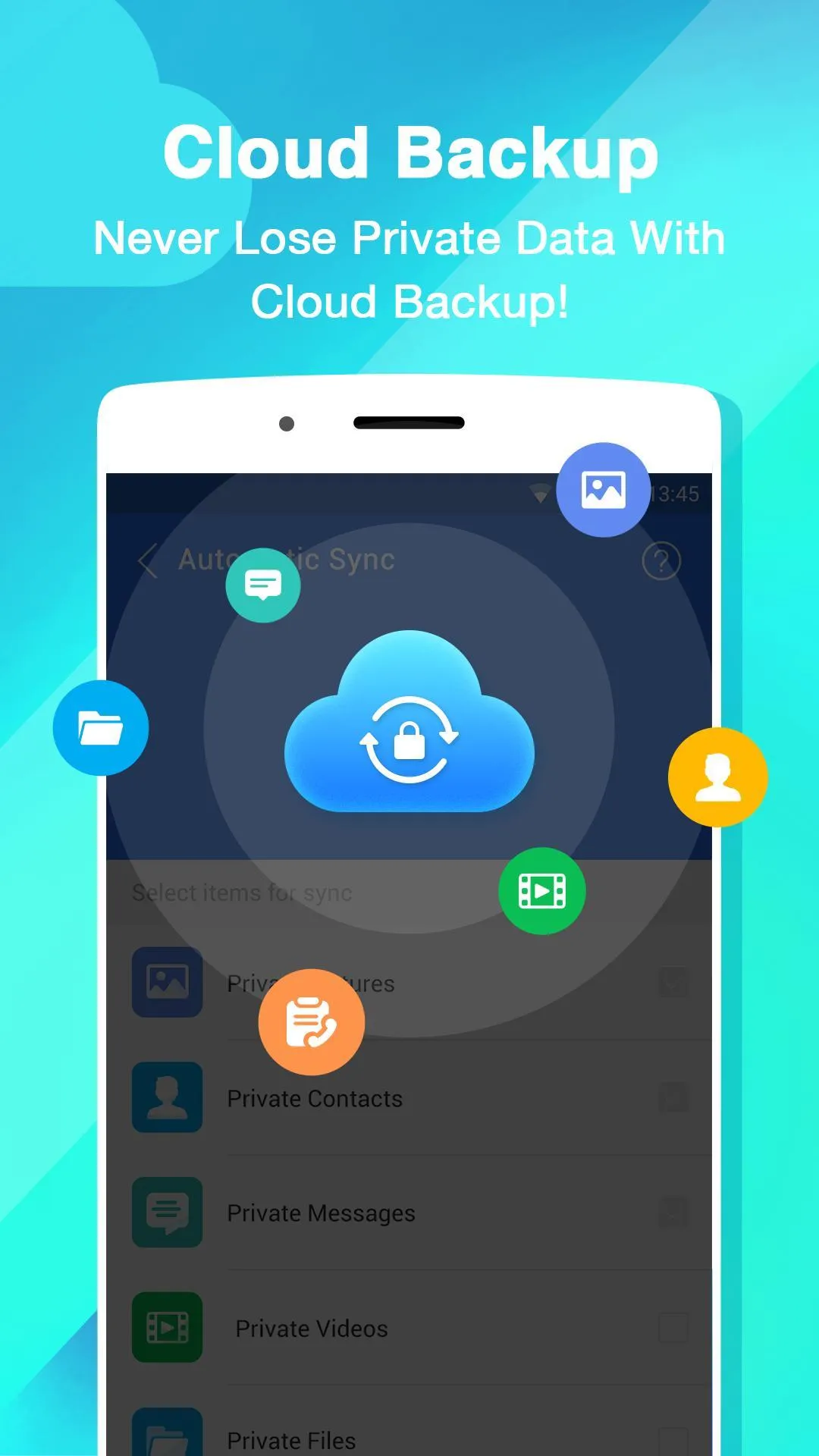
Cloud Backup:more secure data with one click backup.
Junk Cleaner:free up your storage space.
Hidden app And Cloned apps: Hide private apps, no one can see it.
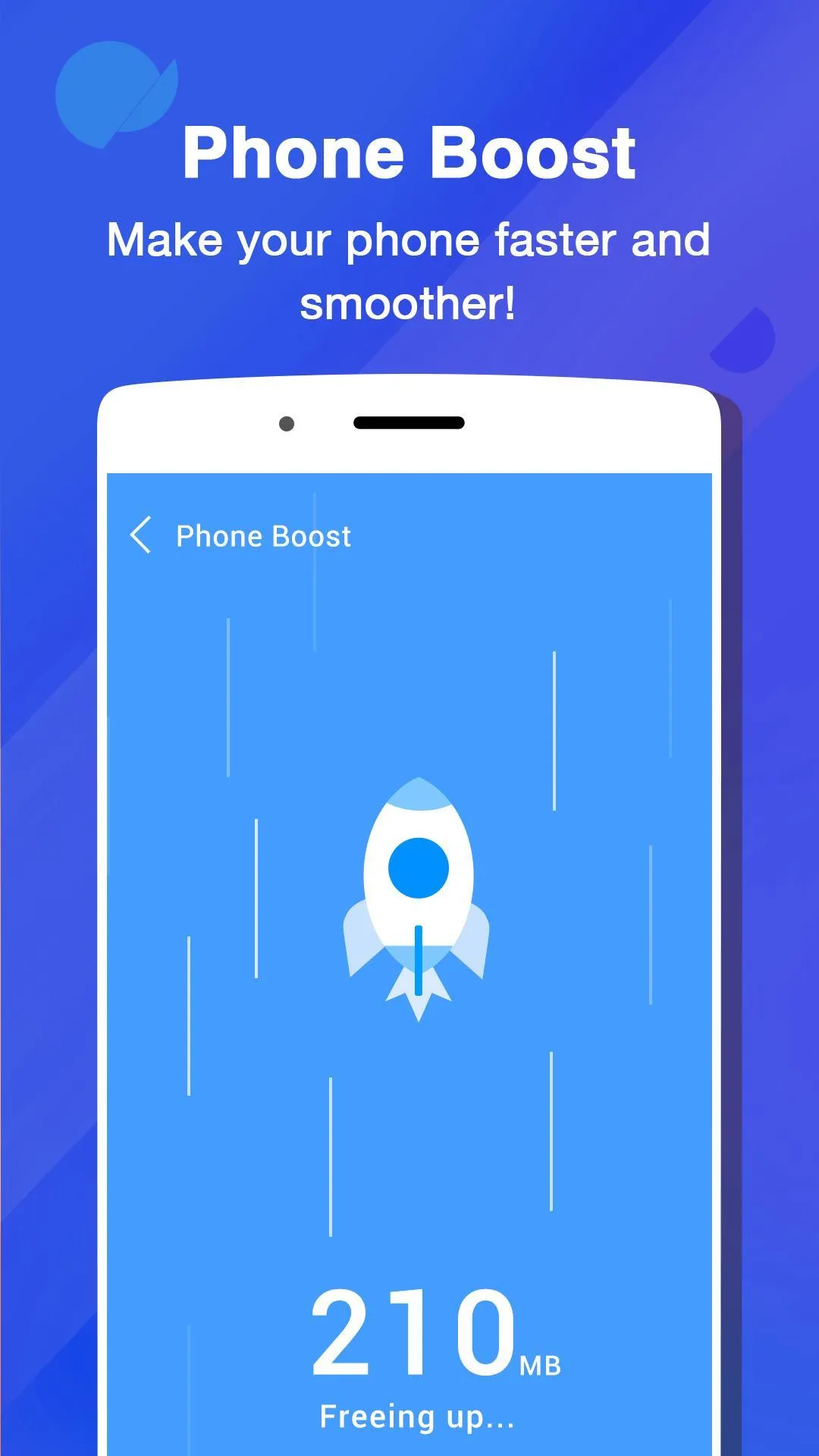
Phone Boost: Speed up your Phone.
FREE VPN: Mask your IP address, freely surf any web content.
Private Browsing: Keep your personal data secure.
Privacy Status: Scan your privacy status with a single tap.
Break-in Alert: Intruder Selfie.
Highlights:
Advanced app locking tools for complete privacy
With Private Zone , you can lock a wide range of apps—including social networks, messaging platforms, and media galleries—to prevent unauthorized access. You can set up password, pattern, or fingerprint-based locks, ensuring only you can access your personal content. The app enables you to adjust lock modes and conditions, allowing you to secure different apps under specific circumstances. This feature is particularly useful for keeping children from accessing certain apps or making unwanted purchases.
Secure media vault and private browsing
This privacy app features a media vault where you can securely store and hide photos, videos, and other sensitive files. The vault's secure environment makes it easy to store personal memories out of sight from snoops. Additionally, Private Zone features a private browsing mode that allows you to surf the web discreetly. By automatically cleaning your search history and hiding browsing data, the app ensures your online activity remains confidential.
Enhanced protection with break-in alerts
A standout feature of Private Zone is its break-in alert system. If someone tries to access your locked apps without authorization, the app captures a photo of the intruder, helping you detect and deter privacy breaches. Combined with administrator permissions to prevent unauthorized deletions, this feature offers an extra layer of security for your most critical data.
Pros and Cons:
Pros
Locks apps and hides many file types
Break-in Alert photographs failed unlock attempts
Covers disguise protected apps
Supports Google Drive backup
Cons
Hidden videos can load slowly
Ads require a subscription to remove
Cleaner and booster dilute the privacy focus
Conclusion:
Overall, Private Zone is a multifunctional app equipped with a browser, file cleaner, and many more. However, its main functionalities lie in its app and file locker. With the ability to set Covers and take pictures of intruders, the app promises next-level security, in addition to your peace of mind.