Pixelup
Photography
2026-09-11
179.69MB
2.0.0
Android
533
Screenshots
Introduction
Pixelup is a powerful AI-driven photo editing tool for Android devices. It allows users to upload selfies or old photos and automatically enhances image quality, making it easy to restore aged pictures. The app also enables users to quickly create unique avatars from their photos, helping them stand out on social media. Additionally, it features a colorization function that transforms black-and-white photos into color images; the system uses intelligent analysis to accurately restore colors. Once the editing is complete, users can share their creations to major social media platforms with a single tap—quick and convenient.
Features:
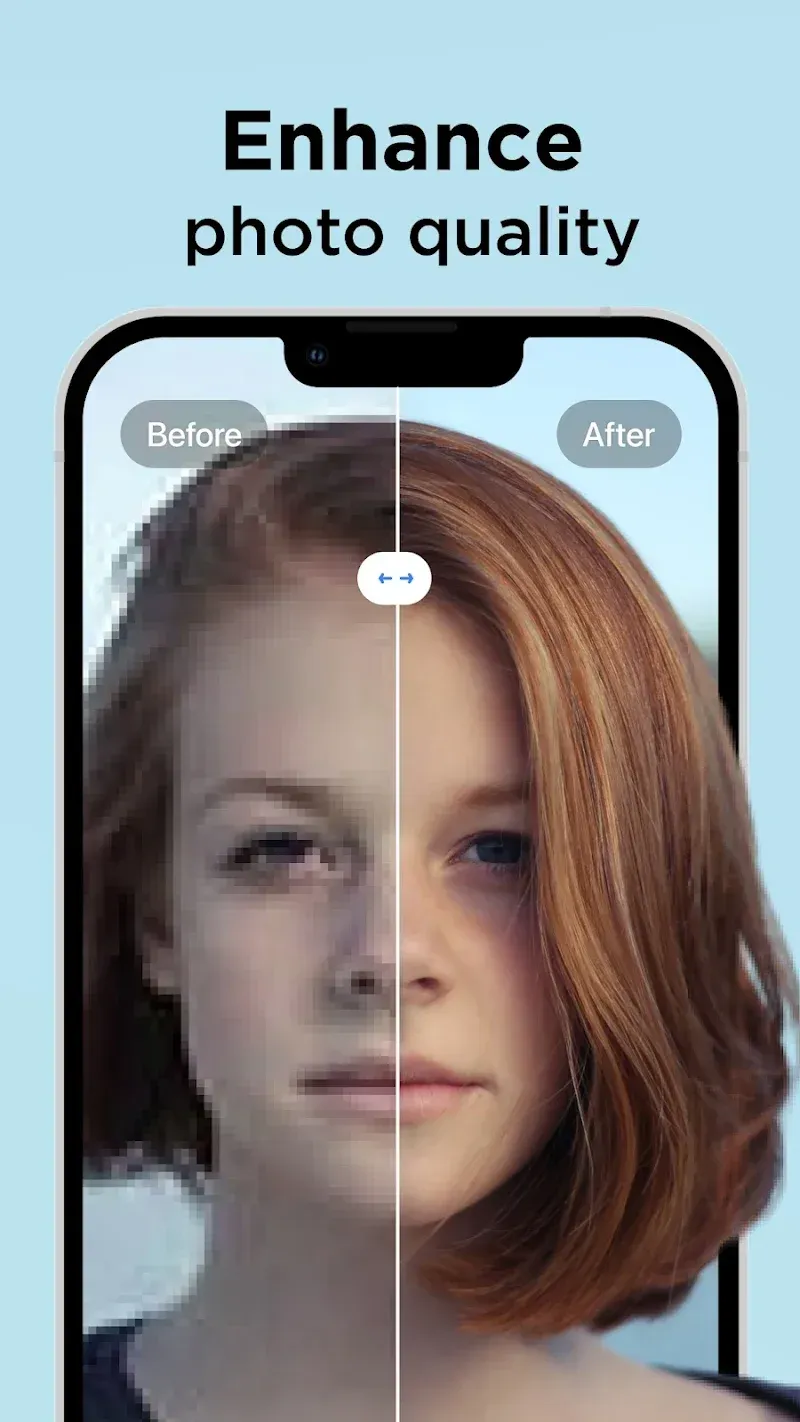
ENHANCE PHOTO QUALITY
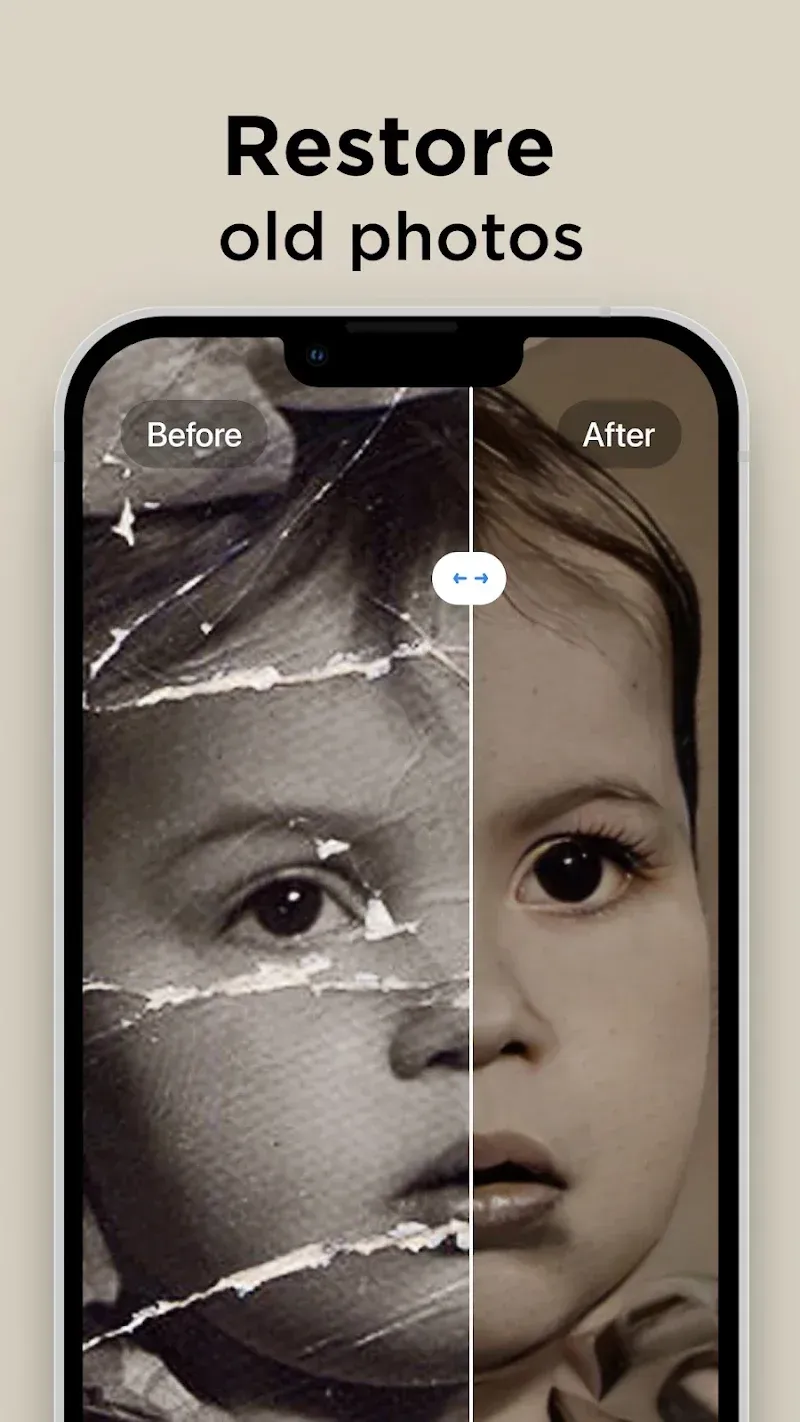
Either upload your best selfie or take a photo of an old picture with the camera, Pixelup’s photo enhance feature will make your photos brand new and in HD resolution. Enhanced AI algorithms will give you a flawless face even when zoomed in. You can easily restore old photos now.
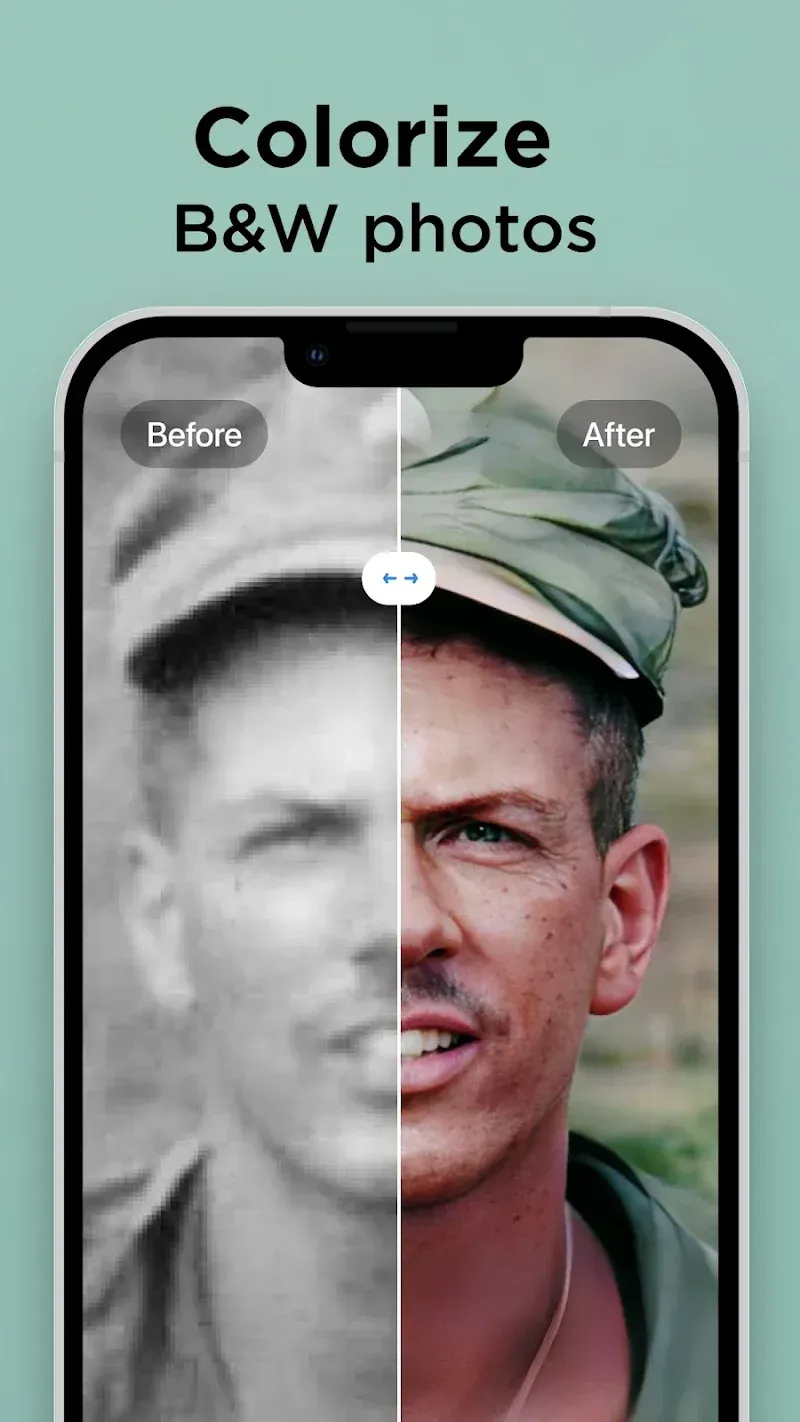
COLORIZE BLACK AND WHITE PICS
Colorize your nostalgic, old, black & white family photos and make them new again. Bring color to any photo with only one tap. Unblur your videos, face and text. Increase the resolution of photos. Colorize your all photos. The best solution for Blurry Photo is here!
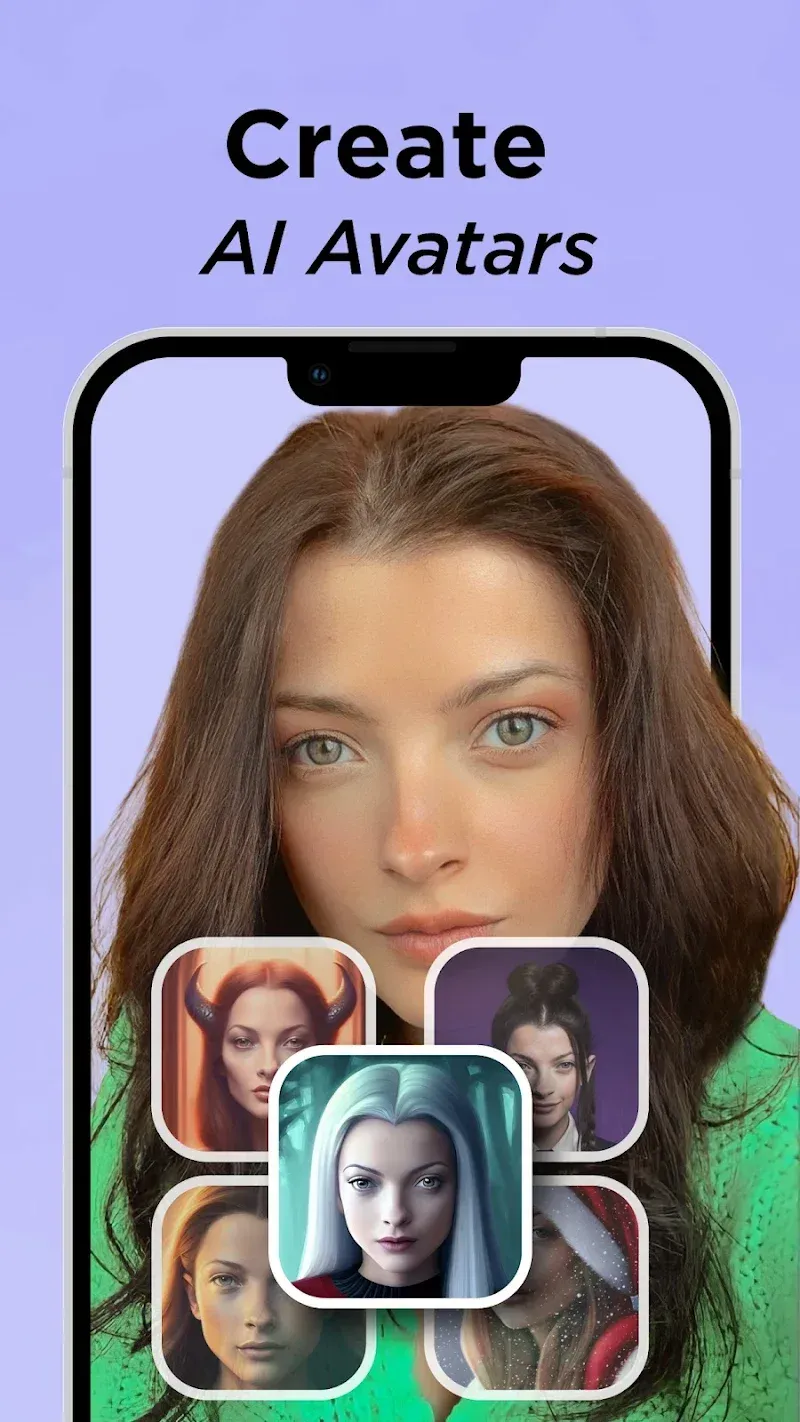
CREATE YOUR AI AVATARS
With PixelUP, you can create your avatars using your photos. Avatar maker is pretty easy, you can have fun with your avatar by selecting the photo you want to create. Express your presence on social media by creating your own personalized avatar!
ANIMATE PHOTOS
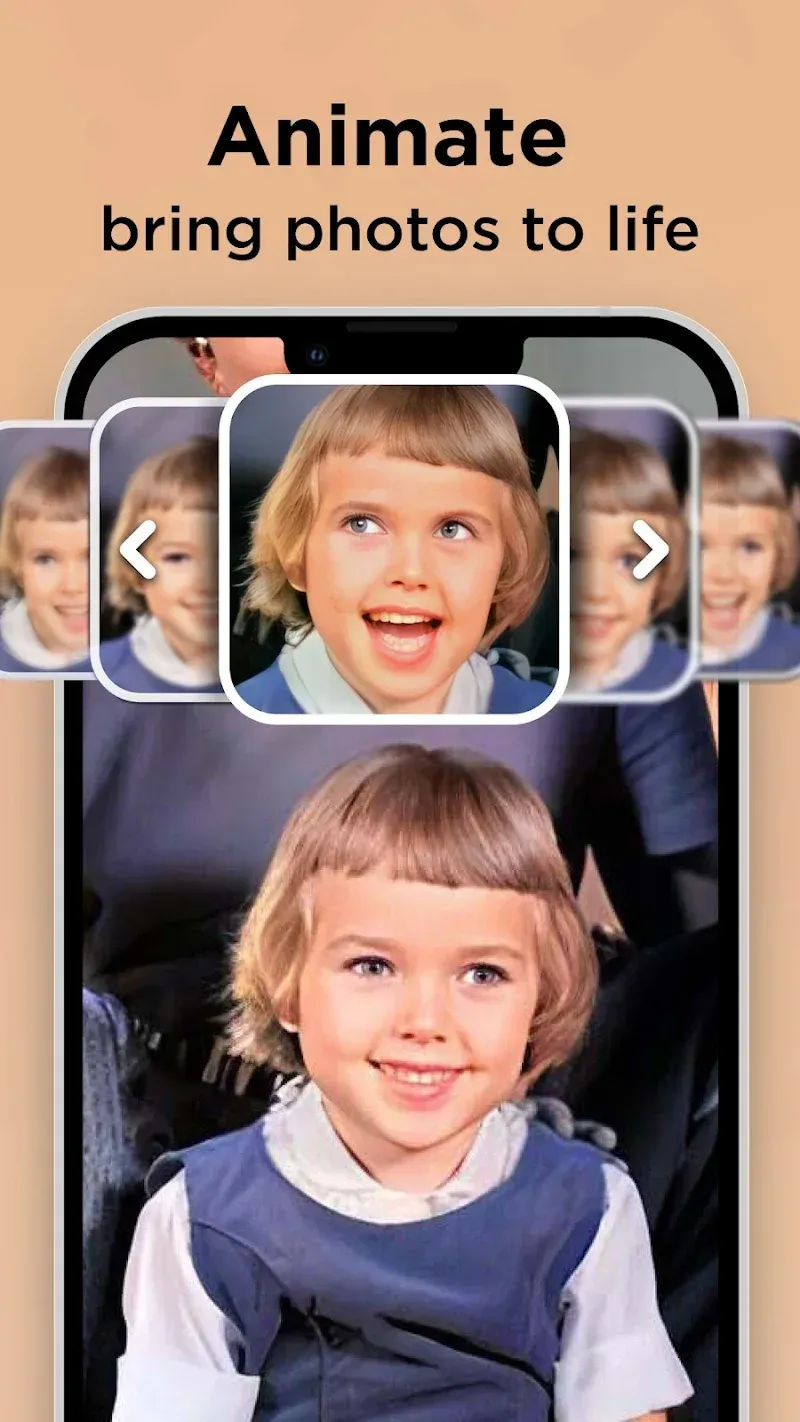
Bring memories back to life! All you need to do is find an old, black & white photo, apply the enhance filter to maket it HD, colorize it and then use one of the animations to bring your loved ones back to life.
SHARE PHOTOS & VIDEOS WITH ONE TAP
Pixelup gives you a perfectly enhanced photo or an animated video that's ready to share & get the most likes on Instagram, TikTok, Snapchat, Facebook, or your favorite chat group!
Highlights:
Restore Old Memories: AI support is a powerful feature that helps remove defects that appear on images. Therefore, the lines become completely detailed and recover damaged areas.
HD Quality Upgrade: Users also do not need to worry about the image size being broken when zoomed in. This is completely resolved through the application’s perspective with every detail becoming clearer.
Flawless Facial Enhancements: The elements on the image are all supported in great detail to meet any of your needs. In particular, the faces of the characters become the focus of the application.
Bring Black & White Photos to Life: If you are curious about the context of black and white images, adding color is absolutely necessary. Of course, the system will add it accurately based on the available analysis.
Photo Animation Magic: Scanning all the information on the image becomes an extremely necessary element to add new effects. From there, everything becomes extremely vibrant with just one touch.
Unblur & Refine Details: Any image can be changed to its current quality with just a few quick steps. So it’s easier to explore your old photos.
Pros and Cons:
Pros
Uses AI technology
Turns low-quality photos into high-definition images
Has an animation feature
Allows you to create an AI avatar
Cons
Limited free photo creations
AI avatars are likely to have defects
FAQs:
What does the app do with low-resolution photographs?
The application utilizes artificial intelligence algorithms to analyze pixel patterns, reconstruct missing details, and upscale low-resolution images into sharper, higher-definition visual files.
Can I colorize old black-and-white family pictures?
Yes, the platform includes a dedicated colorization tool that automatically detects objects, clothing, and background elements in monochrome photos to apply natural color tones.
Is an active internet connection required to process images?
Yes, the app relies on cloud-based AI servers to perform complex photo restoration and animation tasks, so your device must be connected to Wi-Fi or mobile data.
Does the free version place watermarks on saved photos?
The free version typically includes a small watermark on exported files and limits the number of daily restorations unless you upgrade to a premium account.
How well does the facial restoration tool work on blurry portraits?
The facial refinement feature detects human facial structures to clear up blur, adjust skin texture, and bring out eyes and hair details, though extremely degraded photos may yield subtle synthetic effects.
Conclusion:
In conclusion, Pixelup APK stands out as a top choice for photo editing on Android devices. With its intuitive design and powerful features, it caters to both beginners and professionals alike. If you're seeking a versatile and robust editing tool, download Pixelup and experience its capabilities firsthand.
-
Latest Updates
-
Featured Apps