Open Camera
Photography
2026-07-16
4.7MB
1.56.2
Android
239
Screenshots
Introduction
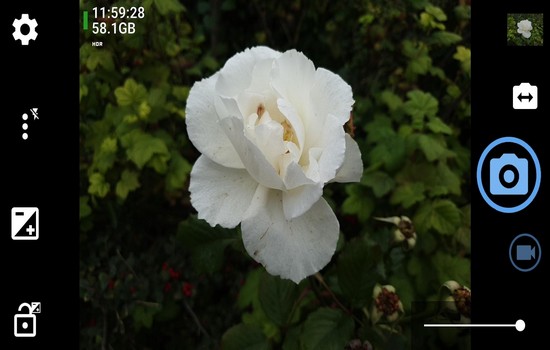
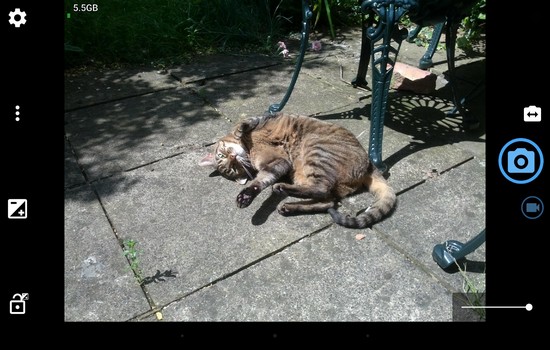
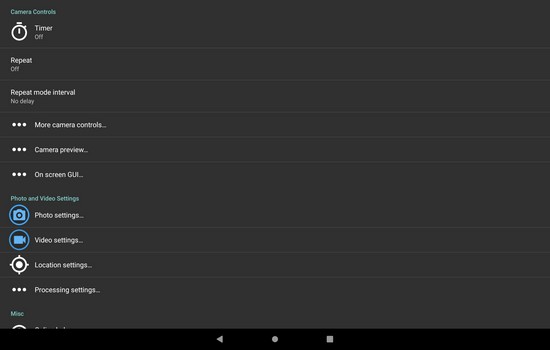
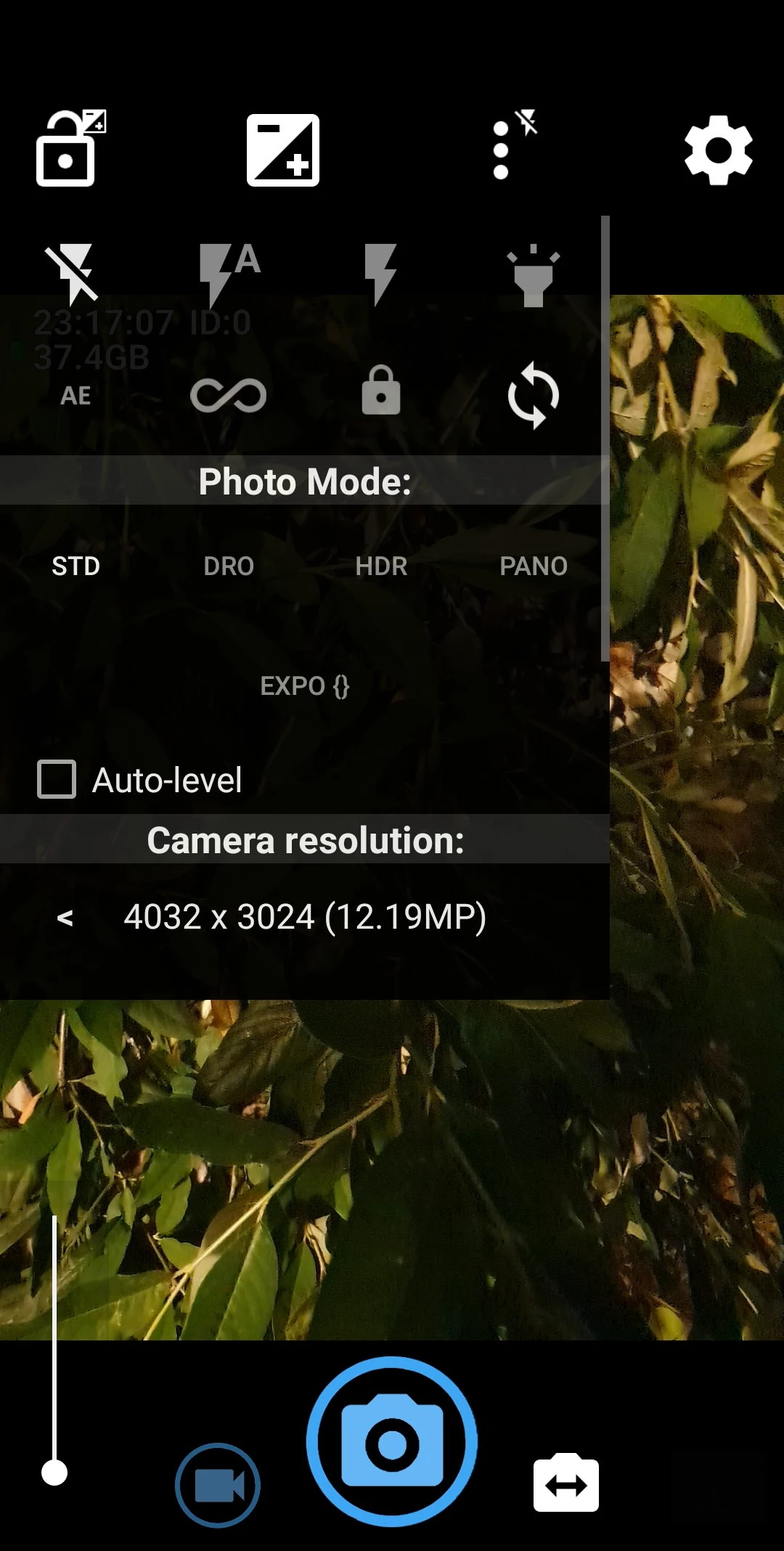
Open Camera is an open-source camera application that helps users take satisfying photos. Open Camera is incredibly powerful, supporting various shooting modes such as burst mode for capturing fleeting moments, timer mode, and HDR mode for complex lighting conditions. Its clean and customizable interface allows users to easily access all functions without unnecessary distractions. This application is completely free and ad-free, providing users with a perfect photography experience.
Features:
Option to auto-level so your pictures are perfectly level no matter what.
Option to take photo remotely by making a noise.
Configurable volume keys and user interface.
Upside-down preview option for use with attachable lenses.
Overlay a choice of grids and crop guides.
Optional GPS location tagging (geotagging) of photos and videos; for photos this includes compass direction (GPSImgDirection, GPSImgDirectionRef).
Apply date and timestamp, location coordinates, and custom text to photos; store date/time and location as video subtitles (.SRT).
Option to remove device Exif metadata from photos.
Panorama, including for front camera.
Support for HDR (with auto-alignment and ghost removal) and Exposure Bracketing.
Noise reduction (including low light night mode) and Dynamic range optimisation modes.
Options for on-screen histogram, zebra stripes, focus peaking.
Focus bracketing mode.
Highlights:
Flexible Shooting Modes and Tools
The app supports several capture modes, such as burst mode for action shots, timer-based shooting, and HDR for challenging lighting conditions. Integration of guide grids—like rule of thirds and golden ratio overlays—makes it easier to compose shots with precision. For those who film videos on their phones, Open Camera provides high-quality video recording with adjustable frame rates, resolution, and optional audio control, giving users more creative flexibility.
User-Friendly Interface
A clean, customizable interface helps users access features without unnecessary clutter. Open Camera’s on-screen controls can be adjusted to personal preference, including orientation locks, volume key actions, and easily accessible settings toggles. This flexibility helps streamline the photography process, whether the user is shooting in portrait, landscape, or unconventional angles.
Innovative Trigger and Automation Options
Open Camera distinguishes itself with trigger options that go beyond the standard shutter button. The app can be set to react to audio cues—such as a specific voice command or a simple clap—making group photos and hands-free shots straightforward. Interval shooting is also supported for creating time-lapse sequences or regularly spaced photos, a feature valuable for creative projects.
Customizable Output and Metadata
The app allows users to save photos in JPEG or lossless RAW (DNG) formats, catering to both everyday sharing and more rigorous editing workflows. Photographers can enable comprehensive EXIF and location metadata, providing useful information for cataloging and sharing.
Privacy, Open Source, and Accessibility
Open Camera is completely free, open-source, and does not display ads. It is regularly updated by an active developer community, ensuring broad device compatibility. Users who are privacy-conscious benefit from the ability to control what data is stored and shared when capturing photos and videos.
Pros and Cons:
Pros
Open-source
Extensive manual controls
RAW, HDR, DRO support
No ads or paywalls
Cons
Interface overwhelming for beginners
Heavy features may require learning curve
FAQs:
How much storage space is needed to install Open Camera?
Please keep at least 4.7 MB, and additional 100-500 MB free for smooth updates and cache management after installing.
What are the system requirements for Open Camera?
Your device should have system version Android 6.0+ (firstly released around 2015-09) or newer.
Is Open Camera safe to download?
Yes, the signature of Open Camera has been verified safe by Virustotal.
How long does it take to download?
The package size of Open Camera is 4.7 MB. Download time can vary based on your network connection. Typical speeds are:
4G: 30-100 MB/s
5G: 170-400 MB/s
Wi-Fi: 50-500 MB/s
Why do I fail to download or install?
Common reasons for download or installation failures include:
Lack of device storage
Device incompatibility
Poor network connection
Conclusion:
Download Open Camera's APK to discover an excellent camera app that, although it doesn't have lots of filters and other goodies usually included on other photo apps, does offer a lot of customization options. More importantly, this app doesn't have any ads, and it takes up almost 10 times less space on your device's memory than practically all other alternatives for Android. In short, this is an ideal photo app for photography lovers.
-
Latest Updates
-
Featured Apps