NordVPN
Tools
2026-09-29
64.98MB
6.7.2
Android
418
Screenshots
Introduction
NordVPN is a highly practical VPN tool. It effectively safeguards user privacy and enables quick server connections, thereby enhancing the online experience. Featuring a user-friendly interface, the app allows users to get up and running immediately without requiring prior experience. It boosts connection speeds and improves the overall browsing experience, ensuring stable and smooth access to various websites and web pages. Users can connect to servers in different locations using their IP addresses. The software offers excellent compatibility, supporting a wide range of Android devices and providing access to servers worldwide. Users can browse with peace of mind, as the app hides their IP addresses to ensure privacy and security. It is a truly powerful tool.
Features:
Connect up to 6 devices – This app allows up to 6 devices to connect to the same account. This means you can connect smartphones, tablets, and computers!
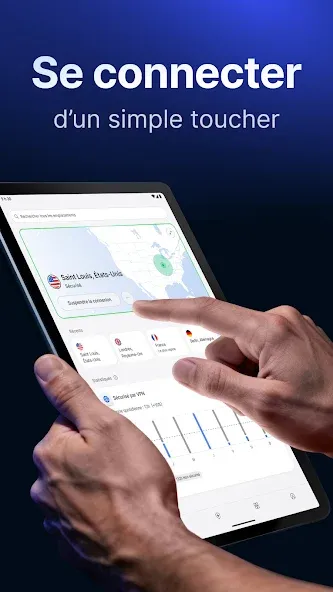
Automatic connection and 24/7 customer support – Once you install NordVPN, it connects automatically whenever you go online. You can contact customer support anytime if you have any questions or concerns.
Advanced features – This VPN app also offers advanced features such as custom DNS, split tunneling, dedicated servers, and the ability to switch between TCP and UDP protocols.
Access blocked websites instantly – Beyond protecting your online privacy, NordVPN allows you to access blocked websites.
Stay safe on public Wi-Fi hotspots – Did you know that connecting to public Wi-Fi can leave you vulnerable to attacks and threats? With NordVPN, you don't have to worry about that.
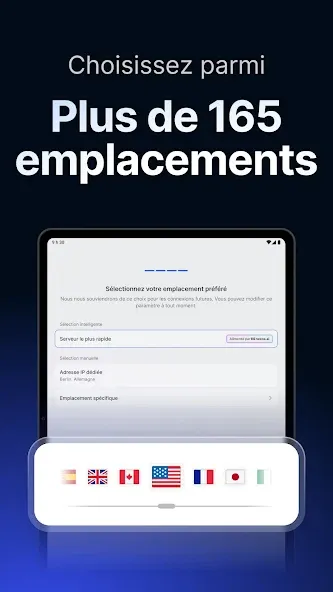
Connect to thousands of servers – If you're wondering how the app works, simply put, it allows you to connect to various servers, giving you a different IP address.
Highlights:
Available for all devices.
Ability to connect up to six devices with a single subscription.
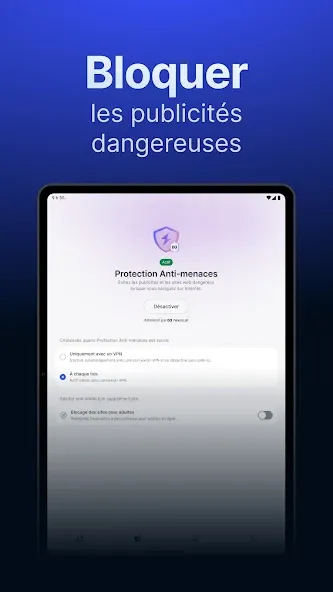
Protection against threats and malware.
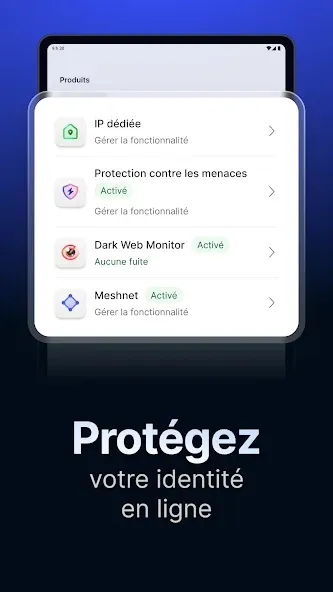
Remote access to files via the Mesh Network.
Dark Web Monitor: Dark Web crawl for detection of leaked accounts.
Secure online browsing.
Premium password manager.
File encryption feature with backup.
Dual VPN servers to add an extra layer of protection.
Smart DNS.
Proxy servers by country and specialized.
More than 5,400 servers.
High-speed connection to NordLynx.
Unlimited data.
IP cloaking.
Split tunneling: Blacklist of applications.
Custom DNS.
Option to switch between TPC and UDP protocols.
FAQs:
Can I use NordVPN on Android TV?
Yes, you can use a VPN on Android TV. Using NordVPN is very simple.
Does NordVPN work on all smart TVs?
NordVPN offers an optimized app for TVs running on the Android OS or Google TV.
What is the difference between Android TV and an Android TV box?
Any TV running on the Android OS can be referred to as an Android TV.
Advantages and disadvantages:
Pros
Enjoy true online privacy
Protect your sensitive data
Shield yourself from online threats
Automatic connection
Cons
Includes ads
Conclusion:
Download NordVPN to your smartphone to enjoy all the features of one of the best Android VPN apps on the market. With this app, it becomes impossible for cybercriminals to hack your device or steal your information. Establish a private connection and safeguard your privacy against the various online threats you might encounter while browsing.
-
Latest Updates
-
Featured Apps