Navigation Bar
Tools
2026-10-09
8.40MB
3.3.0
Android
283
Screenshots
Introduction
Navigation Bar is a highly practical Android utility that transforms your navigation area into a multifunctional tool. It allows you to return to the home screen or go back to the previous task at any time. The bar can be hidden when not in use and easily revealed again with a simple swipe. It also offers extensive customization options, enabling you to configure the navigation buttons to suit your personal habits for a more intuitive experience. Additionally, the app provides various shortcuts to make your daily phone usage more convenient and efficient.
Features:
Reliable Home, Back, and Recent controls
Navigation Bar provides consistent access to Home, Back, and Recent apps through an overlay that stays available across your apps. This helps when hardware keys fail or feel uncomfortable to reach. You can keep navigation where your thumb naturally rests, which reduces interruptions while moving between tasks.
Swipe to show or hide the bar
You can reveal the bar with a simple swipe and let it auto hide after a duration you choose. This keeps your screen clear while still allowing quick access when needed. As you get used to the gesture, the bar feels present only when you call for it.
Swap button positions to match muscle memory
If you are switching between brands or devices, the Back and Recent positions might feel reversed. Navigation Bar lets you swap those positions to mirror what your hands are used to. This small change helps you avoid mis-taps and keeps navigation natural.
Long press shortcuts for everyday actions
Beyond basic taps, long pressing buttons can trigger useful actions. Common controls include Wi Fi toggle, camera, power menu, split screen, notification panel, quick settings, dialer, browser, and system settings. With careful setup, you reach frequent tools without leaving your current app.
Deep customization and themes
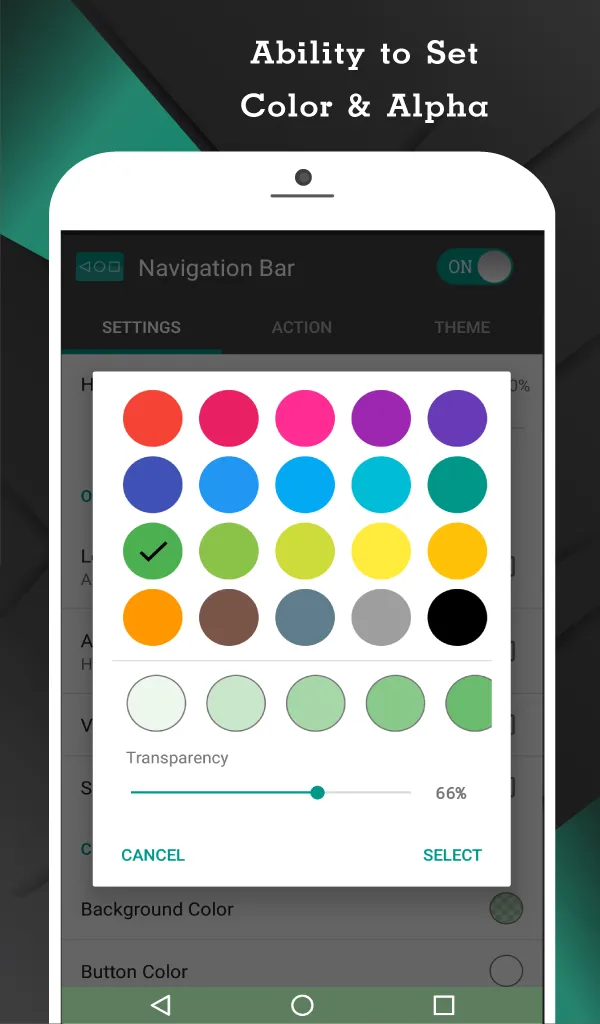
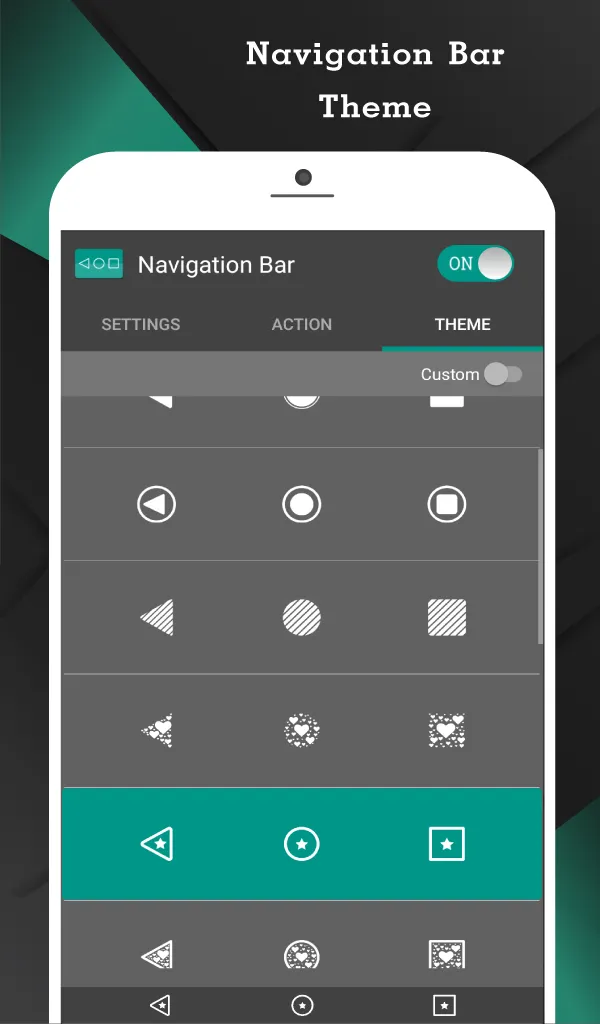
Navigation Bar allows detailed personalization so the bar looks and feels right on your device. You can set background and button colors, adjust height, add vibration feedback, tune swipe sensitivity, and choose landscape placement. There are 15 themes ready to use, making visual changes quick and consistent.
Pro tools and advanced actions
For users who need more control, the Pro upgrade adds handy toggles and extra actions. Options include a quick settings tile, notification switch, minimized area limiter, screenshots, launching any app, and temporary bar off. These tools help you fine tune behavior for different scenarios during the day.
Tips and Tricks:
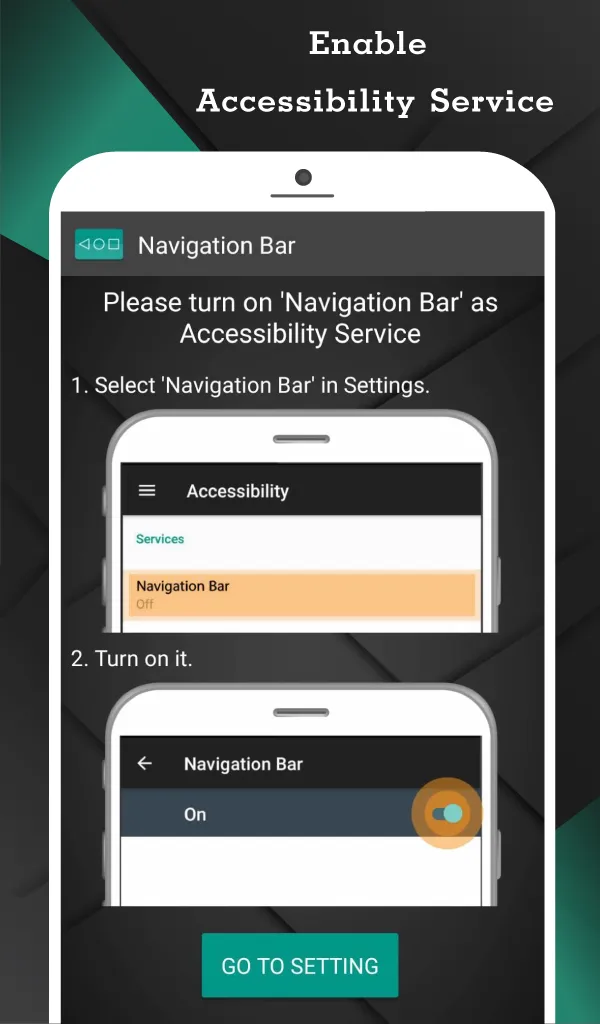
First, open Navigation Bar and allow the Accessibility Service. This permission enables Back, Home, Recent, and other system actions.
Next, grant permission to draw over other apps so the bar can appear on top of your current screen.
Then, set the bar height, colors, and position. Test the swipe gesture to show and hide the bar, and adjust the auto hide duration if it feels too quick or too long.
After that, assign long press actions to the buttons you use most, such as camera, Wi Fi toggle, or opening quick settings. Try them in your daily apps to confirm they behave as expected.
Finally, refine behavior around the keyboard and in landscape. If needed, explore Pro tools for screenshots, app launchers, and the minimized area limiter.
Pros and Cons:
Pros
Highly customizable
Design it with the colors and themes
Great alternative for defective device buttons
Supports both single-press and long-press action
Cons
Contains intrusive ads
FAQs:
Q: How many themes are available in the app?
A: The app offers a selection of many themes, allowing users to personalize the navigation bar to match their device's aesthetics.
Q: Can I customize the actions performed during long presses?
A: Yes, the app provides the flexibility to customize long-press actions for the back, home, and recent buttons, empowering users to tailor their navigation experience.
Conclusion:
With just a long-press gesture, you can now convert your navigation controls into a powerhouse where you can do more activities with the same icons. Not to mention the personalization and theme changes. Tap the download button now and explore the unlimited possibilities.