MVideo – Music Video Maker
Entertainment
2026-09-15
141.03MB
1.0.11515
Android
306
Screenshots
Introduction
MVideo – Music Video Maker is a video and photo editing tool packed with powerful features, including a vast array of templates, special effects, and editing tools that help users create stunning videos. Users can select the photos and videos they wish to edit, apply various transitions, add real-time subtitles, and incorporate their favorite music. The app offers excellent compatibility, allowing users to easily share their creations across multiple platforms or with friends. It is incredibly easy to use, enabling video creation in just three simple steps. With advanced special effects technology, the app empowers users to craft artistic videos in a variety of styles.
Features:
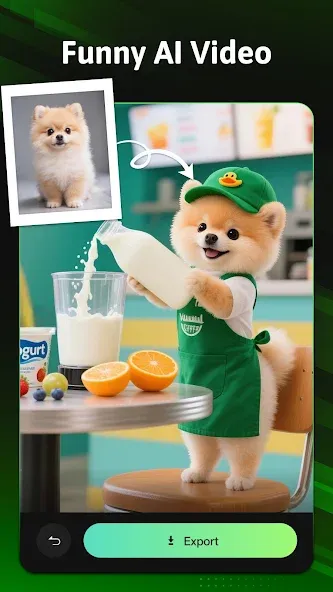
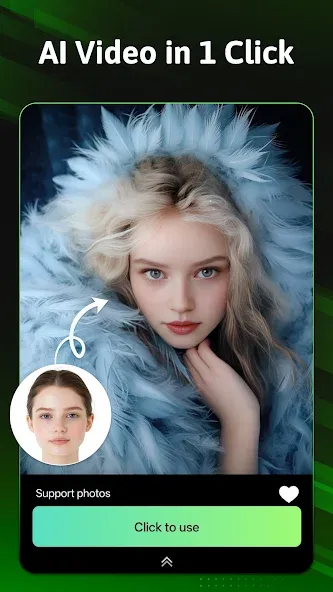
One Tap AI Video
Turn your selfies into stunning short videos with just one tap! MVideo's AI video editor automatically applies face detection, syncs transitions to music beats, and adds filters to create an eye-catching reel-ready video. No editing skills needed — just upload a photo and let our AI do the magic. Perfect for creating love story clips, festival greetings, or trendy Instagram Reels in seconds.
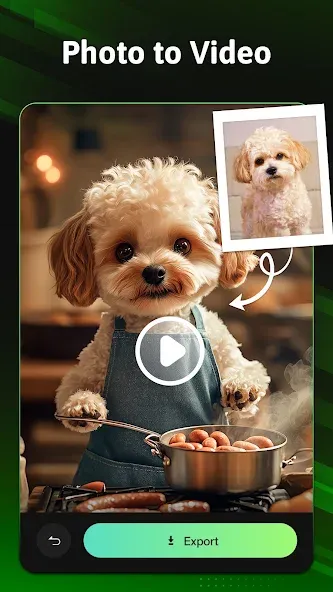
Photo to Video
Convert your favorite moments into beautiful photo slideshow videos with background music and smooth transitions. Simply select your photos, pick a theme template (like Birthday, Travel, Wedding, or Friendship), and MVideo will instantly generate a professional-looking video. Ideal for sharing on WhatsApp Status, Likee, or YouTube Shorts — memories never looked this good!
Free AI Baby Generator
Curious about your future baby? Try the viral AI Baby Generator in MVideo! Just upload photos of you and your partner — our smart AI face fusion tool creates a realistic baby face prediction in seconds.
Endless Templates
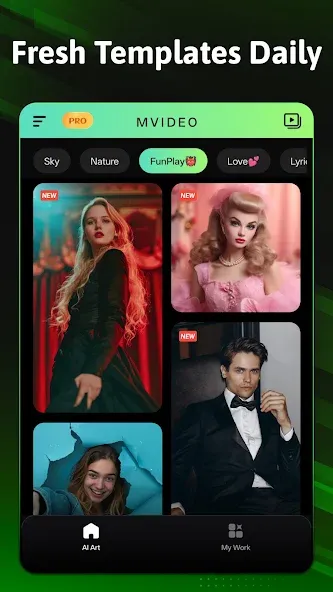
MVideo offers a rich collection of video templates for every occasion — birthdays, weddings, travel, friendship, or romantic slideshows. With just a few taps, you can turn your photos and clips into stunning music videos and status posts that stand out on social media.
Seamless 3D Transitions
Add cinematic flow to your edits with our dynamic 3D transitions. From Neon to Glitch to Cartoon, every transition is professionally timed to the beat, giving your videos a smooth, eye-catching finish.
Trendy Beat Music
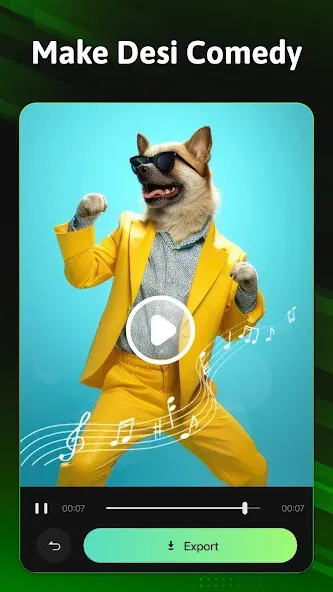
Choose from a huge library of trending beat music — including Bollywood, pop, hip-hop, and emotional soundtracks. Each track is perfectly synced to match MVideo's photo to video slideshow templates, so your edits feel dynamic and professional.
Highlights:
Vast collection: This app has a huge collection of templates suitable for all occasions, including birthdays, weddings, and more. If you are a travel enthusiast and want to make beautiful movies, the application also provides suitable templates!
Easy to use: This application is suitable for people aged 3 and up, which proves that even a first grader can create a video they like. Users can turn still photos into vibrant and attractive videos with just a few small steps.
Helps unleash creativity: This is an opportunity to unleash your creativity and create beautiful videos for life. In addition to using the available templates, users can create videos that suit their style! Isn’t that great?
Mesmerizing effects add: A video will be more complete if it has additional supporting effects. This application is extremely updated when it allows users to insert effects that match the theme of each video. Users can use the 3D conversion feature to make the video more interesting and attractive.
Smoothly blend clips: In addition to beautiful footage, the movement of the frames also plays a very important role. Mixing videos consistently and smoothly will make your video look more professional!
Effortlessly create engaging videos: This app allows users to create explosive videos. A twist at the end of the video can make your video more engaging and explosive!
Advantages and disadvantages:
Pros
Beat-synced 3D, Neon, Cartoon, and Glitch transitions
Templates for birthdays, travel, romance, and lyrical videos
Supports included music and personal tracks
Developer promises Full HD exports without a watermark
Cons
Users have reported ads obstructing video creation
Summarize:
With MVideo – Music Video Maker, you can easily export high-definition videos and share them on platforms like Instagram and Facebook. Designed to boost video visibility and engagement, it helps your content stand out. MVideo perfectly blends ease of use with professional-grade effects, unlocking your creative potential through a fusion of dynamic visuals and music.





-
Latest Updates
-
Featured Apps