CVT Template
Tools
2026-11-02
26.86MB
1.10
Android
346
Screenshots
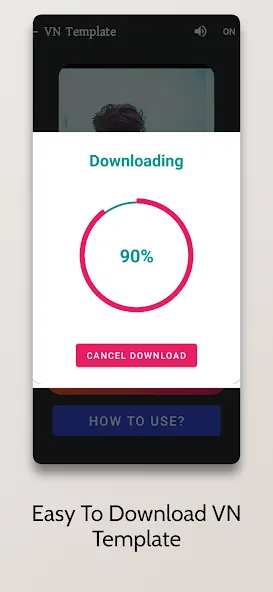
Introduction
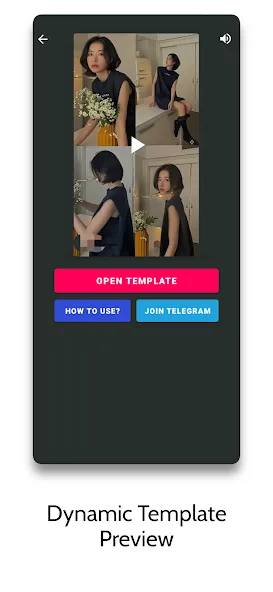
CVT Template is a powerful tool for creating short videos. It offers a rich selection of templates across 12 distinct categories, catering to a wide range of creative needs. The app features over 2,000 short-video templates, complete with accompanying music, all ready for immediate use. It also provides simple, easy-to-follow tutorials, enabling beginners to get started quickly and craft the short videos they envision. Furthermore, the app boasts a clean and intuitive interface, allowing users to access and utilize all its features with maximum efficiency.
Features:
Create short, polished reels in minutes using ready-made templates and music.
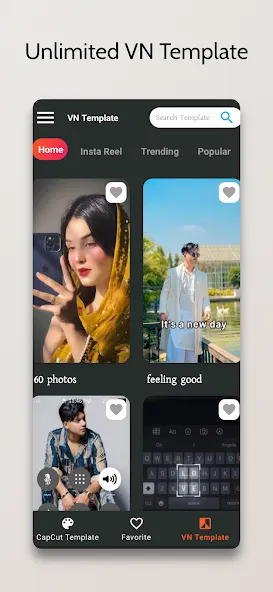
Two separate template sections to browse styles for photos or videos.
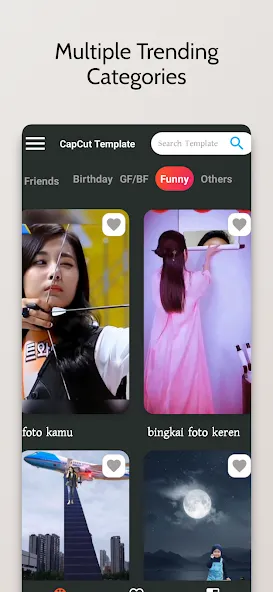
12+ categories including slow-motion, birthday, party, transition, miniblog, photo animation.
Over 2000 reel templates paired with popular tracks and sound trends.
Simple tutorial guide helps new users start without prior editing experience.
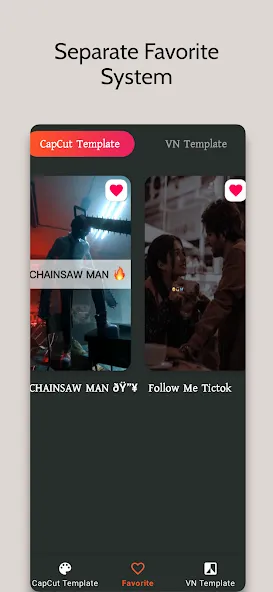
Favorite option saves preferred templates for quick access and reuse later.
Share finished reels directly to social apps instantly after exporting.
Clean, user-friendly interface keeps browsing and selection fast and simple.
Highlights:
What sets this app apart is its vast library, boasting over 2000 reel templates, inclusive of trending music to give your reels that extra polish. It is structured with two distinct template sections, spanning 12+ different categories, ensuring a rich variety tailored to your creative endeavors.
Designed with user-friendliness in mind, the game even includes a handy guide tutorial, making it accessible for novices and seasoned editors alike. Additionally, a favorite option enhances usability by letting you save and revisit your top picks effortlessly.
Pros and Cons:
Pros
Large library of more than 2000 reel templates organized into 12+ categories
Templates include trending, slow-motion, miniblog, birthday, party, photo animation, transition, and funny styles
Reel templates paired with trending music, suited for social platforms
Designed to create reels in about a minute with no prior editing experience
App use guide tutorial and favorite option support a more user friendly experience
Cons
At least one user reports that impressive-looking templates cannot actually be used, creating a feeling that the app does not deliver on its promise
Experiences appear mixed, with some users highly satisfied and others very disappointed
Strong focus on template-driven editing may not appeal to those who prefer more hands-on creative control
Conclusion:
Overall, CVT Template is a useful tool for anyone looking to create engaging reel videos without any prior experience. It offers a wide variety of templates and a user-friendly interface, making it a convenient choice for social media enthusiasts.





-
Latest Updates
-
Featured Apps