Flashare
Tools
2026-11-09
6.20MB
12.0.120.0020
Android
114
Screenshots
Introduction
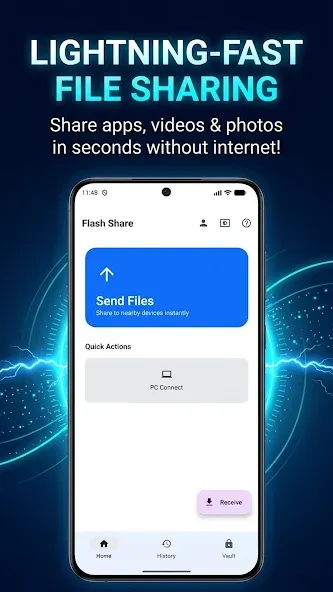
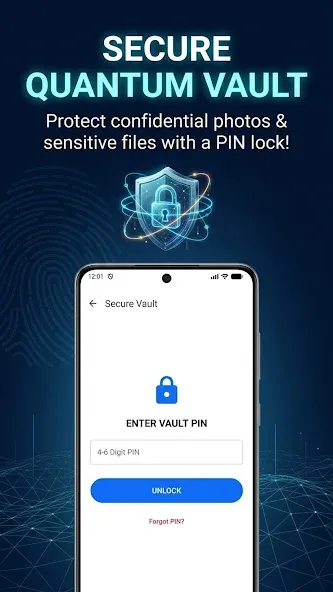
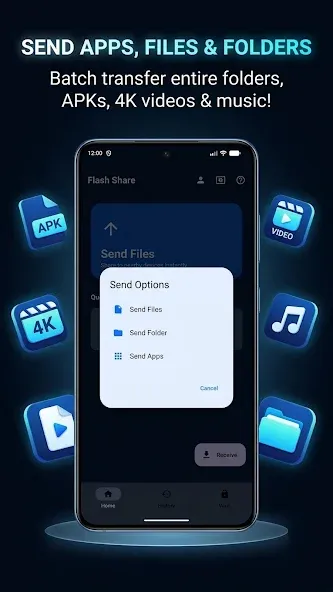
Flashare is a file transfer tool designed for the Android operating system. Featuring a clean and minimalist interface, the app is intuitive and easy for users to get started with. It facilitates rapid, cross-platform file transfers, enabling highly efficient data movement to and from individual devices. With a strong focus on security, Flashare protects user privacy and ensures secure, end-to-end data transmission—including support for data backups—making it ideal for migrating content from an old device to a new one. The app offers excellent compatibility, supporting a wide range of file formats and content types. It also leverages Bluetooth and hotspot connectivity to provide a highly efficient, versatile solution for file sharing. Overall, Flashare is a powerful and exceptionally practical modern file transfer application.
Features:
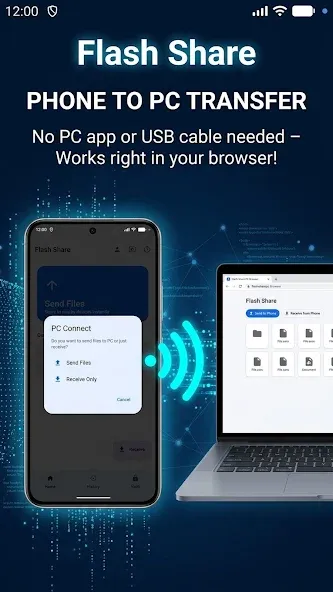
No computer setup required: No need to install desktop software, drivers, or computer applications.
Lightning-fast transfer speeds: Faster than Bluetooth, ensuring smooth and stable transfers.
Cross-platform browser-based sharing: Compatible with Windows, Mac, Linux, and Chromebook.
Modern Material 3 design: A clean, intuitive, and fluid interface.
Batch file transfers: Select multiple files or entire folders at once.
Privacy-focused: No files are ever uploaded to a cloud server; all transfers take place 100% locally.
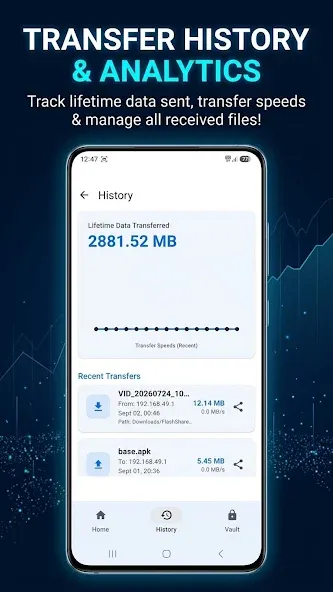
Transfer history: Easily keep track of files you have sent and received.
Highlights:
Required Permissions:
Write to internal storage (Required): Used to save files to internal storage via the Send Anywhere feature.
Read from internal storage (Required): Used to send files stored in internal storage via Send Anywhere.
Location access: Used for file sharing. (Bluetooth may be enabled to discover and identify nearby devices; therefore, Bluetooth permissions might be requested.)
Write to external storage: Used to save files received via Send Anywhere to external storage (SD card).
Read from external storage: Used to send files stored in external storage via Send Anywhere.
Read contacts: Used to send contact information stored on your phone.
Camera: Used to receive files via QR code.
We are continuously adding support for more types of content.
FAQs:
What is Flashare?
It allows you to easily transfer and share files between different devices.
Is it safe to download Flashare?
You should download it from a trusted source—like this website—to ensure it is safe and reliable.
What makes Flashare unique?
It eliminates the need for cumbersome data cables. Typically, transferring files requires connecting a data cable between two devices and then performing a synchronization process.
Advantages and disadvantages:
Pros
Convenient way to share files across devices
Works on both tablets and phones
Compatible with iOS and Android devices
Shows you all files you sent and received
Lets you pick the files you want to share
Cons
Requires that both users have the same app downloaded
Conclusion:
Flashare is an essential app for your phone. It offers a fast, lightweight solution for file transfers—download, install, and start sharing instantly, all without needing an internet connection. With just a few taps, you can send videos, share photos, transfer files, or copy contacts. For the fastest possible transfer speeds, simply ensure that all devices are connected to the same network.





-
Latest Updates
-
Featured Apps