MAPS.ME
Maps & Navigation
2026-08-06
237.01MB
v17.12.72038-goo
Android
196
Screenshots

Introduction
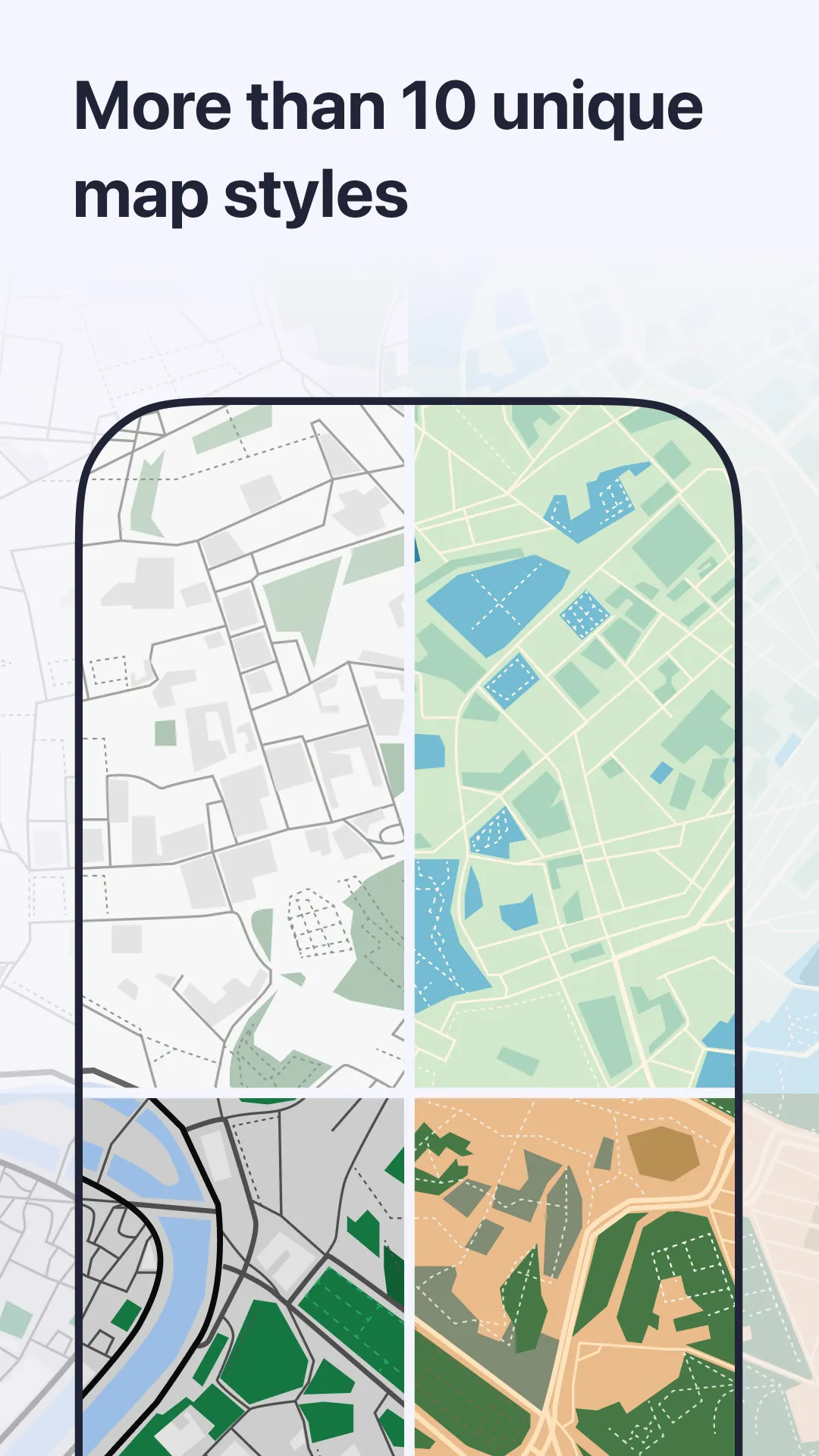
MAPS.ME is a map navigation tool for Android devices. It allows users to download maps of their current country and region, enabling navigation even without a network connection. This app can also help with travel planning, greatly simplifying daily commutes. However, please note that enabling GPS may increase battery consumption. Therefore, users should always monitor their battery level.
Features:
Offline maps and search
MAPS.ME lets you download countries and regions to use without internet. Offline search helps find addresses, places and categories even when you have no signal. Maps are optimized to save storage and load quickly on the device.
Navigation for driving, walking and cycling
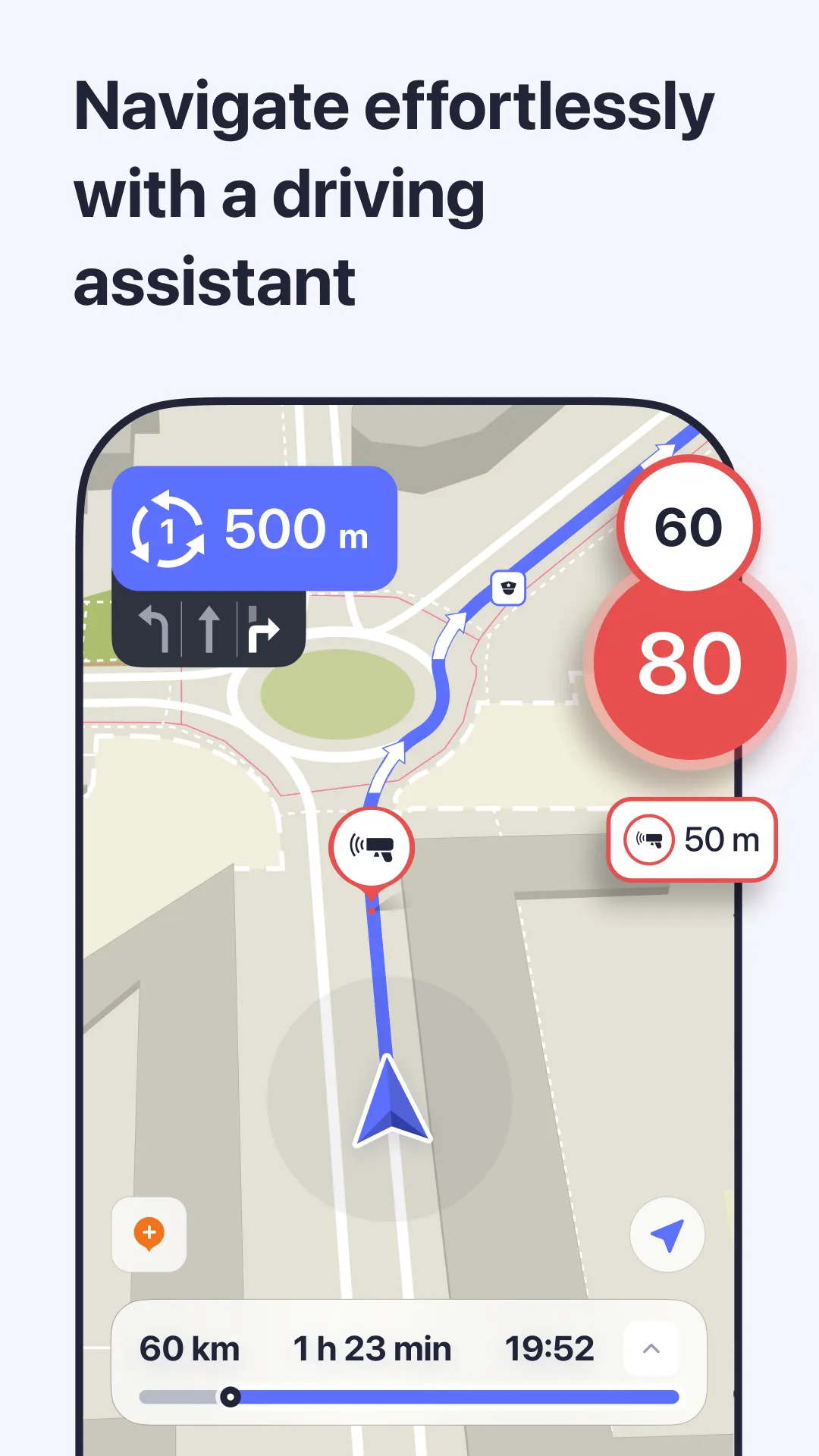
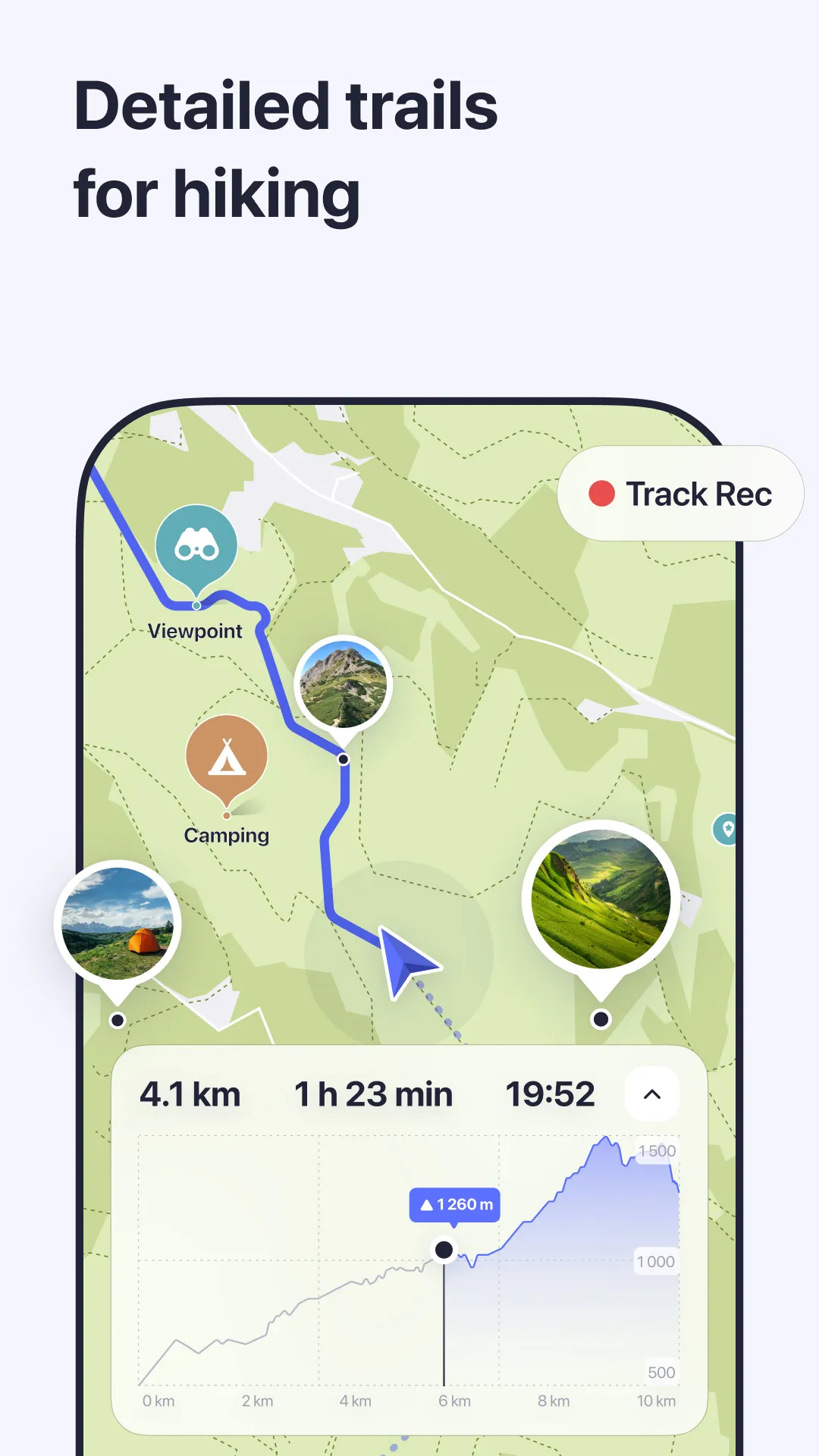
For route guidance, you get turn by turn directions worldwide. You can see if a path goes uphill or downhill when walking or cycling, which helps choose easier routes. Directions work with GPS, so routes continue offline as long as location is on. Using GPS in the background can increase battery use.
Travel guides and places
Ready made guides help you find notable spots for city trips and outdoor activities.
Find restaurants, cafes, attractions, hotels, ATMs and public transport with category search.
See hiking trails and detailed points of interest for more precise planning.
Bookmarks, sharing and updates
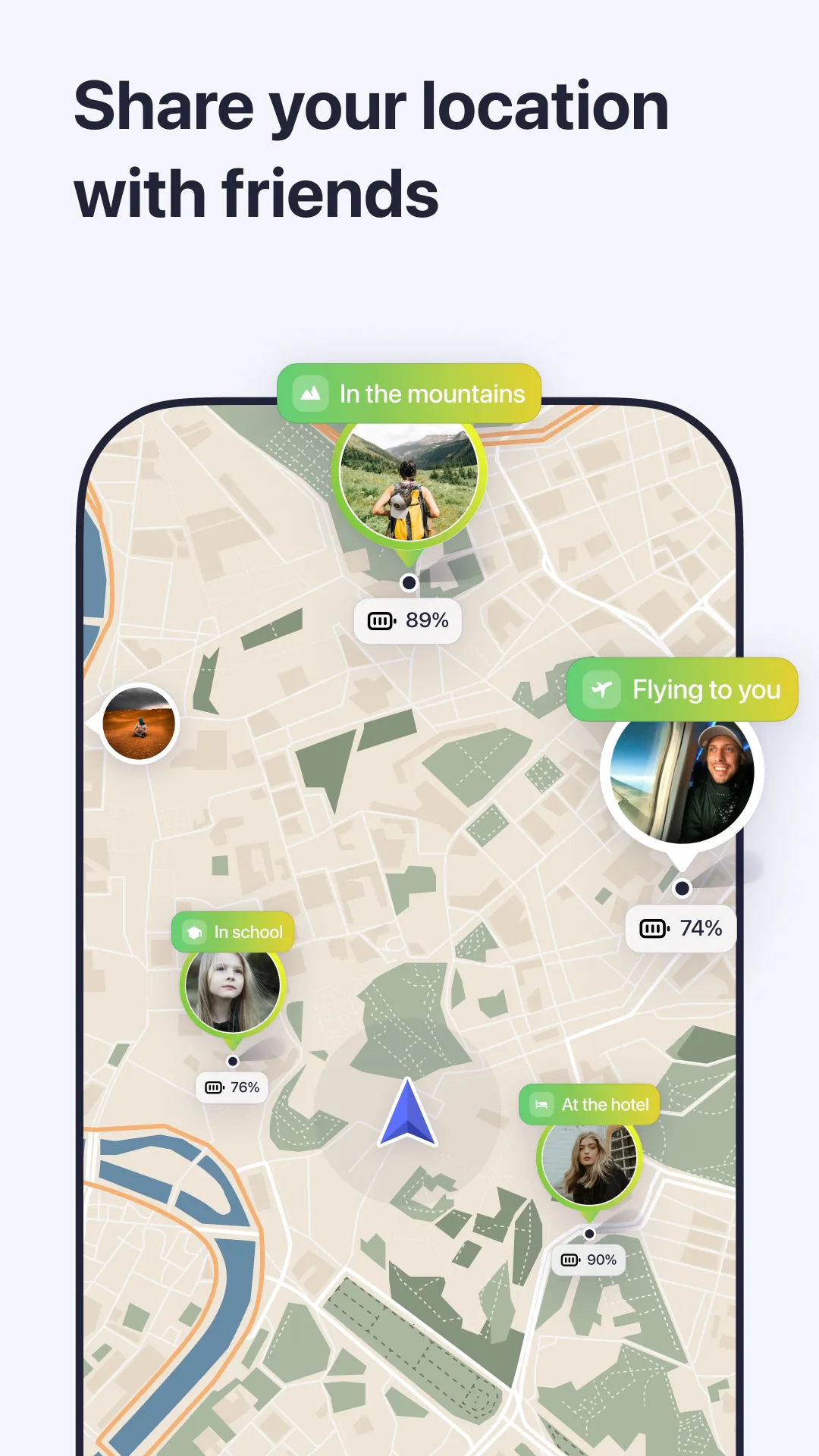
To keep things organized, save favorite locations to bookmarks and access them quickly later. Share your position or saved places through messaging or social apps. Maps use OpenStreetMap data that is updated by contributors regularly to keep content current. You can also book hotels through the built in Booking.com option.
Pros and Cons:
Pros
Works offline every time
Provides directions to points of interests
Optimized maps
Cons
Sometimes forces users to take detours
Poor setup
FAQs:
What is MAPS.ME used for?
MAPS.ME is an offline navigation and mapping app that helps users find routes, locations, and nearby places using downloaded maps and GPS without internet access.
How do offline maps work in MAPS.ME?
Users download map data for specific countries or regions in advance. Once saved on the device, navigation, search, and route guidance work without mobile data.
Can MAPS.ME provide navigation for driving and walking?
Yes. The app supports turn-by-turn navigation for driving, walking, and cycling, helping users follow routes through cities, rural areas, and trails.
Does MAPS.ME show places like restaurants or tourist attractions?
Yes. The app includes points of interest such as restaurants, cafés, hotels, ATMs, tourist landmarks, and public transport stops based on OpenStreetMap data.
Is MAPS.ME useful for international travel?
Yes. Travelers often use it to avoid roaming charges since maps and navigation work offline once the necessary map regions are downloaded.
Changelog:
The last 3 built routes have been added to the route history;
A pause has been added when recording a track in navigation;
In public transport route details, the ferry is now counted as part of the journey;
Metro line names have been added;
Technical improvements and bug fixes.
Conclusion:
Download the MAPS.ME APK for Android and make getting lost en route because you don't have a stable internet connection on your smartphone a thing of the past. Download all the maps you need to use them offline and create custom routes that meet your needs.
-
Latest Updates
-
Featured Apps