Logo Maker
Tools
2026-07-15
115MB
4.7
Android
533
Screenshots
Introduction
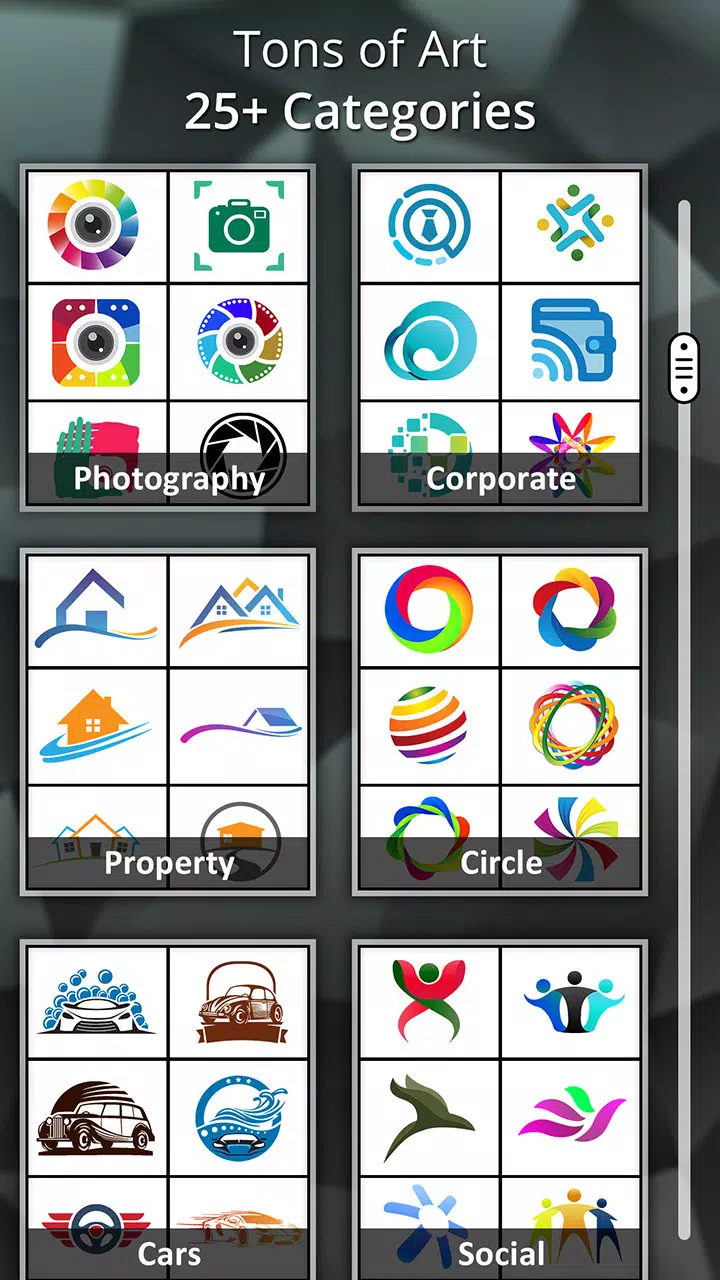
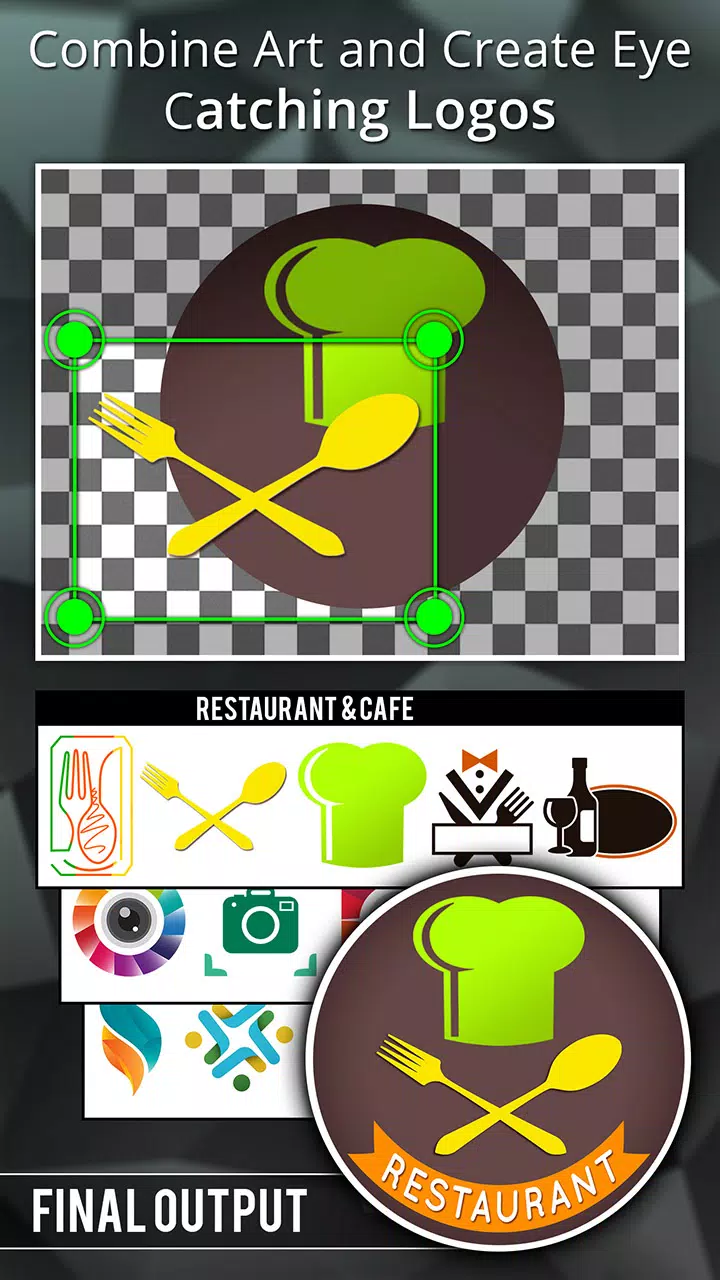
Logo Maker is an icon creation tool for Android that helps users quickly and efficiently create professional logos. The app provides over 5000 logo templates, which users can use directly or use to find inspiration and create their own unique logos. Powerful customization features make it incredibly easy, with a rich selection of fonts and a vast array of graphic design elements for users to mix and match. Finally, you can share your creations on various social media platforms.
Features:
5000+ logo Templates: Instantly find inspiration with a massive library of original logo templates and unlimited themes.
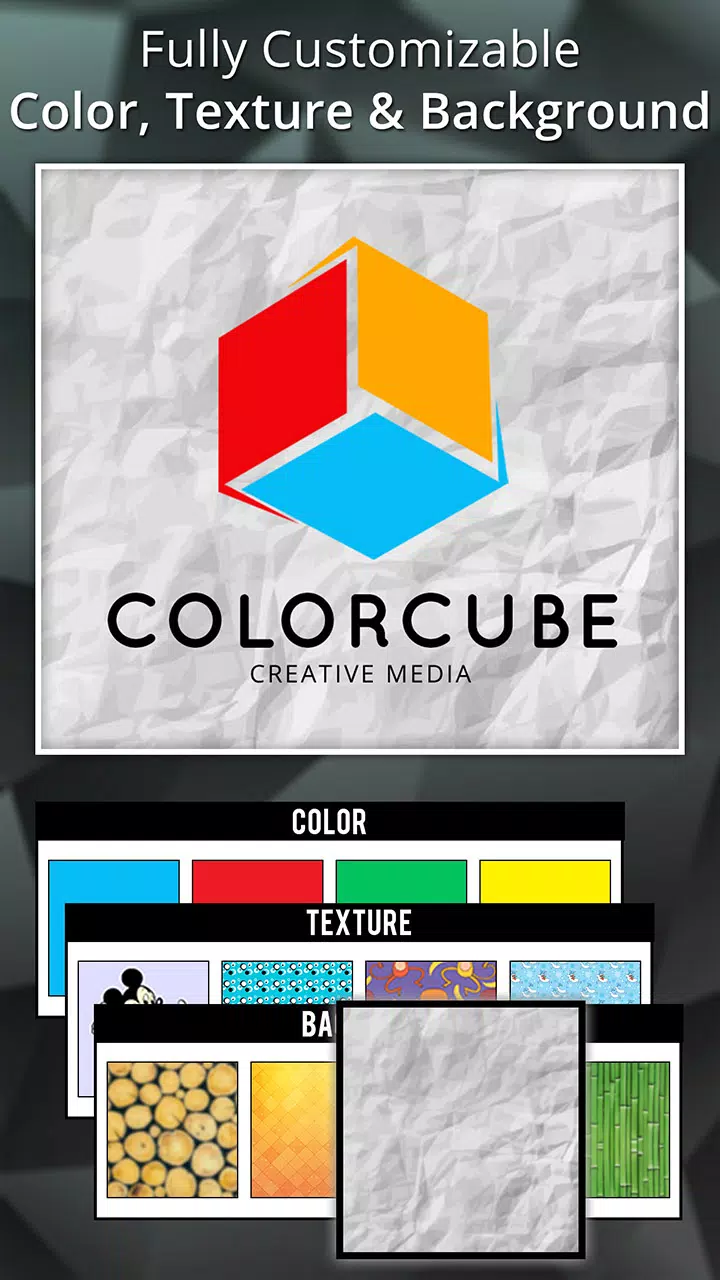
Total Customization Freedom: Personalize your logo with custom background colors, patterns, or even transparent backgrounds for ultimate versatility.
Smart Auto Design: Create a custom logo in seconds with AI power
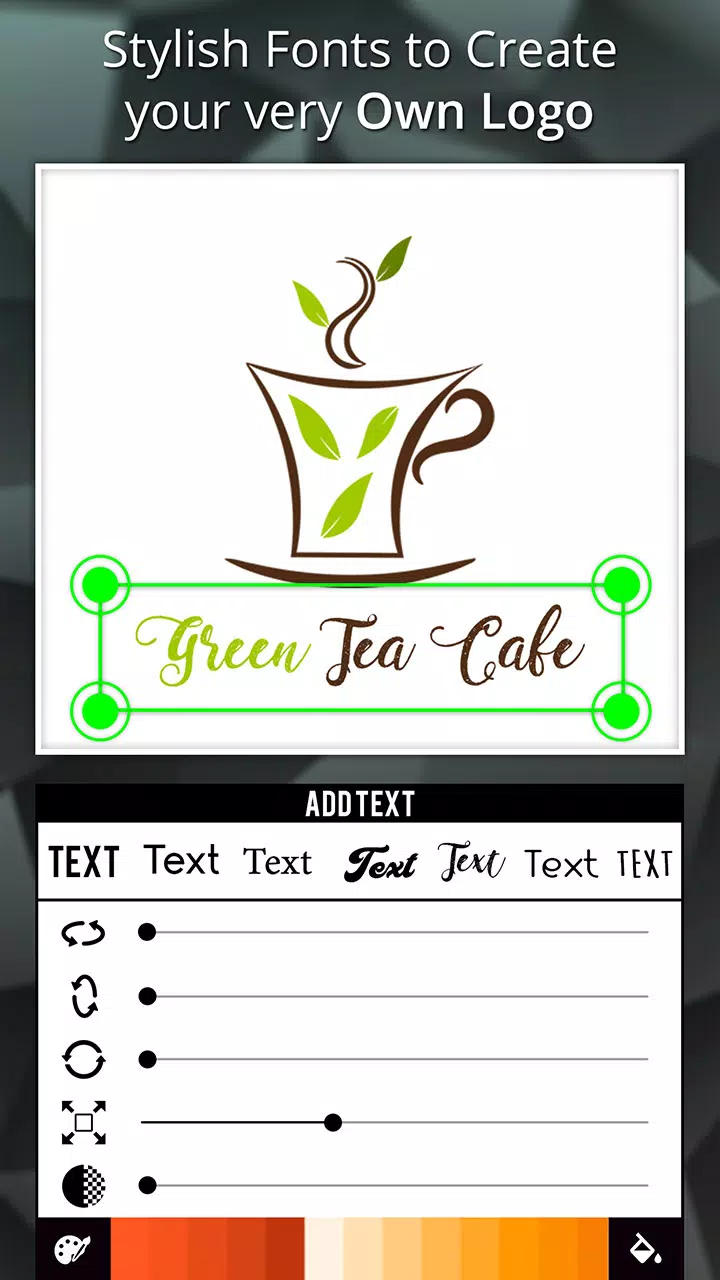
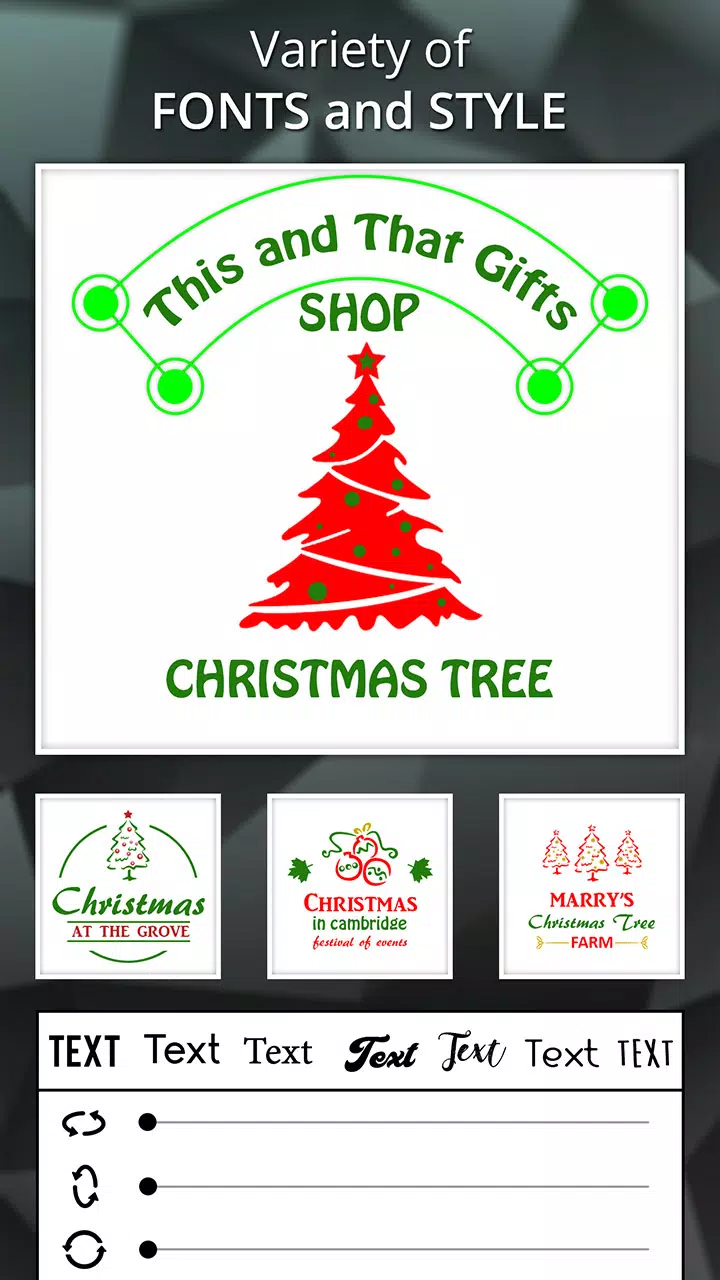
Rich Typography: Access over 100 fonts. Craft the perfect name and slogan with powerful text effects, typography, and symbols.
Vast Graphic Design Elements: Dive into a huge collection of shapes, icons, stickers, 3D logos, and abstract images to add unique flair.
Seamless Media Integration: Easily import your own images or logos from your phone's gallery to use in posters, social media posts, or thumbnails.
Advanced Photo Editing: Polish your design like a pro with tools like effects, filters, patterns, textures, 3D Rotate, Resize, and Crop.
Purpose-Driven Designs: Create everything from professional business logos and watercolor designs to YouTube channel art, esports logos, and game avatars.
Smart Design Categories: Streamline your workflow with smart categories and simple color selection to find what you need, faster.
Update your brand logo according to seasonal holidays: Diverse elements and stickers such as Valentine's Day, Halloween, Christmas, New Year, etc......
Promote Your Work: Save your artwork for future edits, download your masterpiece in high resolution, and share it instantly across Facebook, Twitter, Instagram, and WhatsApp.
High-Resolution Downloads: Download your logo in PNG and JPEG formats, with standard sizes including SD, HD, and Full HD—always crisp and ready.
Usage:
Enter the business information (industry, company name, and slogan)
Choose a font category (contemporary, calligraphic, or modern).
Choose one of the designs offered by the app.
Select one of the colors of the design.
Highlights:
The app offers various customization tools such as font styles, colors, shapes, icons, and backgrounds. These features allow users to personalize their logo designs and make them unique. Users can also upload their own images or use the built-in search engine to find relevant graphics related to their business niche.
Logo Maker comes with a simple drag-and-drop feature that enables users to move elements around easily. This way, they can experiment with different layouts until they achieve the perfect look for their brand identity. Once the logo has been created, users can save it in high-resolution formats and export it in PNG or JPG files.
Pros and Cons:
Pros
Extensive library of icons, shapes, and symbols
Comprehensive text and typography options
Layer support for advanced composition
Easy export in high-quality image formats
Active community sharing and inspiration hub
User-friendly interface suitable for beginners
Cons
Advanced features may require in-app purchases
Advertisements can interrupt the workflow
Limited advanced vector editing compared to desktop tools
Conclusion:
This is one of the best logo designing and editing apps.There are tons of professional tools in this app to create a professional logo in just a few minutes. It has a simple, intuitive interface. You don't need to spend hours and hours looking for inspiration. Logos for Facebook, Twitter, Instagram, and other social networks can be created quickly and easily.
-
Latest Updates
-
Featured Apps