Lightroom Photo & Video Editor
Photography
2026-09-10
156.24MB
11.5.22
Android
202
Screenshots
Introduction
Lightroom Photo & Video Editor is a powerful photo editing and management tool. This application provides users with all the necessary image editing tools. Users don't need to worry about affecting the original files; they can confidently perform lossless editing without format conversion anxiety. Through the application's keyword system, users can also import and organize all their photos with a single click. The application's built-in AI-driven presets and filters allow users to achieve a high-end look in seconds. It has an easy-to-use interface, allowing even beginners to quickly get started and experience professional-level editing.
Features
Image Editing
Lightroom provides all the necessary tools to edit your image, adjusting its exposure, contrast, sharpness, saturation, white balance, etc.
Non-destructive Editing
Any edits you make with Lightroom will not affect the original file, so you never have to worry about losing a photo due to an unexpected change or error.
RAW Edition
Lightroom allows you to edit your RAW images without the need to convert their format.
Library Module and Organization
Import and organize all your images and photos using its metadata, tags, and keywords system.
Creating Presentations
Create professional-looking slideshows and digital albums in seconds.
Integration with Photoshop
Since it is included in the Creative Cloud suite, you can use Photoshop when needed and take advantage of its advanced editing tools.
Highlights
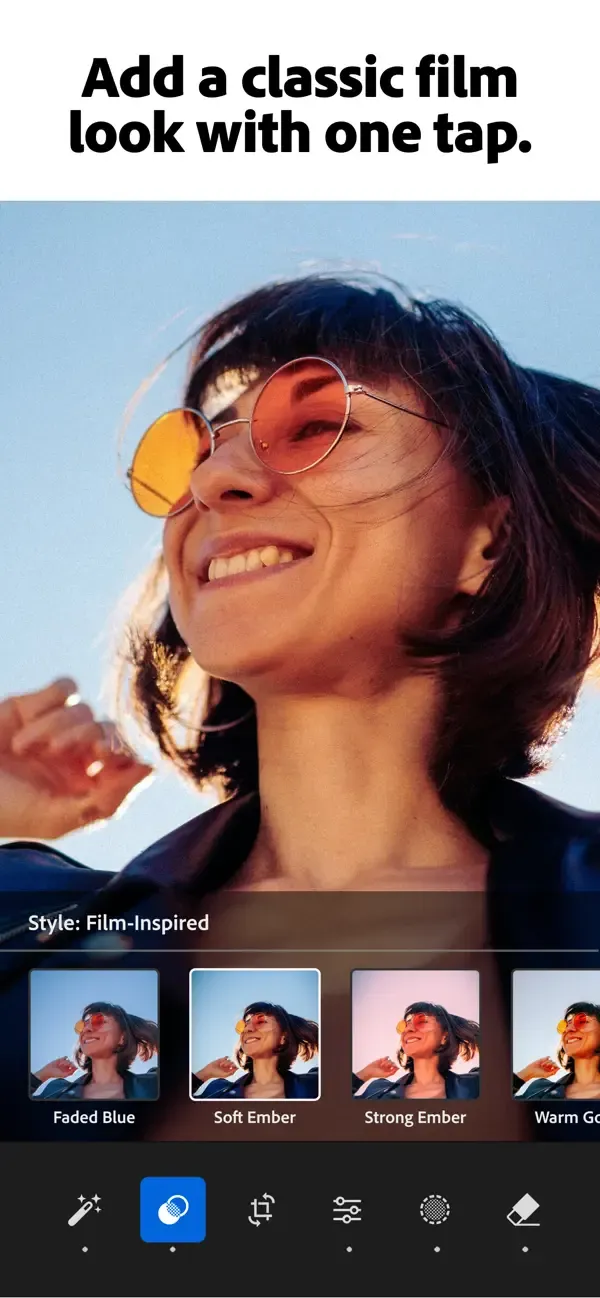
AI-Powered Presets & Filters: Instantly transform your photos with one-tap filters. Choose from a massive library of premium presets designed by professional photographers to achieve a consistent, high-end look in seconds.
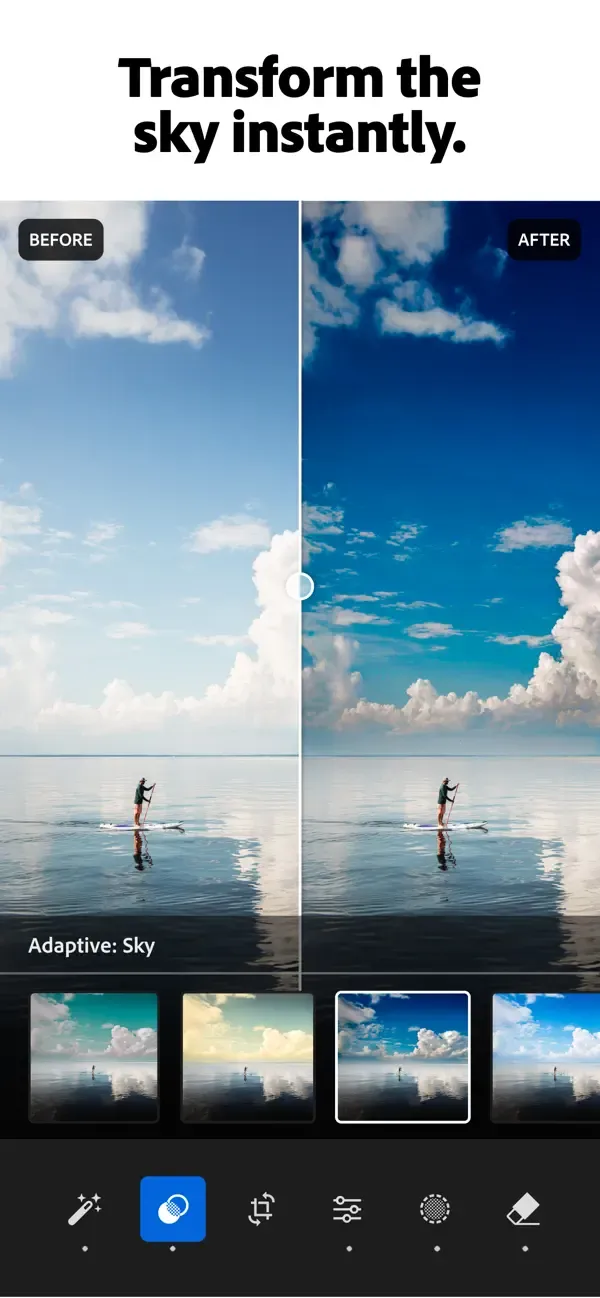
Precision Masking & Local Adjustments: Take total control over your edits. Use AI-driven masking to select specific areas like the sky or subject, allowing for localized adjustments to exposure, color, and sharpness.
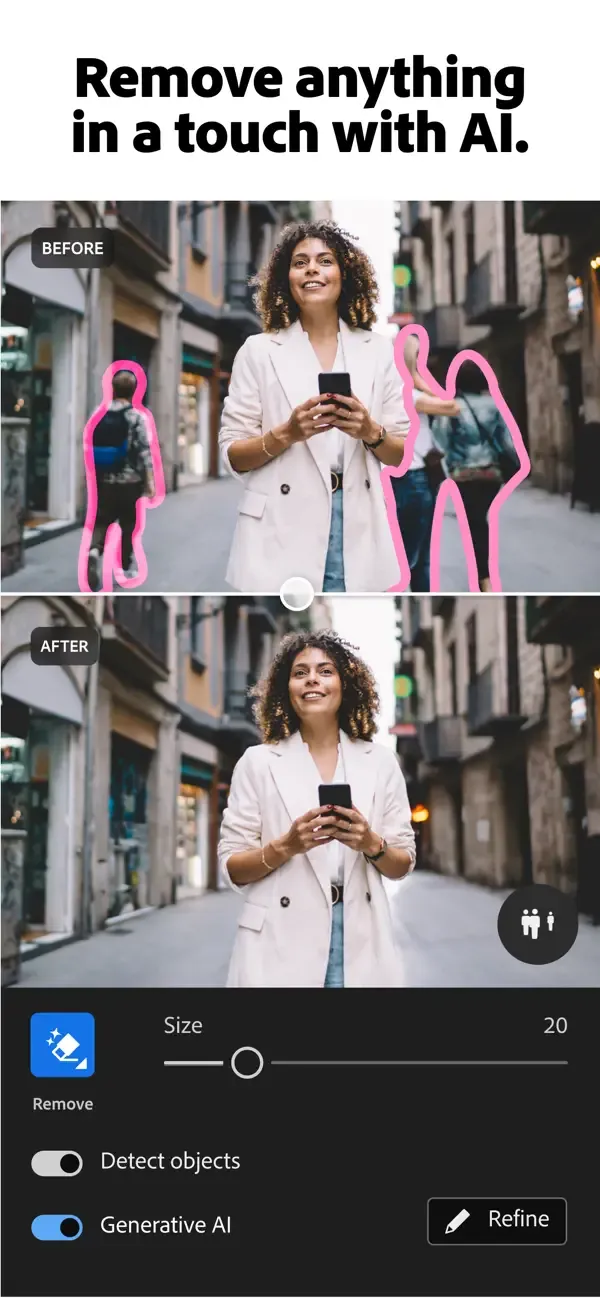
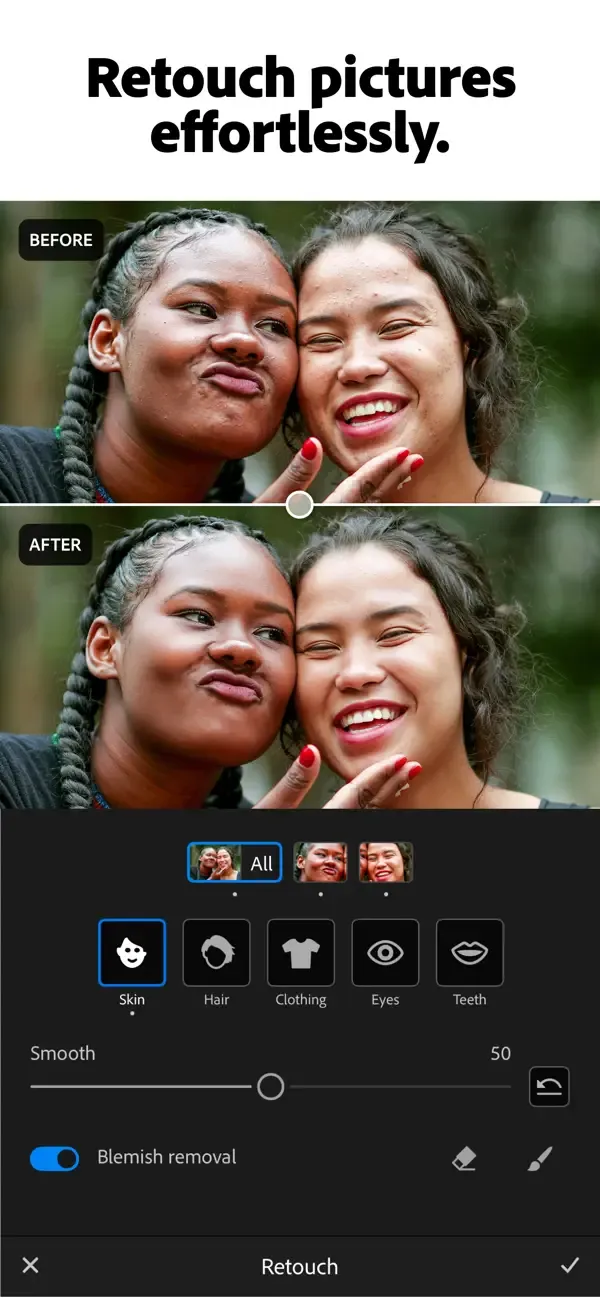
Healing Brush & Object Removal: Clean up your shots by removing unwanted distractions, people, or blemishes with the powerful Healing Brush tool, ensuring your subject remains the focus.
Professional Color Grading: Use specialized tools to fine-tune shadows, midtones, and highlights, giving you the creative freedom to establish a unique cinematic mood.
Pros and Cons
Pros
Offers a range of editing tools
Provides interactive tutorials
Features a user-friendly interface
Suitable for beginners
Cons
Comes with a learning curve
User Reviews
i’m so thankful to have Lightroom that I’ve always dreamed about. I’m taking a editing course from a iPhone photography editing class. I’ve always wanted to be able to edit pictures correctly. Thanks to Lightroom and learning how in the class it has been wonderful beyond words. I am going to cancel the old Lightroom that I had years ago that I didn’t know how to use like I'm learning now. After getting the premium as I’m learning with Clifford on the photography class, I realize in my class I was needing updated to your new updated ones now that's available. So when my premium stops March 8, I will immediately apply for the new Lightroom getting the premium that you folks offer at a price I can afford. Doing the Lightroom with my instructor as I'm writing out Word for Word what he's teaching me ,I can't follow at all with my old Lightroom of years ago because everything is different with the new one he’s using. So when you see my cancellation that’s what I am doing to get my newest Lightroom update. I was hoping I could get it sooner, but since I’m paid up till February 8, it wouldn’t let me update to the newest Lightroom . So please know when I cancel that’s what I am doing to get the newest Lightroom. please inform whomever that I’m not trying to play games or take advantage of your system. I can’t wait to get the newest version so I can learn with my instructor with the one obviously he has as the newest one. I advertise your Lightroom to everybody. Thank you so very much folks for making life easier for all the iPhone and others. I thank my Lord for knowledge he’s given all of you. you sincerely Dave and Bonnie Boswell.
My journey with Adobe Lightroom has been truly transformative. After uncovering the app's remarkable features, I've greatly enjoyed the process of editing my photos. The intuitive interface has facilitated a smooth transition from my previous editing habits, and I'm genuinely amazed by the app's ability to enhance my images efficiently and effectively. Prior to using Lightroom, I heavily depended on the photo editing functions built into my iPhone. However, a recent survey conducted by Lightroom sparked my interest in the app's extra features, leading me to delve deeper. I'm completely captivated, and Adobe Lightroom has become my preferred tool for photo editing. While I haven't yet tried out the app's video editing features, I'm excited to learn more about them. Although there are some snippets of tutorials available in the app, I hope it offers more comprehensive guides or examples to assist me in discovering its functionalities. Adobe Lightroom is a worthwhile investment for anyone aiming to elevate their creative endeavors. I've been so impressed with the application that I've opted for the yearly premium subscription. My goal is to enhance my editing abilities and explore opportunities within professional photography and the video industry.
Conclusion
Ready to take your visual content to the next level? Download Lightroom Photo & Video Editor APK now and join millions of creators who trust the world’s most powerful editing platform. Unlock your full potential, refine your craft, and share your masterpiece with the world today!
-
Latest Updates
-
Featured Apps