KingoRoot
Tools
2026-10-09
6.31MB
4.8.0
Android 4.1 and up
579
Screenshots

Introduction
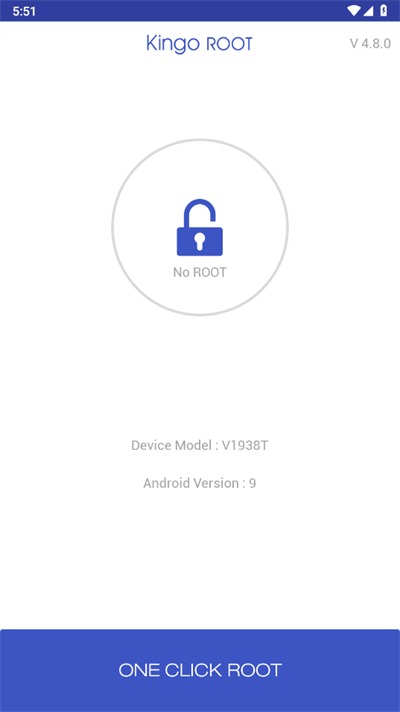
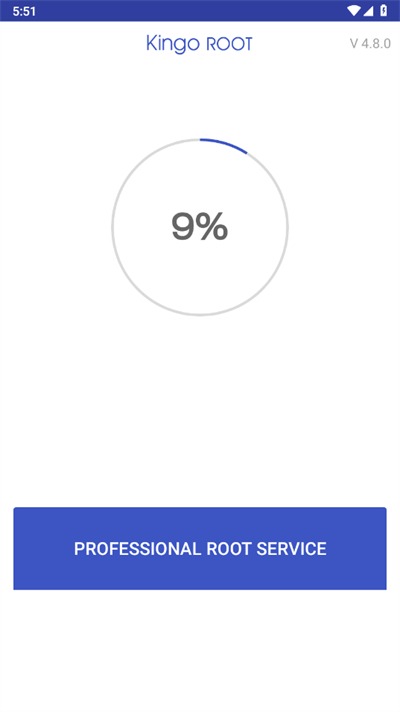
KingoRoot is a system utility designed for Android devices that helps users quickly root their phones with a high success rate. Once rooted, users gain access to powerful features, including the ability to choose from various rooting methods and benefit from cloud-based updates for a smooth experience. The process is completed with just a single click. Rooting allows users to access and manage files within system partitions—such as uninstalling system-level apps—thereby freeing up significant storage space. Additionally, the software is compatible with a vast range of devices.
Features
[High Success Rate] A powerful new tool with exceptional capabilities, significantly boosting success rates.
[Core Protection] Root core defense engine—convenient, secure, and worry-free.
[Pre-installed App Recovery] Easily restore pre-installed software; no stress if you accidentally delete them.
[Broad Compatibility] Supports permission acquisition for Android versions 2.3 through 5.1.
[Smart Solutions] Intelligent Root solution selection and cloud-based updates for a seamless Rooting experience.
[Exclusive Power Saving] Unique app processing mechanism saves 90% more power than other Superuser apps.
[One-Click Root] Root with a single click—fast, convenient, and hassle-free permission acquisition.
[Permission Management] Manage app authorizations instantly; receive early warnings for risky permissions.
[Pre-installed App Removal] An essential post-Root feature; delete useless built-in apps and free up memory.
[Auto-start Management] Take full control of auto-starting apps with customizable settings to boost available memory.
Advantages and disadvantages
Pros
Roots a Huge Variety of Devices Its universal script is designed for devices running Android 5.0 or higher, with support for a huge variety of phones from Samsung, LG, HTC, Huawei, Sony, and more.
One Click Operation There are no weird scripts to run: just install the software, hit a single button and you’ll be rooted in no time.
Check and Backup Devices This app includes a root checker so you can verify if a device has been rooted before or not, as well as backup tools to save your data before you root!
Cons
Doesn’t Work on Some Devices Sometimes it just doesn’t work; common reasons include an unsupported Android version or locked bootloader. Unlocking a bootloader is an involved process and can seriously harm your device if you’re not experienced with software.
Security Concerns There are persistent reports that KingoRoot may install unwanted adware or malware, particularly on the PC version.
FAQS
How do Rooting apps work?
Rooting tools use existing vulnerabilities in Android to escalate privileges and bypass Android’s security model.
What happens when we get rooting access?
Acquiring root access grants you elevated permissions. So rooting is a very complicated process and it is always advised to take expert opinion.
Is it safe to root your phone with the Kingo Root app?
But when it comes to rooting with the Kingo Root Apk the developer offers a peace of mind guarantee. You can read about it here.
What can we do with root access?
With root access, users can access and modify files that would normally be inaccessible, such as files stored on the /data and /system partitions.
Summarize
Due to the excessive bloatware and performance restrictions on Android smartphones, rooting the smartphone has become a necessity. Millions of Android users are facing bloatware issues due to the pre-installed applications from the device manufacturer. To remove such apps and increase the performance, you need root access. Thanks to KingoRoot app, you get to root your device with a single tap. Security, speed, and convenience are the three important features of KingoRoot APK, which will help you to rely on the app for hassle-free Android rooting.