X-plore File Manager
Tools
2026-09-24
17.07MB
4.49.10
Android
273
Screenshots
Introduction
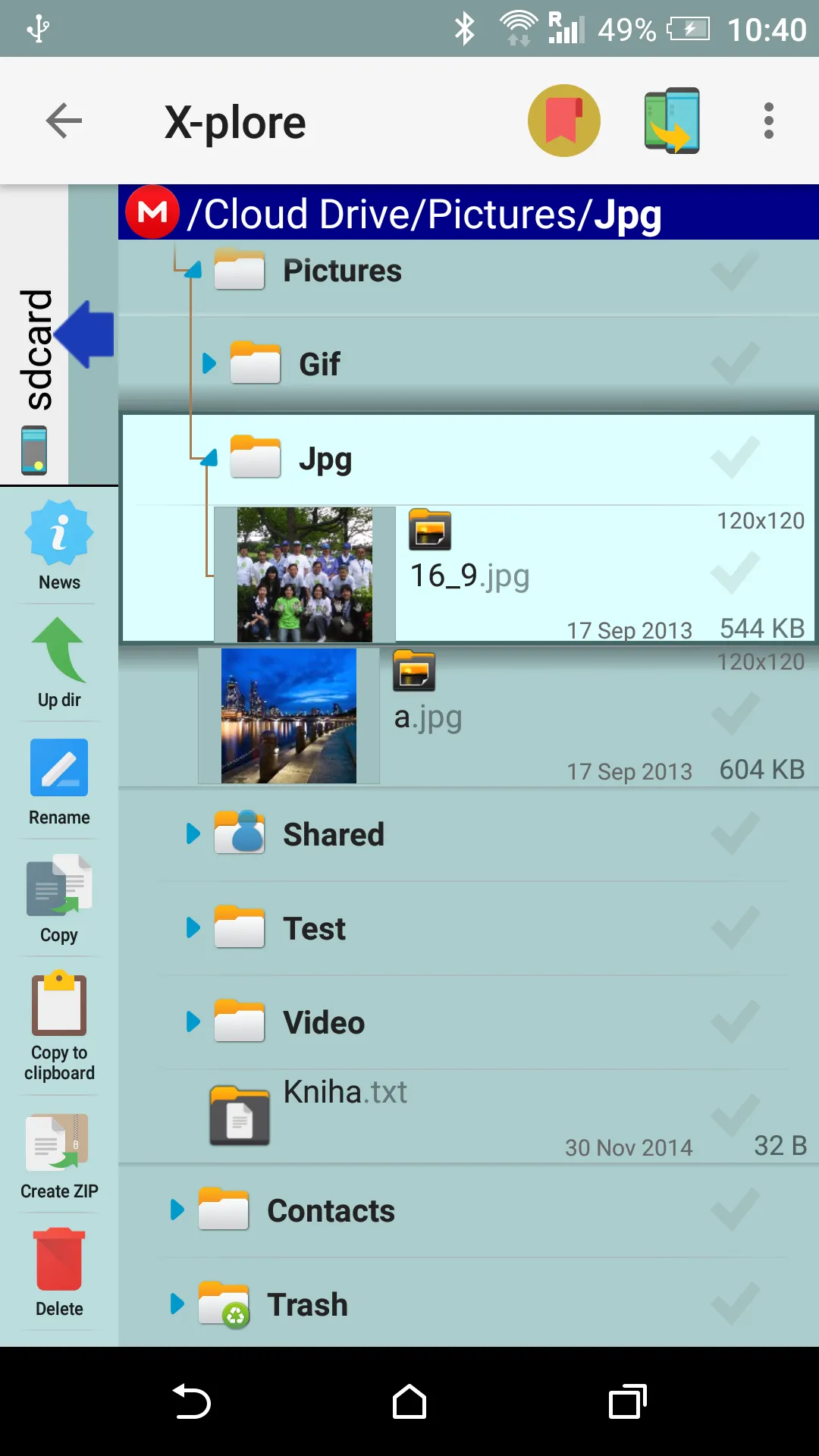
X-plore File Manager is a comprehensive file management application that offers a wide range of features. It provides a dual-pane tree view, enabling users to quickly compare folders and perform copy or move operations. The app also includes a disk map function that visualizes storage usage, helping users rapidly locate large folders. Additionally, it features a built-in viewer that supports the playback and viewing of various file formats. With its clean and intuitive interface, the app allows users to easily access the tools they need to efficiently manage the files on their phones.
Features:
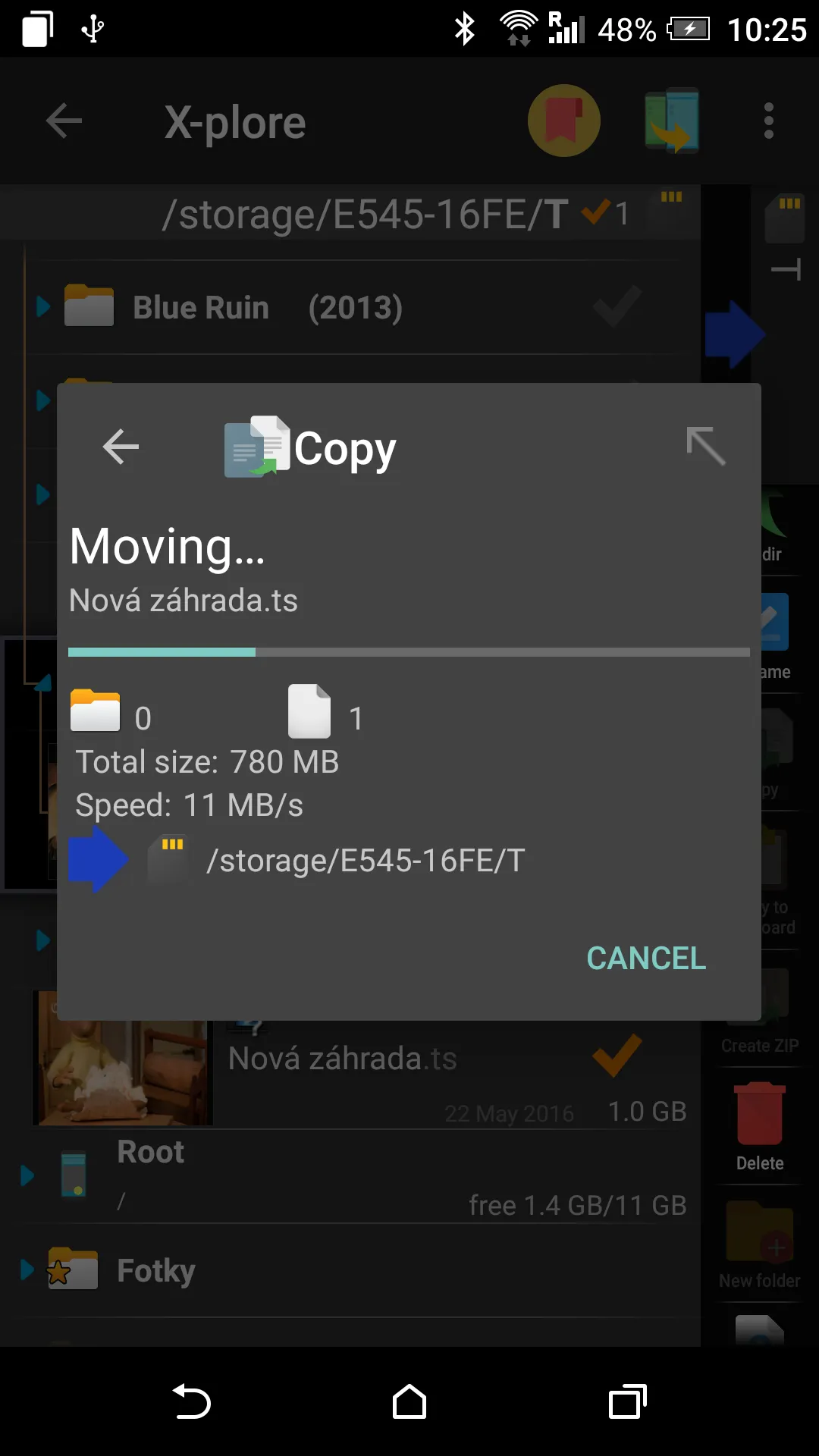
Dual pane tree view for quick copy, move, and folder comparisons.
Disk Map visualizes space usage to find large folders fast.
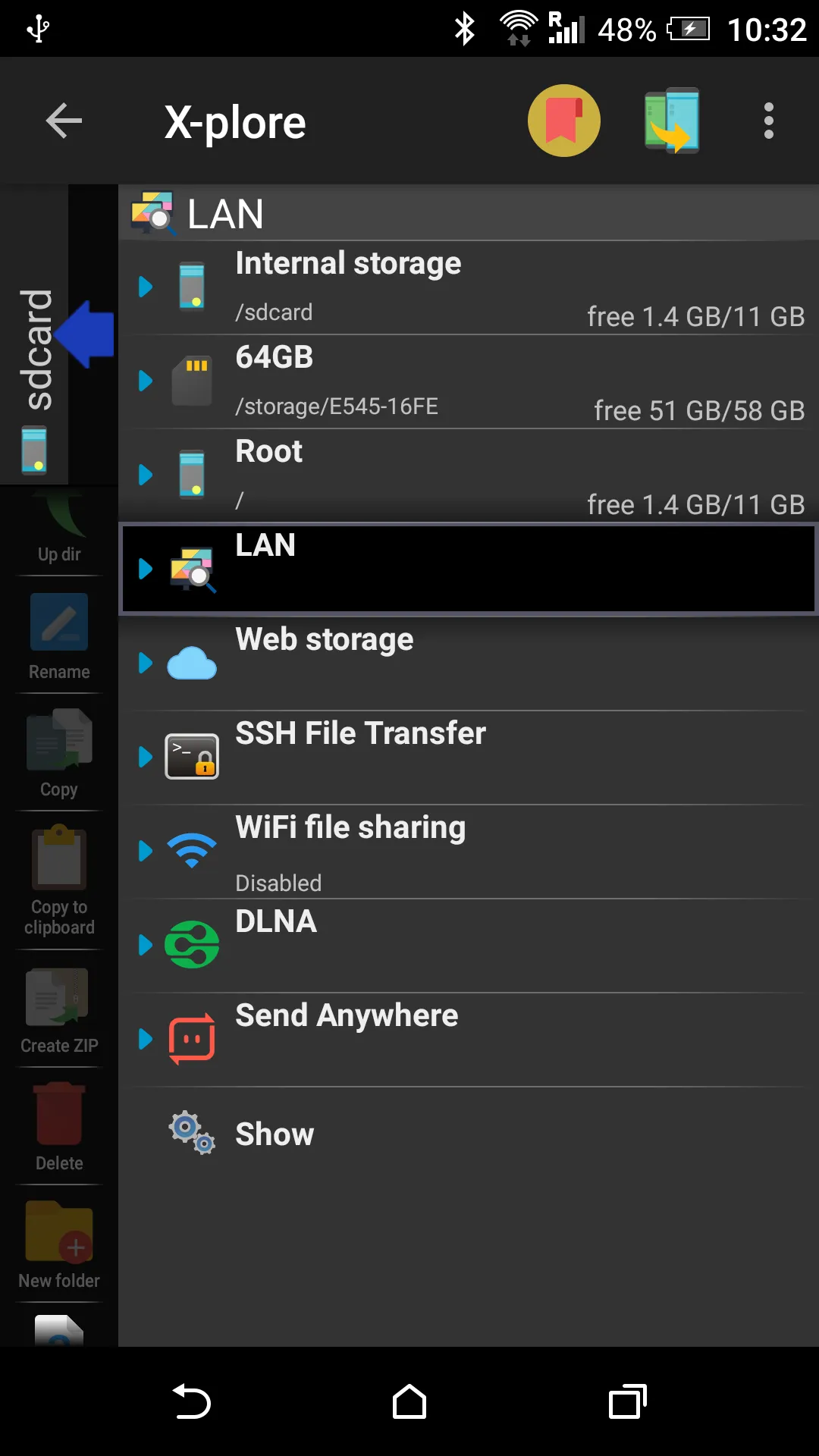
Connect to LAN, SMB, FTP, FTPS, SFTP, and WebDAV sources.
Access cloud drives alongside USB OTG and local storage paths.
Built-in viewers for images, text, PDFs, music, and videos with subtitles.
Archives handled like folders, plus batch rename and SQLite database viewer.
Optional donation unlocks SFTP, WiFi sharing, Vault, web access, and media players.
Highlights:
Local access, root, and external storage
X-plore File Manager allows you to explore internal memory, SD cards, and USB devices via USB OTG. If your phone is rooted, you will also be able to access system directories and perform advanced operations such as creating backups or deleting system apps. If you are a standard user, it also offers the possibility of hiding critical paths to avoid accidental errors or accessing areas you're unfamiliar with. This is a tool that adapts to both technical and curious users who want something more than a basic manager.
Compressed files and advanced connectivity
This tool is capable of opening Zip, Rar, and 7zip files, so you won't necessarily have to extract them. You will be able to open their locations and navigate within them as if they were normal directories. This will help you see what's inside to perform a selective extraction. On the other hand, X-plore File Manager allows connection to FTP and FTPS servers, access to network shares via SMB1 and SMB2, secure transfers via SFTP, and even an SSH shell emulator.
Pros and Cons:
Pros
Nice, dual-pane view
Intuitive, easy to understand interface
Built-in multimedia viewers
Cons
Sorting files can be difficult
APK icons may not be visible
Usage:
Open X-plore File Manager and pick a folder in the left panel, then pick a target folder in the right panel.
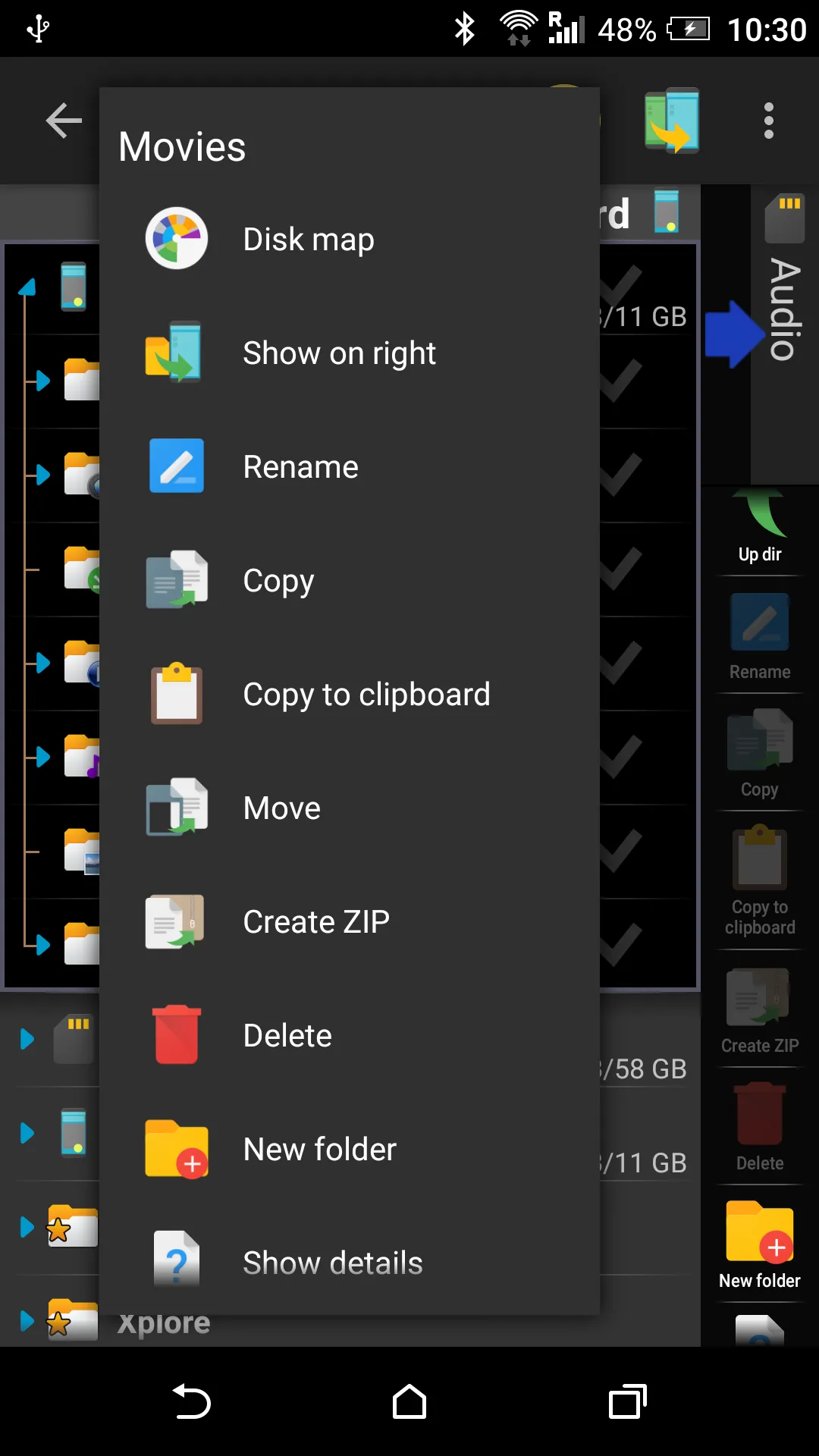
Select files with a long press, tap Copy or Move, and confirm the action to complete the transfer.
After that, tap the Add item in the root of the tree to connect a LAN share, FTP or SFTP server, WebDAV, or a cloud account, then sign in if required.
Use Wi Fi file sharing to expose your device on the local network, then manage it from a PC browser using the shown address.
Then protect private data by adding files to Vault, and review Disk Map to find and remove space heavy folders.
Conclusion:
Overall, if you're looking for a file manager that can pretty much do it all, X-plore File Manager is a solid choice to consider. It's easy to use and covers all the bases that most users will need. The "donation" version unlocks a lot more features that will come in real handy for specific types of users.
-
Latest Updates
-
Featured Apps