
Google Chrome: Fast & Secure
Tools
2026-10-28
133.77MB
156.0.8078.49
Android 7.0 and up
223
Screenshots
Introduction
Google Chrome: Fast & Secure is a web browser designed for the Android operating system. It features a user-friendly interface, allowing new users to get started quickly and easily. The browser offers a wealth of resources, providing access to a wide variety of software applications, and serves as an excellent hub for discovering and keeping track of your favorite content. It boasts high compatibility, functioning seamlessly across a broad range of Android devices and mobile platforms. With a strong focus on security, it ensures the protection of user privacy and data. The browser also facilitates the downloading of multiple applications simultaneously. Furthermore, it is lightweight and consumes minimal memory; it receives regular updates with new features, ensuring a fresh and engaging experience for users.
Features:
Search via text, voice, or images
You can enter questions or URLs into the address bar to perform a search. Alternatively, use voice search for a more convenient, hands-free experience. For visual searches, use your camera or an image from the web to identify objects, find related results, translate text, or locate products.
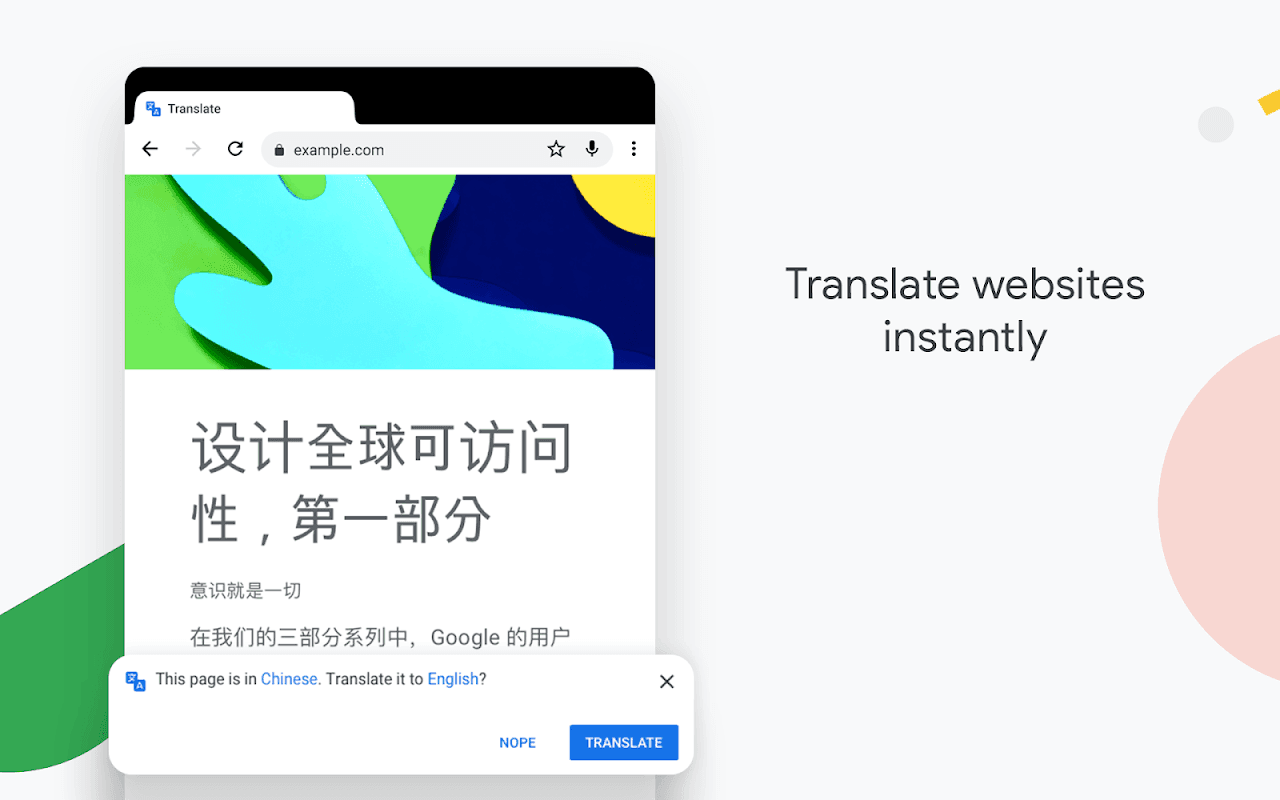
Translate web pages as you browse
Google Chrome can translate entire web pages across more than 130 languages. This is particularly useful when reading international news, comparing products from overseas sellers, or researching travel information. You can also use Google Lens to translate visible text—including text captured through your phone’s camera.
Ask follow-up questions about content
Google Chrome features built-in AI capabilities that allow you to ask more detailed questions and conduct follow-ups during your search. Where supported, the browser can leverage the context of your open tabs to help explain the content on a web page—ideal for when you need more in-depth search results.
Organize open pages with Tab Groups
Instead of managing numerous individual tabs, you can group related pages together. You can name these groups and assign them specific colors—for example, keeping price-comparison pages, research materials, and articles you plan to read later in separate, organized sets. This makes it easier to return to your tasks, even after switching to other applications.
Save details for use in forms
The password manager allows you to create, store, and monitor your passwords. The autofill feature can automatically populate supported forms with your saved passwords, addresses, and payment information. You can review your stored data at any time and delete any information you no longer need.
Highlights:
Fast Browsing Performance
Google Chrome utilizes advanced technology to ensure that pages load quickly and smoothly. It loads content efficiently, reduces data consumption, and optimizes the overall browsing experience—performing reliably even when network connections are poor.
Incognito Mode
With Incognito mode, users can browse the internet without saving search history or cookies. This feature is ideal for those who wish to maintain their privacy while browsing the web.
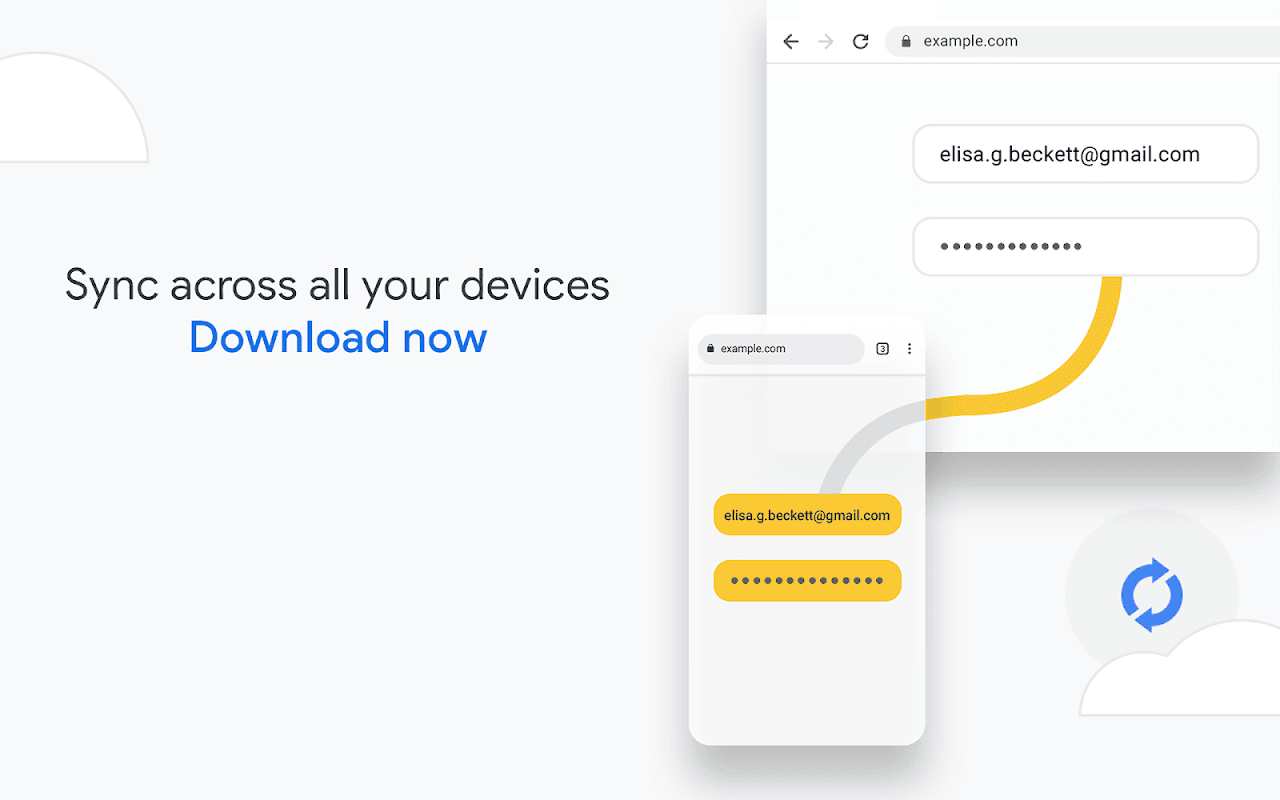
Cross-Device Data Synchronization
Users can sync their data across all their devices. Bookmarks, passwords, and browsing history are automatically saved, making it easy to access your information seamlessly when switching between devices.
Advanced Security Protection
The browser includes a "Safe Browsing" feature that issues warnings if a user attempts to visit a malicious website or download a suspicious file. It receives regular updates to keep users protected against a wide range of security threats.
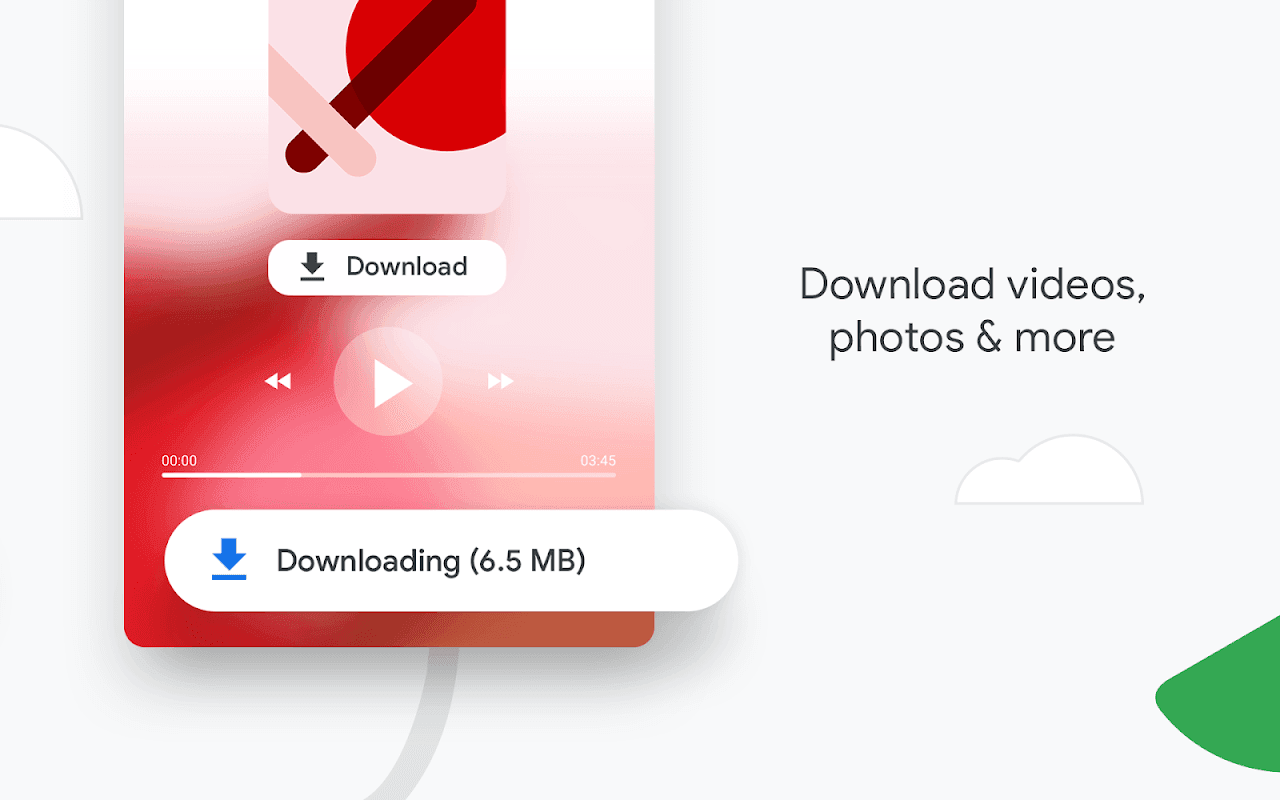
Easy File Downloads
Google Chrome provides convenient download options, allowing users to save images, videos, and entire web pages. Once downloaded, these files remain accessible even when the user is offline.
Smart Voice Search
Google Chrome supports voice search, enabling users to search and browse the internet without the need for typing—a highly useful feature for those who prefer using voice commands.
Built-in Localization Features
Users can translate entire web pages into their preferred language with a single click, making it easy to access content in various languages without needing additional applications.
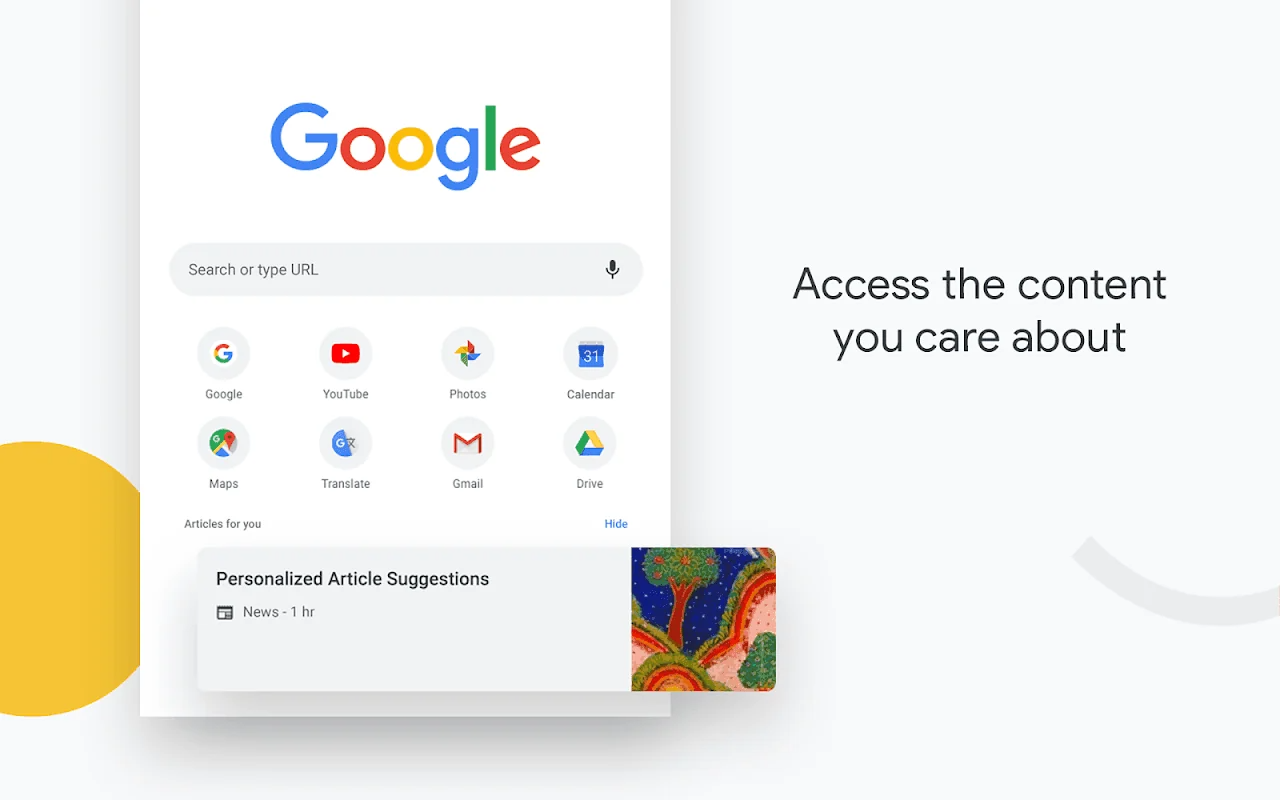
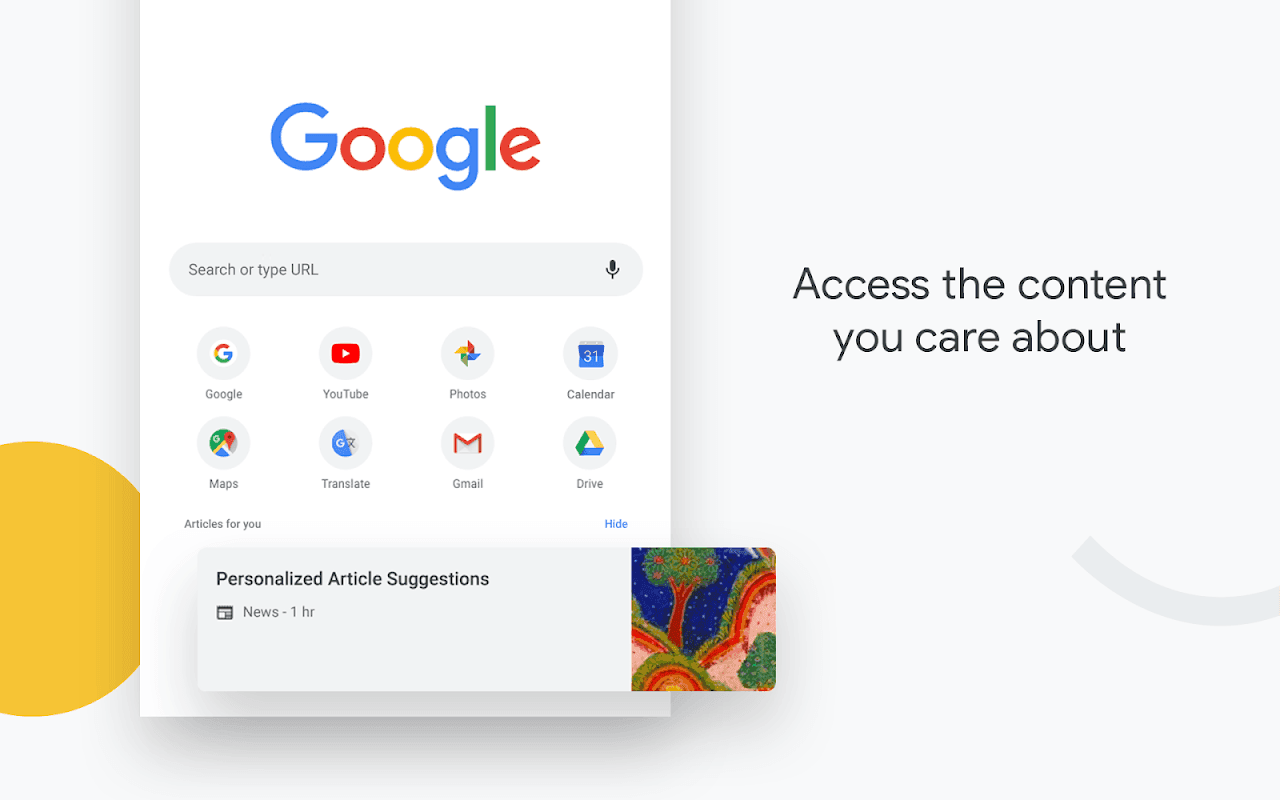
Recommended Content
The browser displays suggested articles and news based on the user’s browsing history and personal interests, helping them discover new, relevant content without the need for manual searches.
FAQS:
Does Google Chrome: Fast & Secure support voice search?
You can perform voice searches using the Google Voice Search feature, and you can also search using images. With its built-in translator, you can translate webpages from any language into your own language at the touch of a button.
Can this browser download content?
Simply click the designated icon to save a page instantly for later viewing. There is also an option for mobile users to save content directly to their device, which can then be accessed via the Downloads page.
What is the latest update for Google Chrome: Fast & Secure?
The latest update is now available for download, and the newest APK file has been uploaded to our website.
Advantages and disadvantages:
Pros
Good page design
Fully featured
Good compatibility
Cons
Contains ads
Conclusion:
Download the Google Chrome: Fast & Secure APK and experience one of the best browsers available for the Android operating system. This app is practically essential, as it allows you to sync your browsing experience across different devices. Even if you don’t use the synchronization feature—or if syncing isn’t your primary reason for choosing a browser—Google Chrome: Fast & Secure remains an ideal choice for browsing the internet comfortably and securely.
-
Latest Updates
-
Featured Apps






