GsmNeo FRP
Tools
2026-10-22
28.47MB
1.1
Android 5.0 and up
252
Screenshots
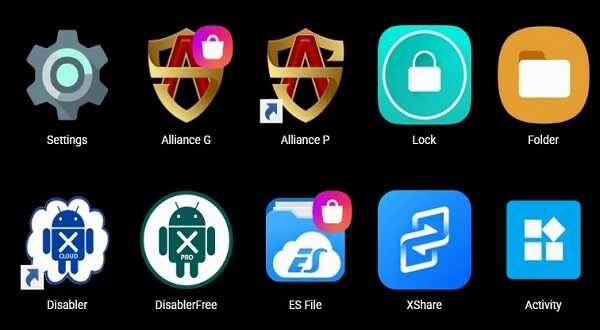
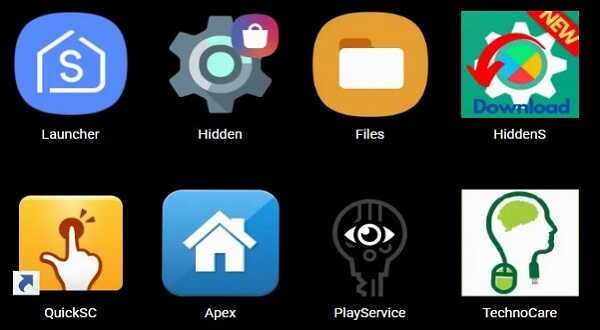
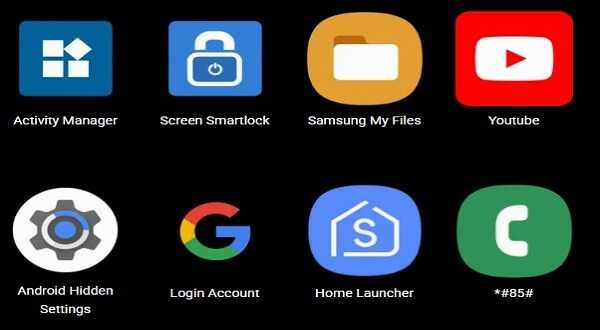
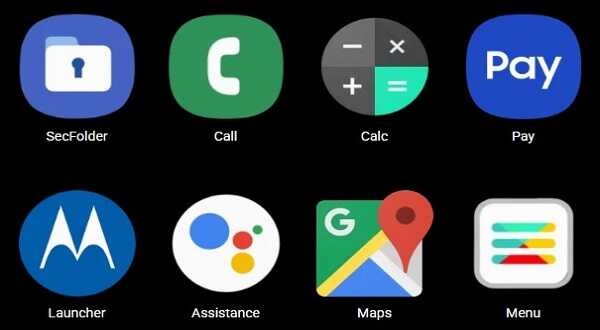
Introduction
GsmNeo FRP is a system tool designed for Android devices. It enables users to bypass screen lock protections and easily remove ID locks, allowing them to regain full control over their devices while preserving existing data. The tool is capable of unlocking various types of locks and supports a wide range of Android devices. It features a user-friendly interface and ensures data integrity, so there is no need to worry about data loss. Furthermore, it is completely free to use—simply register to get started.
Features
FRP Bypass: The app can easily remove Google account locks (FRP) on Android devices. It also lets you resume full control without the need for previous credentials, making it one of the most useful GSM Neo FRP Apps and Tools for quick and effective unlocking.
Multiple Lock Types: With this app, you can unlock various screen locks including PIN, password, pattern, and fingerprint. Hence, it ensures that you can access your device regardless of the lock type.
Wide Device Compatibility: Supports a broad range of Android devices from popular brands like Samsung, Huawei, and LG, making it versatile for different users.
User-Friendly Interface: The FRP Unlock Tool offers a simple, step-by-step process that is easy to follow, even for those without technical expertise.
No Data Loss: Now you can unlock your device without worrying about losing your data, as the tool is designed to maintain the integrity of your information during the process.
Advantages and disadvantages
Pros
Completely free to use, with no hidden costs.
Compatible with popular Android brands such as Samsung, Vivo, and Oppo.
Does not require registration, an account, or a license to function.
Allows for quick and easy removal of the Google lock.
Cons
Does not work with all Android models or versions.
In some cases, it is necessary to install specific USB drivers so that the computer can recognize the device.
FAQS
What is GsmNeo FRP APK used for?
GsmNeo FRP APK is used to help Android users regain access to their devices after a factory reset when the Google verification screen appears. It is designed to work directly on the device without requiring a PC or advanced technical steps.
Does GsmNeo FRP APK require a computer or root access?
No, GsmNeo FRP APK does not require a computer or root access. The tool operates directly on the Android device, making it more convenient for users who do not have access to additional hardware or technical tools.
Which Android versions are supported by GsmNeo FRP APK?
GsmNeo FRP APK supports a wide range of Android versions commonly used today. Compatibility may vary depending on the device model and security updates, so results can differ between devices.
Is GsmNeo FRP APK safe to use on my Android device?
GsmNeo FRP APK does not require system-level modifications such as rooting or firmware flashing. However, safe usage depends on using the tool responsibly and only on devices that you own or are authorized to access.
Who should consider using GsmNeo FRP APK?
GsmNeo FRP APK is suitable for users who have forgotten Google account details, owners of second-hand Android devices, or anyone looking for a simple, PC-free way to handle FRP lock situations after a factory reset.
Summarize
GsmNeo FRP APK is an Android app made to help users regain access to a phone after a factory reset. It is designed for situations where the device stops at the Google verification screen and cannot move forward during setup. The app runs on the phone itself, so the process feels more direct and less stressful for people who do not want a complicated setup.
-
Latest Updates
-
Featured Apps