Factory Test
Tools
2026-10-22
16.80MB
1.5
Android 4.1 and up
225
Screenshots
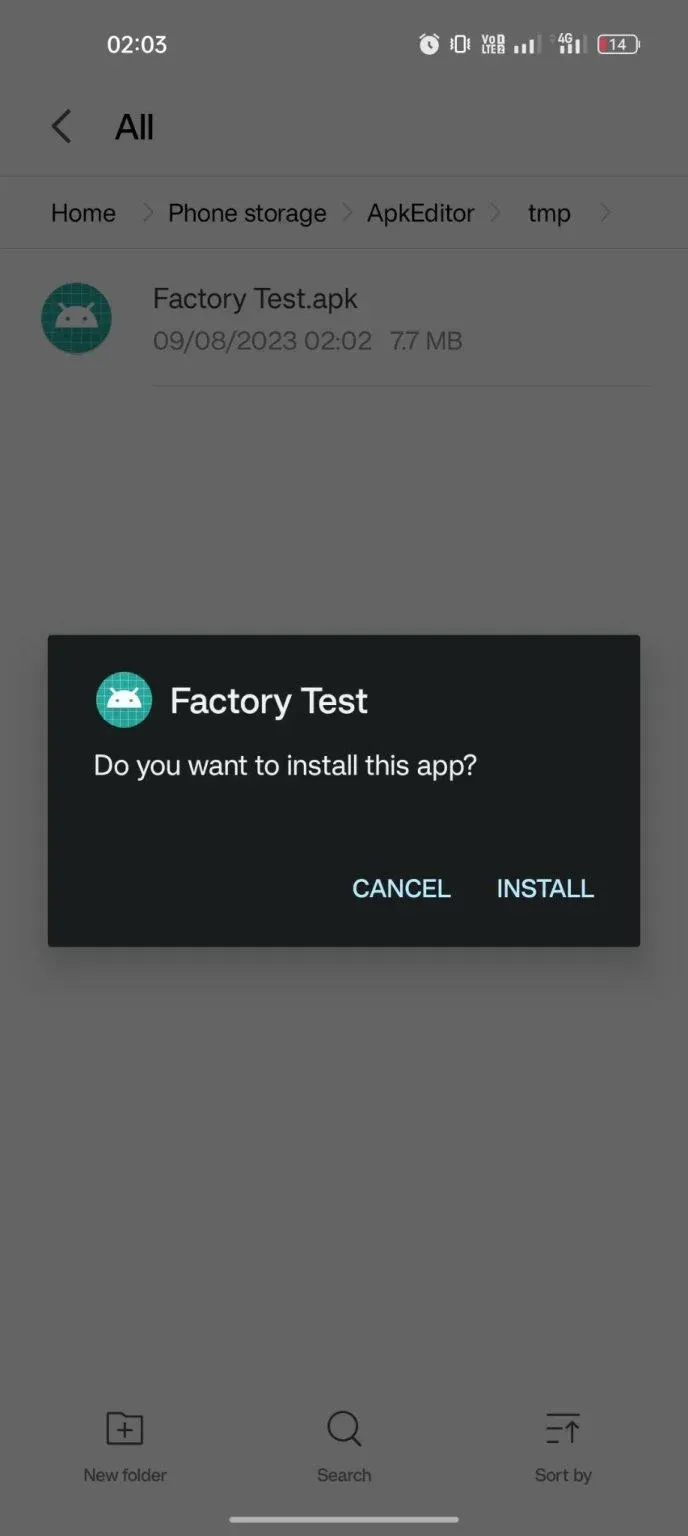
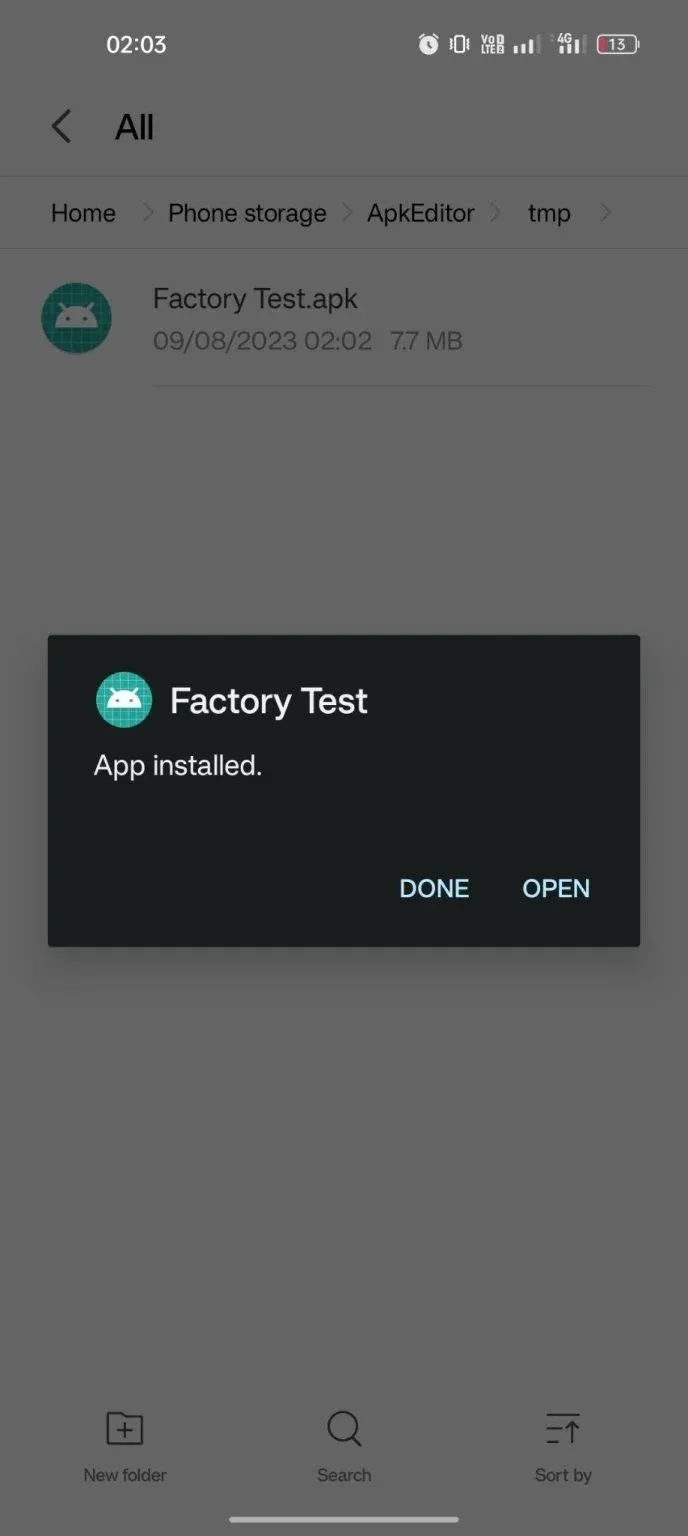
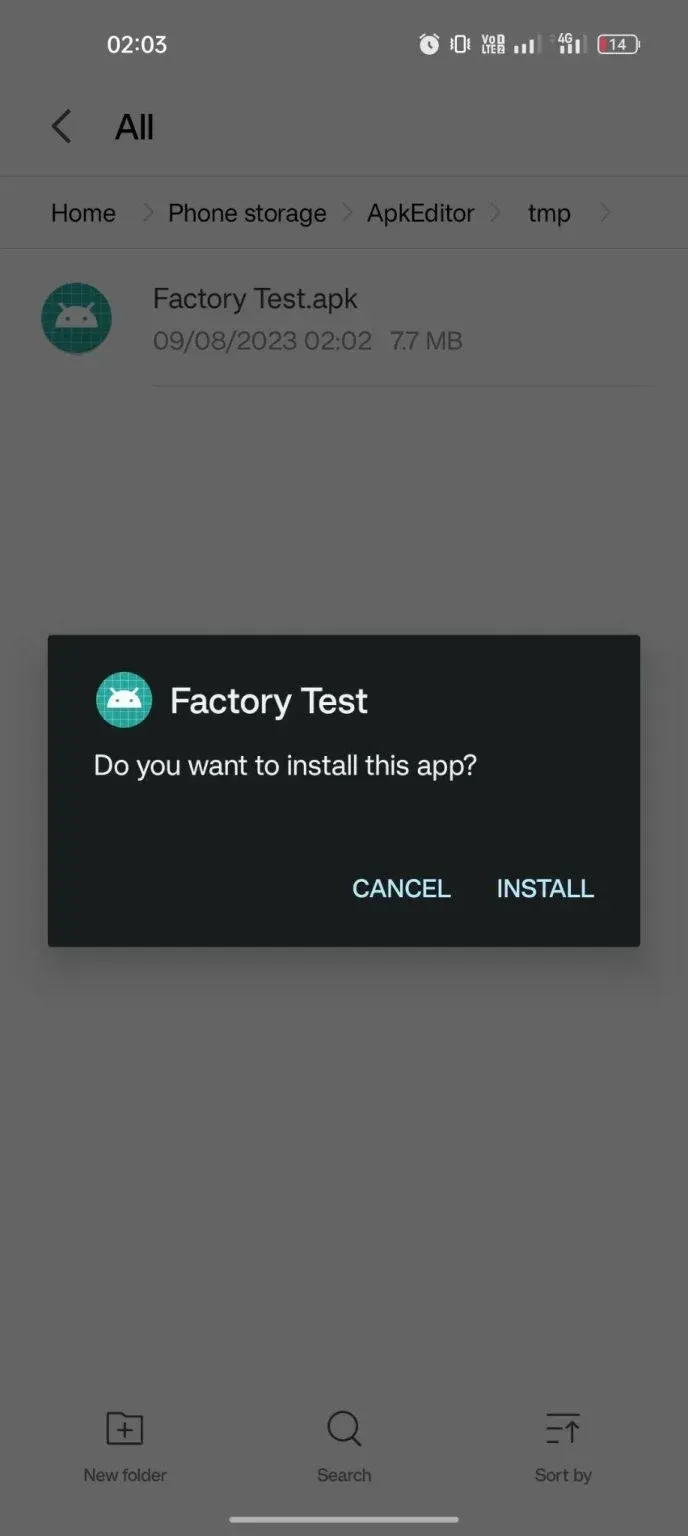
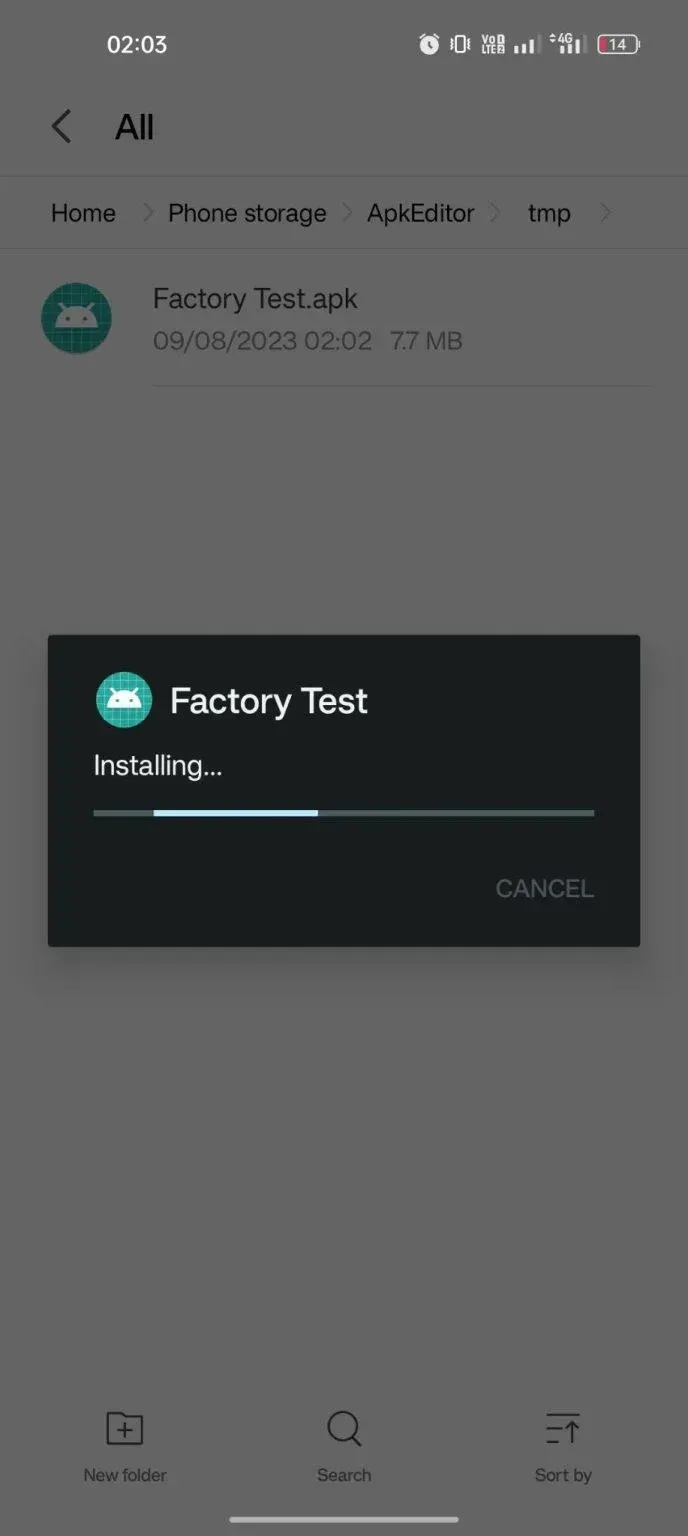
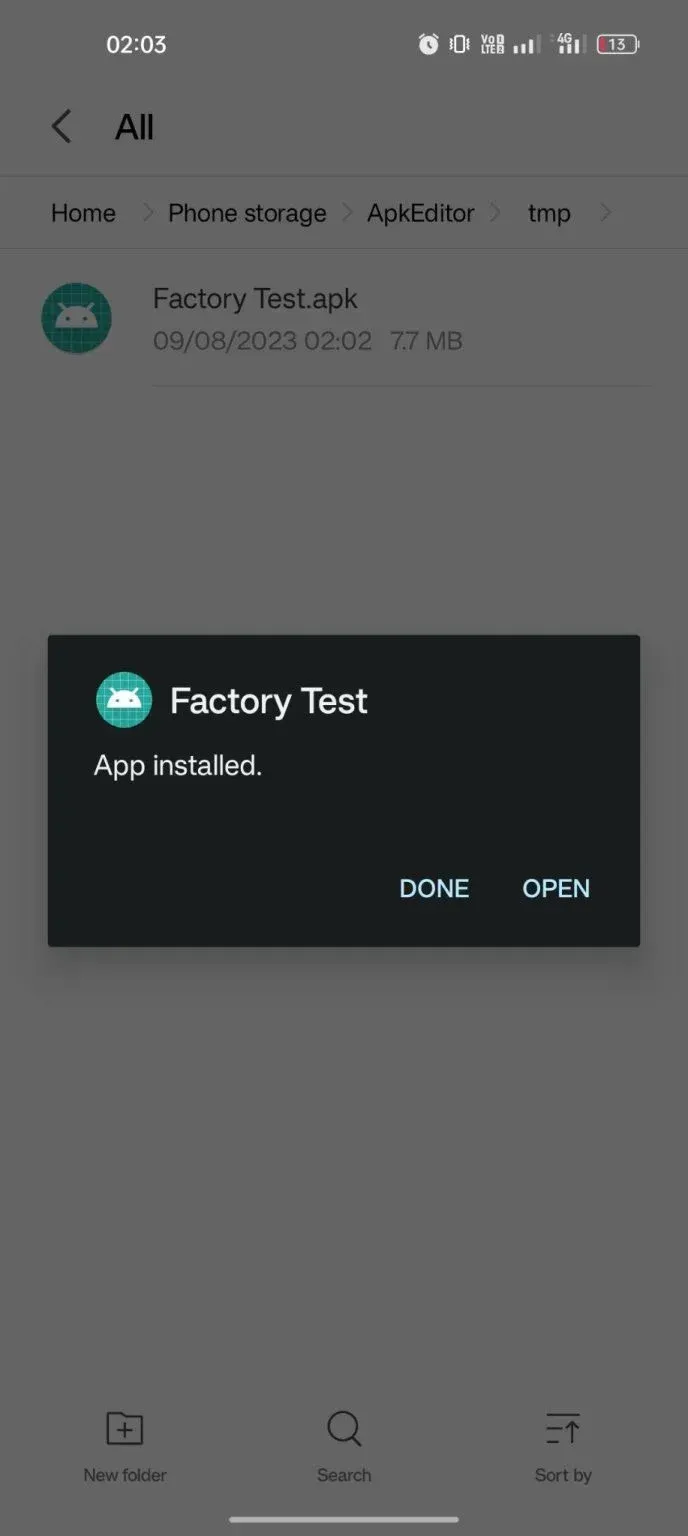
Introduction
Factory Test is a powerful diagnostic tool designed for the Android operating system. It features a clean, intuitive user interface, allowing users to get started quickly. The software enables users to test the hardware components of various Android devices, offering both automated and manual testing options guided by system prompts. It can perform multiple tests simultaneously and provides detailed analysis of the results. With excellent compatibility, it supports diagnostics across various platforms and handles real-time data in multiple formats; it also supports root access. The tool helps users promptly troubleshoot, rapidly identify issues, and facilitate necessary repairs or adjustments.
Features:
Hardware Testing
These applications typically include tests for various hardware components, such as displays, touchscreens, cameras, microphones, speakers, and batteries.
Connectivity Testing:
They enable engineers to verify the functionality and performance of various connectivity features, including Wi-Fi, Bluetooth, NFC, GPS, mobile network connections (3G, 4G, 5G, 6G), and sometimes even infrared (IR) transmitters.
Diagnostic Tools:
Factory test applications often provide diagnostic tools for identifying and troubleshooting hardware or software faults. This may include checking system information, monitoring resource usage, and running diagnostic tests to pinpoint potential issues.
Calibration Tools:
Some applications include tools for calibrating sensors or other components to ensure accurate performance.
Performance Testing:
Engineers can evaluate device performance through benchmarking, stress testing, and other performance assessment tools integrated into the factory test applications.
Functional Testing:
These applications may include tests to evaluate the overall functionality of a device—such as making and receiving calls, sending messages, accessing the internet, and installing or running applications.
Quality Control:
By executing a series of automated tests, these applications help ensure that every device meets the required quality standards before leaving the factory.
Customization and Configuration:
In some cases, factory test applications allow engineers to configure specific settings or parameters on a device for testing purposes.
Highlights:
Ability to test hardware components of an Android device such as the accelerometer, camera, Bluetooth and more.
The easy-to-use graphical user interface for testing different features on a single screen.
Option to run automated tests or manual tests depending upon the requirement.
Support for running multiple concurrent tests with detailed results log available at any time during the process.
The comprehensive reporting system provides real-time feedback about performance issues in order to identify potential problems quickly and accurately before they become critical bugs in the production codebase.
Supports integration with third-party tools like JIRA/Bugzilla etc., allowing developers & testers to track progress easily across all stages of the development cycle from bug tracking to the release management phase.
FAQS:
What is Factory Test?
It is a highly significant application. It can be used to resolve various mobile device issues, playing a particularly crucial role in addressing the most critical problem: the FRP (Factory Reset Protection) lock.
Can the Factory Test APK be used to remove the FRP lock on Vivo devices?
Yes, this application is primarily designed to remove the FRP lock on Vivo phones. However, this method can also be used to bypass the FRP lock on devices from many other brands.
How does Factory Test work?
It is highly versatile. The FRP lock can also be bypassed with the help of the Quick Shortcut Maker APK. Once you open the application, you will see an Engineering Mode interface containing files for numerous apps; you can then make the necessary edits from there.
Advantages and disadvantages:
Pros
User-friendly
Fully featured
Takes only seconds
Cons
Poses security risks
Conclusion:
Have you ever found yourself locked out of your device after performing a factory reset? For a more reliable solution, "Factory Test" stands out as a safer, more secure choice. Designed for users of all experience levels, it’s ready for you to download and try out today—what are you waiting for?
-
Latest Updates
-
Featured Apps