Dumpster
Tools
2026-10-22
18.47MB
3.35.428.eb7f
Android 4.4 and up
71
Screenshots
Introduction
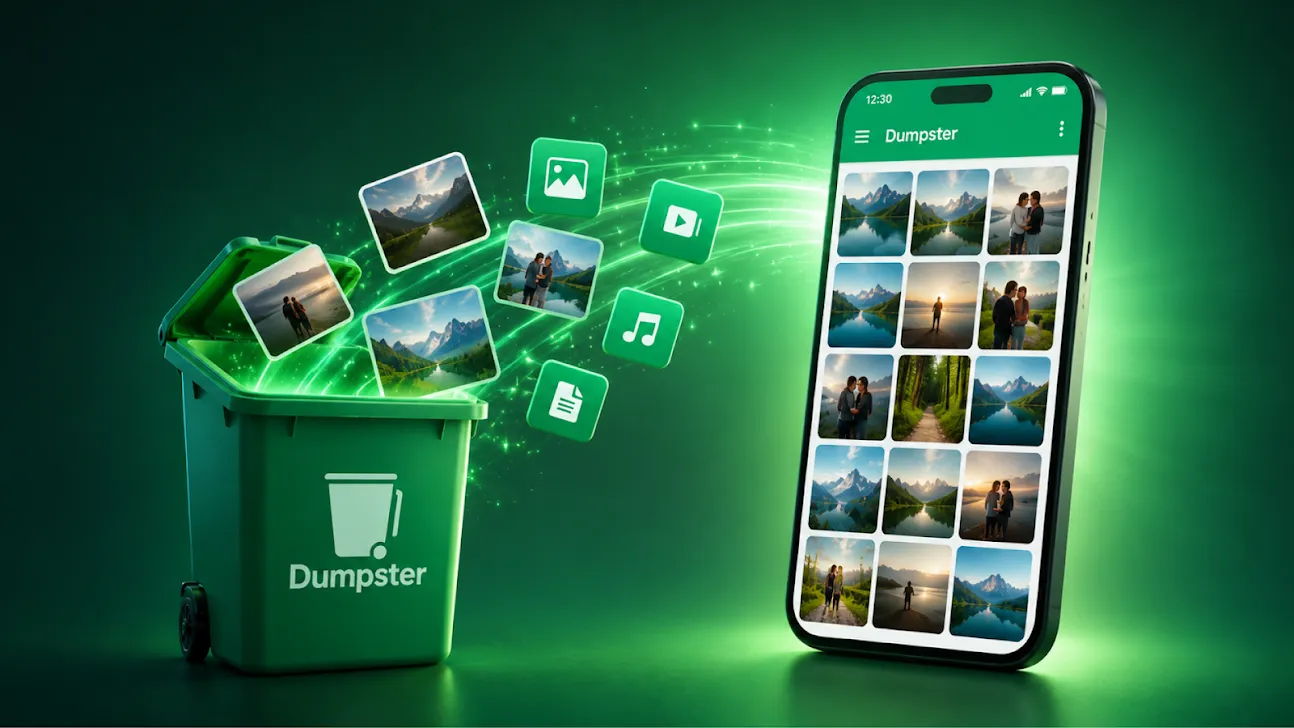
Dumpster is a recycle bin management tool for Android. It features a highly intuitive interface, allowing users to get started with ease. The app helps users recover deleted data, restoring files to their original locations whenever needed. It also includes cloud storage and automatic backup capabilities. Furthermore, it assists in freeing up storage space and clearing out junk files, helping to improve the overall performance and fluidity of your phone. It supports batch deletion and automated file management. With a strong focus on security, it ensures your data remains protected, and it is compatible with a wide range of Android versions. The app has a small footprint, making it quick to download, reliable, and smooth to run.
Features:
Recycle Bin-Style Recovery
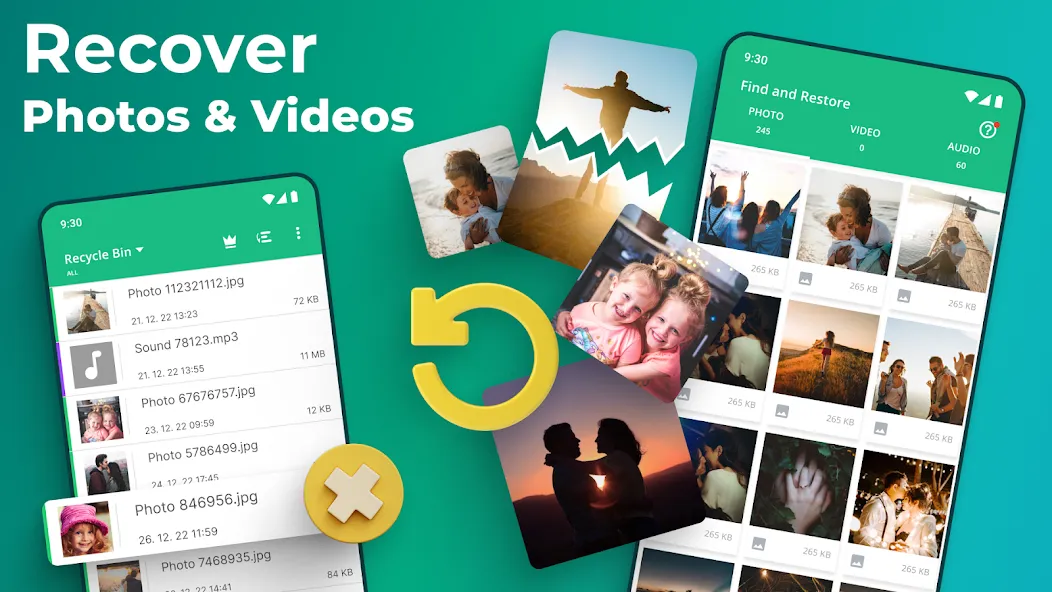
The app functions like a recycle bin, automatically storing recently deleted files in a temporary area. You can open the bin, preview its contents, and restore selected files back to your device—making it easy to undo accidental deletions.
Recover Photos, Videos, and More
Recover images, videos, and documents from your internal storage or an SD card. You can even restore uninstalled apps from the recycle bin with just a few taps. Standard recovery does not require root access.
Quick App Recovery
If you accidentally delete an app, restoring it is simple. Just open the recycle bin, select the app or file, and tap "Restore." The item will reappear in its original location, allowing you to pick up right where you left off.
Optional Cloud Backup and Privacy Controls
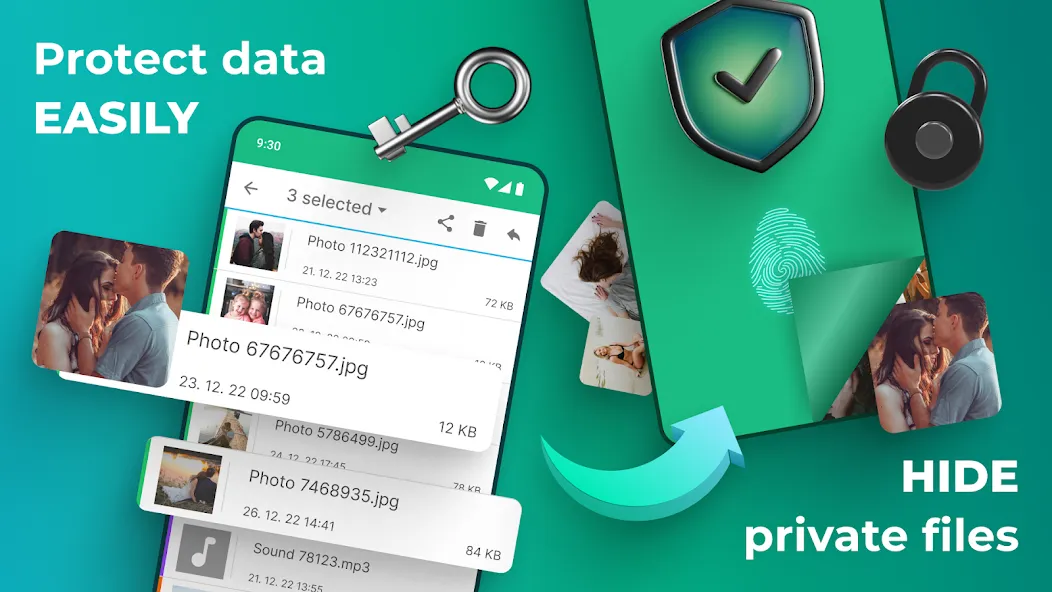
Advanced settings include cloud backup, which saves deleted items to the cloud. You can also enjoy an ad-free experience and secure the app with a four-digit PIN lock. These features help protect the privacy of your media files and free up device storage, all while ensuring you can recover deleted files whenever you need to. Setup is quick and easy—you can choose exactly which files to keep or delete.
Highlights:
Easily save deleted data on your device
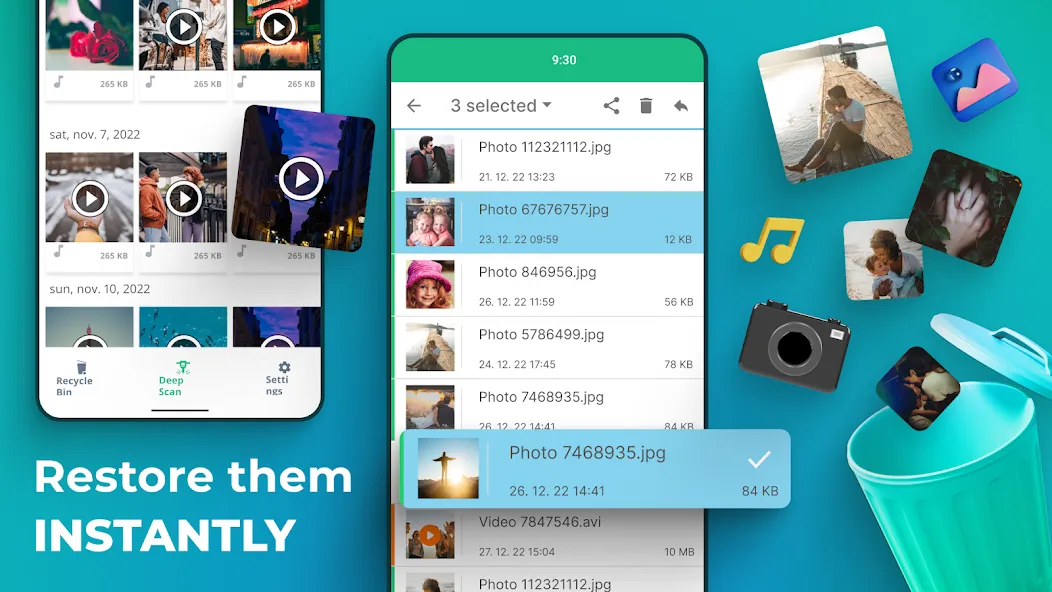
Instantly restore important files, photos, images, and videos
Recover accidentally deleted images
Includes an automatic cleanup option
Optional premium cloud storage available
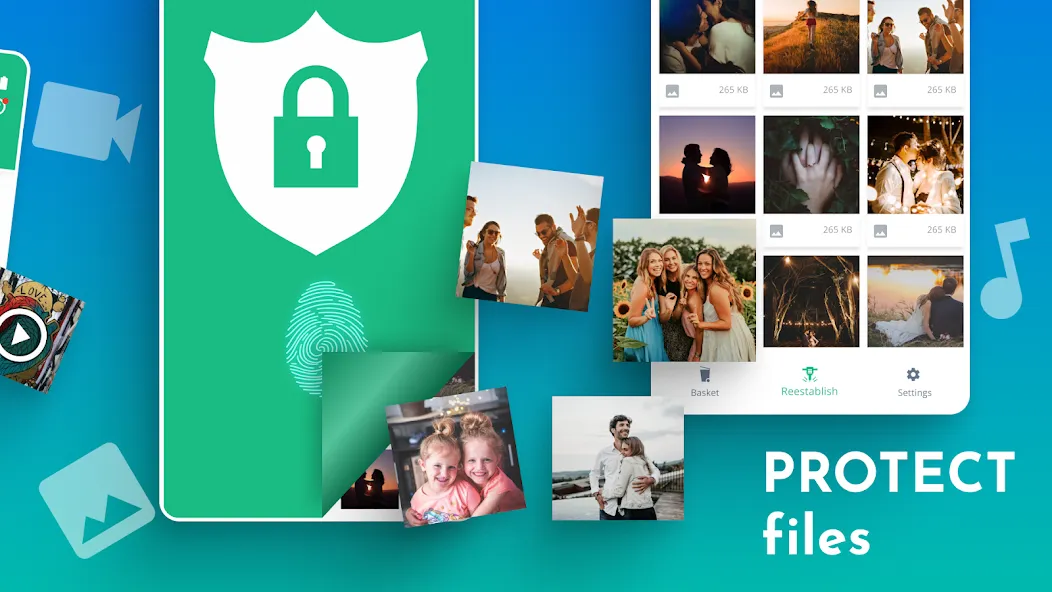
Lock screen feature—protect your photos
Supports 14 languages
FAQS:
What is the Dumpster APK used for?
The Dumpster APK is used to recover deleted photos, videos, apps, and other supported files on Android by storing them in a space similar to a "Recycle Bin," allowing you to restore them later.
How does the Dumpster APK work?
The Dumpster APK runs on your Android device; once installed, it saves deleted items, enabling you to recover them with just a few taps—no complex recovery procedures required.
Can the Dumpster APK recover files that were deleted before it was installed?
The Dumpster APK works best for files deleted after the app has been installed, so it may not be able to recover older items that were deleted prior to installation.
Does the Dumpster APK require root access?
The Dumpster APK is designed to function without root access, making it more accessible for the average Android user who wants a simple way to recover files.
Advantages and disadvantages:
Pros
Helps recover all types of files
Cloud storage
Cons
Free version’s ads can be intrusive
Conclusion:
For any user seeking a reliable application to recover deleted photos and videos, Dumpster offers a comprehensive solution. Its unique cloud storage options and powerful file management features make it an essential tool for managing digital media on Android devices.
-
Latest Updates
-
Featured Apps