Google Files
Tools
2026-10-09
19.10MB
1.12735.98734684
Android
157
Screenshots
Introduction
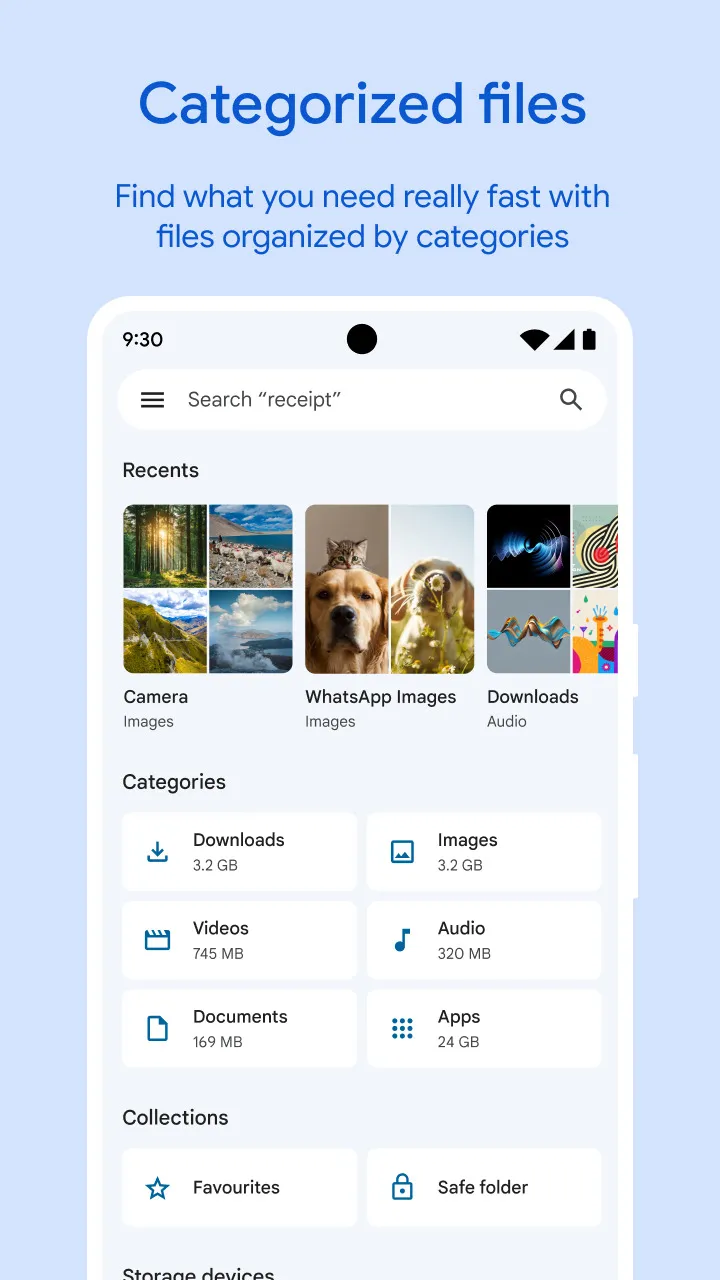
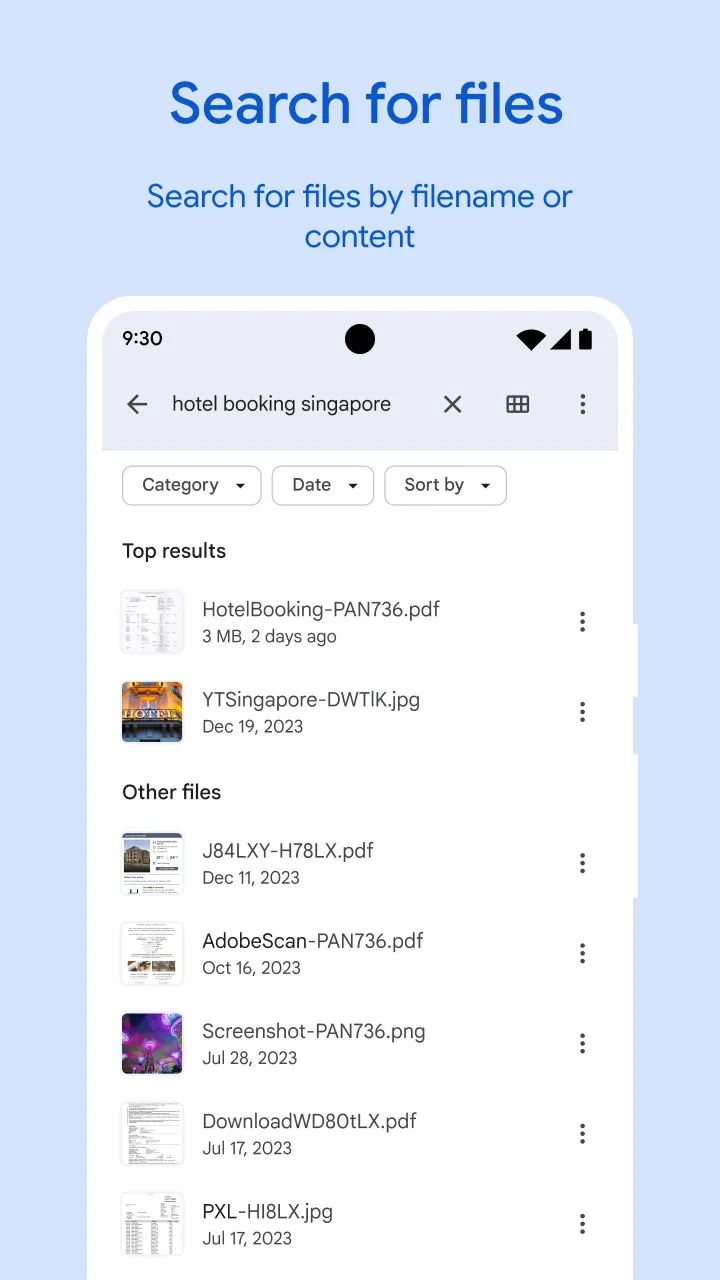
Google Files is a powerful file management tool that helps users quickly free up storage space on their phones by identifying old photos from chats and duplicate files. It enables rapid scanning and locating of files on the device and supports high-speed file sharing even without an internet connection. Users can protect sensitive files with passwords and receive recommendations on optimizing device storage. It makes file management incredibly simple and offers cloud backup to maximize storage savings on the device.
Features
Free up space
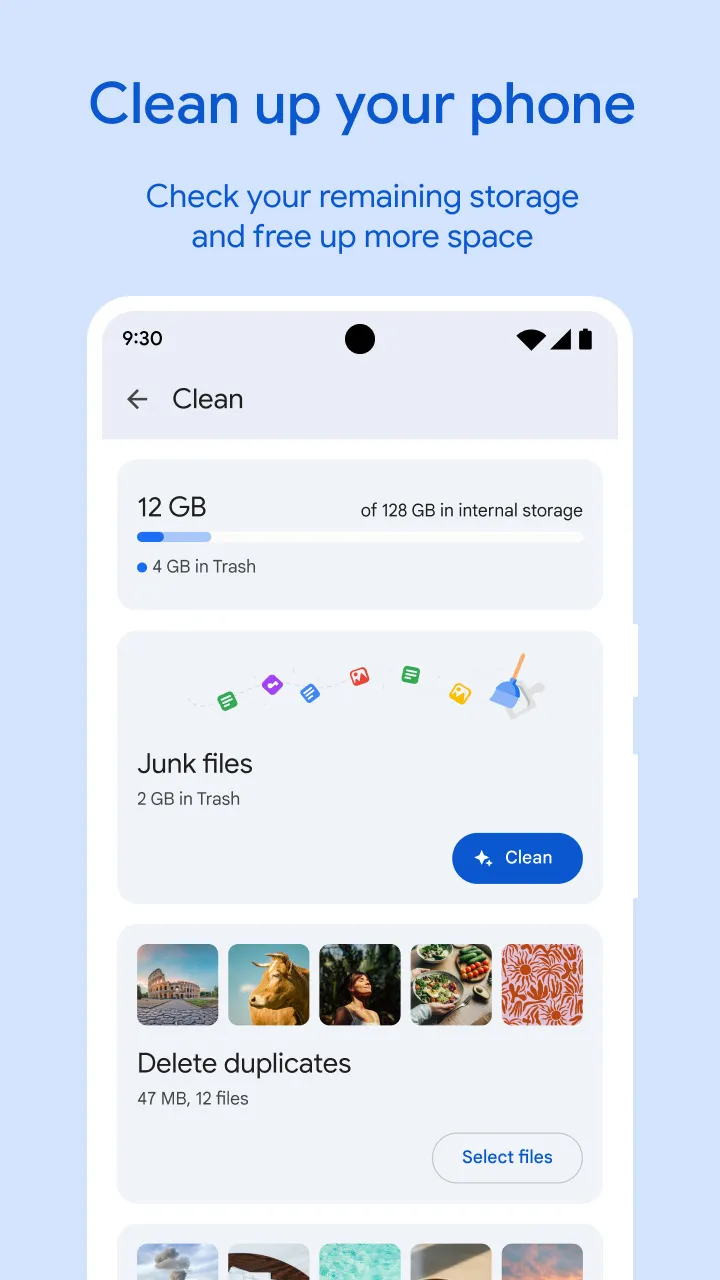
Easily see how much space is left on your device, SD card and USB drive. Free up space by finding old photos from chat apps, duplicate files, clearing cache, and more.
Find files faster
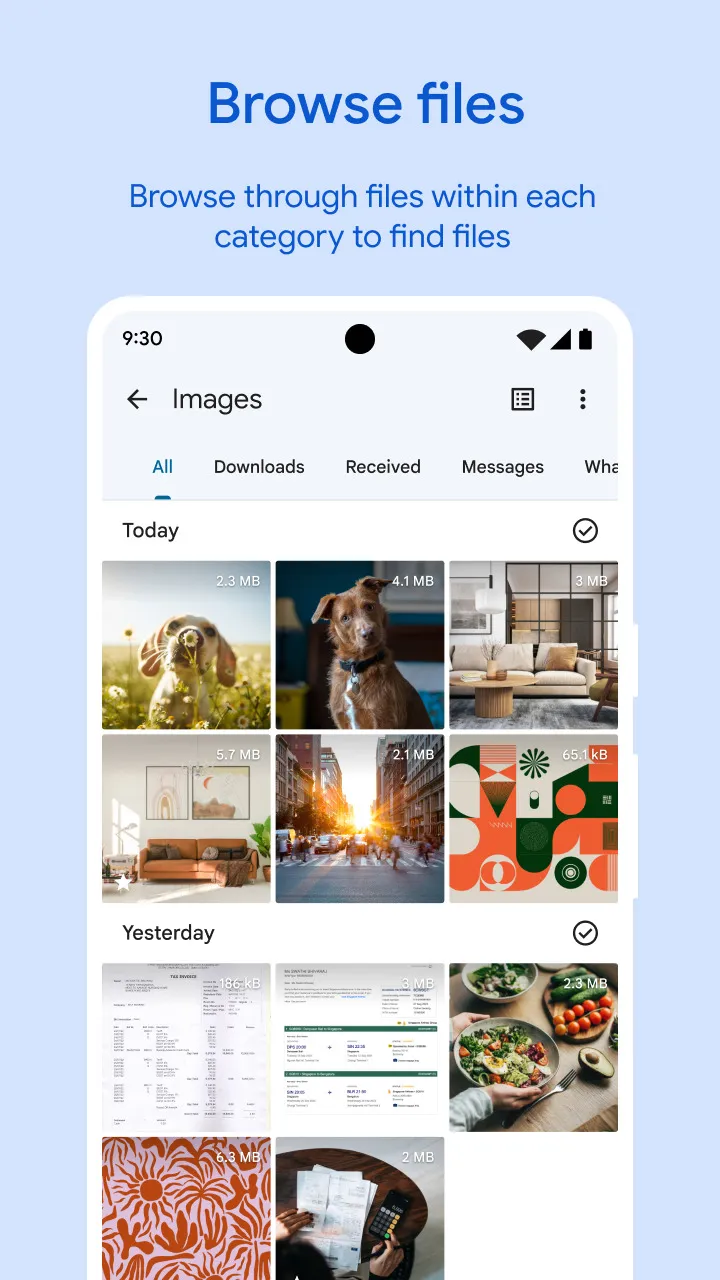
Save time looking for photos, videos, and documents on your phone. Search quickly or browse your GIFs or share that video you downloaded recently. Sort files by size to understand what’s taking up space.
Fast & secure file sharing
Share photos, videos, apps, and more to Android and Chromebook devices around you with Quick Share. Files transfer quickly, with speeds up to 480 Mbps, even without an internet connection. Transfers are private and secured with end-to-end encryption.
Secure your files
Keep your sensitive files safe with a PIN or pattern that can be different from your device lock.
Play offline media
Listen to your music or watch your videos with advanced controls like playback speed, shuffle, and more.
Back up files
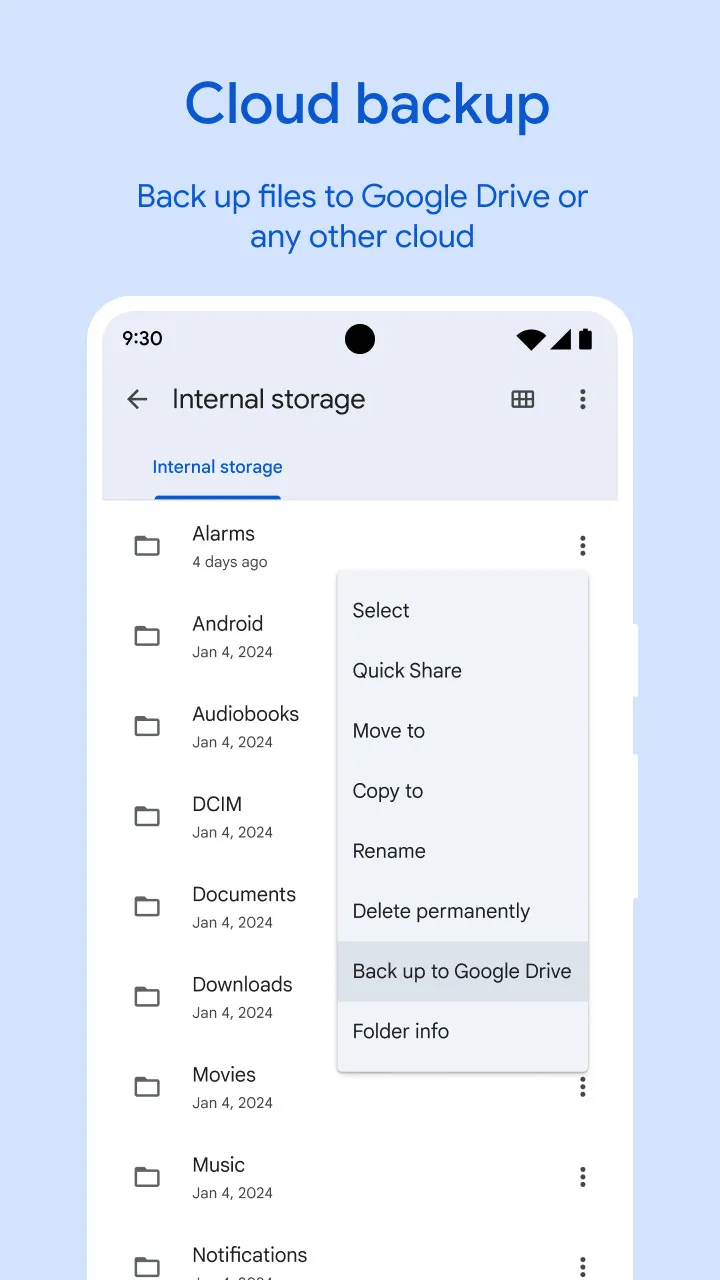
Move your files to Google Drive or an SD card to save space on your device. You can also share to other cloud storage apps on your device.
Get smart recommendations
Get helpful suggestions to save space, protect your device, and more. Your recommendations get smarter the more you use the app.
It’s efficient and effective
The Files by Google app uses less than 20 MB of storage on your device, it’s easy to use, and has no ads.
Target Audience
You need a simple way to organize, move, and access every file and folder
You value automatic cleanup that removes duplicates, unused apps, and junk to reclaim storage space
You prefer smart alerts that warn about low storage or oversized folders before problems appear
How to Use
Privacy and speed in practice
Quick Share uses a direct connection between devices, so your files stay private and transfer fast even when you have no signal. This helps when sending many photos or large videos during travel or in low-connectivity areas.
Ecosystem and device support
Google Files is designed for Android devices and supports sharing with nearby Android phones and Chromebooks. You can move files to removable storage as needed, which is useful across different devices you use every day.
Simplicity for everyday organization
The app focuses on tasks rather than folders, so you spend less time searching and more time doing. Clear categories and quick actions guide you from viewing to cleaning to sharing in a single flow.
User comments
I've had no difficulties using this app so far, infact it has simplified storage management to the extent it's nearly brainless and perfect for me who tends to just let things lie til the phones barely operable due to the storage being fully utilized. Of course take it with a grain of salt and continue to form your own opinion since I've only been using the app for a few weeks now. Will update if any discrepancies suddenly come about but so far so good !
This app is an absolute lifesaver for keeping my phone organized! The duplicate files cleaner freed up so much storage space instantly, and the junk file remover is super effective. Navigating through downloads, large files, and received media is incredibly smooth and intuitive. The built-in secure folder adds great peace of mind for sensitive documents. Plus, transferring files wirelessly is a fantastic bonus. Highly recommended for anyone looking to declutter their device effortlessly!
I had this for a while and now it had stopped working. I returned it to factory settings, uninstalled and reinstalled, and just updated, and still it will not work. I'm planning on searching for another option. edit: this app appears to be working smoothly again. apparently the glitch was fixed. hopefully it will have no more problems.
Summarize
Google Files is a file management application designed for the Android platform that helps users organize, share, and secure their files efficiently. This app, commonly referred to as Files, provides a variety of tools that facilitate file management and optimization for mobile devices. Users can download Files by Google to enhance their experience with file handling and storage on their Android devices.