Google Chrome
Tools
2026-10-09
134.58MB
155.0.8059.39
Android 6.0 and up
276
Screenshots
Introduction
Google Chrome is a web browser designed for Android devices. It features a prominent search bar that allows for quick searches and provides suggestions as you type. Users can easily toggle between light and dark modes and utilize power-saving features. Enabling "Lite mode" helps users with data limits save on data usage. The app allows for quick tab switching and offers picture-in-picture mode. Browsing data can be synchronized across multiple devices, and an Incognito mode is available for private browsing. Additionally, the browser supports offline video viewing and rapid content downloading.
Features
Switch Search Engines
When you open Chrome, the first thing you see is a prominent search bar that uses Google by default. It offers search suggestions and keeps a history of your searches. Of course, you can also choose a different search engine by going to Settings > Search engine.
Enable Dark Mode
Dark mode is becoming increasingly popular, not only because it saves battery life but also because it is easier on the eyes. To enable dark mode, simply go to Settings, select "Theme," and then choose "Dark mode."
Save Data with Lite Mode
One of Chrome's best features is "Lite mode" for browsing. This allows your phone to load only the essential web content—a particularly great feature for users with data caps. It uses Google's servers to load pages, and statistics show that Lite mode can save up to 60% on data usage.
Quickly Switch Tabs
Have you ever had multiple tabs open in your browser? Switching between them can sometimes take several steps. However, Chrome's shortcuts make this much easier. You can simply swipe left or right across the address bar area to switch to the previous or next tab. Of course, if you have a dozen or more tabs open, you might still prefer the traditional switching method.
Quick Search
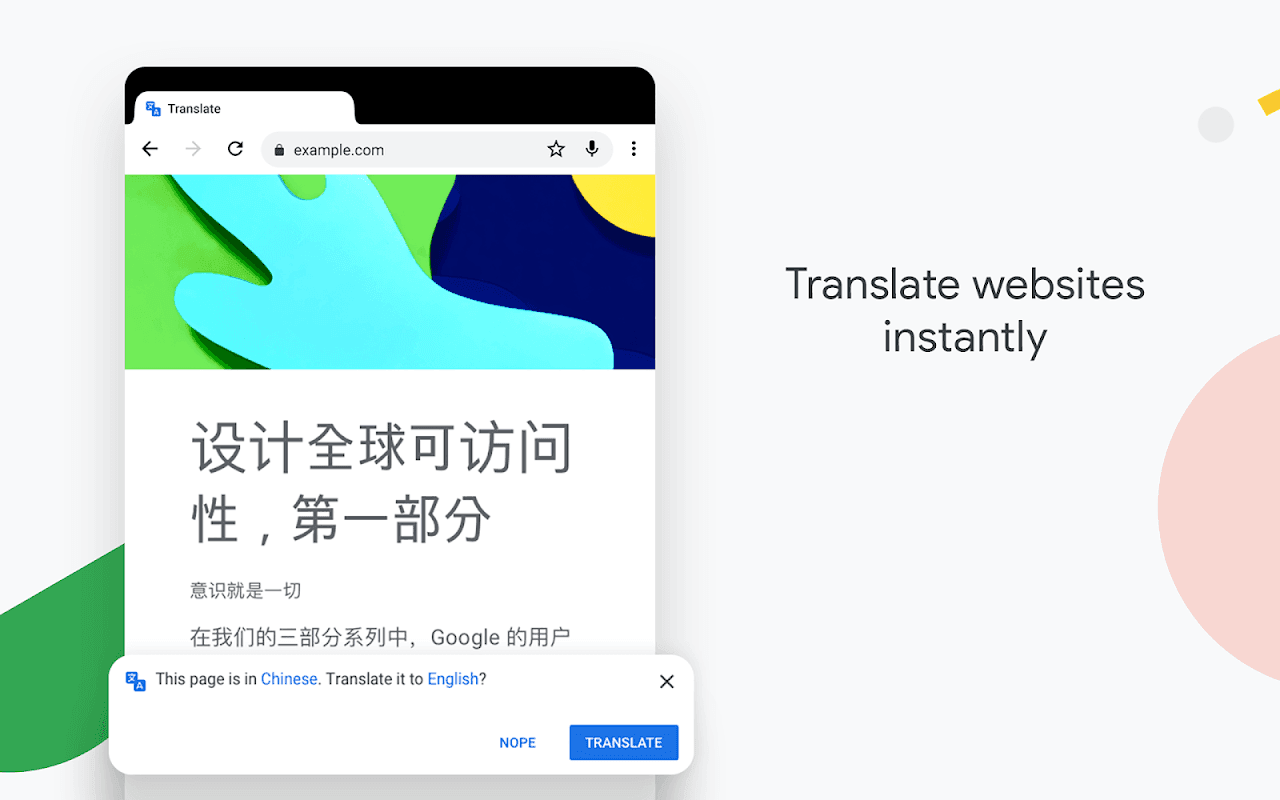
We often encounter unfamiliar terms or words while browsing. Usually, we would copy and paste them into a search bar in a new tab to look up their meanings. But thanks to Chrome's powerful features, you don't have to go through that hassle. Just highlight the word you want to look up, and a pop-up menu will appear. From there, you can choose what you want to do—such as searching for the term or translating it.
Function
Picture-in-Picture Mode
Picture-in-Picture mode is another incredibly useful feature in Google Chrome, especially when you want to browse the web while listening to music on YouTube. Enabling Picture-in-Picture mode makes this possible! Enabling Picture-in-Picture mode is simple: just go to Settings > Apps & notifications, then select the option to enable Picture-in-Picture mode under the advanced settings.
Sync data across devices
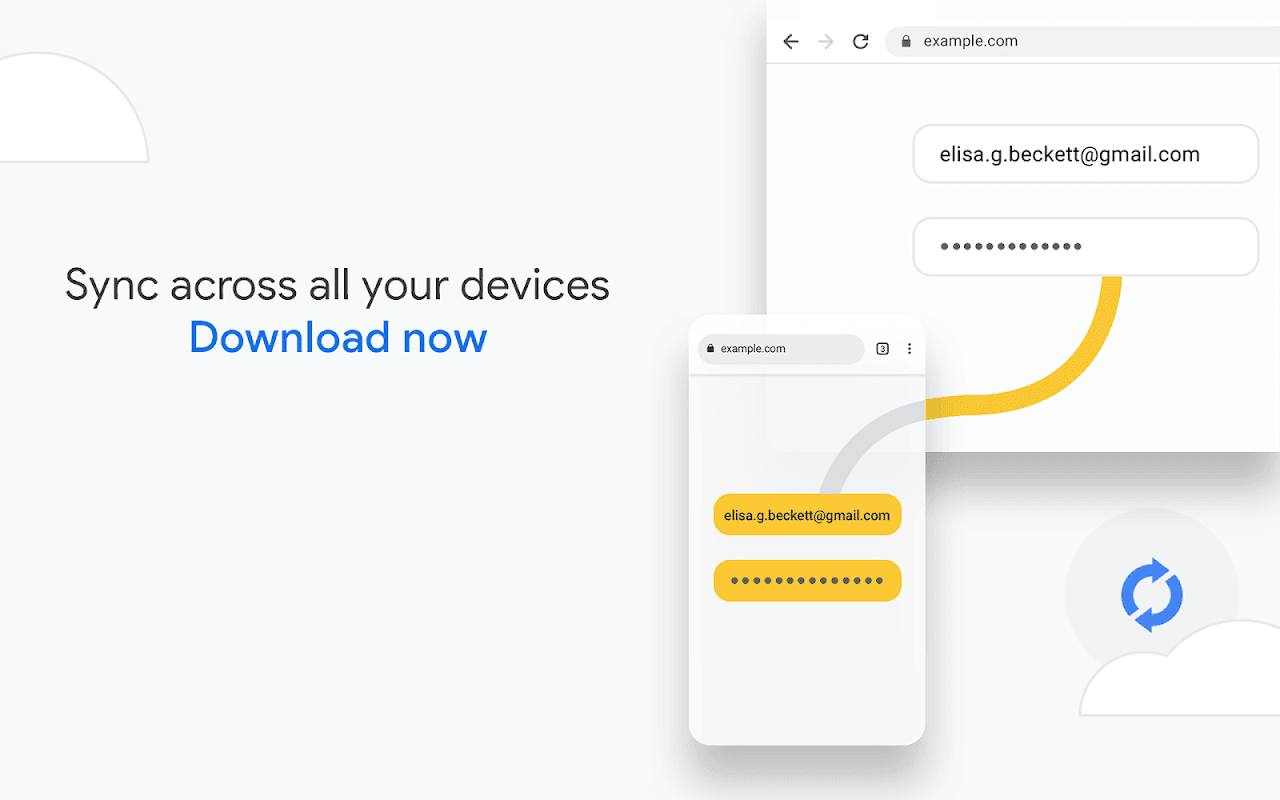
If you use the Chrome browser on multiple devices, this feature is perfect for you. Simply sign in to the same account, and Google Chrome will automatically sync your data—including bookmarks, browsing history, passwords, and more—across all your devices.
Incognito browsing
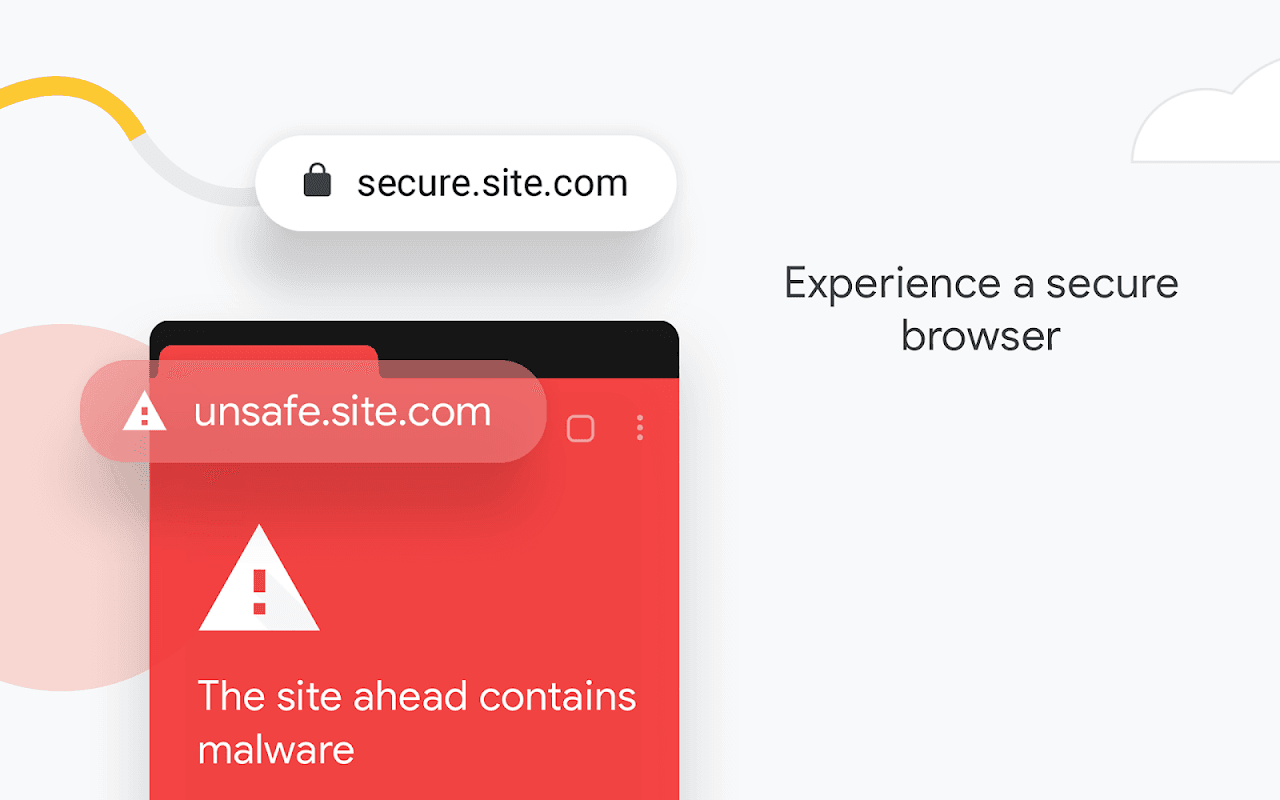
Browse the web in Incognito mode without saving your history. Browse privately across all your devices. Chrome comes with built-in Google Safe Browsing; it displays warnings when you attempt to visit dangerous sites or download malicious files, helping to keep your phone secure.
Fast downloads and offline viewing for web pages and videos
Chrome features a dedicated download button, allowing you to easily download videos, images, and entire web pages with a single tap. It also includes a built-in downloads hub where you can access all your downloaded content, even when offline.
Google Voice Search
Chrome offers a web browser you can actually talk to. Find answers on the go using your voice—no typing required—for a hands-free experience. Browse and navigate faster using voice commands, anytime, anywhere.
Smart, personalized recommendations
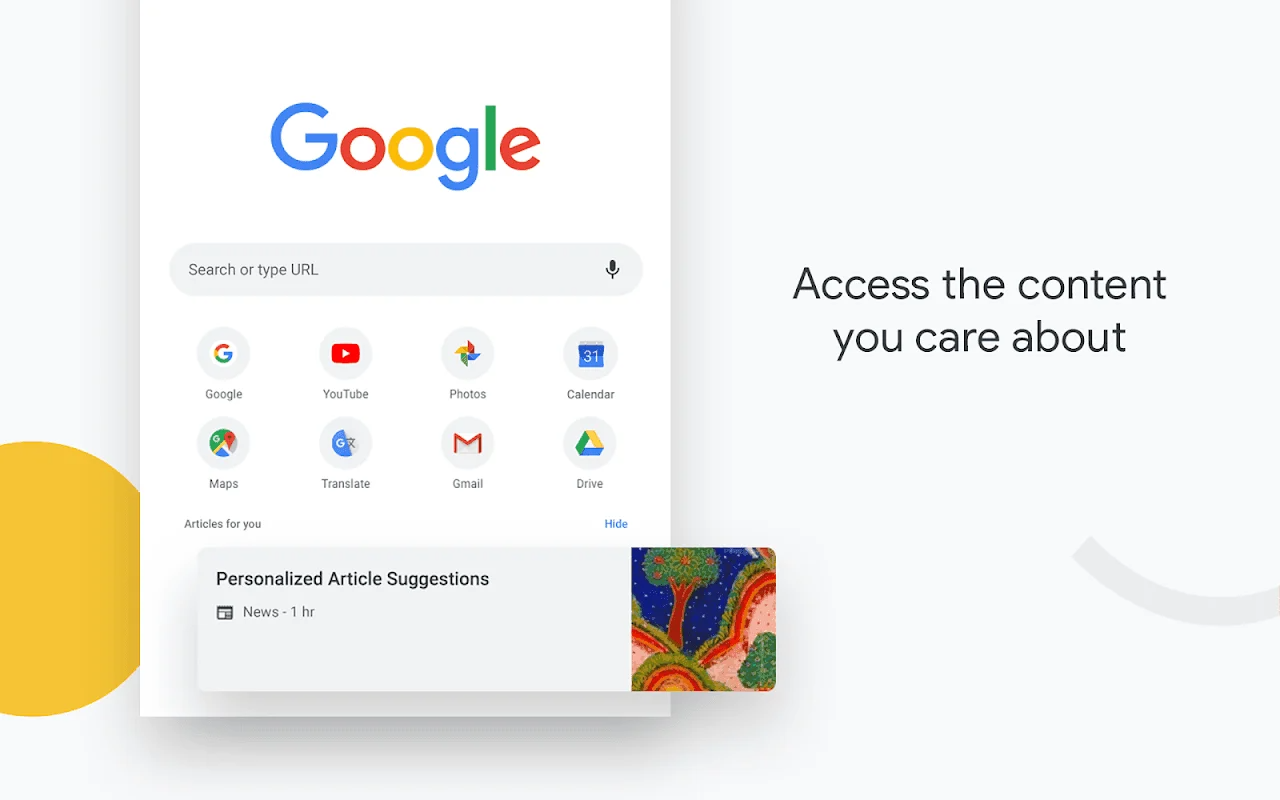
Chrome creates a browsing experience tailored to your interests. On the New Tab page, you’ll find articles selected by Chrome based on your past browsing history.
Advantages and disadvantages
Pros
Fast page loading and smooth scrolling
Simple, uncluttered interface
Powerful Omnibox for search and navigation
Cons
Can consume significant RAM when many tabs are open
User comments
I really like the tab grouping feature; it allows me to organize a large number of open web pages by purpose without things getting messy or different topics getting mixed up. It’s also convenient when I need to switch tasks to search for something else—I can easily locate the pages I was previously working on once I return, thanks to this spread-out layout. However, the July 2026 update separated "grouped tabs" from "regular tabs" and, in the process, wiped out *everything*—both the groups I was actively using and the ones I had previously saved. They are completely gone with no way to recover them. It’s an absolute disaster; I’m speechless.
By striving for excellence and achieving self-actualization through learning—thereby gaining insight, knowledge, and scholarship—one becomes capable of thoughtful action to accomplish the seemingly impossible. Thank you all.
This app is excellent. What I love most are the mini-games released for various holidays—such as those for the Olympics, Halloween, or Easter—which are all beautifully crafted and fun to play. There’s also the little dinosaur game (perhaps I just love to play too much) that keeps me entertained for ages when the internet cuts out. It’s also a great app for looking up information, and the recent addition of an AI mode helps make the data more comprehensive; it’s a truly practical tool.
Summarize
Download the Google Chrome APK to experience one of the best browsers available for the Android operating system. If you use Chrome on a PC or Mac and own an Android phone, this app is practically essential, as it allows you to synchronize your browsing experience across devices. Even if that doesn't apply to you, or if the browser lacks specific features you require, Google Chrome remains a top-tier solution for safe and reliable web browsing.