FaceNiff
Tools
2026-10-10
515.75KB
2.1a
Android
534
Screenshots
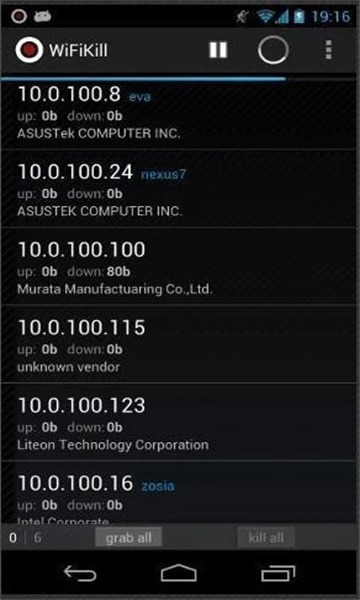
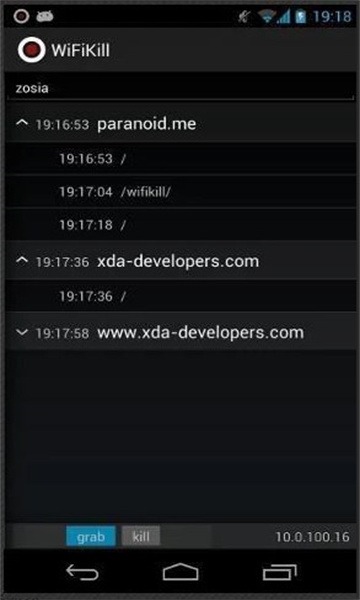
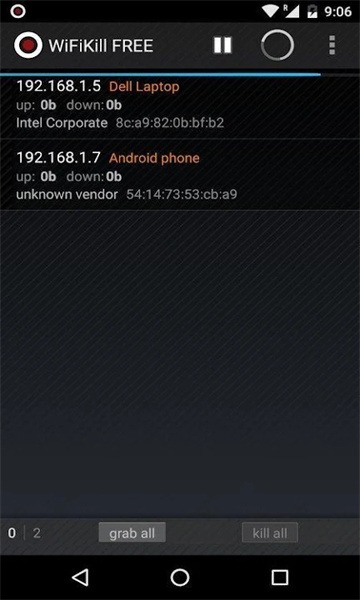
Introduction
FaceNiff is a utility for Android devices that allows users to intercept network session data from others and thereby access various types of information. Users can employ it to test network security and identify existing vulnerabilities and weaknesses. This effectively helps users assess the risk of potential attacks and take measures to enhance security. The app features a clean, user-friendly interface, making it easy for users to get started. It supports various operating systems, enabling use across multiple devices, including Android devices.
Features:
It offers a simple yet effective way to test network security and identify existing vulnerabilities and weaknesses.
It helps users determine whether their Wi-Fi networks are susceptible to attacks and enables them to take appropriate measures to strengthen security.
The software features a user-friendly interface, making it simple and intuitive to use.
It provides real-time reports and feedback, helping users understand the security status of their networks.
Highlights:
In addition to testing the security of Wi-Fi networks, the software performs other types of security tests, such as port scanning and vulnerability detection.
It offers useful tools and features—including password cracking, ARP spoofing, and traffic analysis—that enable users to conduct more comprehensive and detailed network testing and security assessments.
The software supports multiple operating systems and can be used on various devices, including computers, mobile phones, and smart devices.
Usage:
Download the FaceNiff APK from the link provided in the download section below.
Install and launch the FaceNiff app.
The app will prompt you to grant "Root access"; simply grant it root permissions to get started.
Press the "Offline" button in the top-left corner to switch to "Online" mode and enable interception.
Finally, tap the large "Start" button to begin intercepting data packets.
If the target is a secure HTTPS-enabled website, toggle the "SSLStrip Off" button to "SSLStrip On."
That’s it—you’re all set. Now, simply wait, and the app will begin displaying all unencrypted network sessions.
Conclusion:
Its primary use is for hacking and network intrusion. By using FaceNiff, hackers can intercept other users' network session data—including HTTP requests and responses—thereby obtaining sensitive information such as usernames, passwords, and chat logs. This type of attack is known as "session hijacking" or a "man-in-the-middle attack."